llama.cpp vs vLLM: Choosing the right local LLM engine
llama.cpp and vLLM are local LLM inference engines for different hardware and traffic patterns.

llama.cpp and vLLM are local LLM inference engines for different hardware and traffic patterns.
llama.cpp and vLLM both run open-weight models locally, but they serve very different deployment needs.
At a glance
Get the latest AI news in your inbox
Weekly picks of model releases, tools, and deep dives — no spam, unsubscribe anytime.
No spam. Unsubscribe at any time.
| Dimension | llama.cpp | vLLM |
|---|---|---|
| Best fit | Single-user or low-concurrency local use | Multi-user serving and production inference |
| Benchmark setup | Llama 3.1 8B, FP16, 1 NVIDIA H200, up to 64 users | Llama 3.1 8B, FP16, 1 NVIDIA H200, up to 64 users |
| Throughput at 64 users | Baseline, about 44x lower than vLLM | About 44x higher token throughput than llama.cpp |
| P99 time to first token at 64 users | More than 180 seconds | Low and stable across the load test |
| Model packaging | GGUF single-file format | Hugging Face style model loading, plus serving features |
| Hardware bias | CPU-first, with optional GPU acceleration | GPU-first, with support for accelerators such as NVIDIA, AMD, Intel, and TPU setups |
llama.cpp
llama.cpp is the better-known path for running models on modest hardware because it was built around making inference practical on CPUs and consumer machines. Its biggest advantage is accessibility: if you have a laptop, a desktop with limited VRAM, or a small local server, llama.cpp makes it realistic to load and run a model without buying a large accelerator first.

The trade-off is that its strengths show up most clearly when concurrency is low. In the benchmark described by Red Hat, single-user performance was comparable to vLLM, but latency rose sharply as more requests arrived. That makes llama.cpp a good fit for private experimentation, offline tools, and apps where one person or a small number of users is interacting with the model at a time.
vLLM
vLLM is built for serving, not just running, and that difference matters once traffic starts to rise. Its continuous batching and PagedAttention design are meant to keep GPUs busy, manage KV cache pressure, and avoid the performance collapse that can happen when requests queue up one by one.
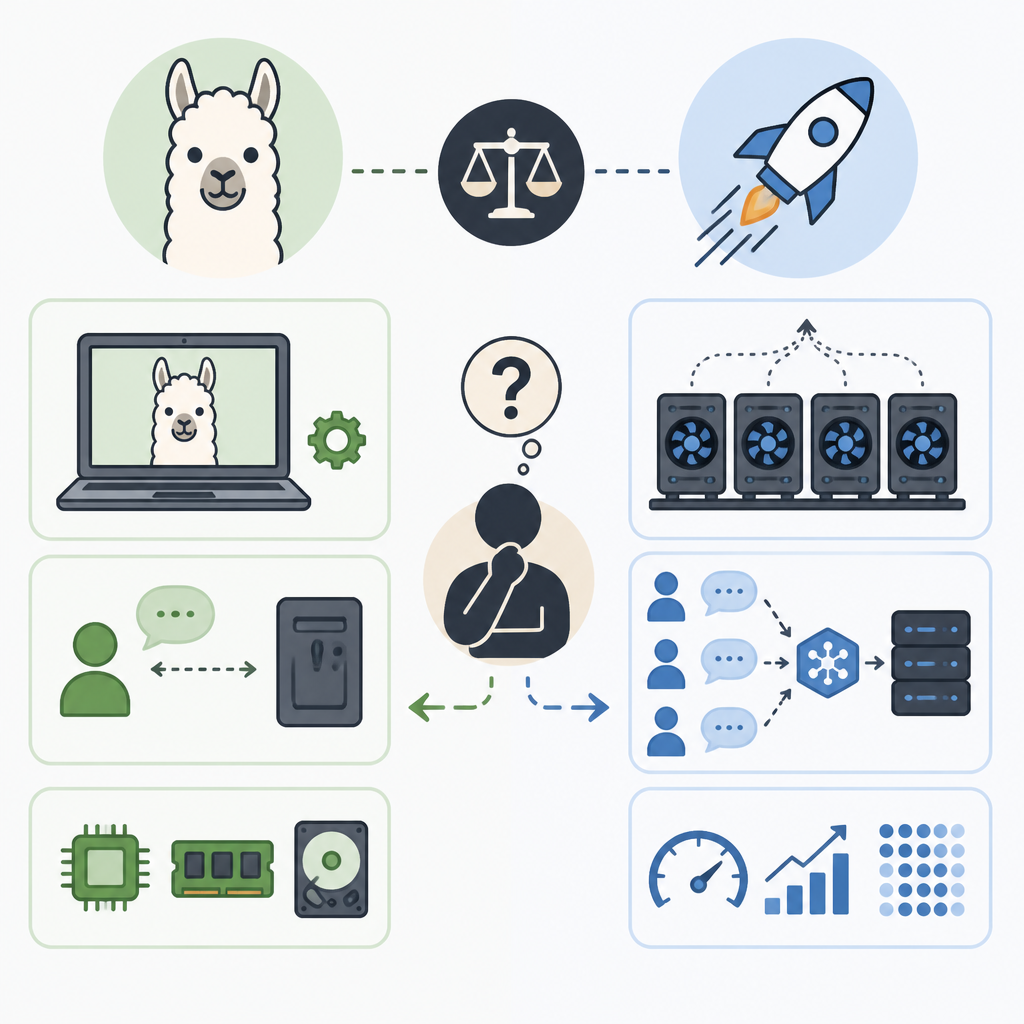
In the benchmark, that design paid off hard at 64 concurrent users, where vLLM delivered roughly 44 times more tokens per second than llama.cpp and kept P99 time to first token low and steady. If you are deploying an API, supporting many users, or planning for Kubernetes-style scale, vLLM is the safer choice.
When to pick what
Pick llama.cpp if you want the easiest path to local inference on consumer hardware, care about CPU support, or are building a personal assistant, offline workflow, or prototype that will not see heavy concurrent traffic.
Pick vLLM if your model must serve many users at once, you have GPU-backed infrastructure, or you need predictable latency under load for a product-facing API.
If you are unsure, start with llama.cpp for local experimentation and move to vLLM when concurrency, throughput, or production reliability becomes the bottleneck.
Default to llama.cpp for local development, but switch to vLLM when shared, high-concurrency serving is the real requirement.
// Related Articles
- [IND]
Seed’s anti-distillation rule turns open models into policy
- [IND]
Windows Codex and Claude Code fixes that work
- [IND]
Rust 1.97.1 fixes a compiler bug stable users felt
- [IND]
OpenAI Astra turns math proofs into a workflow
- [IND]
OpenCode Go makes open coding models affordable
- [IND]
7 system design resources that actually help you prep