Microsoft Build 2026 turns agents into systems
I break down Microsoft Build 2026’s agent stack and give you a copy-ready template for grounding, control, and deployment.

Microsoft Build 2026 lays out a copyable stack for grounded, governed agents.
I've been building with agent frameworks long enough to know when something looks good on a keynote slide but falls apart the second you try to ship it. This is one of those times where the pitch actually made me stop and squint. Not because it was flashy. Because it was annoyingly practical.
I keep running into the same problem: I can wire up an agent, give it tools, point it at a model, and it still feels like a smart intern with a caffeine problem. It answers too fast, forgets context, and wanders off into nonsense the moment the task gets messy. Then I spend half my time bolting on memory, retrieval, permissions, sandboxing, logging, and a dozen little guardrails that should have been there from the start.
Microsoft’s Build 2026 post "Be yourself at work" is the first big vendor write-up in a while that reads like they felt that pain too. Not perfectly, and not without the usual platform self-congratulation, but enough to be useful. The part that grabbed me was the way they framed agents as systems with context, policy, runtime, and model choice instead of just “call model, hope for the best.”
That’s the angle I’m breaking down here: what Microsoft is actually proposing, what’s hand-wavy, and how I’d steal the useful parts for my own stack.
They’re not selling a model. They’re selling context
Get the latest AI news in your inbox
Weekly picks of model releases, tools, and deep dives — no spam, unsubscribe anytime.
No spam. Unsubscribe at any time.
“The differentiator for any organization is no longer access to intelligence, but ownership.”
That line tells you where Microsoft wants the conversation to go. Not “which model is best,” but “whose knowledge does the agent carry, and how does it stay useful inside your business?”
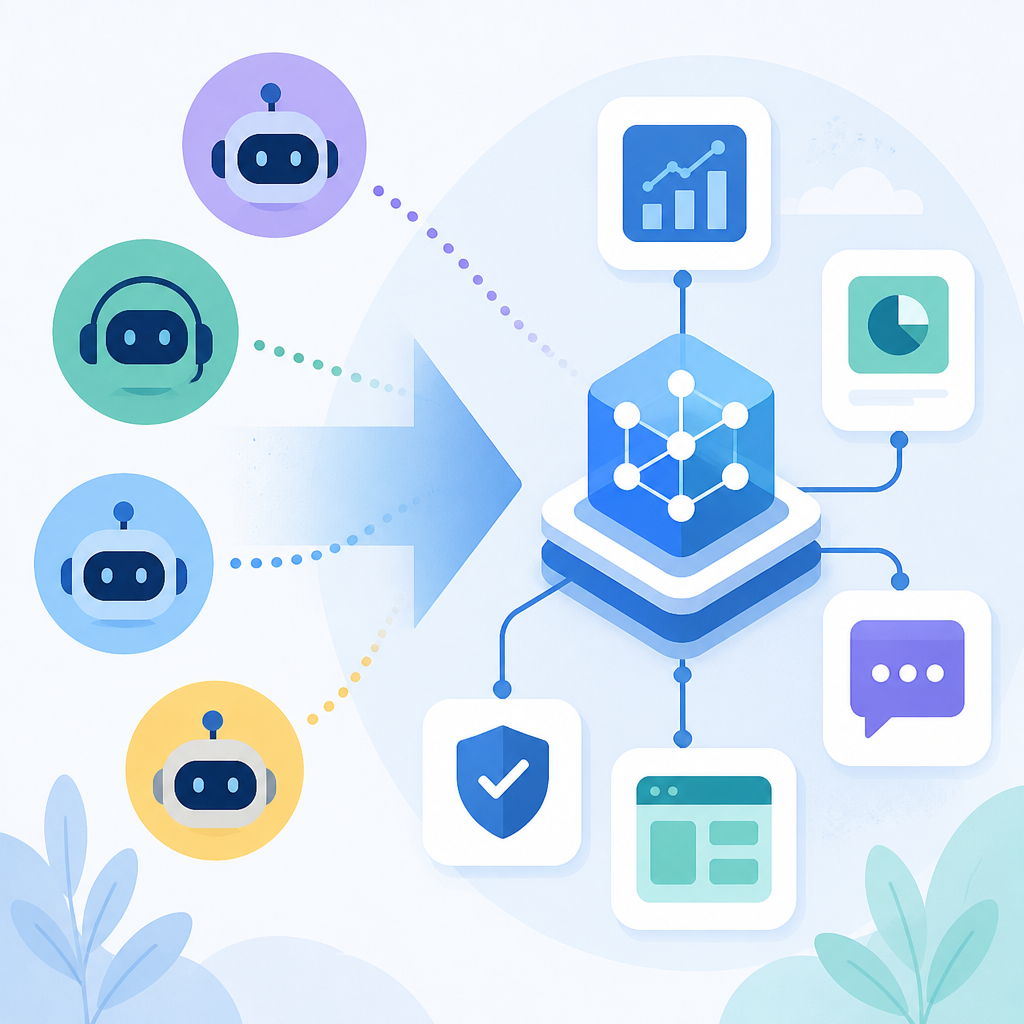
What this actually means is that Microsoft is treating context as the real product. They split it into layers: Work IQ for workplace behavior, Fabric IQ for structured business data, Foundry IQ for retrieval across enterprise knowledge and the web, and Web IQ for fast grounding on live web content. The model is just the engine. The context layer is the map.
I’ve seen teams burn months on model selection when the real bug was that the agent had no idea what mattered. It knew language. It didn’t know the company. That’s why it kept producing answers that were technically fine and operationally useless.
Microsoft’s bet is simple: if the agent can pull from your docs, meetings, emails, structured data, and web sources with less glue code, then you can stop rebuilding the same retrieval stack in every product. I get why that’s attractive. I’ve built that glue code. It sucks.
How to apply it: stop thinking about “agent memory” as one thing. Split it into at least three buckets:
- Identity/context: who the user is, what team they’re on, what tools they can touch.
- Enterprise knowledge: docs, tickets, CRM, calendar, meeting notes, internal systems.
- Live grounding: web, policy docs, changelogs, competitor pages, public references.
If you don’t separate those layers, your agent will mix private facts with public facts and you’ll end up with weird answers that sound confident and are wrong in exactly the annoying way.
Microsoft also makes a big deal about Microsoft Fabric and Microsoft 365 being part of that context story. That matters because it means the pitch is not just “bring your own vector DB.” It’s “we want the context layer to live where work already happens.”
Web IQ is the part I’d actually steal first
Here’s the line that jumped out at me: “New to the family is Web IQ, announced today: the fastest real-world grounding you can give your agents.” Microsoft says it’s an AI-first web search stack that’s model-agnostic and MCP-native, returning relevant passages at nearly 2.5x the speed of the next best alternative.
That’s a very specific claim, and I’m not going to pretend I verified it. But the architecture idea is solid. If your agent needs live facts, don’t make it fumble through generic search results and page scraping like it’s 2019.
What this actually means is that Microsoft is trying to turn web retrieval into a first-class agent primitive. Not “search, then parse, then hope the model can stitch it together.” More like “give me relevant passages fast, in a format the agent can use immediately.”
I ran into this exact problem building a research assistant for product teams. The model was fine. The search layer was the disaster. It took too long, returned too much junk, and the agent wasted tokens on irrelevant pages just trying to find the one paragraph that mattered.
If Microsoft really made that faster and more structured, that’s useful. Especially if it plays nicely with the Model Context Protocol instead of forcing another proprietary integration path.
How to apply it:
- Use a dedicated retrieval layer for live web facts instead of dumping raw search results into the prompt.
- Return passages, not pages.
- Keep source metadata attached so the model can cite or cross-check.
- Prefer model-agnostic retrieval APIs so you’re not locked to one provider just to fetch context.
If you’re building your own stack, the pattern is boring but effective: search API, passage ranking, source filtering, then a tight handoff into the agent loop. The less the model has to “discover” on its own, the fewer hallucinations you’ll spend your weekend cleaning up.
Microsoft is finally talking about the runtime, not just the prompt
This was the part that felt most grounded to me. Microsoft didn’t stop at “agents need knowledge.” They talked about how agents actually run: local sandboxing, Windows Subsystem for Linux, execution containers, hosted sandboxes, and governance that follows the agent instead of being bolted on later.
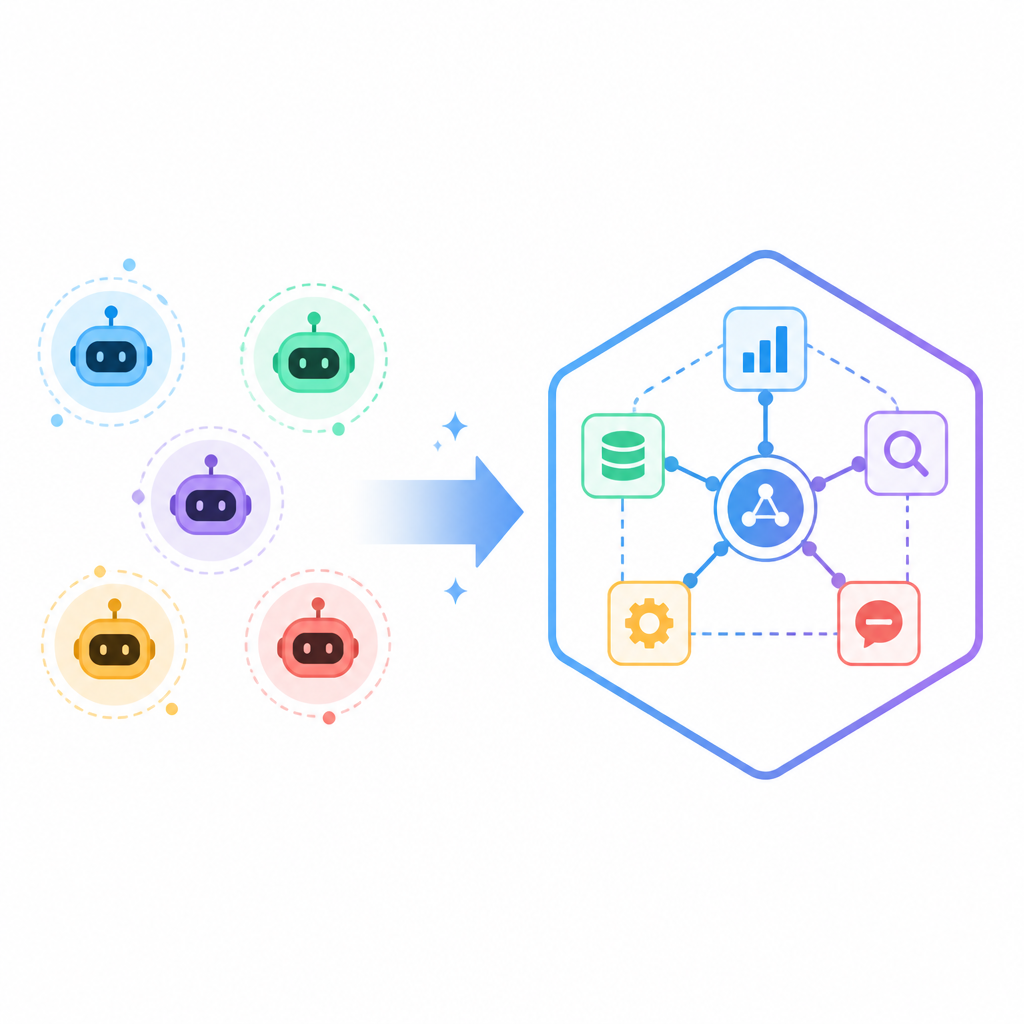
What this actually means is that they’re treating agent execution like software infrastructure, not just chat UX. That’s a big shift. If an agent can touch files, run commands, schedule tasks, and call services, then the runtime is the product.
I’ve been burned by this more than once. You build a nice workflow demo in a notebook or a local script, then the minute you move it into a real environment, security blocks it, the filesystem is different, the tool permissions are a mess, and now you’re debugging the platform instead of the agent.
Microsoft’s answer seems to be: make the OS part of the control plane. They call out Windows, Windows Subsystem for Linux, Microsoft Execution Containers, and hosted agents in Foundry Agent Service. They also mention security layers like Entra, Defender, and Purview.
How to apply it:
- Define execution boundaries before you define agent behavior.
- Sandbox anything that can write, delete, browse, or call external systems.
- Make policy declarative. Don’t sprinkle checks across five services.
- Keep local and hosted execution aligned so your dev environment matches production as closely as possible.
Honestly, this is where a lot of agent platforms are still flimsy. They demo autonomy and then quietly assume you’ll solve containment yourself. Microsoft’s pitch here is less glamorous, but much more useful: if agents are going to do real work, the runtime has to be as intentional as the prompt.
Choice of model is still the point, not the footnote
Microsoft spent a lot of time talking about its own models, and I get why. They announced MAI-Thinking-1, MAI-Image-2.5, MAI-Voice-2, MAI-Transcribe 1.5, and MAI-Code-1, plus availability across Foundry, Copilot, VS Code, and partner platforms like Fireworks AI, Baseten, and OpenRouter.
What this actually means is that they’re trying to sell a multi-model operating model instead of a single-model religion. That part I like. I’ve never trusted teams that bet everything on one model and one provider, because the second pricing changes or quality slips, you’re stuck rewriting your product roadmap around someone else’s release notes.
The most interesting bit in the announcement is not that Microsoft has models. It’s that they’re pushing model choice through a governed platform. That’s the right shape. Developers want to swap models by task: one for reasoning, one for transcription, one for image generation, one for code, and maybe one cheap routing model for the boring stuff.
I ran into this in a support agent project. The “best” model was great for summarization and terrible for classification. The cheap model was fine for routing but awful at nuance. Once we started treating models as specialized tools instead of a single magic brain, the whole system got easier to reason about.
How to apply it:
- Build a model router instead of hardcoding one model everywhere.
- Track which task each model is actually good at.
- Use evals that measure your workflow, not generic benchmark bragging rights.
- Keep fallback paths ready for latency, cost, and policy reasons.
Microsoft also mentions GitHub, VS Code, and GitHub Copilot because the company wants the model layer and the developer tools to feel like one system. That’s not subtle. It’s also the right move if they want developers to stay inside the platform.
Governance is finally being treated like a product feature
One of the better parts of the post is the security story. Microsoft talks about Agent 365, ASSERT, the Agent Control Specification, and a security system called MDASH that uses multiple agents to find exploitable bugs.
What this actually means is that governance is no longer being sold as a sad checkbox for compliance teams. It’s being framed as part of how agents work at all. That’s a healthier story, because the moment an agent can act, you need to know who it is, what it can do, what it touched, and how to shut it down.
I’ve had conversations where teams said, “We’ll add controls after the prototype works.” That sentence is how you end up with a prototype nobody can safely ship. If the agent is allowed to email, edit docs, call APIs, and trigger workflows, then permissions and audit trails are not optional.
Microsoft’s stack here is trying to standardize policy around the agent loop itself. That’s smart. I’m especially interested in the idea of a control specification, because one of the worst parts of current agent tooling is that every framework invents its own half-baked permission model.
How to apply it:
- Give every agent an identity, not just an API key.
- Log tool calls, inputs, outputs, and policy decisions.
- Separate evaluation from production permissions.
- Define a kill switch before launch.
If you want a reference point outside Microsoft, look at computer-use style agents, Anthropic’s tools guidance, and the MCP ecosystem. Different vendors, same problem: once the model can act, you need a real control plane.
The local machine matters more than vendors like to admit
Microsoft’s hardware and OS story is not just marketing padding. They’re pushing a developer setup that includes a new Surface RTX Spark Dev Box, WSL with GPU passthrough, and what they call an intelligent shell and terminal experience. That’s their way of saying the local machine is still where a lot of serious work starts.
What this actually means is that cloud-only agent stories are still incomplete. Developers want to prototype locally, run models locally when they can, and only send workloads to the cloud when it makes sense. If your platform makes local iteration painful, your “developer experience” is fake.
I’ve lost count of how many AI workflows die because the local setup is a mess. The model needs a GPU, the agent needs a sandbox, the tools need Linux, the IDE wants Windows, and now everyone is arguing about where the runtime should live. Microsoft is trying to collapse that mess into one opinionated path.
How to apply it:
- Make local development a first-class path, not a toy.
- Match local permissions and dependencies to production as closely as possible.
- Let developers test agent loops without waiting on remote infrastructure.
- Support GPU, sandboxing, and shell access without making people stitch together five separate tools.
That’s the part I’d actually want if I were on a team adopting these tools: fewer excuses to say “it works on my machine” and more reason to believe the machine is part of the product.
The template you can copy
# Agent stack template for grounded, governed work

## 1) Context layers
- Work context: user identity, org, team, permissions, active project
- Enterprise context: docs, tickets, CRM, calendar, meetings, internal APIs
- Live context: web search, public docs, changelogs, policies, vendor pages

## 2) Retrieval rules
- Return passages, not whole pages
- Attach source URL, timestamp, and confidence score
- Use separate retrievers for enterprise and web data
- Keep retrieval model-agnostic

## 3) Model routing
- Reasoning model: multi-step planning and synthesis
- Cheap model: classification, routing, short answers
- Code model: code generation and patching
- Vision/audio models: only when the task needs them

## 4) Execution policy
- Every agent has an identity
- Every tool call is logged
- Write access is sandboxed
- Network access is explicit, not implied
- High-risk actions require approval

## 5) Runtime setup
- Local dev mirrors production permissions
- Use OS-level sandboxing where possible
- Support local execution for fast iteration
- Support hosted execution for scale

## 6) Evaluation
- Test the actual workflow, not generic benchmarks
- Measure latency, cost, accuracy, and failure recovery
- Add regression tests for policy violations
- Re-run evals whenever retrieval, model, or policy changes

## 7) Build order
1. Define the task
2. Define the context layers
3. Define the permissions
4. Add retrieval
5. Add model routing
6. Add evals
7. Only then ship the agent

## 8) Minimal prompt scaffold
You are an internal agent for {{company}}.
Your job is to {{task}}.
Use only the tools and data sources listed below.
Follow the execution policy exactly.
If context is missing, ask for it.
If an action is high risk, stop and request approval.
Prefer concise, cited answers.

## 9) Tool policy example
- allowed_tools:
  - search_web
  - read_docs
  - query_database
  - create_ticket
  - draft_email
- denied_tools:
  - delete_records
  - send_external_email
  - deploy_prod

## 10) Shipping checklist
- [ ] Context sources mapped
- [ ] Retrieval tested
- [ ] Model router configured
- [ ] Sandbox enforced
- [ ] Audit logs enabled
- [ ] Kill switch tested
- [ ] Regression evals passing
- [ ] Approval flow documented
I’m not pretending this template is Microsoft’s. It isn’t. It’s my cleaned-up version of the pattern they’re pushing: context first, runtime second, model choice third, governance everywhere. That’s the order I’d use if I were building an internal agent platform tomorrow.
And yes, the annoying part is that this is more work than wiring up a chatbox. But that’s the point. If the agent is going to do real work, it has to behave like software, not like a demo.
Source: Microsoft Blog post Microsoft Build 2026: Be yourself at work. I used Microsoft’s announcement as the source material and rewrote the useful parts into a practical breakdown plus a copyable template.
// Related Articles
- [TOOLS]
Rust vs Go: 2026 latency gap, decoded
- [TOOLS]
10 identity protocols let KYC stay private
- [TOOLS]
Use Consensus AI for faster literature scouting
- [TOOLS]
15 Perplexity prompts for better research decisions
- [TOOLS]
Mistral AI Models 2026 for Builders
- [TOOLS]
RustRover 2026.2 turns Rust setup into one file