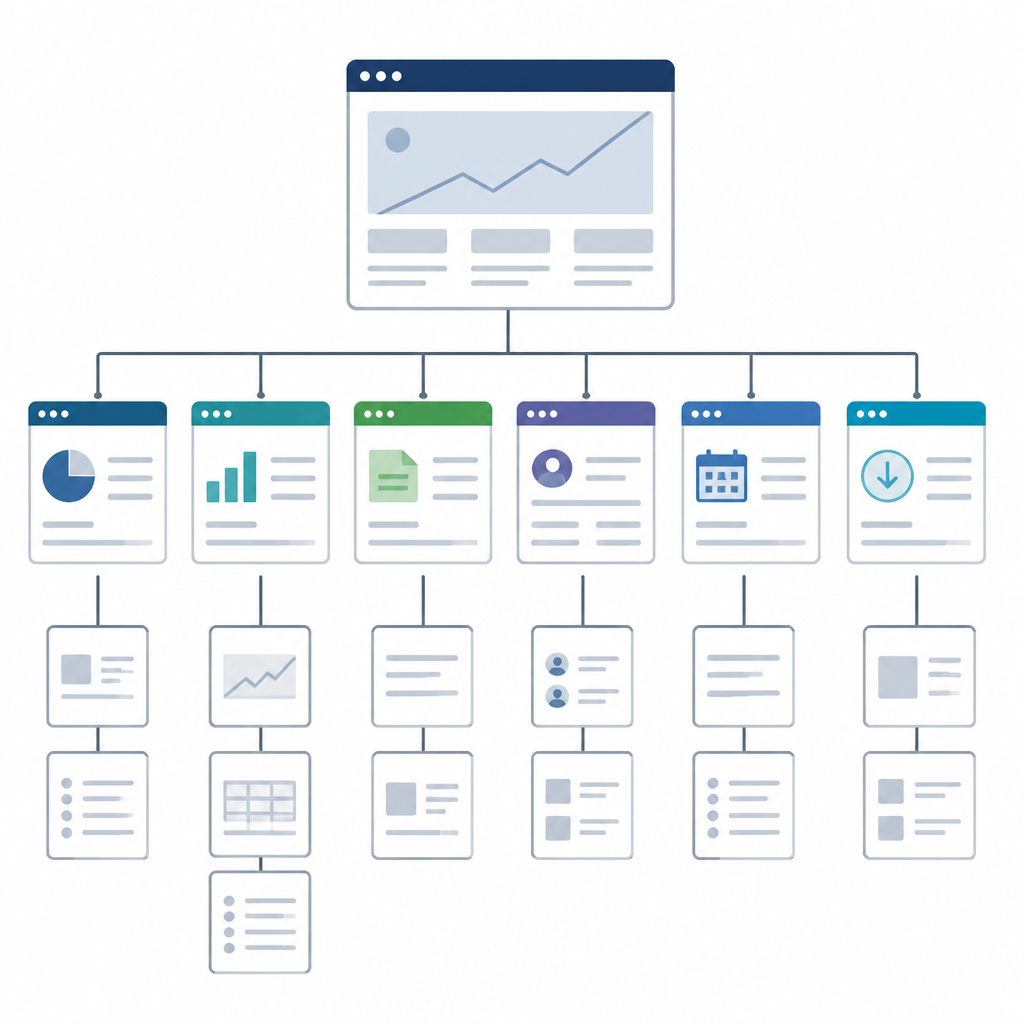
Microsoft Investor Relations page map
Microsoft’s investor relations page centralizes earnings, reports, filings, and stock resources.

Microsoft’s investor relations page centralizes earnings, reports, filings, and stock resources.
This guide is for developers, analysts, and finance teams who need to navigate Microsoft’s investor relations hub and pull the right corporate documents fast. After following the steps, you will know where to find earnings materials, annual reports, SEC filings, dividend details, and stock-history tools on the Microsoft investor site.
Before you start
Get the latest AI news in your inbox
Weekly picks of model releases, tools, and deep dives — no spam, unsubscribe anytime.
No spam. Unsubscribe at any time.
- A modern browser such as Microsoft Edge, Chrome, or Firefox
- A Microsoft account only if you plan to follow related links into Microsoft services; the investor page itself is public
- Internet access to Microsoft Investor Relations
- Optional: PDF reader for annual reports and proxy statements
- Optional: spreadsheet app for tracking dividend or stock-history data
Step 1: Open the investor relations hub
Goal: land on the main Microsoft investor page and confirm you are in the right section before drilling into reports or events.

Open Microsoft Investor Relations and look for the top-level navigation that includes press releases, financial statements, performance metrics, SEC filings, dividends, and FAQ links.
You should see the investor menu and a featured news area with items such as earnings, annual reports, and sustainability reports.
Step 2: Find the latest earnings materials
Goal: locate the newest quarterly earnings release and webcast so you can review the company’s current results.
Use the announcement or news area to open the latest earnings item, such as a press release, webcast, or blog recap. Microsoft’s investor page surfaces the next earnings release, past events, and current-quarter results in the same place.
You should see an earnings page with a date, a press release or webcast link, and a details button that opens the full materials.
Step 3: Download the annual report and proxy statement
Goal: get the two core governance documents that investors use for long-term review and voting context.
From the featured documents area, open the 2025 Annual Report or its download center, then open the 2025 Proxy Statement. These links give you the full report online or as downloadable files.
You should see a report viewer or download page for the annual report, plus a separate proxy statement page with board and voting information.
Step 4: Review sustainability and responsible AI reports
Goal: collect Microsoft’s ESG and AI governance disclosures from the same investor hub.
Open the 2025 Environmental Sustainability Report, the 2025 Responsible AI Transparency Report, and the 2025 Microsoft Impact Summary. These pages support environmental, social, and governance review alongside investor analysis.
You should see separate report pages with Microsoft branding and publication details for sustainability, responsible AI, and impact commitments.
Step 5: Look up dividends and stock history
Goal: verify shareholder return data such as dividend announcements, dates, and historical prices.
Use the investor tools section to open dividend details and stock lookup. The page includes a quarterly dividend area and a stock-price lookup that shows split-adjusted prices by date.
You should see dividend dates or history and a lookup interface that returns Microsoft stock prices for a selected day.
Step 6: Track upcoming events and alerts
Goal: stay current on earnings dates, events, and notification options without searching the site again.
Open the events section for past and upcoming events, then check the email alert or contact options if you want updates. The investor page also links to annual meetings and service information for shareholders.
You should see event listings, alert options, and contact links that help you follow future announcements.
| Metric | Before/Baseline | After/Result |
|---|---|---|
| Document access | Searching across multiple Microsoft pages | Single hub for earnings, reports, filings, dividends, and events |
| Report retrieval | Manual hunt for annual report and proxy statement | Direct links to 2025 Annual Report and 2025 Proxy Statement |
| Governance coverage | Separate ESG and AI pages | Investor page surfaces sustainability, impact, and responsible AI reports |
Common mistakes
- Opening the consumer Microsoft homepage instead of the investor hub. Fix: use the investor URL and confirm the page includes SEC filings, dividends, and annual reports.
- Missing the latest earnings link because you only scan the top banner. Fix: check both the news carousel and the announcements section.
- Confusing report pages with download pages. Fix: use the annual report viewer for reading and the download center when you need files.
What's next
Next, connect this page to your workflow by bookmarking the earnings, filings, and dividend links you use most, then set email alerts so you get new Microsoft investor updates as soon as they publish.
// Related Articles
- [IND]
Moka AI Is a Stronger HRMS Choice for Growing Teams
- [IND]
August 2026 Market Review: AI Stocks Flipped Fast
- [IND]
Pixel 11 launch live: every Google reveal
- [IND]
Anthropic’s invisible watermark is the right move
- [IND]
Docker’s latest releases now center security and Compose
- [IND]
Bitcoin’s busy week was a security wake-up call