8 open-source coding agents that can replace paid tools
8 open-source coding agents split into BYOK and local options, with benchmark notes that help you choose by privacy and cost.

Eight open-source coding agents help you choose between BYOK and local setups.
If you want open-source coding help without guessing, this list shows 8 agents and the trade-offs that matter, including one benchmark note: some open-source tools matched paid options in web development tests.
| Item | Access model | Best fit |
|---|---|---|
| Aider | BYOK | Model switching and API control |
| OpenHands | BYOK / local support | Broader agent workflows |
| Continue | BYOK | IDE-first coding assistance |
| Tabby | Self-hosted | Private team deployment |
| SWE-agent | BYOK / local support | Task automation and repo work |
| Cline | BYOK | VS Code agent workflows |
| Roo Code | BYOK | Fast iteration inside the editor |
| Open Interpreter | Local / BYOK | General-purpose terminal control |
1. Aider
Get the latest AI news in your inbox
Weekly picks of model releases, tools, and deep dives — no spam, unsubscribe anytime.
No spam. Unsubscribe at any time.
Aider is the cleanest example of a BYOK coding agent: you bring your own API key, pick the model, and keep control over cost and provider choice. That makes it a strong fit if you want to compare model quality across OpenAI, Anthropic, and Google without changing tools.

It is especially useful when you care about code edits rather than a full IDE wrapper. You can treat it like a focused client that helps with refactors, patches, and multi-file changes while you stay in your normal workflow.
- BYOK setup with external model providers
- Good for refactoring and patch-based edits
- Useful when you want to switch models often
2. OpenHands
OpenHands is for users who want a broader agent that can handle more than inline code suggestions. It is built for agentic workflows, so it fits teams that want the tool to take on more of the task flow around coding.
In practice, that means it is a better match for people who want a hands-on coding assistant that can work across multiple steps, not just generate snippets. If your goal is to test open-source agent behavior against paid tools, this is one of the more relevant picks.
- Open-source agentic workflow focus
- Can fit API-backed or local model setups
- Better for multi-step coding tasks than simple autocomplete
3. Continue
Continue is aimed at developers who want an assistant inside the editor instead of a separate app. It plugs into common coding environments and keeps the experience close to the way teams already work.
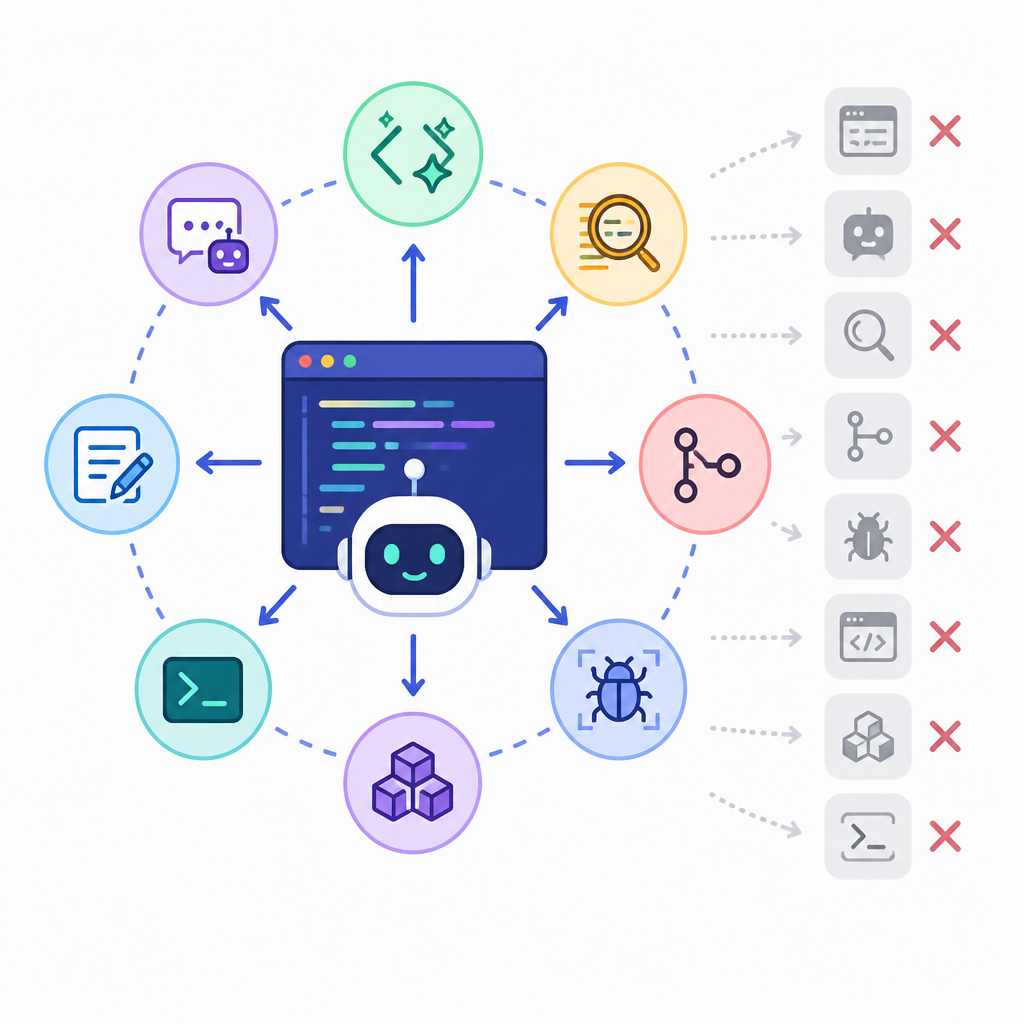
That makes it a practical choice for day-to-day coding help, especially if you want suggestions, chat, and code context in one place. It is a good middle ground between lightweight autocomplete and a heavier autonomous agent.
Common use cases:
- Chat with repo context
- Generate or rewrite functions
- Ask questions about existing code
- Keep the assistant inside your IDE
4. Tabby
Tabby is the strongest fit for teams that want self-hosted code assistance. Because it can run on your own infrastructure, it is the most privacy-forward option in this group for organizations with strict data rules.
That self-hosted model also makes it appealing when you want predictable internal deployment rather than per-token billing. The trade-off is operational overhead, since you need to manage hosting and model performance yourself.
- Self-hosted deployment for private environments
- Designed for team use and internal codebases
- No per-token API bill if you run local models
5. SWE-agent
SWE-agent is built around solving software engineering tasks, not just answering coding questions. It is a good match when you want an agent to work through issues, apply changes, and interact with repositories in a more task-oriented way.
If you are evaluating open-source agents for real coding work, SWE-agent belongs on the short list because it is closer to an autonomous coding worker than a simple helper. That makes it useful for benchmark-style comparisons and hands-on experiments.
- Task-oriented repository work
- Useful for bug fixing and issue resolution
- Good fit for agent evaluations and experiments
6. Cline
Cline is a popular agent for VS Code users who want more automation inside the editor. It is built for direct interaction with your codebase, which makes it attractive for developers who prefer staying in one workspace.
Because it works as an agent rather than a passive helper, it can take on more of the back-and-forth involved in coding tasks. That makes it a solid option if you want an editor-native tool with a more active workflow.
- Editor-native experience in VS Code
- Good for interactive coding sessions
- Works well for users who want agent behavior inside the IDE
7. Roo Code
Roo Code is another editor-centered option for developers who want quick agent help without changing habits. It focuses on being practical inside the coding environment, which is why it often appeals to people who want speed over ceremony.
Use it when you want a lighter-weight agent that still feels active. It is a sensible choice for iteration-heavy work, especially if your team wants to compare several open-source agents before standardizing on one.
Best when you need:
- Fast edits in the editor
- Frequent prompt-and-revise cycles
- A simple path into agentic coding
8. Open Interpreter
Open Interpreter is broader than a coding agent alone, but it still earns a place here because it can drive terminal-based workflows and help with code-related tasks. It is especially interesting if you want a local-first assistant that can execute actions rather than only suggest text.
For developers who like terminal control and local execution, it is a flexible option. It is less specialized than some of the others, but that can be a plus when you want one tool for several kinds of command-driven work.
- Works well in terminal-heavy workflows
- Can run locally for more privacy
- Useful beyond pure coding tasks
How to decide
If you want the easiest path to model comparison, start with Aider or Continue. If privacy and internal deployment matter most, Tabby is the clearest self-hosted choice. If you want a more autonomous agent that works on repo tasks, OpenHands or SWE-agent is the better place to look.
For developers living in VS Code, Cline and Roo Code offer the most natural fit. If you want something broader that can also handle terminal actions, Open Interpreter is the most flexible option in the set.
// Related Articles
- [IND]
Cloudflare sets September 15, 2026 crawl defaults
- [IND]
Cloudflare’s new crawler rules shift power to publishers
- [IND]
Midjourney is building a body-scan spa
- [IND]
Midjourney Is Right to Force Hollywood’s AI Cards Onto the Table
- [IND]
Midjourney should stay out of diagnosis and focus on body-composition…
- [IND]
Microsoft bets $2.5B on enterprise AI deployments