OpenCode vs Cursor: Open-Source CLI vs AI Editor 2026
OpenCode is a free open-source CLI agent, while Cursor is a proprietary AI editor.

OpenCode vs Cursor: which should you use for AI coding in 2026?
OpenCode is a free open-source CLI agent, while Cursor is a proprietary AI editor.
At a glance
Get the latest AI news in your inbox
Weekly picks of model releases, tools, and deep dives — no spam, unsubscribe anytime.
No spam. Unsubscribe at any time.
| Dimension | OpenCode | Cursor |
|---|---|---|
| License | MIT, open source | Proprietary |
| Primary form factor | Terminal TUI, desktop beta, IDE extension | AI-native code editor |
| Cost model | Software free; BYO key; 75+ providers | Subscription tiers |
| Privacy stance | No code/context storage stated | Vendor-managed; verify current policy |
| Agent workflow | Built-in and custom agents, multi-session parallel agents | Editor-centric AI workflow |
| Integration | LSP and MCP support | Editor ecosystem and extensions |
OpenCode: the open-source terminal route
OpenCode is the more transparent choice if you want to see the code, run it locally, and control which model providers it touches. Its MIT license and BYO-key setup make the economics straightforward: the app itself is free, but your usage cost depends on the providers and models you connect. That can be cheaper than a subscription for light use, or more expensive if you run large volumes through premium models.
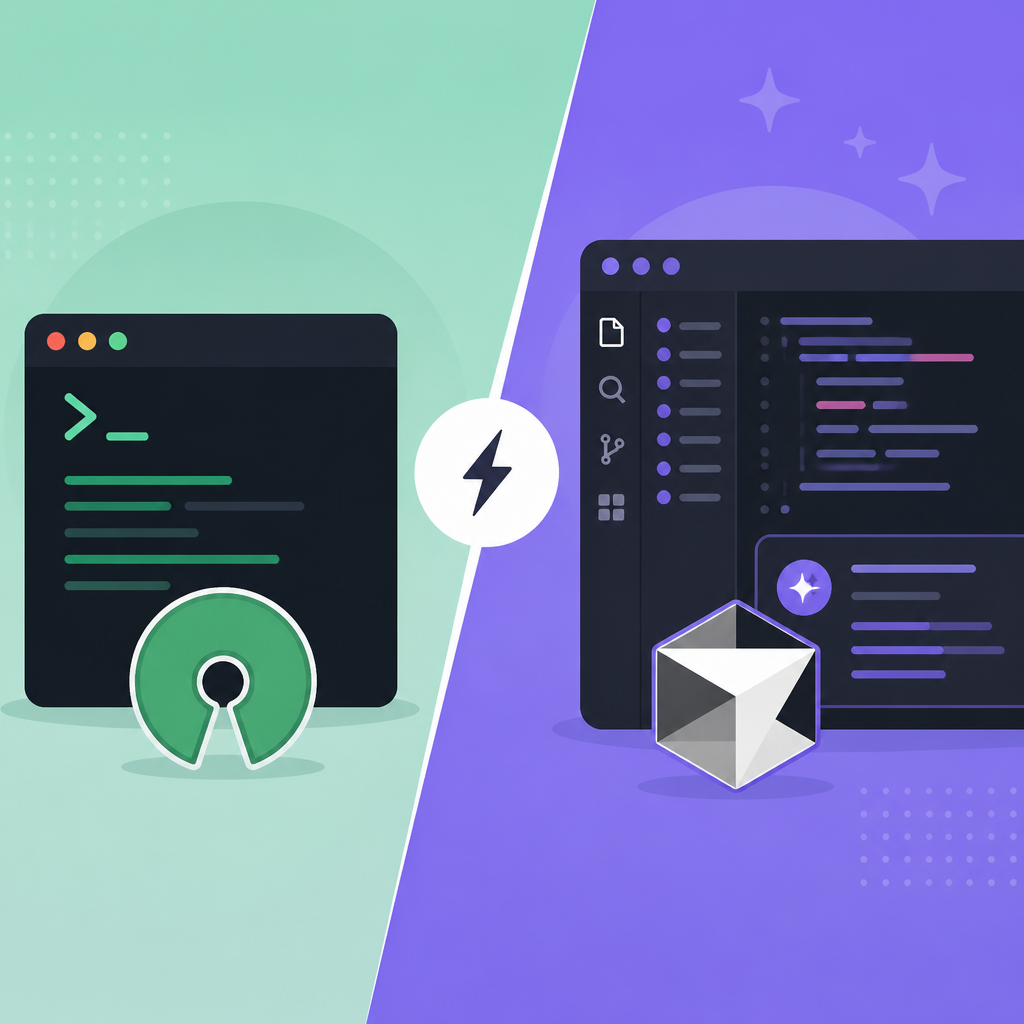
The bigger differentiator is workflow. OpenCode is built around the terminal, with TUI-first interaction, LSP support, MCP support, and parallel agent sessions. That makes it feel closer to an operator's tool than a polished consumer editor. If you like composing tasks, switching contexts, and keeping the AI layer separate from your main IDE, this is a strong fit.
Cursor: the polished editor path
Cursor wins when you want the AI to live inside the editor you already use all day. It is the more familiar product shape for most developers: open a project, edit code, ask for help, and keep moving without thinking about keys, providers, or terminal commands. That lower friction matters a lot for teams that want quick adoption.
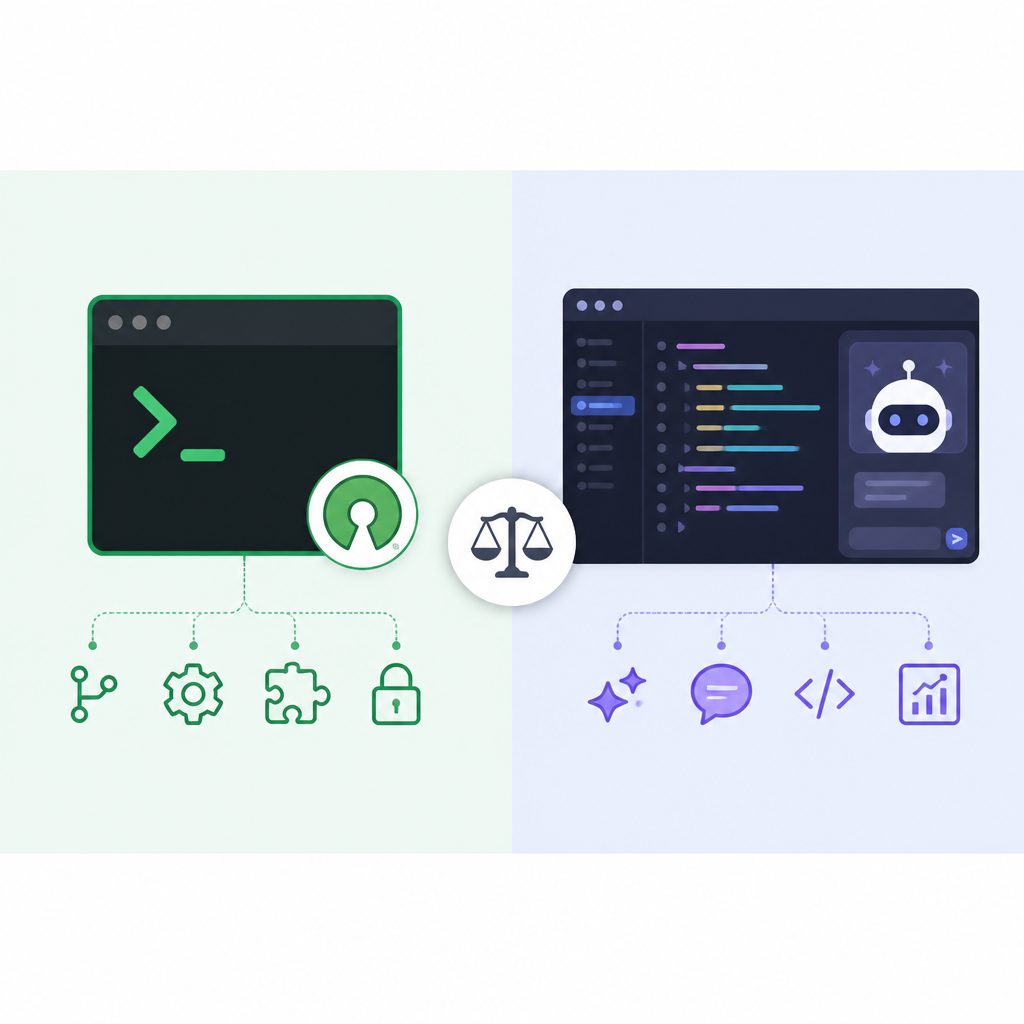
The trade-off is control. Because Cursor is proprietary and subscription-based, you are buying convenience and a tightly integrated experience rather than source-level transparency. For many teams that is the right deal, especially when onboarding speed and a guided UI matter more than self-hosting or fine-grained provider choice.
What the table does not show
OpenCode's flexibility is also its complexity. BYO-key means you need to manage accounts, rate limits, and model selection yourself. If your team is not already comfortable with provider settings and cost tracking, that freedom can feel like overhead instead of empowerment.
Cursor hides more of that plumbing, which is exactly why some developers prefer it. The editor can be easier to standardize across a team, but that convenience comes with vendor lock-in and less visibility into how the product is wired under the hood. If your organization values auditability, OpenCode has the clearer story.
When to pick what
Pick OpenCode if you are a power user, a security-conscious developer, or a team that wants open source, provider flexibility, and terminal-native control. It is the better fit when you care about owning the workflow and are comfortable managing model spend separately.
Pick Cursor if you want the fastest path to an AI-assisted editor with the least setup and the smoothest day-to-day experience. It suits teams that value a polished interface, shared habits, and subscription simplicity over openness.
In most cases, OpenCode is the default pick for readers who want control and transparency, but Cursor becomes the better answer when your top priority is a seamless editor experience and you are fine paying for it.
// Related Articles
- [IND]
Rust Adoption Is Moving Into Production
- [IND]
OpenAI’s 5% government stake would reset AI politics
- [IND]
Microsoft launches Frontier Company for AI delivery
- [IND]
Microsoft AI Cloud Partner Program for builders
- [IND]
MiCA Pushes L2 Competition Into Compliance
- [IND]
Ethereum Launches Institution-Focused Nonprofit