OpenTag turns Slack threads into actions
OpenTag shows how to run a self-hosted Slack agent that reads threads, uses tools, and waits for approval before acting.

OpenTag is a self-hosted Slack agent template you can copy.
I've been messing with Slack bots long enough to know when something is slick and when it's just demo theater. Most of them are fine at one thing: replying. Maybe they summarize a thread, maybe they spit out a canned status update, and then they fall apart the second you ask them to do real work. The annoying part is that the workflow is never just “answer the message.” In practice I want the bot to read a thread, pull in tools, show me what it found, and only then take action if a human says yes. That last bit matters. Without it, the bot is either too timid to be useful or too eager to do something dumb.
That’s why OpenTag on GitHub caught my attention. It is not trying to be a cute Slack toy. It is a self-hosted template for an agent inside Slack that can read a thread, answer, call tools, render richer output, and wait behind an approval gate before filing something. The repo says there are 554 stars and 66 forks, which at least tells me other people have noticed the same itch. I’m breaking it down because the idea is simple, but the implementation choices are where the actual value lives.
Stop treating Slack bots like glorified autoresponders
Get the latest AI news in your inbox
Weekly picks of model releases, tools, and deep dives — no spam, unsubscribe anytime.
No spam. Unsubscribe at any time.
Run your own AI agent inside Slack: it reads a thread, answers, calls your tools, and renders rich results right in the conversation.
What this actually means is that the bot is not a wrapper around a single prompt. It is a workflow engine living inside a chat app. It can inspect context, call external systems, and present results inline instead of dumping everything into a wall of text. That is a very different shape from the usual “/summarize” bot I’ve seen teams duct-tape together.
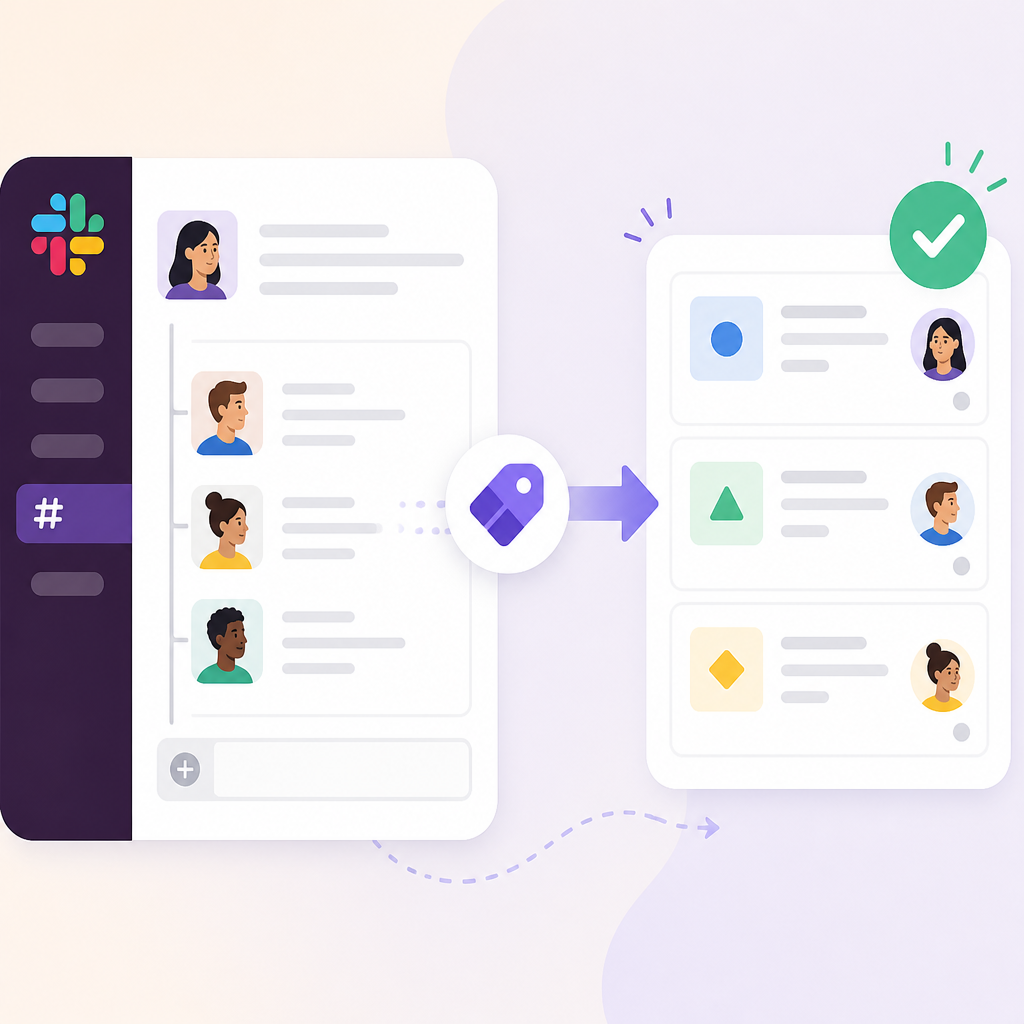
I ran into this exact problem on an internal support channel. The bot could summarize incident threads, but the moment someone asked it to check Jira, it either hallucinated a fake ticket number or gave up. The issue was architecture, not prompting. If the bot cannot orchestrate tools, then every useful action gets shoved back onto a human.
OpenTag’s pitch is basically: don’t build a chatbot, build an agent loop. The Slack message is just the front door. The real work happens in the runtime behind it. That’s the part I care about, because it means the bot can be opinionated about process instead of just language.
How to apply it: start by listing the three things your Slack bot should actually do. Mine usually look like this: summarize, inspect, act. If your current bot only does summarize, you are leaving the useful part on the table. Build the action path first, then add polish later.
Self-hosting is the point, not a footnote
Think of it as having Claude in your workspace, except open-source and self-hosted: you own the runtime, bring your own model, and wire it to your own tools.
What this actually means is no per-seat pricing, no vendor deciding your bot’s limits, and no mystery box around where the data goes. If you’ve ever had to explain to security why a third-party assistant is reading sensitive threads, you already know why this matters. The repo is very explicit about the tradeoff: you run the thing, you own the thing.
That sounds obvious until you’ve actually tried to ship it. Self-hosting chat agents is annoying. You need the bot connection, the runtime, persistence, and enough observability to debug when a thread goes sideways. OpenTag does not pretend that part is easy. It basically says: if you want to skip the ops, wait for CopilotKit’s managed service. If you want control today, run it yourself.
I like that honesty. Too many projects pretend self-hosting is just a checkbox. It is not. It’s a commitment to running the whole stack, and that includes the boring stuff like secrets, reconnects, and storage.
- If your team has compliance concerns, self-hosting is the selling point.
- If your team wants zero ops, this repo is still useful as the reference implementation.
- If you need both, keep the architecture but swap the deployment model later.
How to apply it: decide early whether the bot is a product or a template. If it is a product, budget for hosting and persistence from day one. If it is a template, copy the architecture and keep the deployment simple until the workflow proves itself.
The real trick is the thin layer on top
OpenTag is a thin layer on top of a handful of CopilotKit packages.
What this actually means is that the repo is not a giant framework with one sacred way to do things. It is a composition of smaller pieces: a bot engine, an agent runtime, UI primitives for rich messages, and platform adapters. That modularity matters because it keeps the system from turning into a hairball.
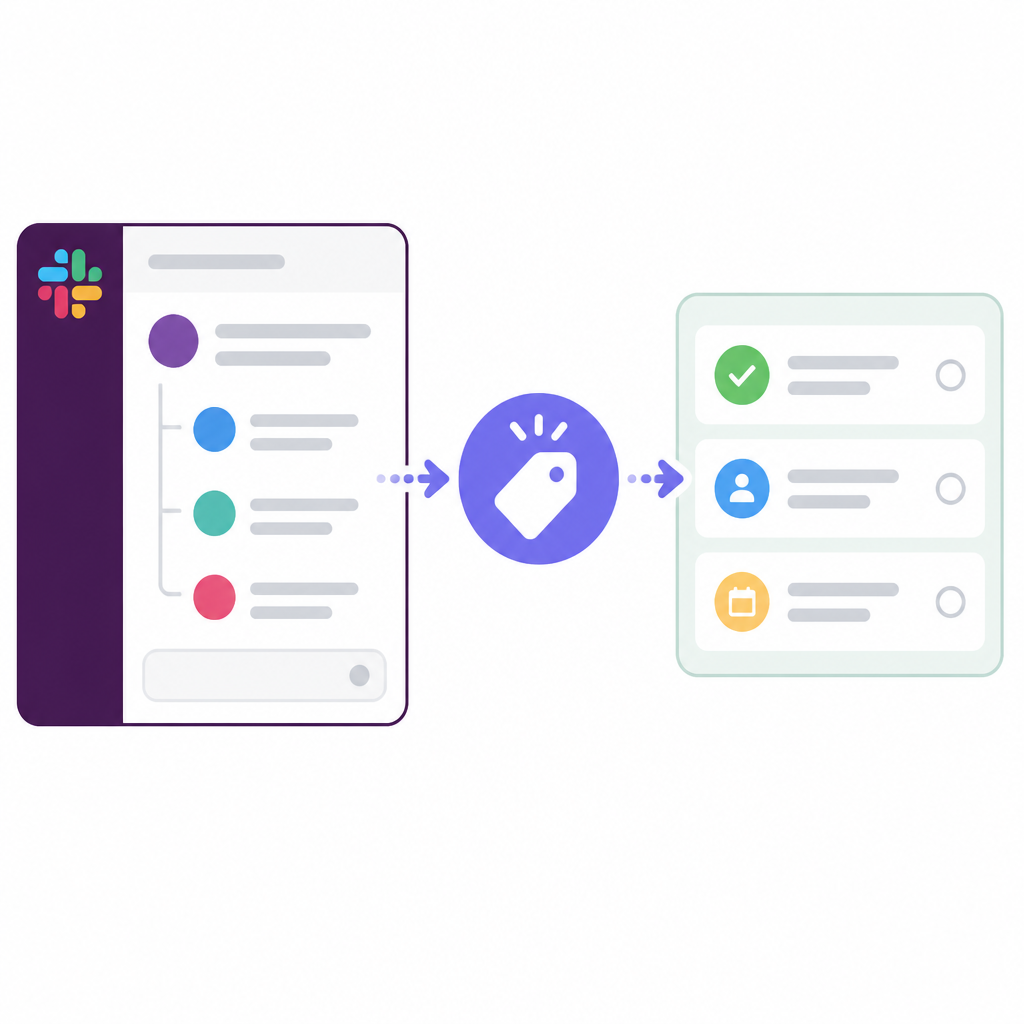
The repo calls out the required packages clearly: @copilotkit/bot, @copilotkit/runtime, @copilotkit/bot-ui, and @copilotkit/bot-slack. Optional adapters cover Discord, Telegram, and WhatsApp, plus Redis persistence if you need durable threads. I appreciate that the repo tells you which parts are required and which ones are just there when you need them.
I’ve been burned by “simple starter kits” that hide the architecture until you’ve already committed. Then you find out the bot layer, the UI layer, and the model layer are welded together. Good luck changing anything after that. OpenTag keeps those seams visible.
How to apply it: if you are designing your own agent starter, split it into four boxes before you write code. One box for transport, one for runtime, one for UI, one for storage. If a feature does not fit one of those boxes, it probably belongs in a separate module.
The Slack app setup is the annoying part, so make it boring
Create a Slack app. At api.slack.com/apps → From a manifest → paste slack-app-manifest.yaml.
What this actually means is that the repo is trying to remove the usual Slack setup tax. Instead of forcing you to click around the dashboard for twenty minutes, it gives you a manifest and a setup guide. That is exactly the kind of unglamorous detail that saves time when you are trying to get a bot running before lunch.
The quickstart is straightforward: create the Slack app, install it, grab the Bot User OAuth Token and the App-Level Token, set three secrets in .env, then run the agent and the bot as separate processes. I like that they keep the mental model clean. The agent is the LLM backend. The bot is the Slack connection. That separation makes debugging much less miserable.
I ran into the same pattern while wiring a support assistant for a private workspace. If the bot and runtime share a process, every failure becomes a mystery. If they are separate, I can tell whether Slack is broken, the model is broken, or my tool call is broken. That alone is worth the extra setup.
- Use the manifest to avoid clicking through Slack’s UI by hand.
- Keep your bot token, app token, and model key in environment variables.
- Run the runtime and bot separately so failures are easier to isolate.
How to apply it: even if you do not use OpenTag, copy this operational shape. Manifest-driven setup, explicit secrets, separate runtime, separate connector. It’s less clever, and that’s why it works.
Human approval is the difference between useful and reckless
It renders a breakdown, a table, and a bar chart inline and files a ticket only after an Approve gate.
What this actually means is the bot can do real work, but it does not get to freeload on trust. It has to show its reasoning and wait for a human to approve the action. That is the part I wish more agent builders would treat as mandatory instead of optional theater.
The repo’s demo is a good example: the agent works a Slack thread, generates structured output inline, and then stops before filing a ticket until someone approves it. That flow is sane. It gives the human enough evidence to say yes or no without forcing them to leave Slack and chase details in another tool.
I’ve seen what happens without this. A bot auto-files five tickets from one noisy incident thread, and suddenly the team spends more time cleaning up bot mistakes than handling the original issue. Approval gates are not a nice-to-have. They are the difference between automation and chaos.
How to apply it: put a review step before any side effect that creates work, changes state, or pings another team. If the action would make a human say “wait, what did the bot just do?”, then the bot should ask first.
One prompt file is a feature, not a limitation
The agent's behavior is steered by a single system prompt in runtime.ts — rewrite it and you have a different agent.
What this actually means is that the repo is designed to be hacked, not admired. The behavior is not buried across five policy files and a maze of callbacks. It lives in one place, and that makes experimentation fast. I love this because it lowers the cost of changing the bot’s personality, scope, and boundaries.
The repo also says you can copy app/ to start your own bot, and that runtime.ts is the agent backend served over AG-UI. That is a nice split. The platform-agnostic bot handles tools and the approval gate; the runtime handles the model and agent logic. If you want a different bot, you do not need to rewrite the whole system.
There is a very practical lesson here: if your agent logic is spread across multiple files and hidden defaults, nobody on your team will touch it. If it’s one prompt and one runtime file, people will actually iterate on it. That matters more than fancy abstractions.
How to apply it: keep your first version brutally editable. One prompt file. One runtime entrypoint. One adapter layer. If you cannot explain where behavior lives in under a minute, your future self is going to hate you.
The template you can copy
# OpenTag-style Slack agent starter

This is the shape I would copy if I wanted a self-hosted Slack agent that reads threads, calls tools, and asks for approval before acting.

## What this starter does
- Reads a Slack thread
- Summarizes the thread
- Calls your tools when needed
- Renders rich output inline
- Waits for human approval before side effects
- Keeps transport, runtime, UI, and storage separate

## Repo layout

app/
  bot/                # Slack adapter and message handling
  runtime/            # LLM runtime, tools, and system prompt
  ui/                 # Rich message components
  tools/              # Your integrations: Jira, Linear, Notion, etc.
  config/             # Env parsing and validation

scripts/
  start-bot.sh
  start-runtime.sh

.env.example
README.md

## Environment variables
SLACK_BOT_TOKEN=xoxb-your-bot-token
SLACK_APP_TOKEN=xapp-your-app-token
OPENAI_API_KEY=your-model-key
# or ANTHROPIC_API_KEY=your-model-key
REDIS_URL=redis://localhost:6379

## System prompt
You are a Slack workspace agent.

Goals:
1. Read the thread carefully.
2. Summarize the relevant context.
3. Use tools only when they add value.
4. Show structured results inline.
5. Never take side effects without explicit human approval.

Rules:
- Ask clarifying questions when the thread is ambiguous.
- Prefer short, actionable answers.
- When proposing an action, explain why it is needed.
- If a tool call fails, report the failure plainly.
- Do not file tickets, send messages, or mutate records until approved.

## Approval gate
Before any side effect, render:
- what you found
- what you plan to do
- what will change
- a clear Approve / Reject action

## Tool interface example
{
  "name": "create_ticket",
  "description": "Create a ticket in the issue tracker",
  "input_schema": {
    "type": "object",
    "properties": {
      "title": { "type": "string" },
      "description": { "type": "string" },
      "priority": { "type": "string" }
    },
    "required": ["title", "description"]
  }
}

## Runtime entrypoint
export async function main() {
  const bot = createBot({
    adapters: [createSlackAdapter({ token: process.env.SLACK_BOT_TOKEN })],
    runtime: createRuntime({
      model: process.env.OPENAI_API_KEY ? "openai" : "anthropic",
      systemPrompt: SYSTEM_PROMPT,
      tools: [createTicketTool(), createLookupTool()],
      approvalRequiredFor: ["create_ticket", "send_message", "update_record"],
    }),
    persistence: process.env.REDIS_URL ? createRedisStore(process.env.REDIS_URL) : createMemoryStore(),
  });

  await bot.start();
}

## How I would use it
1. Paste this into a fresh repo.
2. Wire one Slack adapter.
3. Add one read-only tool first.
4. Add one side-effecting tool behind approval.
5. Keep the prompt easy to edit.
6. Only add more platforms after Slack works end to end.

## Copy-first checklist
- [ ] Manifest-based Slack app
- [ ] Separate bot and runtime processes
- [ ] One editable system prompt
- [ ] Human approval before side effects
- [ ] Optional Redis persistence
- [ ] Clear tool boundaries
- [ ] Rich inline output

## Minimal startup commands
pnpm install
pnpm --filter slack-example runtime
pnpm --filter slack-example dev
The reason I’d copy this shape is simple: it keeps the hard parts visible. If you need to swap models, add Discord, or change your approval policy, you can do it without rebuilding the whole thing.
OpenTag is original work from CopilotKit, and my breakdown above is my own reading of how the repo is structured and why it matters. If you want the source of truth, start with the GitHub repo at https://github.com/CopilotKit/OpenTag and then read the setup guide in the repo’s setup.md. For the building blocks behind it, I’d also look at CopilotKit, Slack app creation, and the OpenAI docs or Anthropic docs depending on your model choice.
// Related Articles
- [TOOLS]
RustRover 2026.1.4 is the right default IDE for Rust teams
- [TOOLS]
Claude Design setup for synced prototypes
- [TOOLS]
Rust 1.96 turns ranges into safer copies
- [TOOLS]
AI Data Operations vs MLOps: what each owns
- [TOOLS]
GPU VRAM Needed for LLM Fine-Tuning in 2026
- [TOOLS]
Claude Sonnet 5 上手部署与评估