Pressable MCP Adds Hands-On Hosting Control
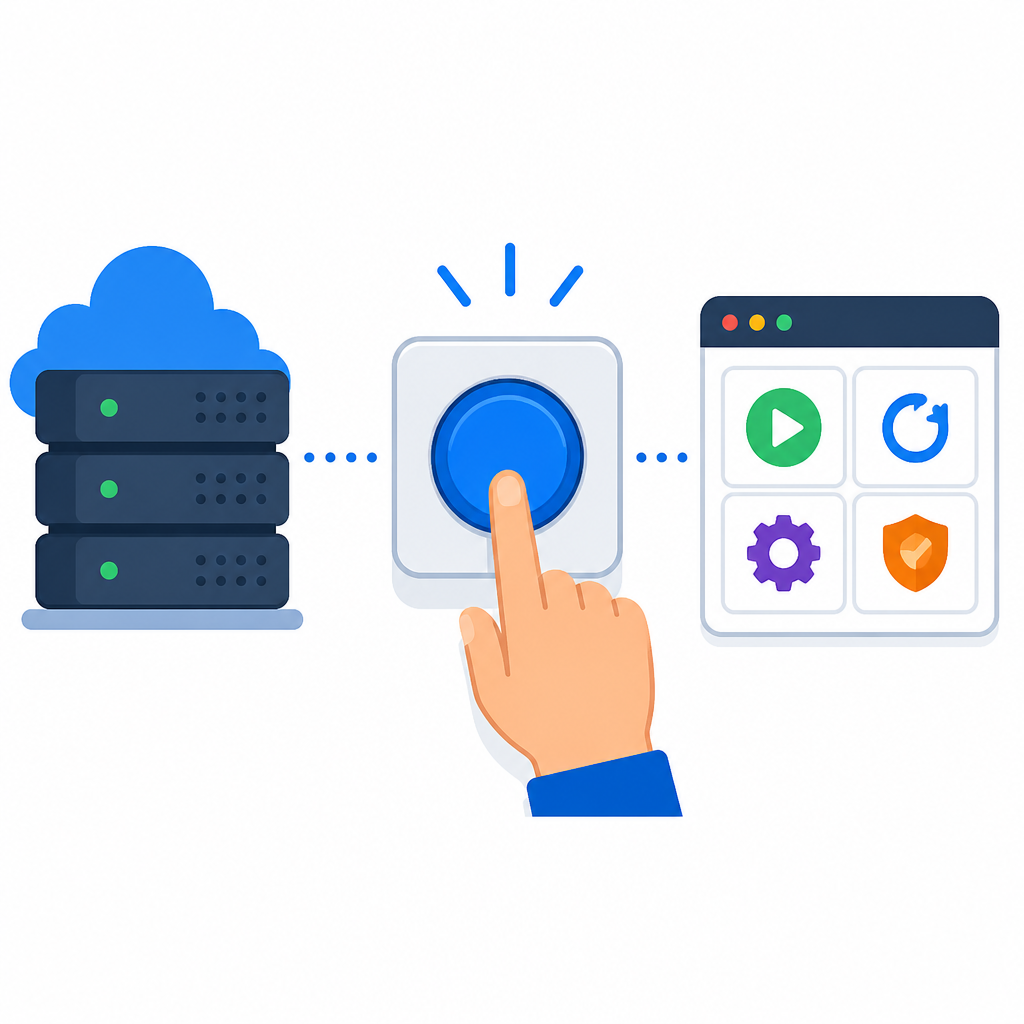
Pressable MCP now lets users run cache, backup, SSL, and WP-CLI tasks from AI tools without leaving MyPressable.

Pressable MCP now lets users run routine hosting tasks from AI tools without leaving MyPressable.
Pressable’s latest MCP update turns AI assistants into a practical hosting control layer, with backup, cache, SSL, and WP-CLI actions available in one workflow.
| Item | What it adds | Best for |
|---|---|---|
| Cache controls | Clear edge, object, or CDN cache; toggle defensive mode | Launches and performance fixes |
| Backups | List backups and get download links for files and databases | Pre-deployment checks |
| WP-CLI and shell | Run commands on one site or many sites | Bulk updates and maintenance |
| SSL tools | Check certificate status and retry issuance | Onboarding and error triage |
| Environment transfer | Copy files and databases between environments | Staging sync |
1. Cache controls
Get the latest AI news in your inbox
Weekly picks of model releases, tools, and deep dives — no spam, unsubscribe anytime.
No spam. Unsubscribe at any time.
The biggest day-to-day win is cache management. Pressable MCP can clear edge, object, or CDN cache for any site, and it can also toggle defensive mode on or off. That means a launch-day fix or a post-deploy refresh can happen from the same prompt you use for everything else.

This matters because cache work is usually small, frequent, and time-sensitive. Instead of jumping into a settings screen, an agency or developer can ask an AI assistant to clear the right cache and move on.
- Clear edge cache before a product launch
- Flush object cache after a content update
- Toggle defensive mode during troubleshooting
2. Backups
Backup handling is now part of the MCP flow too. You can list file and database backups for a site and get a download link for the one you need. That makes it easier to confirm restore points before a risky deployment or grab a specific backup for a client.
For teams that work under deadlines, this reduces the chance of pausing a release just to verify recovery options. The backup check becomes a single prompt instead of a separate dashboard task.
- List the latest database backups
- Pull a file backup download link
- Confirm restore points before deployment
3. WP-CLI and shell commands
Pressable MCP now handles WP-CLI and shell-style work, including bulk execution across multiple sites. You can update plugins across a whole portfolio, run search-replace operations, or trigger a cache flush without SSHing into each server.
That is the most operationally powerful part of the update. It turns repetitive maintenance into a controlled AI-assisted action, which is especially useful for agencies managing many live sites at once.
wp plugin update --all- Run the same command across multiple sites
- Update all plugins for a client portfolio
- Perform database search-replace tasks
4. Environment transfer
Staging and production drift is another problem Pressable MCP now addresses. The tool can copy files and databases between environments, and it can refresh a site’s plugin and theme list so what you see matches what is actually installed.
That helps when a manual change slipped into staging or when a test environment needs to be brought back in sync before QA. It is a practical fix for teams that move fast and cannot afford stale environment data.
- Copy production database to staging
- Refresh plugin and theme inventory
- Resync environments after manual changes
5. SSL, admin, and access tasks
The update also adds a cluster of small but useful admin actions. Pressable MCP can check SSL certificate status, retry issuance if it stalled, reset passwords, generate phpMyAdmin links, disconnect SSH sessions, and toggle the WordPress MCP connection for a site.
These are the kinds of tasks that often interrupt focus because they live in different corners of a dashboard. Putting them into one AI-driven flow makes onboarding, troubleshooting, and access cleanup much faster.
- Check SSL status across domains
- Retry a stuck certificate issuance
- Reset user passwords or open phpMyAdmin
- Disconnect SSH or disable MCP access per site
How to decide
If you mostly need quick launch support, start with cache and backup actions. If your work involves many client sites, the WP-CLI bulk commands and site organization tools will save the most time. If you are managing staging, onboarding, or certificate issues, the environment transfer and SSL features are the strongest fit.
Pressable says the new capabilities are available now in MyPressable under Tools → Pressable MCP, and connected users do not need to reconfigure anything.
// Related Articles
- [IND]
Rust 661’s best releases for builders this week
- [IND]
Deepwoken’s Second Layer hides Ethiron below Scyphozia
- [IND]
AMD is right to use Anthropic to break CUDA’s grip
- [IND]
AI Weekly: 2026-07-20 ~ 2026-07-27
- [IND]
WAIC 2026 turns AI hype into real work
- [IND]
KPMG’s OpenAI deal turns SaaS into agents