A vibe coding workflow keeps AI builds on track
5 steps turn vibe coding into a repeatable workflow: plan, prompt, review, refine, and document before your build gets messy.

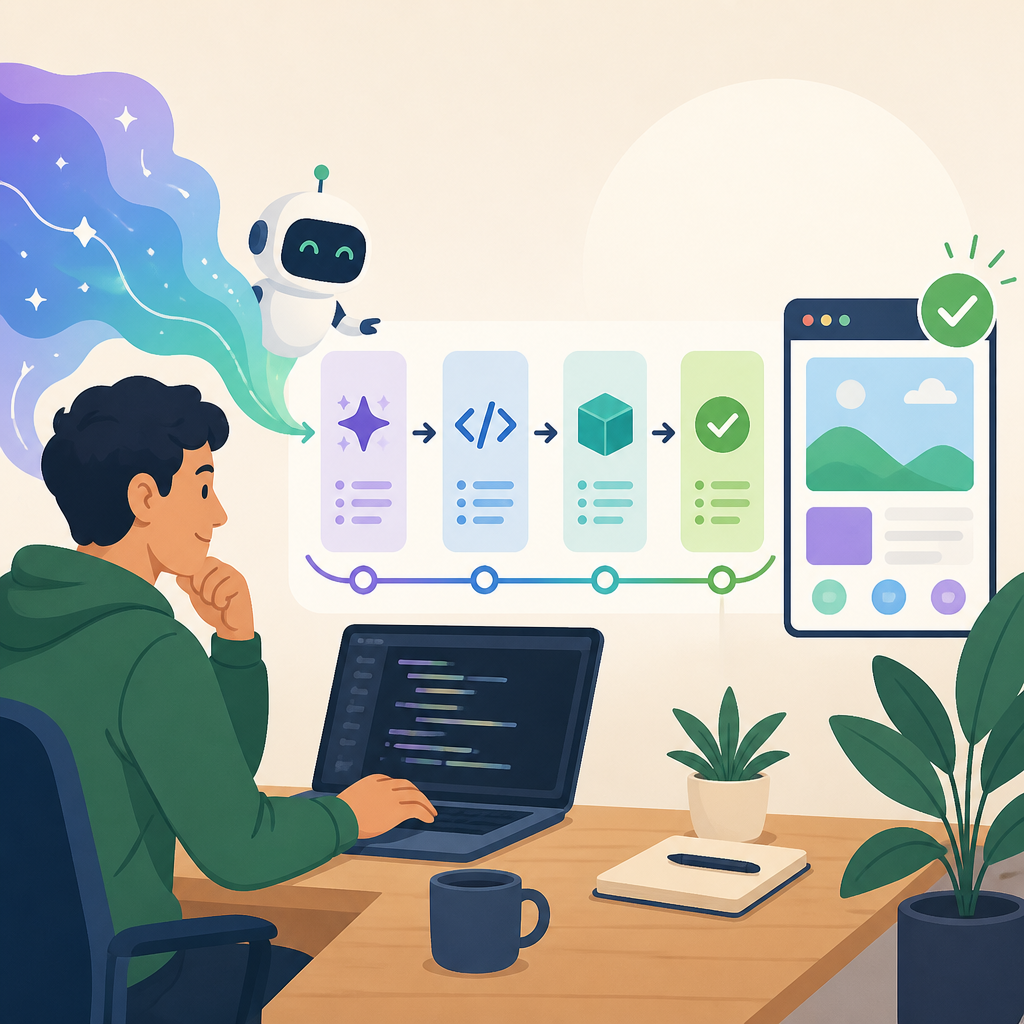
A vibe coding workflow helps you plan, prompt, review, refine, and document AI builds.
Use this five-step workflow to keep AI sessions focused, reduce guesswork, and turn one-off prompts into a repeatable build process.
| Item | Spec A | Spec B |
|---|---|---|
| Plan | Define one outcome | Set success criteria |
| Prompt | Give business and audience context | State constraints |
| Review | Check structure first | Test the main action |
| Refine | One change per prompt | Keep edits specific |
| Document | Save useful prompts | Record decisions |
1. Plan one outcome before you type
Get the latest AI news in your inbox
Weekly picks of model releases, tools, and deep dives — no spam, unsubscribe anytime.
No spam. Unsubscribe at any time.
The strongest first prompt starts with a clear goal, not a vague request. If you know what the AI is supposed to produce, you can judge the result instead of guessing whether it feels right. The source article gives a simple example: a one-page site for a residential HVAC company with a service request form, no ecommerce, and no blog.
Planning also keeps scope under control. Write down the deliverable, the audience, and two or three success criteria before you prompt. That gives the session a start point and an end point, which makes every follow-up easier to evaluate.
- Deliverable: one page, three pages, or a specific app flow
- Audience: who will use it and what they need
- Success criteria: what must be true in version one
- Boundaries: what the AI should not add yet
2. Prompt with context, not just instructions
AI output improves when the prompt includes the background the model needs to make decisions. That means business context, audience context, style or brand direction, must-have features, and must-not-do constraints. Without those details, the model fills gaps with generic assumptions.
A useful prompt does not need to be long, but it does need to be specific. The article’s prompt template is straightforward: describe the business, the audience, the main action, and the limits. For example, “Build a one-page website for a residential HVAC company” tells the AI much more than “Build me a website.”
- Business context: what the company or project does
- Audience context: who the result is for
- Style context: tone, colors, or brand rules
- Constraint context: features to exclude for now
Build a one-page website for a residential HVAC company.
Audience: homeowners in suburban areas.
Main action: service request form.
No ecommerce, no blog, no user accounts.
Clean layout with a phone number visible at the top.
3. Review the first output before changing anything
The first pass should be judged on structure first, not polish. Ask whether the layout matches the goal, whether the information appears in a sensible order, and whether the main action is easy to find. Structural problems are harder to fix later, so catch them early.

This is also the moment to test the main user action. If the project is a booking page, follow the booking flow. If it is a landing page, read it like a first-time visitor. The question is simple: does the output do the job you defined in step one?
- Check hierarchy: is the most important content visible fast?
- Check order: do sections appear in a logical sequence?
- Check action: can a user do the main task without hunting?
4. Refine one issue at a time
Prompt refinement works best when each follow-up changes only one thing. If the form is too low on the page, ask to move the form above the fold. If the heading is too generic, ask for a more direct headline. Small edits are easier for the AI to execute well, and easier for you to verify.
Big multi-part edits are where sessions get messy. When you ask for layout changes, copy changes, and color changes in one prompt, you make it harder to know what worked. Focused prompts create a cleaner chain of decisions and a cleaner final result.
- Good: “Move the contact form above the fold.”
- Good: “Rewrite the heading to focus on same-day repairs.”
- Bad: “Move the form, change the heading, add testimonials, and make buttons blue.”
5. Document decisions so you can restart cleanly
AI sessions do not remember what happened last week, and long chats get hard to follow. Documentation gives you a way to save the prompts that worked, note the decisions you made, and restart from a clean context when needed. That matters when a project grows beyond one short session.
Good notes do not need to be formal. Save the prompt that produced the best structure, list the changes you approved, and record any constraints you want to keep. If the conversation gets tangled, you can rebuild from those notes instead of trying to untangle every old message.
Project notes
- Goal: one-page HVAC site with service request form
- Audience: homeowners needing fast repairs
- Keep: clean layout, phone number at top
- Remove: blog, ecommerce, user accounts
- Best prompt: first version with business, audience, goal, constraints
How to decide
If you are starting from zero, begin with planning and context. If the first version already exists, spend your time on review and one-change refinement. If you keep losing track of what worked, documentation becomes the most valuable step because it lets you restart without guessing.
The best fit for most people is the full loop: plan one outcome, prompt with context, review the first build, refine in small steps, and save what you learned. That is the difference between random prompting and a workflow you can repeat on the next project.
// Related Articles
- [IND]
Lilian Weng returns to OpenAI to lead RSI
- [IND]
Anthropic’s Texas buildout is drawing $15B debt
- [IND]
Cognizant’s Claude play turns pilots into production
- [IND]
Prompt Engineering vs Loop Engineering vs Graph Engineering
- [IND]
PwC’s AI blunder proves verification beats prompt engineering
- [IND]
AlphaFold’s breakup turns science into Gemini work