AI Agent/·6 min read·OraCore Editors

The Core Tech Behind Claude Design: Building Design Systems from Your Codebase

Claude Design's most under-discussed feature is codebase-aware onboarding: Claude scans your repo and design files to automatically build a design system of colors, typography, and components that every future project inherits. For developers, this marks an AI agent's leap from "writes code" to "understands design tokens and systems." This article unpacks what that means for AI agents and design engineering.

Share LinkedIn
The Core Tech Behind Claude Design: Building Design Systems from Your Codebase

Most coverage of Anthropic Labs' Claude Design launch on April 17 has focused on the Figma impact. From a developer and design engineer perspective, the more interesting detail sits in the onboarding flow: the codebase-aware design system builder.

Claude Design reads your codebase and design files, extracts colors, typography, and component definitions, and builds a design system specific to your team. Every subsequent project inherits that system automatically. This represents a meaningful step for AI agents, from "writes code" to "understands systems," and it deserves a serious look.

Why Design System Work Is Painful

Anyone who has built a design system knows the hurt:

The Core Tech Behind Claude Design: Building Design Systems from Your Codebase
  • Manual token wrangling: designers debate whether primary is #2563EB or #1D4ED8, then engineers write that value into CSS, Tailwind config, iOS asset catalogs, and Android color resources, four places for one decision
  • Cross-repo sync: marketing site, mobile app, admin console, each on a different stack, tokens staying in sync through sheer human effort
  • Drift: six months later the design file says #2563EB but production actually ships #2064E8 and no one knows when it changed
  • Documentation lag: Storybook and the actual component diverge over time

Large companies run full Design System teams to handle this. Smaller teams just let it rot.

How Claude Design Does It

According to Anthropic's announcement, the onboarding flow goes roughly like this:

  1. Connect codebase: user authorizes Claude to read the repo
  2. Parse design files: scan Figma, Sketch, or other design sources
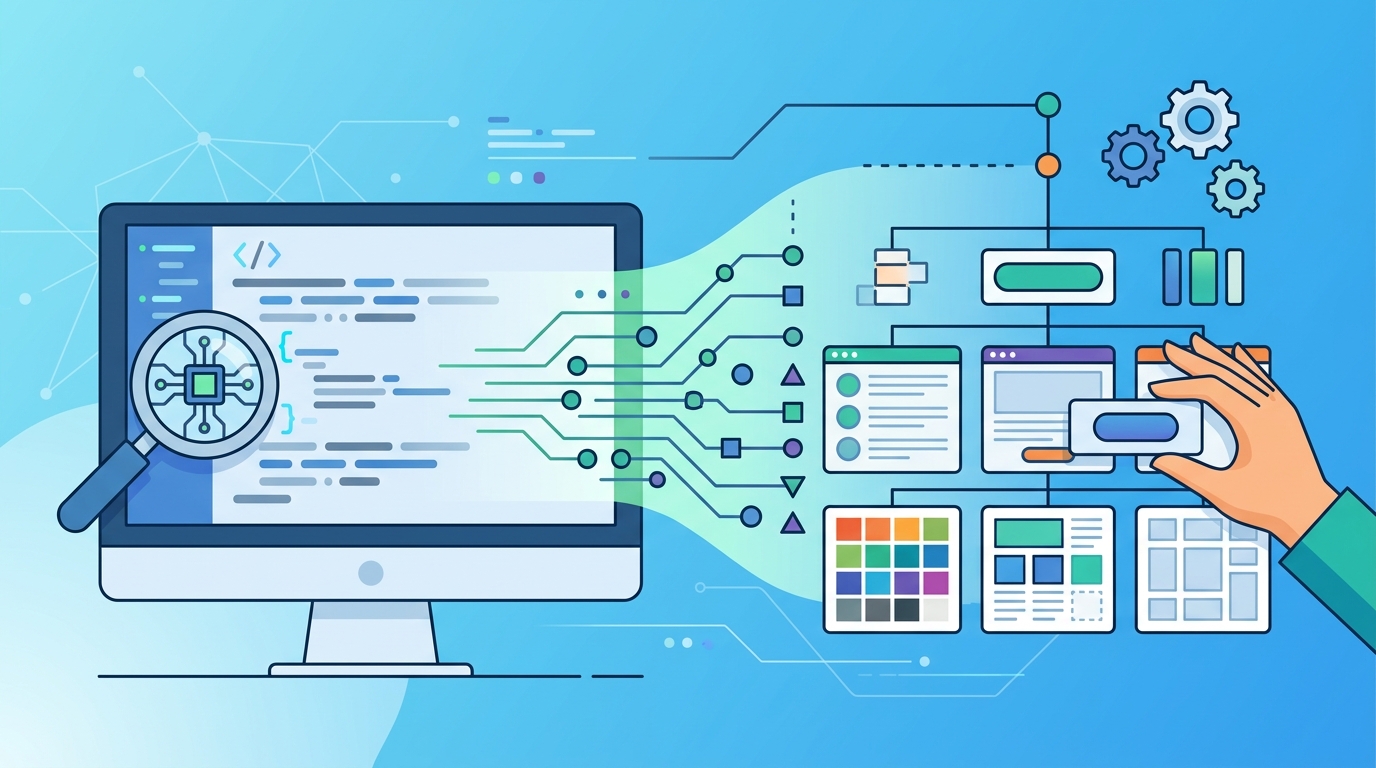
  3. Extract tokens: pull colors, typography, spacing, radius, shadows from code (Tailwind config, CSS variables, component libraries) and design files
  4. Identify components: recognize recurring patterns for buttons, cards, inputs, and similar building blocks
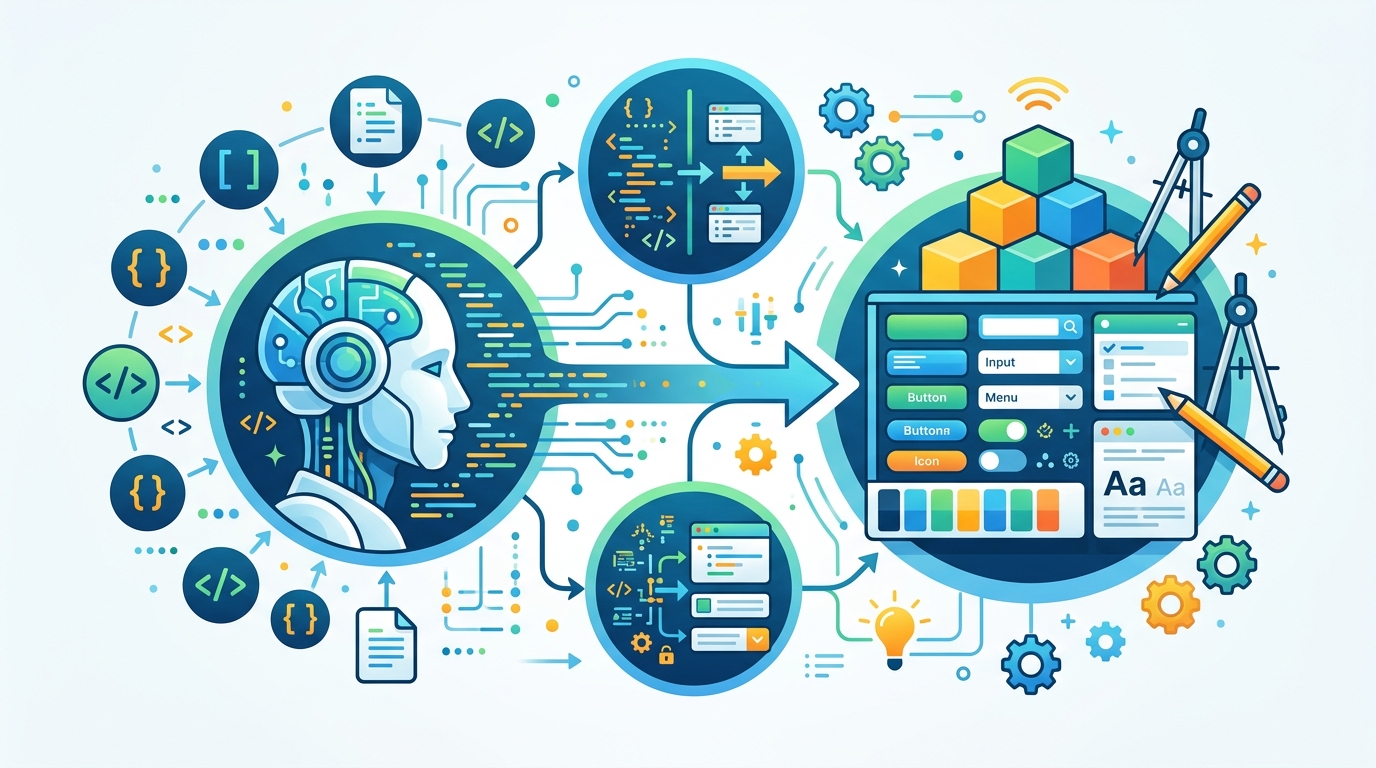
  5. Generate a usable design system: assemble everything into a system Claude Design can reference internally
  6. Continuous sync: re-read when the team makes changes

Steps 3 and 4 are the interesting ones. AI used to do either "visual recognition" or "syntactic parsing"; it rarely did both together. Claude now has to cross modalities: reading a CSS variable name and understanding "this is the primary color," then looking at a Figma component and recognizing "this is the same Button.tsx in the codebase." That is Opus 4.7's high-resolution vision plus long-context reasoning working in tandem.

What It Means for AI Agents

The headline is not that Claude made a good design system. It is that AI agent capability pushed forward another step.

The Core Tech Behind Claude Design: Building Design Systems from Your Codebase

Previous AI agents came in flavors: code writers (GitHub Copilot), text reasoners (general LLMs), vision models (image understanding). Claude Design is the first product to fuse all three into a single concrete task: read the code, read the design, understand designer intent, generate new work that matches the system.

Put differently, this is not "code plus image plus text" added together. It is systems thinking rendered as AI capability. For Claude to use colors correctly in a new slide, it has to understand why a particular color is called primary and another accent. That kind of systems comprehension is the capability that separates "tool executor" from "collaborator."

Implications for Developers and Design Engineers

Several practical consequences follow:

  • Token naming directly affects AI output quality: if your CSS variables are --color-1, --color-2, Claude has no semantic hook; if they are --color-primary, --color-on-surface, it has context to work with
  • Design file structure matters too: teams using Figma variables and components give Claude more structure to extract than teams with raw layers
  • Documentation quality becomes a ceiling on AI output: component READMEs, Storybook stories, TypeScript type annotations, artifacts that already helped humans now help AI just as much
  • "AI-readable" becomes a new code quality dimension: similar to how "testable" became a marker of good code over the past two decades

You don't need to rewrite your project for AI. But good engineering practices turn out to be AI-friendly, and that pattern is becoming more visible.

Risks and Limits

Worth flagging:

  • Drift risk: Claude reads the codebase once; if tokens change afterward, the AI is working from stale data unless sync is explicit
  • Private codebase security: handing an entire repo to Claude raises concerns about unreleased features and proprietary logic. Anthropic has published data-handling policies, but enterprise teams should read them carefully
  • Monorepo complexity: large monorepos often contain multiple design systems with different aesthetics, and it's unclear which one Claude picks
  • Garbage-in quality ceiling: if your codebase's token naming is already a mess, the design system Claude builds will be just as messy

The effectiveness of this feature depends heavily on your own engineering quality.

Takeaway

Claude Design's codebase-aware mechanism may be the most under-discussed part of this launch. It is not just a feature. It is a clear signal about where AI agents are headed: not just executing tasks, but understanding the systems they operate in. For developers and design engineers, that is a much bigger deal than "one more AI drawing tool."

Related Reading