OpenCode 2026 Setup Guide for Open-Source AI Coding
OpenCode hit 170,000+ GitHub stars in 2026 by pairing model choice, local runs, and multi-agent workflows.

OpenCode is a model-agnostic open-source AI coding agent that runs in the terminal, desktop, and IDEs.
OpenCode crossed 170,000 GitHub stars by mid-2026 and pulled in 900+ contributors while staying free to use. That is a rare outcome in developer tools: no subscription wall, no single-model lock-in, and no need to accept one vendor’s idea of how coding agents should work.
What OpenCode actually is
Get the latest AI news in your inbox
Weekly picks of model releases, tools, and deep dives — no spam, unsubscribe anytime.
No spam. Unsubscribe at any time.
Most AI coding tools wrap a chat interface around a file editor and call it a day. OpenCode takes a different route: it is an agent loop with session memory, plan and build modes, LSP support, and multi-agent threads. You can run it in the terminal, install the desktop app, or use the IDE extension depending on how you like to work.
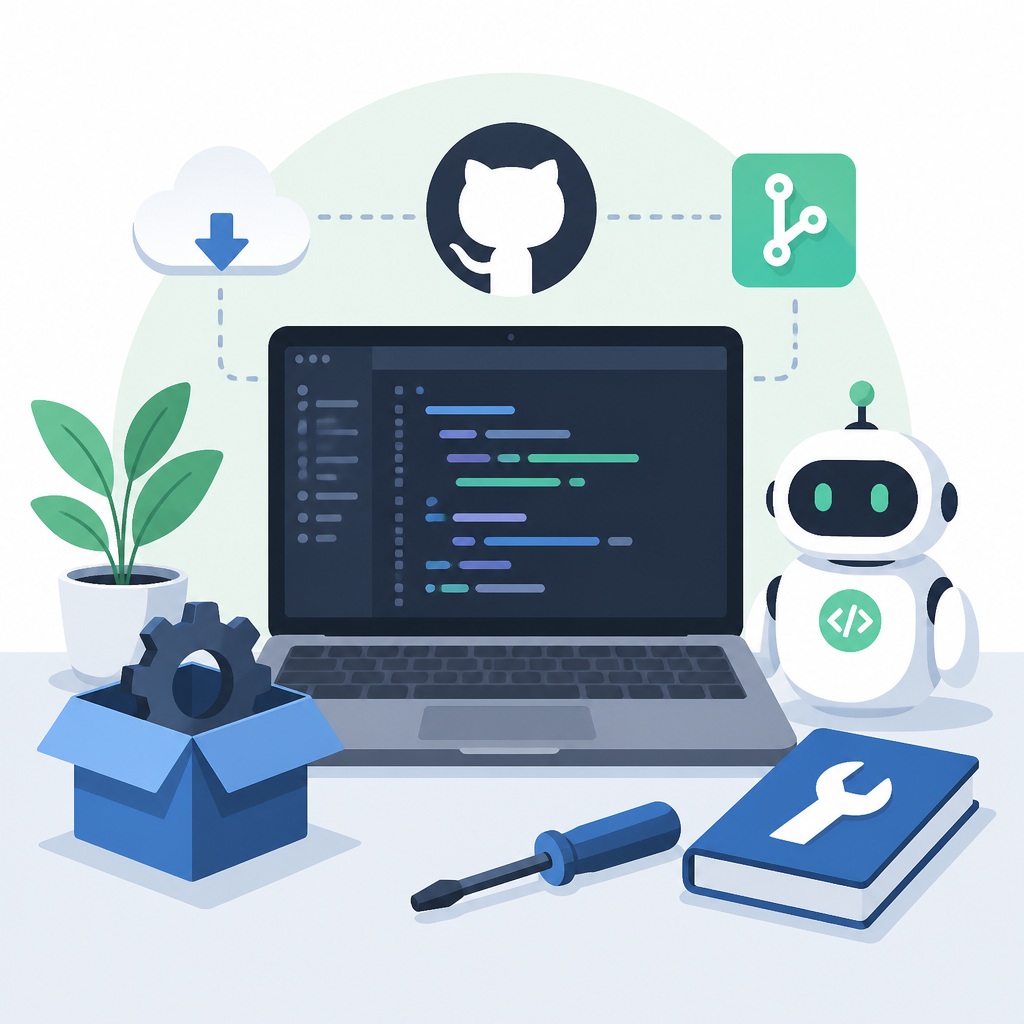
The biggest design choice is model agnosticism. Instead of tying you to one vendor, OpenCode connects to more than 75 LLM providers through one config file. That includes OpenAI, Anthropic, Google Gemini, Mistral, and local models through Ollama. That matters because coding tasks are not uniform. A fast cheap model is fine for cleanup work, while a stronger model can pay off on larger refactors.
- 170,000+ GitHub stars by mid-2026
- 900+ contributors building the project
- 75+ provider integrations in one config
- Works in terminal, desktop, and IDEs
Install it and wire up a provider
Setup is intentionally short. The CLI installs with one command, and the project page gives you the same flow whether you are on Linux, macOS, or Windows. Once the binary is on your machine, you verify it the same way you would any developer tool: run the version command and make sure the shell can find it.
OpenCode’s config lives in opencode.json for a project or ~/.opencode/config.json globally. That file decides the default provider, default model, and API keys. If you want to switch from one model family to another, you can do it in seconds without reinstalling anything or rewriting your workflow.
“The key to progress is to get the right things done.” — Paul Graham, Maker’s Schedule, Manager’s Schedule
That quote fits OpenCode well because the tool is built around reducing friction between intent and action. The less time you spend fighting setup, the more time you spend on the actual code change. In practice, that means the config file matters almost as much as the model choice.
Here is the shortest path from zero to a working session:
- Install the CLI with the official installer or Homebrew on macOS
- Run
opencode --versionto confirm the install - Create or edit
opencode.jsonwith your provider key - Start the TUI and use
/initin your repo
| Item | Value | Why it matters |
|---|---|---|
| GitHub stars | 170,000+ | Shows adoption among developers |
| Contributors | 900+ | Signals active community maintenance |
| Provider count | 75+ | Makes model switching practical |
| Anthropic block date | January 9, 2026 | Changed the default provider mix |
| SWE-bench Verified with GPT-5.4 | ~75% | Useful benchmark for agent quality |
Plan mode, build mode, and why the toggle matters
OpenCode’s most useful workflow detail is the Tab key. It switches between plan mode and build mode, and that small toggle changes how the agent behaves. Build mode lets the agent read files, edit code, install packages, and run tests. Plan mode keeps the session read-only and forces the agent to explain what it would do before it touches the filesystem.
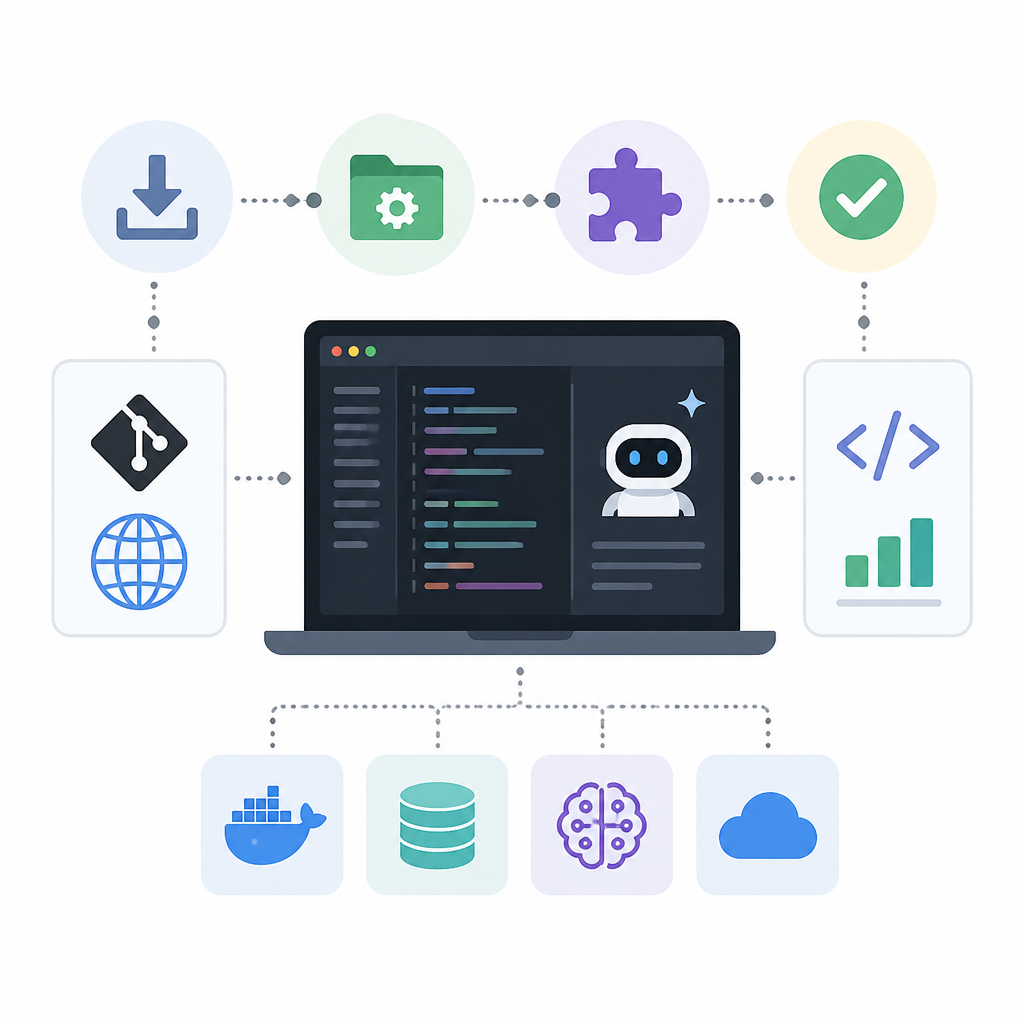
That distinction matters more than people expect. When a repo is unfamiliar, plan mode gives you a chance to catch bad assumptions before the agent writes anything. When the task is straightforward, build mode saves time and lets the agent move through a multi-file change without constant babysitting. The best pattern is usually plan first, then build.
OpenCode also supports parallel agent threads. You can run one thread on TypeScript errors, another on unit tests, and a third on documentation updates. The catch is simple: use parallel sessions for independent work, not for overlapping file edits. If two threads touch the same code path, you are asking for merge pain.
/initcreatesAGENTS.mdfor repo-specific instructions/modelswitches models mid-session/compacttrims history to save context/costshows token spend for the current sessionCtrl+Nopens a new agent thread
How it compares with Cursor, Claude Code, and Copilot
OpenCode is not trying to win every category. It does not have inline autocomplete like Cursor, and it does not have the same deep IDE feel that many developers expect from a plugin. What it does have is freedom: free software licensing, local model support, and the ability to swap providers whenever pricing or quality changes.
The comparison gets clearer when you look at the numbers. Claude Code reportedly leads SWE-bench Verified at 88.6% with Opus 4.8, but it requires a $20/month subscription and stays inside Anthropic’s model family. OpenCode using GPT-5.4 lands around 75% on the same benchmark, and it can route to dozens of other providers when a task calls for different tradeoffs. GitHub Copilot is cheaper at $10/month Pro, but it is still a proprietary product with a narrower model story.
For many teams, the real answer is to use more than one tool. Cursor remains attractive for autocomplete and day-to-day editing inside the IDE. OpenCode is better when you want an agent to handle a multi-file task in the terminal, especially if you care about local runs or want to avoid per-seat pricing across several closed tools.
- OpenCode: free, open source, 75+ providers, local/offline support
- Cursor: strong IDE integration, proprietary, partial BYOM
- Claude Code: top benchmark score, but Anthropic-only
- Copilot: lower price, but narrower agent workflow
One detail from 2026 explains a lot of the community momentum. Anthropic blocked OpenCode from Claude access in January after the project used an OAuth flow Anthropic treated as unauthorized spoofing of its official client. OpenCode later removed Anthropic references from the codebase, and many users moved to GPT-5.4 and Gemini 3.1 Pro as their defaults. That forced the project to prove its value on model choice, not brand access.
The local-first option is the big draw
OpenCode paired with Ollama gives you something the proprietary tools cannot match: a full agent loop that runs on your own hardware. That means no API calls, no usage fees, and no code leaving your network. For companies with privacy rules, or developers who simply want to keep experiments local, that is a strong reason to choose it.
The article’s recommended local model is Qwen2.5-Coder 32B. It needs serious hardware, but the payoff is real. On machines like an M3 Max or M4 Pro, it can run at usable speeds for coding tasks, and it handles multi-file edits well. If you do not have that much VRAM, the 7B version is a more practical fallback.
This is where OpenCode’s design starts to feel different from the subscription tools. You can optimize for cost, privacy, or raw model quality without changing your agent workflow. That flexibility is the point.
OpenCode also benefits from a clean separation between the agent and the model. If a new model ships next month with better code reasoning or lower input cost, you can switch providers and keep the same commands, same repo instructions, and same session habits. That is a real operational advantage for teams that hate retooling every quarter.
What developers should do next
If you want to test OpenCode properly, do not start with a tiny toy repo. Try it on a codebase with tests, lint rules, and a few real maintenance tasks. Use plan mode first, write a tight AGENTS.md, then let build mode handle one bounded change. That will tell you more than a quick demo ever will.
My read is simple: OpenCode is the best open-source option for developers who want an agent, not an editor gimmick. If your work lives in the terminal, if you care about local runs, or if you want to swap models based on price and task difficulty, it deserves a spot in your toolkit. If your day depends on inline autocomplete inside VS Code, keep Cursor or Copilot nearby and use OpenCode for the heavier jobs.
The next question is not whether OpenCode can attract more stars. It is whether the project can keep its model-agnostic promise while the major providers keep changing access rules, pricing, and performance. If it does, the tool will keep winning on the one metric that matters most to developers: how much useful code it helps ship in a week.
// Related Articles
- [AGENT]
ChatGPT now remembers your Mac work history
- [AGENT]
Grok Bot turns browser chores into cloud work
- [AGENT]
Agent Plugins 1.0.0 turns skills into folders
- [AGENT]
FaithEyes lets you train tool-faithful vision agents
- [AGENT]
Connect Qwen 3.8 Max to CLI Agents
- [AGENT]
Fine-tune a small LLM for legal labeling