What Vibe Coding Means for Developers
Vibe coding uses plain-language prompts and AI agents to turn ideas into code faster, with humans still reviewing every step.

Vibe coding turns plain-language prompts into code while the developer stays in control.
GitHub published a new explainer on vibe coding on June 9, 2026, and the timing matters: this is no longer a niche trick for demos. It is becoming a normal way to sketch software, test ideas, and build small features with GitHub Copilot and other agentic tools.
The core idea is simple. You describe what you want in natural language, the model drafts code, and you refine it until it works. That loop is already changing how developers prototype, how beginners start, and how teams think about boilerplate.
| Fact | Value | Why it matters |
|---|---|---|
| GitHub article date | June 9, 2026 | Shows GitHub is treating vibe coding as a current workflow, not a future concept |
| Example prompt | “create a dark mode toggle for a settings menu” | Shows the plain-language style vibe coding depends on |
| Example prototype speed | under an hour | Illustrates how fast a solo builder can move with AI help |
| Common risk areas | security, maintenance, debugging | Explains why human review still matters |
What GitHub means by vibe coding
Get the latest AI news in your inbox
Weekly picks of model releases, tools, and deep dives — no spam, unsubscribe anytime.
No spam. Unsubscribe at any time.
GitHub defines vibe coding as a natural language-driven, AI-assisted way to build software. Instead of writing every line by hand, you describe the feature, the tool generates a draft, and you keep shaping the result as you go.

That framing matters because it separates vibe coding from simple autocomplete. This is a conversational workflow. You are not waiting for a perfect answer from the model; you are steering it with short instructions, corrections, and follow-up prompts.
GitHub’s own examples are practical, not flashy: a responsive HTML page for a music app, a pandas plot of the top five countries by population, or an SQL query that filters customer orders by date and amount. Those are the kinds of tasks where AI can remove friction fast.
- Plain-language prompts replace a lot of manual typing.
- Iteration happens in the editor instead of a separate planning phase.
- Early prototypes can come together before the idea cools off.
- Human judgment still decides whether the code is worth keeping.
Why the workflow feels so fast
The appeal of vibe coding is speed, but the bigger win is momentum. Once the first draft exists, you can ask for changes without restarting the whole task. That keeps you inside the problem instead of bouncing between docs, syntax errors, and setup work.
GitHub says the method works best for early-stage projects and creative exploration. That matches what a lot of developers already do with AI tools like OpenAI-backed assistants, where the first pass is good enough to inspect, edit, and extend.
“Vibe coding is a natural language-driven, AI-assisted way to build software.”
That quote from GitHub is the cleanest way to understand the shift. The coding session becomes a back-and-forth conversation, and the developer spends more time deciding what the software should do than typing scaffolding around it.
There is a reason this resonates with both beginners and experienced engineers. Beginners can get something visible on screen sooner. Experienced developers can skip repetitive setup and move straight to the parts that need judgment.
How to use it without losing control
GitHub’s guide is careful about one thing: vibe coding does not replace development skills. If anything, it raises the value of review, testing, and debugging because AI can move quickly in the wrong direction.
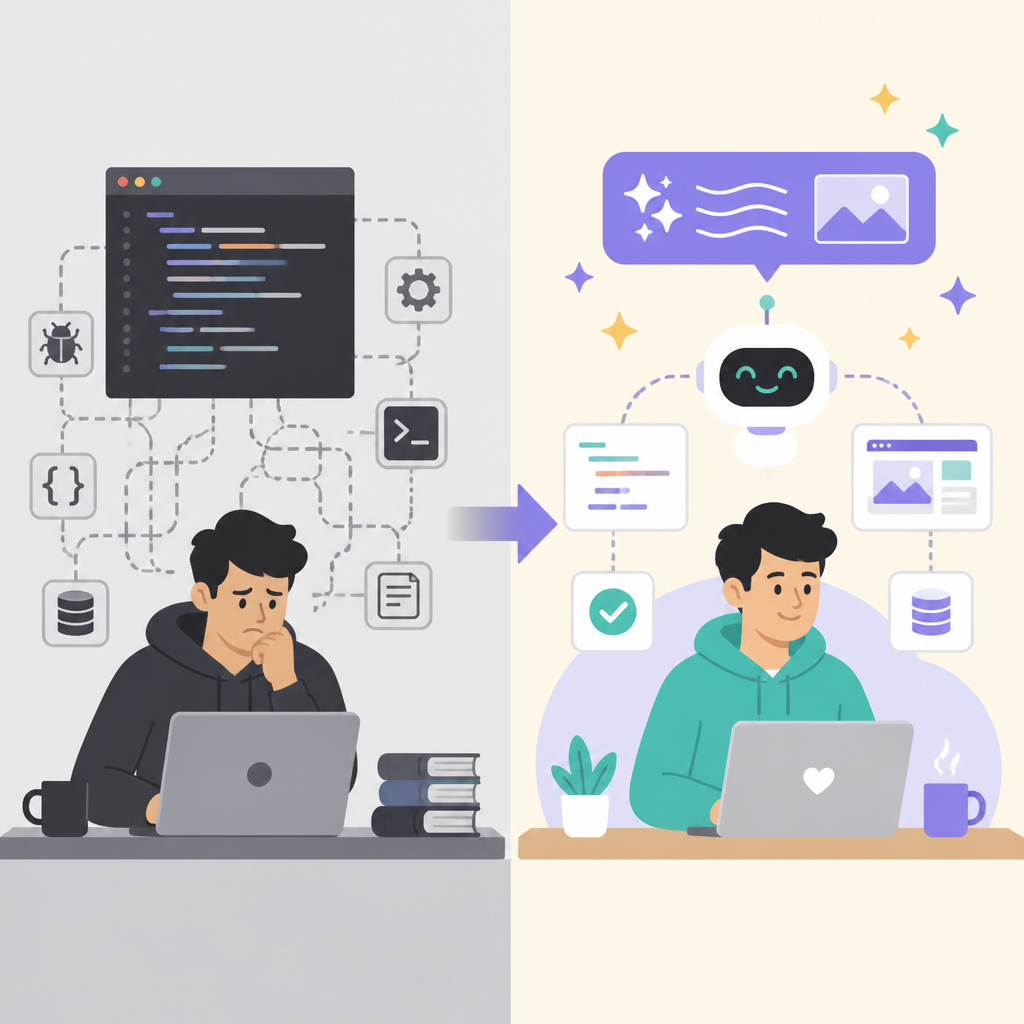
The article lays out a rhythm that feels familiar to anyone who has pair-programmed or done rapid prototyping. Start with a prompt, inspect the output, revise the logic, and then test before moving on. That last step matters more than the shiny part.
- Choose a tool that fits your editor and stack, such as Visual Studio Code or JetBrains IDEs with Copilot.
- Describe inputs, outputs, constraints, and style preferences in plain language.
- Ask for tests, cleanup, and smaller functions when the generated code gets messy.
- Run unit tests, review dependencies, and format the code before shipping.
That process sounds simple because it is simple. The hard part is resisting the urge to trust the first draft too much. AI can write a function in seconds, but it can also produce awkward structure, weak error handling, or code that looks right and fails in edge cases.
GitHub also points to the value of code review here. That is the real guardrail. Vibe coding works best when it sits inside normal engineering habits instead of replacing them.
Where vibe coding helps, and where it breaks down
GitHub is clear about the limits. AI handles common tasks well, but it struggles more with complex workflows, real-time systems, hardware integrations, and logic that depends on precision. It can also miss threading concerns, performance problems, and subtle security issues.
That means vibe coding is strongest when the goal is discovery, prototyping, or building a first version. It is weaker when the code needs to be carefully tuned, audited, or maintained for a long time.
The article calls out several risk areas that teams should watch closely. These are not theoretical problems. They show up quickly once generated code starts piling up across small apps, side projects, or internal tools.
- Security issues such as hardcoded credentials and unvalidated input.
- Maintenance problems such as scattered logic and inconsistent naming.
- Debugging problems when the AI’s choices are hard to explain.
- Quality issues when code runs but is difficult to extend later.
This is where the human role becomes non-negotiable. The AI can draft, adjust, and explain pieces of code, but it does not own the consequences. The developer still has to decide whether the result is safe, readable, and worth keeping.
GitHub’s examples make that balance obvious. A developer can ask for a Flask endpoint that checks whether a number is prime, then ask for error handling, then ask for tests. That is productive. It is also a reminder that the quality comes from the editing loop, not from one magical prompt.
Why GitHub is pushing this now
GitHub’s article is part product education and part signal. The company wants developers to see Copilot as more than autocomplete, and vibe coding is a useful label for the kind of work Copilot is trying to support.
That matters because the term gives a name to a workflow many developers already use informally. You sketch, prompt, inspect, revise, and keep moving. GitHub is betting that this style will feel normal inside modern editors, especially when the AI can understand context and keep up with changes.
For teams, the practical takeaway is simple: treat vibe coding as a fast path to a prototype, then move the result into normal engineering discipline. That means review, tests, documentation, and cleanup before the code turns into a maintenance burden.
If GitHub’s framing catches on, the next question is not whether AI can write code. It is which parts of software work should stay conversational, and which parts still deserve slower, stricter engineering from the start.
// Related Articles
- [TOOLS]
Rust vs Go: 2026 latency gap, decoded
- [TOOLS]
10 identity protocols let KYC stay private
- [TOOLS]
Use Consensus AI for faster literature scouting
- [TOOLS]
15 Perplexity prompts for better research decisions
- [TOOLS]
Mistral AI Models 2026 for Builders
- [TOOLS]
RustRover 2026.2 turns Rust setup into one file