Anthropic’s Claude Tag Research turns Slack into search
Anthropic’s Claude Tag Research preview shows how to turn Slack threads into a searchable research surface.

Claude Tag Research turns Slack into a searchable research surface.
I've been using Slack long enough to know when it's lying to me. Not in a malicious way, just in that very normal, very annoying way where the answer is definitely in there somewhere, buried under six side threads, three emoji reactions, and a message from someone who left the company last quarter. I keep trying to turn chat into something I can actually use for research, and it usually falls apart fast. Search is too blunt. Pinning is too manual. Asking people to “drop the context in the doc” just creates another place to forget things.
So when I saw Reuters' report on Anthropic's Claude Tag Research preview for Slack users, I immediately read it as a workflow problem, not a product announcement. The source is Reuters Tech News at reuters.com/technology/anthropic-launches-claude-tag-research-preview-slack-users-2026-06-23. Reuters' article is short, and that's fine. It gives me just enough to see the shape of the thing: Anthropic is pushing Claude deeper into Slack, and the point is to make research feel less like scavenger hunting and more like asking a system that already knows where the bodies are buried.
Stop treating Slack like a chat app and start treating it like evidence
Get the latest AI news in your inbox
Weekly picks of model releases, tools, and deep dives — no spam, unsubscribe anytime.
No spam. Unsubscribe at any time.
Anthropic launches Claude Tag Research preview for Slack users.
What this actually means is that Slack stops being just a place where people talk and becomes a place where useful material accumulates. That sounds obvious until you try to use it. Then you realize most teams have already built a giant, accidental knowledge base inside channels, threads, DMs, and shared links. The problem is nobody can query it cleanly.
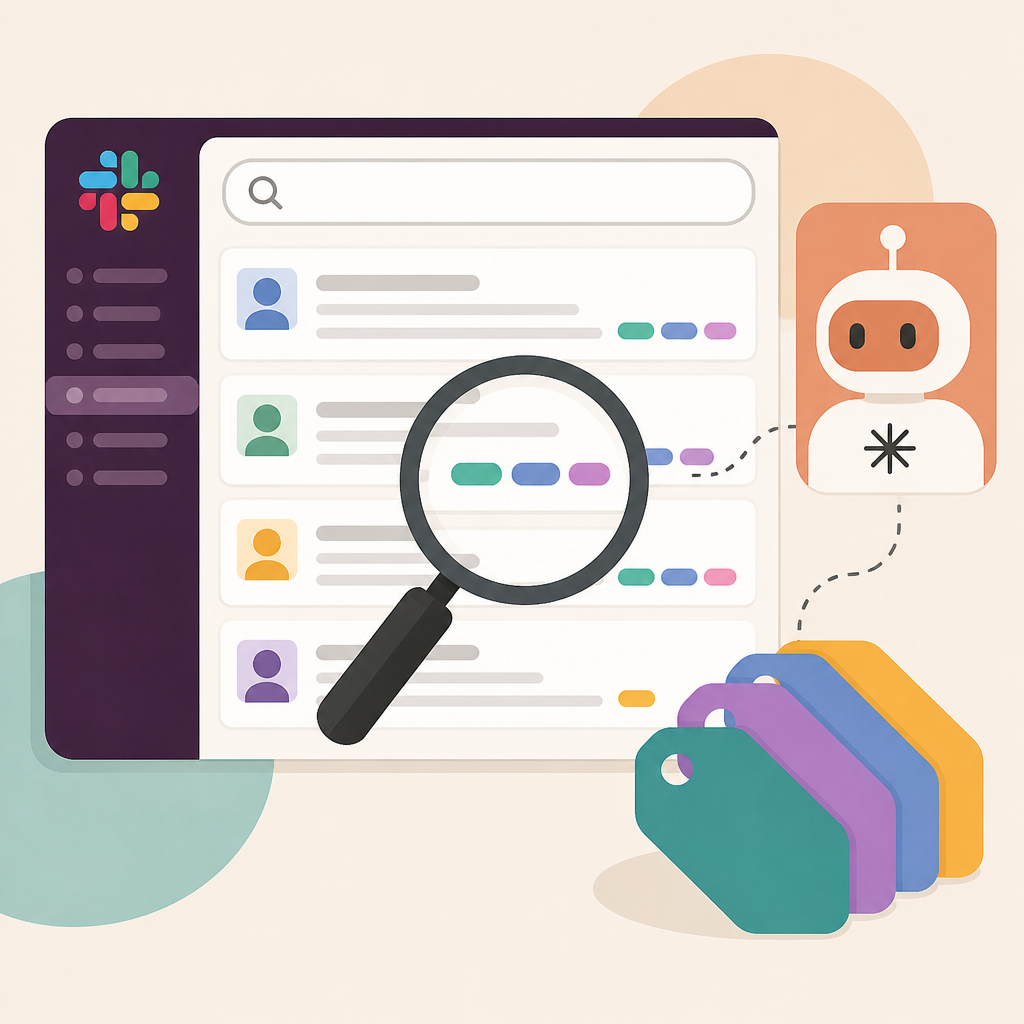
I've run into this constantly on product and engineering teams. Someone asks a question, gets three partial answers, then the real answer gets posted two hours later in a thread nobody followed. A week later, the same question comes back and everyone re-argues it like groundhog day. If Claude can tag and organize research inside Slack, the value isn't that it writes better prose. It's that it helps me turn messy conversation into something retrievable.
How to apply it: stop asking your team to remember everything. Instead, define which Slack channels are part of the research surface. That usually means decision channels, launch channels, incident channels, and customer feedback channels. Then make sure the AI workflow points at those places first, not at every random DM where context goes to die.
Anthropic's own product page for Claude is the right place to watch for how they frame these workflows, and Slack's integration ecosystem at slack.com/apps is where this kind of thing lives or dies. If the integration feels like a bolt-on, nobody uses it. If it feels like part of the team's memory, people start depending on it without thinking about it.
The real win is not answers, it's fewer follow-up questions
I think a lot of AI tooling gets sold as “faster answers,” but that misses the actual pain. Faster answers are nice. Fewer follow-up questions are better. The minute a tool can pull context from Slack and package it in a way that survives a handoff, I care more. Because most team work is handoff work. Someone asks, someone answers, someone else needs the answer next week, and the whole thing falls apart if the context isn't preserved.
Reuters didn't give a deep technical spec here, so I'm not going to invent one. But the pattern is familiar: research assistant + workspace data + retrieval + summarization. That combo is useful only if the system can separate signal from noise. Otherwise it just produces prettier confusion.
I ran into this when I tried to use a generic chatbot on a channel archive. It could quote messages back at me, sure. But it couldn't tell me which thread mattered, which comment was a joke, and which message was a decision that had quietly become policy. That's the difference between search and research. Search returns text. Research returns a usable trail.
How to apply it: build a tiny rule set for your team before you even touch the tool. For example:
- Decisions must be summarized in one canonical message.
- Questions that affect multiple teams need a thread summary.
- Customer quotes should be tagged with source and date.
- Anything important enough to repeat should be linked from a single place.
If Claude is going to help here, it should amplify those rules, not replace them. Otherwise you're just teaching the model to inherit your mess.
Tagging beats dumping because retrieval is the whole game
The word “tag” in the Reuters headline matters more than people think. Dumping raw Slack content into a model is lazy. Tagging is where the useful work starts. Tags create structure. Structure creates retrieval. Retrieval is what lets research scale beyond one overcaffeinated person remembering where the answer lived.
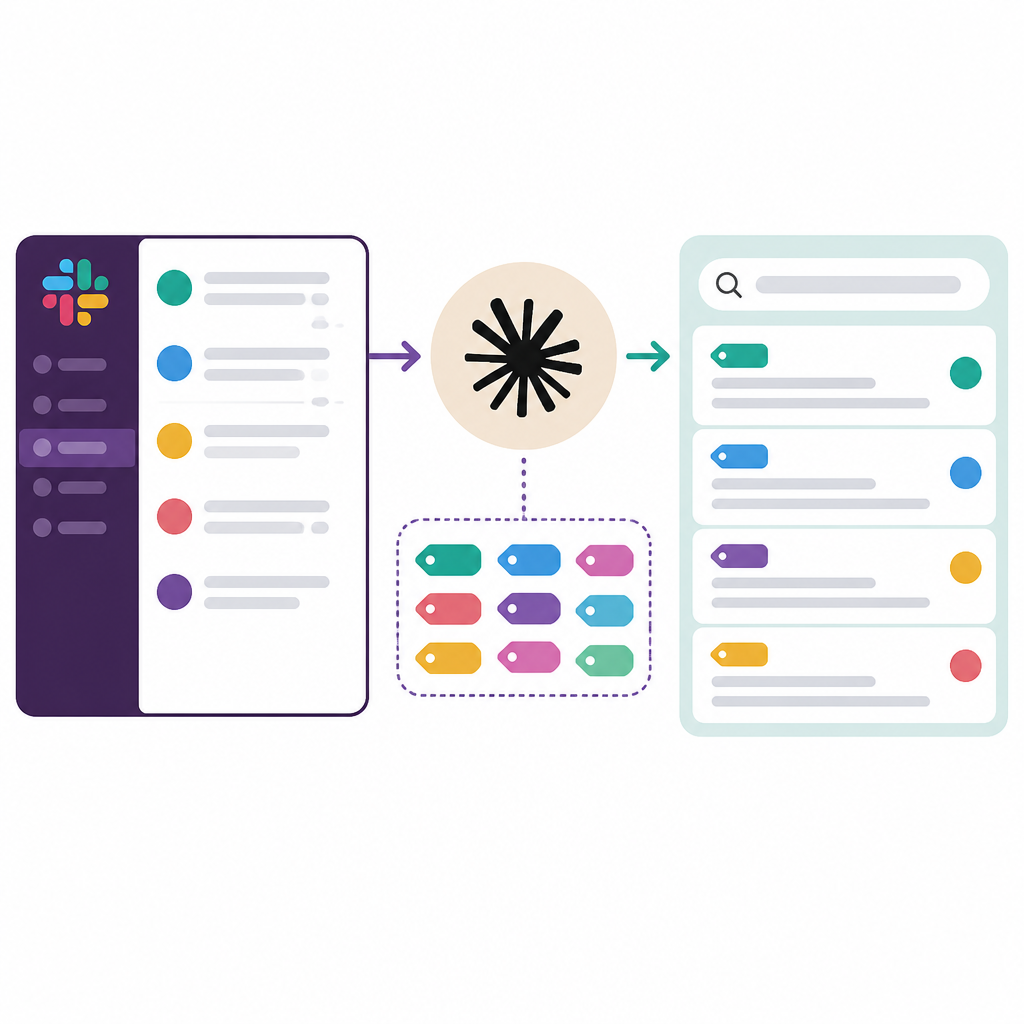
I've watched teams make the same mistake over and over: they collect everything, then assume intelligence will sort it out later. It doesn't. The model can only work with the boundaries you give it. If you tag by project, customer, incident severity, or decision type, you give the system handles. Without handles, you're just asking it to fish through a bucket of noise.
How to apply it: design tags around how your team actually asks questions. Not how your org chart looks. Not how your PM tool is structured. Use the questions people repeat. For example:
- What changed?
- Why did we decide this?
- Who approved it?
- What did the customer say?
- What is still unresolved?
Then map those questions to tags or labels in whatever workflow you build. If Claude's preview makes tagging easier inside Slack, that's the useful bit. The AI isn't the product. The retrieval path is the product.
For reference, Anthropic's docs and pricing pages at anthropic.com/pricing and Slack's help center at slack.com/help are where I would check integration limits, permission behavior, and admin controls before rolling anything out. I never trust a shiny workflow until I know who can see what.
Privacy and permissions are not boring details, they're the whole deployment
This is the part everyone skips until they get burned. If an AI tool can read Slack, then permissions are the product. Who can it see? Which channels are included? What happens with private conversations? Can admins scope it? Can users opt out? If you don't answer those questions up front, you're basically building a compliance problem and calling it productivity.
Reuters' brief report doesn't give those details, so the honest read is simple: I need the admin story before I care about the feature story. That's not paranoia. That's experience. The first time an assistant surfaces a sensitive thread out of context, trust drops fast and never fully comes back.
I ran into this at a company where someone wired a knowledge bot into internal chat without enough permission scoping. It was useful for about a week. Then it started surfacing stale references, half-private notes, and one message that absolutely should not have been discoverable that way. After that, nobody wanted to use it. The tool wasn't broken. The trust model was.
How to apply it: before you let an AI read your workspace, write down the following:
- Which channels are in scope.
- Which channels are excluded.
- Whether DMs are excluded by default.
- Who can query the system.
- Whether outputs are logged.
- How long the data stays available.
If the vendor can't answer those cleanly, stop there. I've seen too many teams rush past this and then spend months cleaning up the mess. Also, if you're building this internally, check the Slack API docs at api.slack.com and Anthropic's developer docs at docs.anthropic.com before you wire anything to production.
Research workflows need a boring operating model, not a magic prompt
Here's the part I wish more teams would admit: the prompt is not the system. The system is the operating model around the prompt. If Claude Tag Research is useful, it's because it fits into a repeatable process. Someone asks. Someone tags. Someone summarizes. Someone links the result back to the source. That boring loop is what makes the whole thing durable.
I've tried plenty of “AI research” setups that were really just one person doing all the work while a chatbot looked helpful. That doesn't scale. The minute that person is offline, the process dies. A good workflow should survive turnover, vacation, and the usual chaos of a real team.
How to apply it: I like a simple chain.
- Capture: collect the relevant Slack thread or channel excerpt.
- Tag: mark the topic, owner, and status.
- Summarize: write a short plain-English summary.
- Store: put the summary somewhere canonical.
- Link back: keep the original Slack permalink attached.
That last step matters more than people think. If I can't get back to the source thread, I don't trust the summary. A research tool should make the path back to the evidence obvious. If it doesn't, it's just generating a nicer lie.
What I would actually do with this inside a team
If I were rolling this out tomorrow, I would not start with “let the AI read everything.” That's how you create chaos. I would start with one team, one problem, and one channel cluster. For example, product launches. Those are already noisy, already cross-functional, and already full of context that gets lost the second the launch is over.
Then I'd define the question set the tool needs to answer. Not “be smart.” Actual questions. What was decided? Why did we choose this approach? What objections came up? What changed after review? Who owns the next step? If the tool can answer those from Slack, then it is doing real work.
How to apply it in practice:
- Pick one channel group with a clear use case.
- Limit the scope to public channels first.
- Require summaries to include source links.
- Review outputs weekly for accuracy and permission issues.
- Promote only the summaries that people actually reuse.
That last bullet is the one people skip. Don't measure success by how many messages the tool processed. Measure it by how often someone reused the output without asking the same question again. That's the point. If nobody reopens the thread, you probably built something useful.
The template you can copy
# Slack research workflow template for Claude-style tagging

## Goal
Turn Slack threads into searchable research notes that survive handoffs.

## Scope
- Include: public channels related to product, launches, incidents, and customer feedback
- Exclude: DMs, private channels, and anything sensitive unless explicitly approved
- Start with one team and one topic area

## Required tags
- topic: what the discussion is about
- owner: who is responsible
- status: open | decided | blocked | archived
- source: Slack permalink
- confidence: high | medium | low

## Capture rules
1. Save the original Slack permalink.
2. Summarize the thread in 3-5 bullets.
3. Call out any decision separately.
4. Note unresolved questions separately.
5. Add a one-line "why this matters" note.

## Summary format
### Topic
### Decision
### Context
### Open questions
### Next step
### Source

## Review checklist
- Is the summary faithful to the thread?
- Did we include only approved content?
- Can someone find the original context in one click?
- Would this answer the same question next week?

## Team rule
If a decision is important enough to repeat, it must be summarized in one canonical note and linked back to the Slack thread.

## Rollout plan
- Week 1: pilot in one channel cluster
- Week 2: review accuracy and permission behavior
- Week 3: expand only if summaries are being reused
- Week 4: archive anything that isn't helping retrieval
This template is the part I would actually hand to a team. It keeps the AI in a box, which is where it belongs until you trust the workflow. You can swap Claude for another assistant later if you want. The structure is the useful bit, not the brand name.
Original source: Reuters Tech News at https://www.reuters.com/technology/anthropic-launches-claude-tag-research-preview-slack-users-2026-06-23/. My breakdown is an interpretation of that report and a practical workflow template built from it, not a verbatim rewrite of Reuters' copy.
// Related Articles
- [AGENT]
This benchmark proves harness quality beats model hype in coding
- [AGENT]
GLM-5 Is Right to Kill Vibe Coding and Push Agent Engineering
- [AGENT]
Loop Engineering: Claude Code背后的新工作法
- [AGENT]
Fable 5 ban exposed a model-routing race
- [AGENT]
Myseum’s Scanon deal is a sensible bet on privacy-first moderation
- [AGENT]
Adopt AI Code Review Without Losing Quality