Apple pushes AI deeper into iPhone apps
Apple’s 2026 Apple Intelligence update adds AI editing, Siri upgrades, Safari tools, and on-device privacy across its platforms.

Apple’s 2026 Apple Intelligence update adds AI features across iPhone, Mac, iPad, Watch, and Vision Pro.
Apple announced the next generation of Apple Intelligence on June 8, 2026, and the pitch is simple: AI should show up inside the apps people already use every day. The update touches Photos, Safari, Passwords, Messages, Mail, Calendar, Shortcuts, and a new version of Siri AI.
The company says the new system is built on Apple Foundation Models, runs with a privacy-first design, and begins developer testing today. User access follows later this fall, while some Siri AI features arrive as a beta later this year.
| Feature | What Apple says | Timing |
|---|---|---|
| Apple Intelligence update | Next generation across Apple platforms | Developer testing today, users this fall |
| Siri AI | New app, writing tools, Visual Intelligence | Developer testing today, beta later this year |
| Image Playground | Photorealistic image generation with Private Cloud Compute | Developer testing today |
| Safari Notify Me | Monitors pages for changes like restocks or price drops | Developer testing today |
Apple is pushing AI into the apps people already open
Get the latest AI news in your inbox
Weekly picks of model releases, tools, and deep dives — no spam, unsubscribe anytime.
No spam. Unsubscribe at any time.
Apple’s strategy here is less about a chatbot window and more about making the system itself feel smarter. That matters because the company is trying to make AI useful without asking people to change habits or learn a new interface.
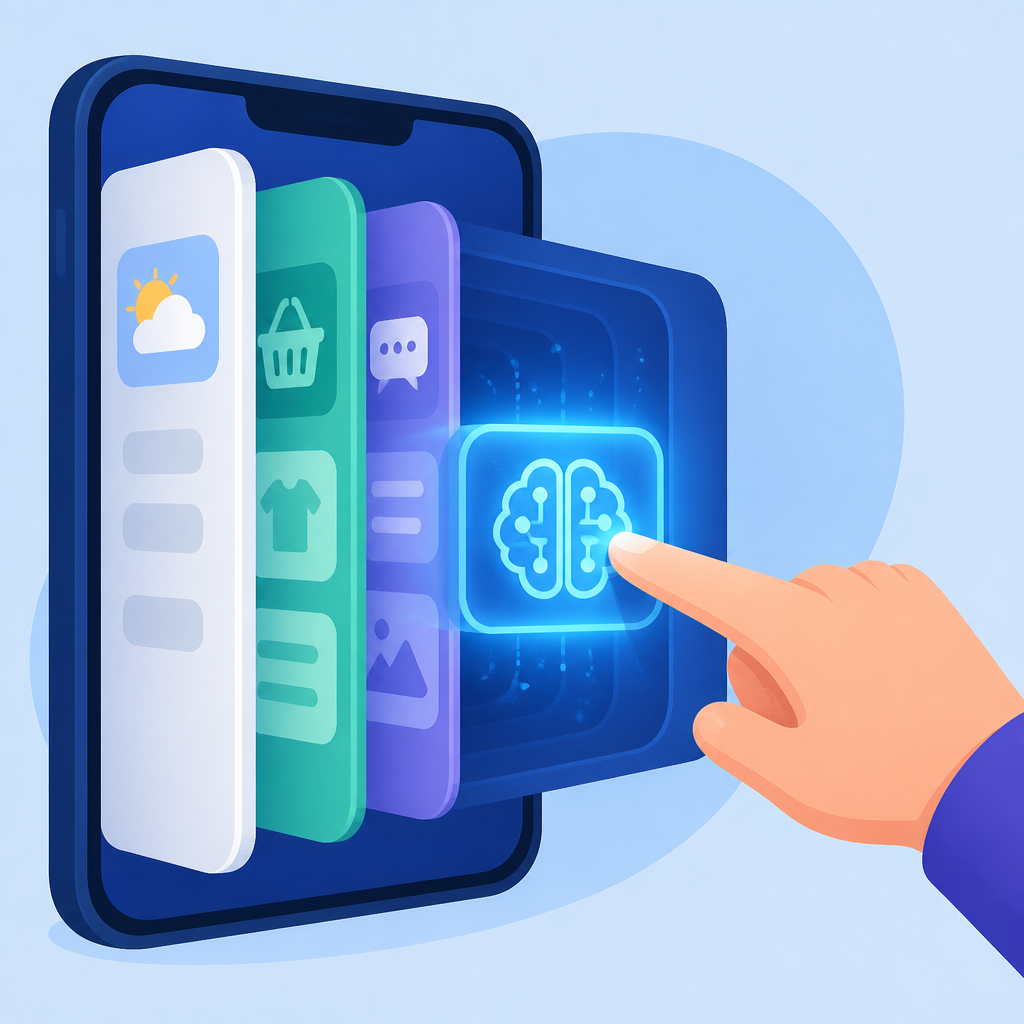
The headline features are practical. Photos gets stronger editing tools, Safari gets tab organization and page monitoring, Passwords can fix weak accounts, and Messages can surface one-tap actions based on context.
That mix tells you where Apple thinks the value is: small tasks that happen all day, not flashy demos that people try once and forget.
- Photos adds Spatial Reframing, Extend, and a stronger Clean Up tool.
- Safari can group tabs by topic and watch pages for changes.
- Passwords can automatically upgrade eligible accounts to strong passwords.
- Messages and Mail can suggest actions from conversation and email context.
Siri AI is the clearest sign Apple wants a real assistant
The biggest change is Siri AI, which Apple describes as a more personal, capable, and conversational assistant. It gets a dedicated app, writing tools, Visual Intelligence, and the ability to search across messages, email, photos, and apps.
That is a much broader job than the old Siri model of answering quick questions or setting timers. Apple is trying to make Siri useful for actual follow-through, including taking actions inside apps.
“Truly helpful AI must be centered on our users’ needs, deeply integrated into the products they rely on every day, grounded in personal context, and built with privacy at every step,” said Craig Federighi, Apple’s senior vice president of Software Engineering.
Federighi’s quote matters because it frames Apple’s whole bet. The company is not chasing the loudest AI model demo. It is trying to make AI feel native to the operating system.
That also explains why Apple keeps repeating privacy. Several of these features run on device, including Call Context, which can surface a confirmation code from Mail when you call an airline or another business.
Photos and Image Playground now do more of the visual work
Apple also gave its image tools a serious upgrade. The Photos app now uses more powerful image models for editing, while Image Playground can generate photorealistic images and run them through Private Cloud Compute.

There is also a hidden SynthID watermark on images edited or generated with AI. That is a notable move because it gives Apple a built-in way to identify AI-altered content without making users think about provenance every time they edit a picture.
On the editing side, Spatial Reframing lets users change perspective after the shot is taken. Extend fills in missing space when you widen a frame or straighten a horizon. Clean Up gets better infill for removing distractions in complex scenes.
- Spatial Reframing changes composition after capture.
- Extend adds space without cropping the subject out.
- Clean Up removes unwanted objects with more realistic fill.
- Image Playground now supports photorealistic output, not just stylized images.
This is where Apple has a real advantage over many AI tools: it can tie image generation to the camera roll, the lock screen, contact posters, and Messages backgrounds. That makes the feature useful in daily life instead of keeping it trapped in a standalone app.
Safari, Passwords, and Shortcuts show the practical side of Apple AI
Some of the most interesting changes are the least flashy ones. Safari can organize tabs into topics, monitor pages for changes, and generate custom extensions from a plain-English description. Passwords can automatically update eligible accounts to strong passwords. Shortcuts can build automations from a user’s description.
Those features matter because they reduce the amount of manual work people do on phones and laptops. A lot of AI products are still looking for a reason to exist. Apple is putting AI where people already lose time.
The comparison with the old workflow is pretty stark:
- Before: users manually sorted tabs, checked pages, and wrote automations step by step.
- Now: Safari groups tabs, watches pages, and builds extensions from descriptions.
- Before: password upgrades often meant visiting settings or hunting through account pages.
- Now: Passwords can handle eligible upgrades with a tap.
That is also why Apple’s privacy claims matter here. If Safari is sorting tabs and watching pages, and Call Context is pulling data from Mail, users will care about where that data lives and how much leaves the device.
For a broader comparison with Apple’s earlier AI rollout, see our coverage of Apple Intelligence’s first launch.
Apple is betting that useful AI beats noisy AI
Apple’s 2026 update is less about adding one giant model and more about threading AI through the operating system. The company is betting that people will notice faster photo edits, smarter browsing, better password handling, and a Siri that can actually do things.
That bet makes sense for Apple’s audience. iPhone, iPad, Mac, Watch, AirPods, and Vision Pro users do not need another app to manage. They need the devices they already own to do more work for them without becoming harder to trust.
The open question is adoption. Developer testing starts now, users get the features this fall, and Siri AI lands in beta later this year. If Apple can make these tools feel normal instead of experimental, this update could change what people expect from a phone assistant in 2026.
If it misses that mark, the features will still be useful, but they will read like a collection of smart add-ons rather than the new center of Apple’s software story.
// Related Articles
- [MODEL]
Qwen3.8-Max proves that agentic work is the real frontier
- [MODEL]
Google Earth Should Not Ship AI Image Generation
- [MODEL]
Try Claude Opus 4.7 and read its benchmarks
- [MODEL]
Opus 5 lets you cut cost without losing quality
- [MODEL]
OpenAI Cuts GPT-5.6 Prices as AI Bills Climb
- [MODEL]
Opus 5 proves premium AI is becoming a commodity