Claude Code’s hidden checks expose a bad habit
I break down the hidden Claude Code checks, why they spooked me, and the exact review checklist I’d use instead.

Claude Code’s hidden checks show how to audit AI tools before they touch your codebase.
I've been using Claude Code for a while, and honestly, it had started to feel too polite. Helpful, fast, always ready to patch the next file. That’s exactly why this story bothered me. If a coding tool is running inside my shell, I want to know what it’s doing, what it’s calling out to, and what it’s quietly deciding on my behalf. Not because I’m paranoid for sport, but because I’ve been burned enough times by tools that looked like a thin wrapper around magic until I cracked them open and found a pile of assumptions underneath.
Then Chaofan Shou posted a thread on X and pointed at Anthropic’s Claude Code npm package, arguing that it contained hidden logic for identifying Chinese users. The original writeup I’m reacting to is this Zhihu post, which summarizes that claim and frames it as a serious trust issue for developers using the tool. I’m not treating that post as a final legal verdict. I’m treating it as a useful warning sign: when an AI dev tool ships behavior you didn’t notice in the changelog, you should assume the package deserves a harder look.
The real problem is not China, it’s invisible behavior
Get the latest AI news in your inbox
Weekly picks of model releases, tools, and deep dives — no spam, unsubscribe anytime.
No spam. Unsubscribe at any time.
“Anthropic 的 AI 编程工具 Claude Code 的 npm 包里,带着一…”
What this actually means is simple: the issue isn’t just what the code does, it’s that the code does it without being obvious to the person installing it. That’s the part that makes developers lose sleep. I don’t care whether the hidden logic is for routing, safety, policy enforcement, telemetry, or region checks. If it’s buried in a package that sits between me and my repository, I want it documented, named, and reviewable.
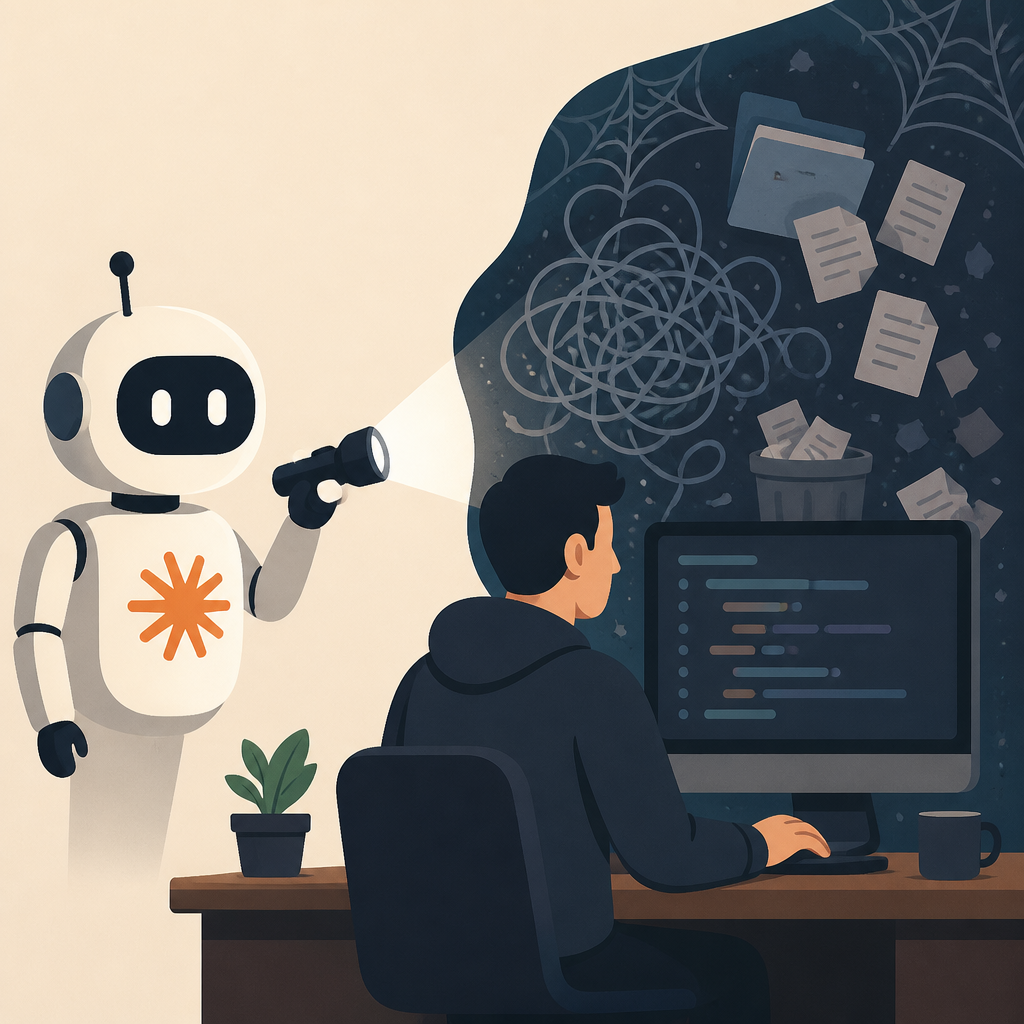
I’ve run into this pattern before with SDKs that quietly changed network behavior after install. The first time, I shrugged. The second time, I started diffing package contents before I even ran the binary. That’s the mindset I’d apply here. If a tool can modify prompts, inspect environment details, or branch on locale, then the trust boundary has already moved. You’re not just installing a coding assistant. You’re installing policy.
How to apply it: inspect the package source before adoption, pin exact versions, and make “what network calls happen?” a first-class review item. If your team can’t answer that in five minutes, the tool is not ready for production use.
- Read the published package contents, not just the marketing page.
- Check whether the tool phones home on startup, login, or command execution.
- Write down the behavior you expect before you test the behavior you got.
npm packages are not a trust fall
The Zhihu summary is reacting to an npm-distributed Claude Code package, which matters because npm is one of the easiest places for behavior to hide in plain sight. You can publish a package, ship a CLI, update it fast, and most users will just install the latest version and move on. That convenience is great until the package starts making decisions you didn’t audit.
What this actually means is that package managers amplify surprises. The smaller the install step feels, the less likely people are to inspect what they’re pulling in. I’ve seen teams trust a CLI because it came from a brand they recognized, then discover the binary wrapped a web request that wasn’t mentioned anywhere in the docs. That’s not a technical failure alone. That’s a process failure.
How to apply it: treat AI coding tools like any other supply-chain dependency. Use lockfiles, internal mirrors if you can, and a review step for any package that can read your source tree or execute commands. If the package is closed-source or obfuscated, raise the bar again.
- Prefer version pinning over floating installs.
- Review postinstall scripts and startup hooks.
- Keep a local copy of the exact artifact you tested.
Region logic is where product policy gets ugly fast
If the hidden code really was aimed at identifying Chinese users, then we’re in a familiar and annoying place: product policy expressed as code paths that users never asked for. Tools do this all the time. They detect locale, IP range, language, billing region, or account metadata, then branch into different behavior. Sometimes that’s legitimate. Sometimes it’s just the company turning legal anxiety into runtime logic.
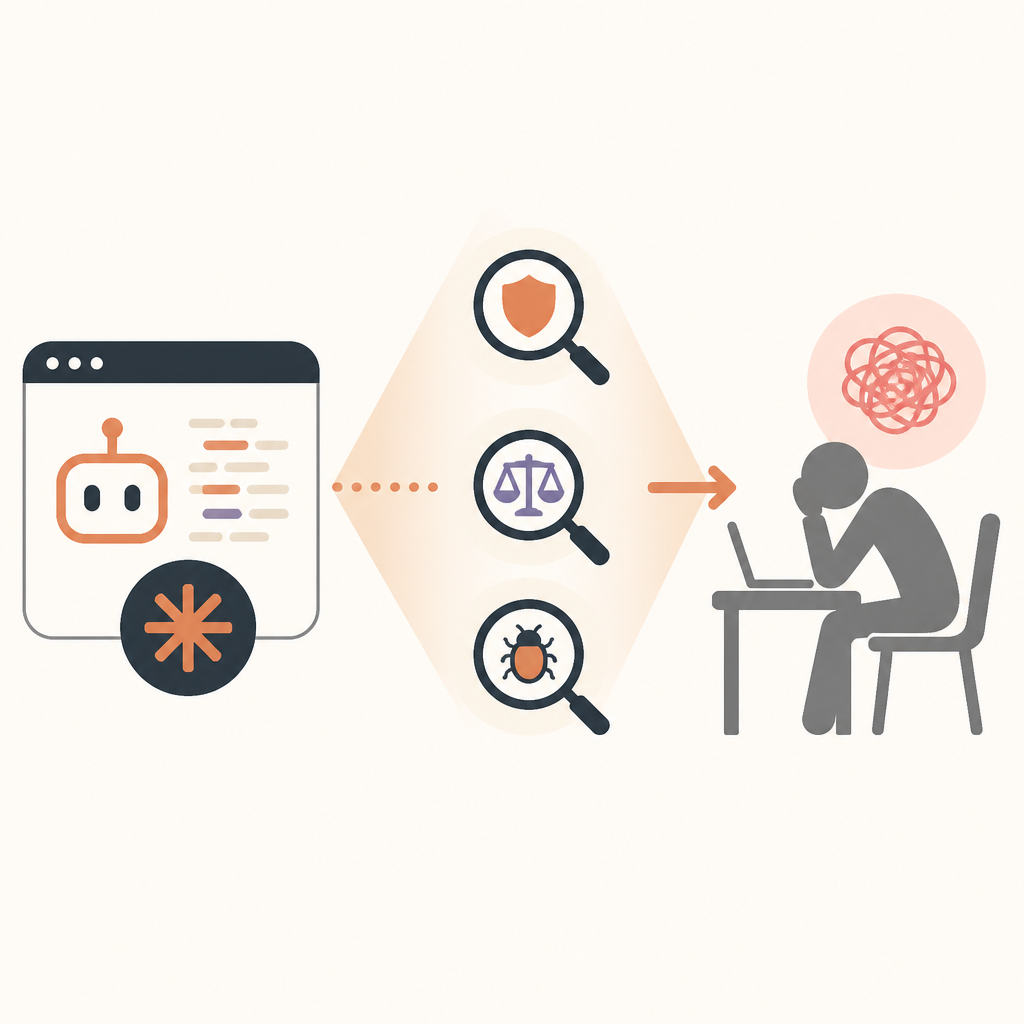
What this actually means is that region checks are not neutral. They shape who gets access, what features appear, what warnings show up, and whether the product behaves differently under the hood. Once that logic is embedded in a developer tool, it stops being a simple business rule and becomes part of your build workflow. That’s a big deal.
I ran into a similar mess with a SaaS CLI that worked fine in one region and degraded silently in another. No error, no banner, just slower responses and missing endpoints. The docs never said that. The logs eventually did. That’s why I’ve stopped trusting “it probably only affects UI” excuses. In dev tools, region logic can alter output, not just presentation.
How to apply it: ask vendors directly whether the tool behaves differently by region, account type, or IP. If they won’t answer, assume it does. Then test from multiple environments before you let the tool into shared workflows.
Security researchers are doing the job vendors should do
Chaofan Shou is the name that matters here, because this kind of discovery usually starts with one person poking at a package and noticing something weird. That’s not a dig at researchers. It’s a dig at the state of software hygiene. We keep depending on outsiders to notice the weird branch, the odd string, the extra request, the code path that was never supposed to be public.
What this actually means is that transparency is being outsourced. If a researcher has to reconstruct the behavior from a published npm artifact and then post about it on X, the vendor has already failed the basic “tell users what your tool does” test. I’m not asking for saintly purity here. I’m asking for a changelog that doesn’t read like a tax form and a package that doesn’t hide important branching logic in minified corners.
If you want to check the original signal, start with Chaofan Shou’s post on X and then compare it to the package contents yourself. If you can’t inspect the code, inspect the claims. If you can’t inspect the claims, don’t install it. That sounds harsh, but I’d rather be annoying than surprised.
How to apply it: make researchers part of your review loop. When a credible report lands, pause upgrades, compare artifacts, and document what changed. Don’t wait for the vendor to reframe the issue as “expected behavior.”
My rule for AI tools: if I can’t explain it, I don’t ship it
This is where I’ve landed after enough tool churn to get cynical in a useful way. I don’t need every AI coding assistant to be open source. I do need to be able to explain, in plain language, what it does when I run it, what data it sees, what data it sends, and what policy branches it can take. If I can’t explain that to another engineer on my team, the tool is still in the “interesting demo” bucket.
What this actually means is that trust has to be earned at the behavior level, not the logo level. Anthropic, OpenAI, Google, whoever — none of that matters if the package does something hidden and the user only finds out from a researcher’s thread. The brand is not the control. The code is the control.
How to apply it: add a short approval checklist for AI developer tools. Keep it boring. Keep it strict. Make someone answer the same questions every time: what files can it read, what network calls can it make, what environment variables does it inspect, and does it behave differently by account or region?
- Can it read the entire repo or only the current file?
- Does it send prompts or code snippets to a remote service?
- Can it change behavior based on locale, IP, or account metadata?
What I’d tell my team before installing Claude Code again
I’m not telling anyone to panic-install a replacement and pretend this never happened. That’s lazy. I’m telling you to treat AI coding tools like privileged software, because that’s what they are. They sit next to your source, your secrets, and your build pipeline. If they hide behavior, even for a policy reason, they deserve the same scrutiny you’d give a payment SDK or an auth library.
What this actually means is that the next time a vendor says “it’s just a helper,” I’m going to ask for the diff, the network trace, and the exact conditions that change behavior. If they get defensive, that tells me enough. Good tools survive inspection. Bad ones rely on you not looking too hard.
How to apply it: write a one-page internal policy for AI coding assistants. Keep the approval criteria visible. Make the security review short, repeatable, and annoying in the right way.
The template you can copy
# AI Coding Tool Review Checklist

## Tool
- Name:
- Version:
- Source URL:
- Package manager / install method:

## What it can access
- [ ] Repo files
- [ ] Local shell commands
- [ ] Environment variables
- [ ] Secrets manager tokens
- [ ] Network access

## What it sends out
- [ ] Prompts
- [ ] Code snippets
- [ ] File contents
- [ ] Metadata
- [ ] Region / locale / account signals

## Behavior checks
- [ ] Does it behave differently by region?
- [ ] Does it behave differently by account type?
- [ ] Does it phone home on startup?
- [ ] Does it phone home on command execution?
- [ ] Are those calls documented?

## Supply-chain checks
- [ ] Exact version pinned
- [ ] Package contents reviewed
- [ ] Postinstall scripts reviewed
- [ ] Artifact archived internally
- [ ] Upgrade path documented

## Approval rule
- Approved by:
- Date:
- Notes:
- Re-review trigger:
  - New version
  - New network behavior
  - New region logic
  - New file access scope

## Decision
- [ ] Approved
- [ ] Approved with limits
- [ ] Rejected

## Why
Write the shortest honest explanation possible.
If you can’t explain the behavior in plain language, don’t ship it.
That checklist is mine, not Anthropic’s, and it’s intentionally boring. Boring is good when the thing under review can read your code and call home. The original reporting came from the Zhihu post at zhuanlan.zhihu.com/p/2055654173811782912, which summarizes the claim and the surrounding reaction. Anything in my breakdown about workflow, review habits, and approval policy is my own interpretation of why this matters to developers.
// Related Articles
- [TOOLS]
Claude Fable 5 Gets Access Back in the US
- [TOOLS]
RustRover 2026.1.4 is the right default IDE for Rust teams
- [TOOLS]
Claude Design setup for synced prototypes
- [TOOLS]
Rust 1.96 turns ranges into safer copies
- [TOOLS]
AI Data Operations vs MLOps: what each owns
- [TOOLS]
OpenTag turns Slack threads into actions