Claude cross-session messaging setup for teams
Set up Claude cross-session messaging so separate sessions can share database changes, test findings, and code updates.

Teams often split work across separate Claude sessions for backend changes, testing, and review, then lose time copying findings between them.
Claude cross-session messaging lets separate sessions share updates about code, tests, and database changes.
With cross-session messaging, one session can notify another about changed fields, regression issues, or follow-up fixes, so the right context reaches the right workstream faster.
Before you start
Get the latest AI news in your inbox
Weekly picks of model releases, tools, and deep dives — no spam, unsubscribe anytime.
No spam. Unsubscribe at any time.
- An Anthropic account with access to Claude docs
- Access to the Claude product or API features that include cross-session messaging
- A project with at least two active Claude sessions, such as backend and testing
- API keys or workspace credentials, if you are wiring this into an application
- A runtime for your integration, such as Node 20+ or Python 3.11+
- A shared issue tracker or task list for validating handoffs
Step 1: Map your session roles
Goal: define which Claude session owns each kind of work so messages go to the right place.
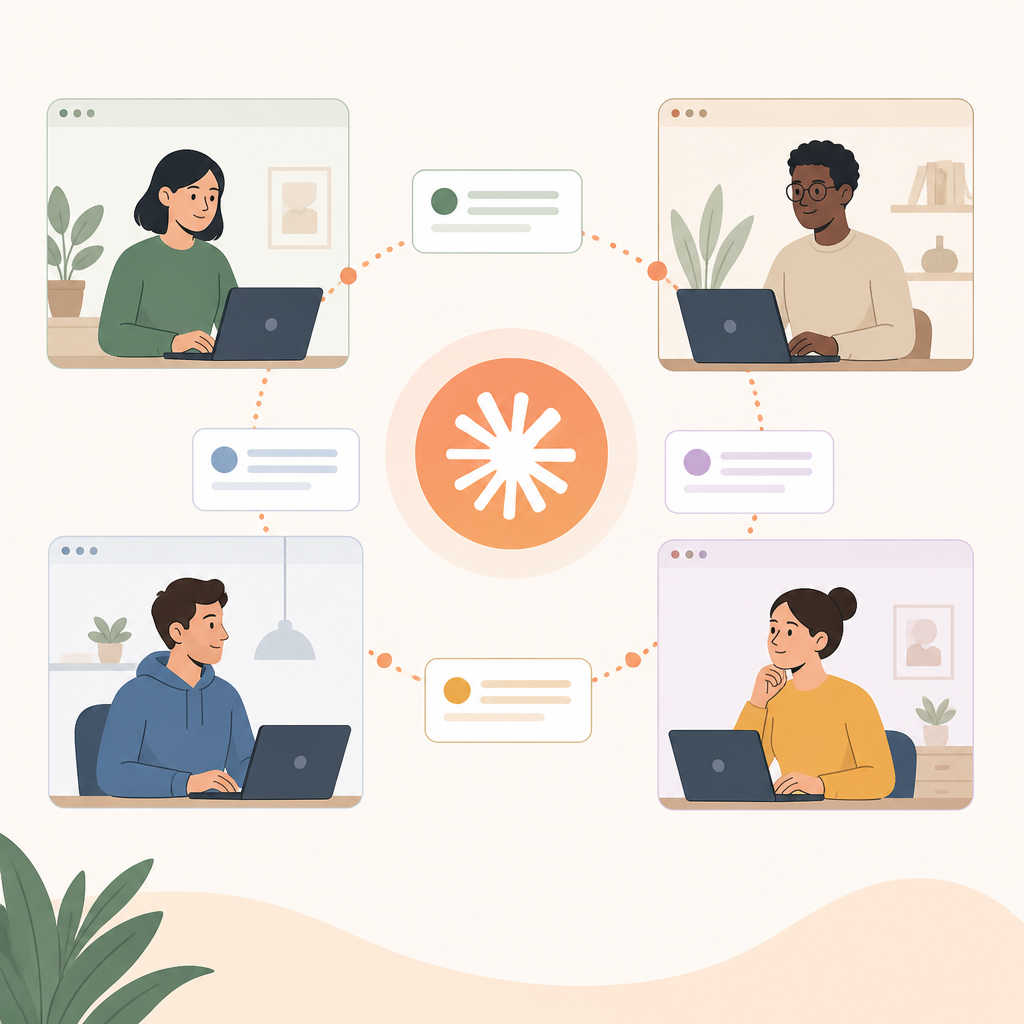
Create a simple role map before you enable messaging. For example, assign one session to database changes, one to API implementation, and one to regression testing. Keep the responsibilities narrow so each message has a clear destination.
Session A: schema and data changes
Session B: API and backend code
Session C: test runs and regression checks
You should see a short list of named sessions and responsibilities that matches your workflow.
Step 2: Enable cross-session messaging
Goal: turn on the feature that lets sessions send updates to each other.
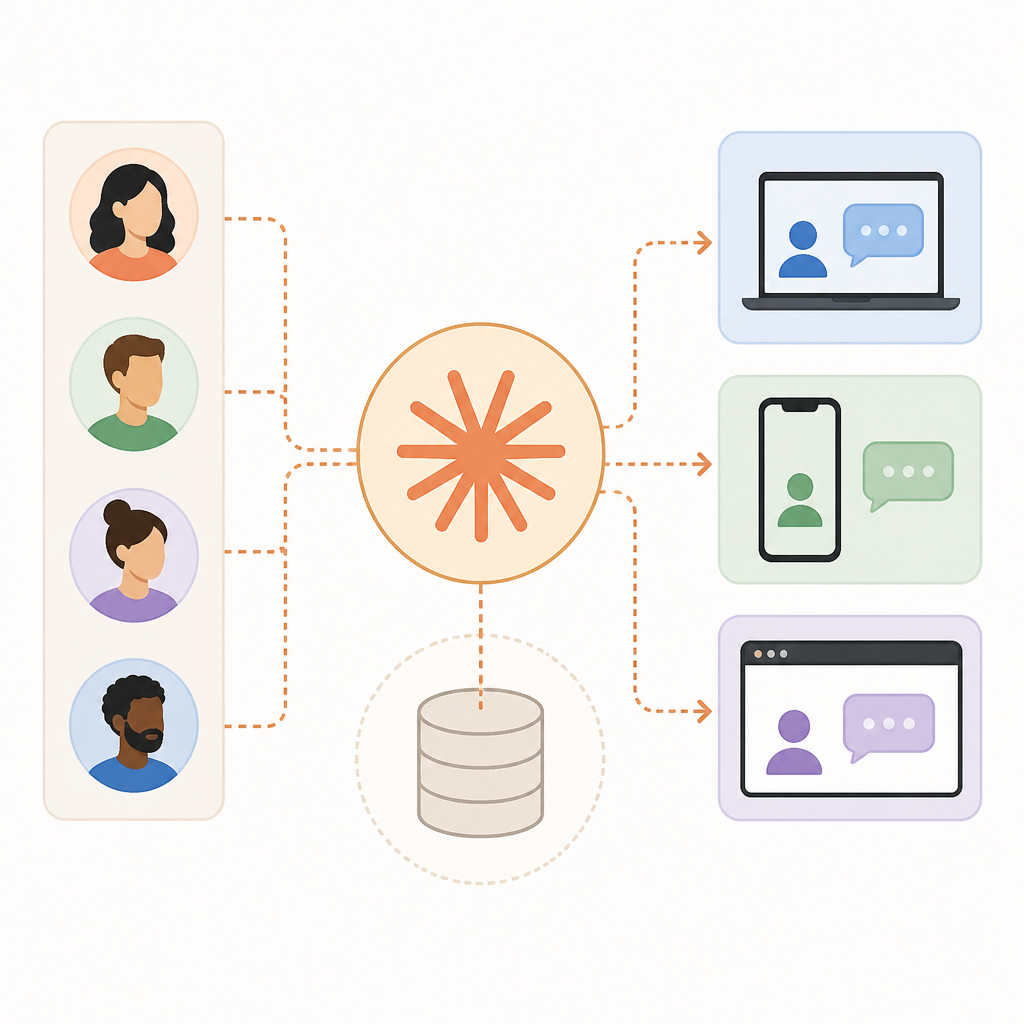
Open the Claude workspace or integration settings and enable cross-session messaging for the project. If you are using the API, follow the feature-specific setup in the Claude documentation and confirm that your app can create or route messages between sessions.
Use the official Anthropic GitHub resources if your implementation needs SDK examples or reference code.
You should see an enabled status, a connected workspace, or a successful test message between two sessions.
Step 3: Send a database change notice
Goal: have the database session notify the backend session when schema or field changes land.
Write the update in a compact, structured format so the receiving session can act on it quickly. Include what changed, what might break, and what needs review.
Notify Session B:
- table: orders
- changed fields: status, updated_at
- impact: API response shape may change
- action: review serializers and validation
You should see the backend session acknowledge the schema change and list the files or logic it needs to inspect.
Step 4: Share regression results from testing
Goal: let the test session report failures directly to the session that owns the affected code.
After a test run, send the failing endpoint, expected behavior, and observed behavior to the relevant session. Keep the report actionable so the receiving session can reproduce the issue without extra back-and-forth.
Notify Session B:
- endpoint: POST /api/orders
- expected: 201 with order id
- observed: 500 after validation change
- next: inspect request parsing and error handling
You should see the code-owning session respond with a fix plan or a request for the exact failing case.
Step 5: Let Claude choose when to escalate
Goal: use Claude’s judgment to decide when a message should be sent automatically versus manually.
Configure your workflow so Claude can escalate important changes on its own, such as a breaking schema update or a repeated regression. For lower-risk work, keep manual approval before sending cross-session updates.
You should see only high-value messages sent automatically, while routine edits stay local until you approve them.
Step 6: Verify the full handoff loop
Goal: confirm that one session can report, another can react, and the original session can close the loop.
Run a small end-to-end scenario: make a database change, send it to the backend session, run tests, and forward the result back to the code session. Track whether each session receives enough context to continue without manual translation.
You should see a complete chain of updates with no missing owner, no unclear action item, and no repeated explanation.
| Metric | Before/Baseline | After/Result |
|---|---|---|
| Session handoff time | Manual copy-paste between sessions | Direct cross-session updates |
| Regression triage | Tester files issue separately | Tester notifies the code-owning session directly |
| Schema change visibility | Backend learns later from a human | Backend session receives the change immediately |
Common mistakes
- Sending long, vague messages. Fix: include the changed item, the impact, and the next action in three short bullets.
- Routing every update to every session. Fix: notify only the session that owns the change, then add others only when they need the context.
- Skipping verification after setup. Fix: run one real handoff and confirm the receiving session can act without asking for clarification.
What's next
Once the handoff loop works, extend it with message templates, automated triggers from your test pipeline, and project rules that tell Claude when to escalate changes across sessions.
// Related Articles
- [AGENT]
Claude Partner Network 2026 tiers and join steps
- [AGENT]
ChatGPT now remembers your Mac work history
- [AGENT]
Grok Bot turns browser chores into cloud work
- [AGENT]
Agent Plugins 1.0.0 turns skills into folders
- [AGENT]
FaithEyes lets you train tool-faithful vision agents
- [AGENT]
Connect Qwen 3.8 Max to CLI Agents