Docker Is the Right Default for MariaDB Setup
Docker should be the default way teams launch MariaDB because it removes setup friction and standardizes environments fast.

3 minutes is enough to launch MariaDB with Docker, and that speed should be the default.
Docker is the right default for launching MariaDB in modern application work because it turns database setup from a fragile operations task into a repeatable developer action.
Speed is not a luxury when the database is a dependency
Get the latest AI news in your inbox
Weekly picks of model releases, tools, and deep dives — no spam, unsubscribe anytime.
No spam. Unsubscribe at any time.
When a team needs a database for local development, demos, or test environments, the cost of waiting on package installs, service managers, and OS-specific fixes adds up fast. A container run command is direct: pull the image, start the service, connect on a known port, and move on.
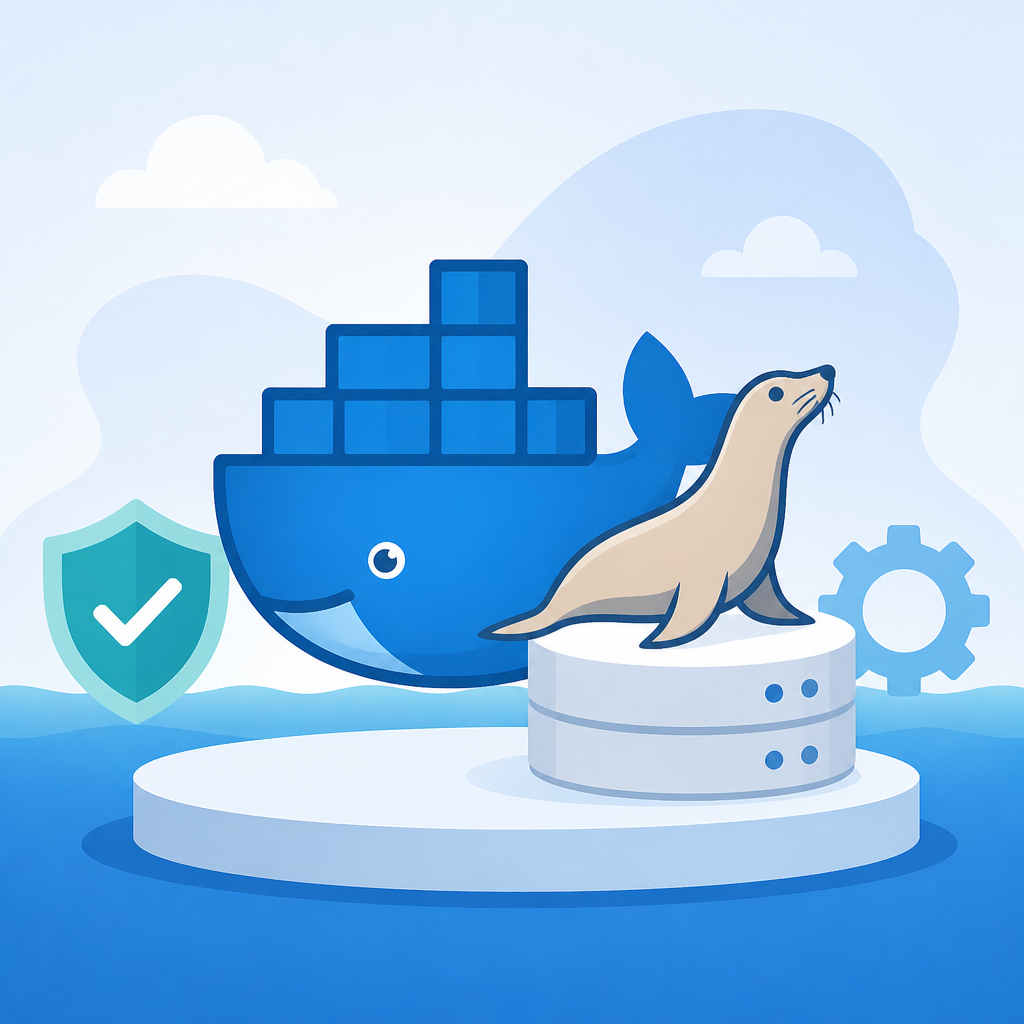
That matters because database work is often blocked by environment setup, not schema design. With Docker, the same MariaDB version starts the same way on a laptop, a CI runner, or a staging box, which cuts out the classic “works on my machine” failure mode before it starts.
Containers make MariaDB predictable in a way native installs do not
MariaDB has long been easy to install in theory and tedious in practice. Native installs still depend on package repositories, background services, file permissions, and version drift across Linux, macOS, and Windows.
Docker collapses that variability into a single image contract. The team chooses one MariaDB tag, one set of environment variables, one exposed port, and one data volume pattern. That consistency is more valuable than squeezing out a small amount of host-level efficiency during setup.
Developer velocity beats the illusion of “proper” installation
A common objection is that running a database in Docker is only for convenience, not for serious work. That argument misses the point: most application teams do not need a handcrafted database installation on every machine, they need a reliable one.
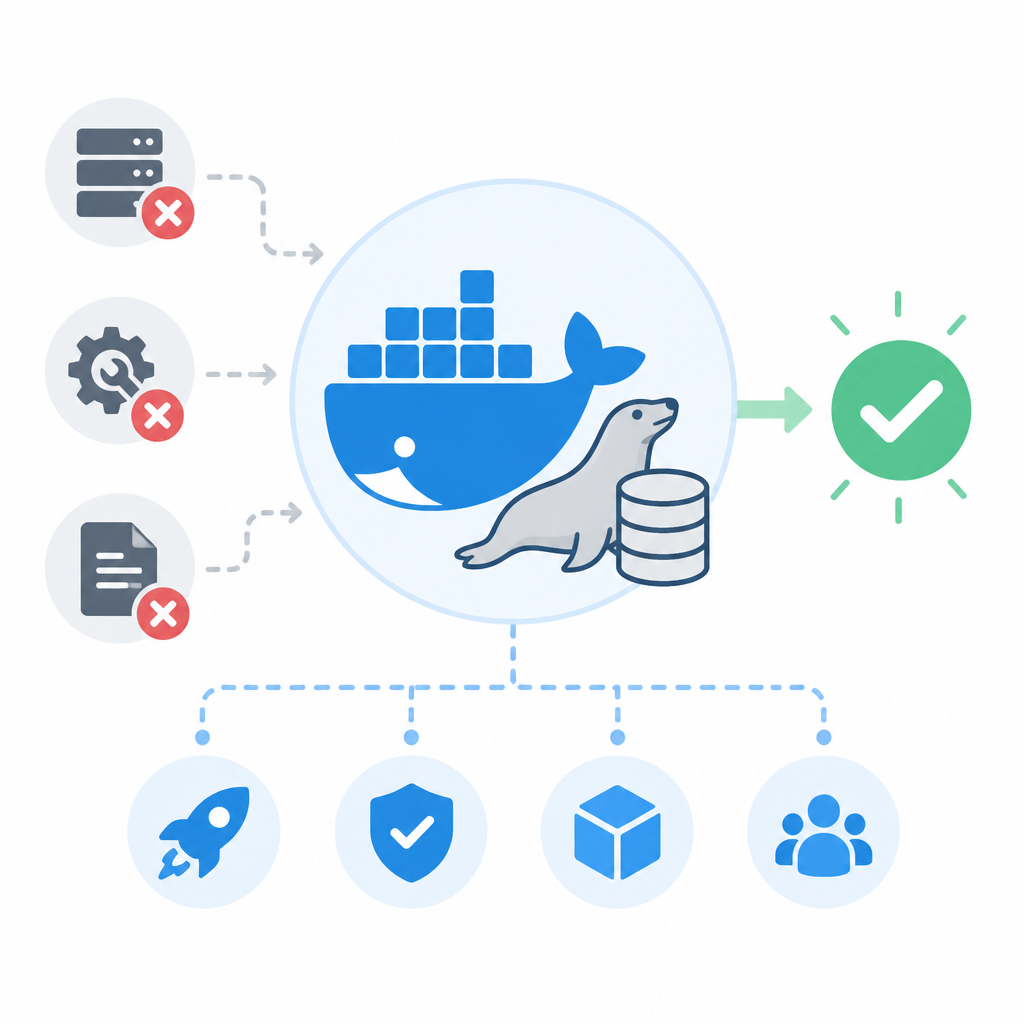
In practice, the fastest path is the one that gets people to useful work sooner. For example, a new engineer can start MariaDB from an official image, connect an app, and verify migrations without waiting for platform-specific troubleshooting. That is a real productivity gain, not a shortcut.
The counter-argument
The strongest case against Docker is operational discipline. Databases are stateful, and stateful systems deserve careful handling. Native installs can feel more transparent, and some teams prefer direct control over storage paths, upgrades, and service management.
There is also a legitimate concern about production parity. If a team treats a containerized database like a disposable toy, it can ignore persistence, backup strategy, and resource limits. In that sense, Docker can hide responsibility behind convenience.
That critique is valid only when teams confuse launch speed with operational maturity. Docker is not a backup plan, and it is not a substitute for volume management or recovery testing. It is the best default for getting MariaDB running quickly and consistently, while serious production practice still demands persistence, monitoring, and restore drills.
What to do with this
If you are an engineer, use Docker for local MariaDB by default and version the run command or compose file with the app. If you are a PM or founder, standardize on containerized database environments early so onboarding, demos, and CI all share the same setup. The point is not to admire Docker; the point is to remove database setup as a source of delay and inconsistency.
// Related Articles
- [TOOLS]
Awesome-LLM turns LLM research into a map
- [TOOLS]
Microsoft 365 apps steer you to MAI models
- [TOOLS]
11 Anthropic Skills That Make Codex Useful
- [TOOLS]
Claude Code’s hidden checks expose a bad habit
- [TOOLS]
Claude Fable 5 Gets Access Back in the US
- [TOOLS]
RustRover 2026.1.4 is the right default IDE for Rust teams