Microsoft 365 apps steer you to MAI models
How Microsoft is nudging 365 apps toward its own AI models, and a copy-ready way to plan for that shift.

Microsoft 365 is steering AI work toward its own models instead of ChatGPT and Claude.
I've been using Microsoft 365 with AI bolted on long enough to know when the product is quietly changing the rules. At first it was fine. Ask Copilot something, get an answer, move on. But the more I watched the stack, the more it felt like Microsoft wanted me inside its own lane, not the open buffet I thought I was buying into. That matters if you're building on top of 365, wiring assistants into Teams, or just trying to figure out which model will still be there next quarter.
The annoying part is that this kind of shift doesn't arrive with a big warning label. It shows up as a new model name, a different default, a feature that used to point outside and now points inward. If you're a developer, that's not just branding. That's model routing, latency, cost, policy, and a bunch of future integration work getting rewritten under your feet.
I pulled this apart after reading PCMag's report on Microsoft's own models and the way 365 apps appear to be favoring them over ChatGPT and Claude: Microsoft 365 Apps Favoring Company's AI Models Over ChatGPT, Claude. PCMag is summarizing Microsoft's move, not inventing it, and the key details here are Microsoft's MAI-Code-1-Flash coding assistant and its planned Teams-based transcription model. No useful engagement numbers were provided in the source, so I'm not going to fake them.
Microsoft isn't just shipping models, it's rerouting defaults
Get the latest AI news in your inbox
Weekly picks of model releases, tools, and deep dives — no spam, unsubscribe anytime.
No spam. Unsubscribe at any time.
MAI-Code-1-Flash is Microsoft's coding assistant tool, designed to compete with Claude Code and OpenAI's Codex.
What this actually means is Microsoft is no longer behaving like a neutral platform host. It's building first-party model paths for the tasks people already do inside its apps. Coding help gets one model. Transcription gets another. And if those paths work well enough, external models become optional instead of expected.

I ran into this exact pattern when I tried to keep a multi-model workflow stable across tools. The default model changed, the output style changed, and suddenly my prompt library was half right and half annoying. The model wasn't broken. The routing policy was. That's the part teams miss when they say, “We'll just swap models later.” Later is where the integration debt shows up.
How to apply it: treat every AI feature in Microsoft 365 as a routed dependency, not a generic chat box. Document which app uses which model, what the fallback is, and whether your team can override it. If you're building internal tooling, make the model choice explicit in config instead of hiding it behind a vendor default.
- List every 365 surface your team uses: Word, Excel, Teams, Outlook, Copilot chat.
- Mark whether the model is first-party, third-party, or abstracted away.
- Decide where you need deterministic behavior versus “best available” behavior.
MAI-Code-1-Flash is Microsoft admitting coding is a product feature
Microsoft naming MAI-Code-1-Flash as a coding assistant is not subtle. It says coding assistance is now something Microsoft wants to own directly, not just broker through someone else's model. That puts it in the same fight as Claude Code and OpenAI Codex, which is exactly where the money and attention are.
What this actually means is the coding assistant inside a Microsoft workflow may stop being a generic model wrapper and start acting like a Microsoft opinion. That can be good if you live in Azure, GitHub, and 365 all day. It can also be annoying if you want the best coding model for the job, not the one that matches the vendor logo on the invoice.
I care about this because model quality is only half the story. The other half is how much context the assistant gets from the surrounding product. A decent model with deep app context often beats a better model that's blind. That's the trade-off Microsoft is betting on: tighter product integration in exchange for less model freedom.
How to apply it: if you're evaluating AI coding tools, separate “model quality” from “workflow fit.” Test completion quality, but also test file awareness, repo navigation, auth boundaries, and how often the tool breaks your flow. Make a simple scorecard and don't let vendor demos blur the difference.
- Use the same prompt across three tools and compare edits, not just answers.
- Check whether the assistant can explain changes in your repo's actual structure.
- Measure how often it asks for unnecessary confirmation.
Teams transcription is where platform control gets sneaky
PCMag notes that Microsoft has also announced plans to release its own Teams-based transcription model. That's a boring sentence on paper and a very loaded one in practice. Transcription is one of those features people assume can be swapped out with commodity AI. Then you ship it in a real company, and suddenly it touches compliance, search, meeting notes, and legal retention.
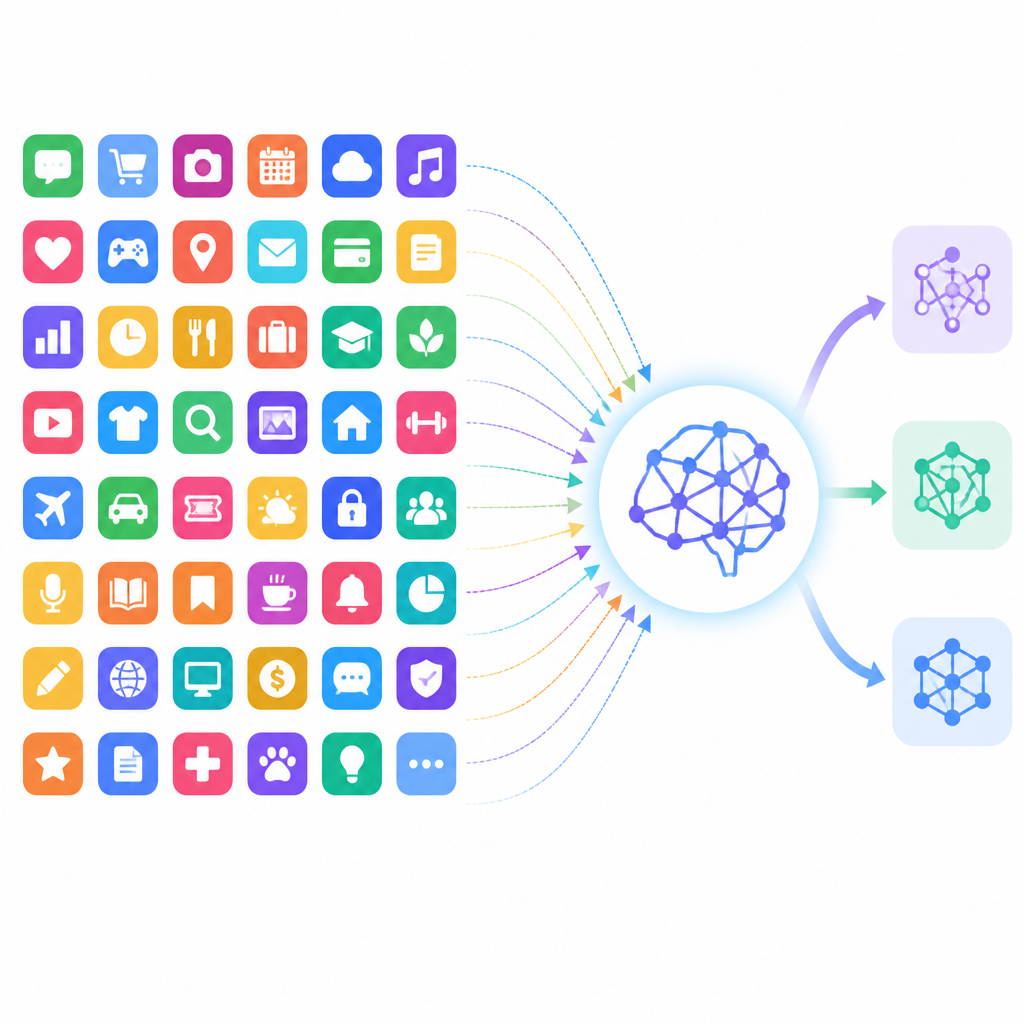
What this actually means is Microsoft can own the speech-to-text layer that sits under a lot of downstream work. If the transcription model is first-party, Microsoft controls the quality, the latency, the language support, and the data path. That's a lot of leverage over a feature most users think of as plumbing.
I once had to replace a transcription provider in a meeting workflow and it was a mess. The model was fine, but the timestamps drifted, speaker labels changed, and every downstream summary broke in a different way. That's why I don't shrug at transcription announcements anymore. The model is only the first step. The output format is the real contract.
How to apply it: if your team depends on meeting transcription, define the downstream contract now. Decide what fields you need, what accuracy threshold matters, and how you will detect silent regressions. If Microsoft changes the model under the hood, your guardrails should catch it before users do.
Why Microsoft wants fewer external models in the loop
This move makes sense if you think like a platform owner. Every time a 365 workflow routes to ChatGPT or Claude, Microsoft gives up a bit of control over cost, latency, and product differentiation. Pulling those tasks back in-house lets Microsoft tune the experience around its own stack and keep more of the value inside the company.
What this actually means is vendor dependence becomes a strategic issue, not just a technical one. If your app, team, or enterprise workflow assumes external models are always available and always preferred, you're building on a policy choice you don't control. Microsoft can change that choice any time it wants.
I see developers miss this all the time because they focus on output quality and forget distribution. The question isn't only “which model is smartest?” It's “who controls the default path?” In a product as widely used as Microsoft 365, defaults are power.
How to apply it: map your AI dependencies by control level. Put first-party, third-party, and user-selectable model paths in separate buckets. Then ask one ugly question: if Microsoft or any other vendor changes the default tomorrow, what breaks in your workflow?
Don't confuse model branding with model access
One thing I keep seeing in AI products is branding that makes everything sound interchangeable. It isn't. A model name on a slide does not tell you whether it has retrieval access, tenant data access, meeting context, or admin policy constraints. In Microsoft 365, those details matter more than the logo on the model card.
What this actually means is you need to ask boring questions before the shiny ones. Where does the data come from? Can the model see private docs? Does it use the same permissions as the user? Is the output cached? Can admins disable it? Those are the questions that decide whether a feature is usable in a real company.
I like model demos as much as anyone, but I've been burned enough times to know the demo is the least interesting part. The real product is the permission boundary and the routing logic. If those are sloppy, the smartest model in the world won't save you.
How to apply it: make a one-page AI policy for your team. Include allowed tools, approved model classes, data sensitivity rules, and who can override defaults. Keep it short enough that people will actually read it.
- Require a data-classification check before sending content to any external model.
- Record whether each AI feature is tenant-scoped or internet-scoped.
- Document who owns the fallback when the primary model is unavailable.
What I would watch next in Microsoft 365
If Microsoft keeps going this direction, I expect more first-party models tucked into product features that used to be model-agnostic. That could mean better consistency across 365, but it also means less room for teams that prefer to standardize on Anthropic, OpenAI, or something else entirely.
What this actually means for developers is that integration planning gets more important, not less. You can't assume the model layer is interchangeable just because the UI looks the same. In enterprise software, the UI is the least trustworthy part of the stack.
My advice is simple: don't wait for a vendor to announce a migration policy after the fact. Build your own now. If a feature can swap models, write down how you'll test it. If it can't, stop pretending it can. That honesty saves a lot of pain later.
How to apply it: create a small internal checklist for any AI feature you depend on. Include model source, data path, admin controls, fallback behavior, and regression tests. Keep it next to your deployment notes, not buried in some AI strategy doc nobody opens.
The template you can copy
# AI model dependency checklist for Microsoft 365 workflows

## 1) Feature inventory
- App:
- Feature:
- Current model/provider:
- First-party or third-party:
- User can override default? (yes/no):

## 2) Data path
- Input data types allowed:
- Sensitive data allowed? (yes/no):
- Tenant-scoped access? (yes/no):
- External internet access? (yes/no):
- Retention/logging notes:

## 3) Output contract
- Required output format:
- Required accuracy threshold:
- Required latency threshold:
- Downstream systems affected:
- Known failure modes:

## 4) Fallback plan
- Primary model:
- Fallback model:
- Manual fallback process:
- Owner for incident response:
- Test schedule:

## 5) Change detection
- What will trigger a re-test?
- Who approves model changes?
- Where are changes documented?
- How do users report regressions?

## 6) Team policy
- Approved tools:
- Disallowed data types:
- Admin override rules:
- Review cadence:

## 7) Quick scorecard
- Output quality:
- Workflow fit:
- Permission clarity:
- Cost predictability:
- Vendor lock-in risk:

## Decision
- Keep as-is:
- Replace:
- Restrict:
- Re-evaluate on:
I've used versions of this checklist when a vendor quietly changed behavior and everybody blamed the prompt. Usually it wasn't the prompt. It was the model path, the permissions, or the fallback nobody documented.
Source attribution: I based this breakdown on PCMag's report at https://www.pcmag.com/news/microsoft-365-apps-favoring-companys-ai-models-over-chatgpt-claude. The checklist and recommendations here are my own synthesis, not quoted from the article.
// Related Articles
- [TOOLS]
Awesome-LLM turns LLM research into a map
- [TOOLS]
Docker Is the Right Default for MariaDB Setup
- [TOOLS]
11 Anthropic Skills That Make Codex Useful
- [TOOLS]
Claude Code’s hidden checks expose a bad habit
- [TOOLS]
Claude Fable 5 Gets Access Back in the US
- [TOOLS]
RustRover 2026.1.4 is the right default IDE for Rust teams