Figma adds MCP-linked Make, agent, and QA tools
Figma’s latest release notes add MCP-linked Make builds, a design agent, and QA tools that tie code, tokens, and components together.

Figma added MCP-linked Make builds, a design agent, and design QA tools.
Figma’s release notes show a dense June 2026 push across design, AI, and handoff. The biggest changes center on Figma Make, the new Figma agent, and checks that keep files aligned with design systems.
| 項目 | 數值 |
|---|---|
| Release-note items surfaced | 76 |
| Check designs launch date | Jun 4, 2026 |
| Make codebase editing launch date | May 28, 2026 |
| Figma agent rollout | Beta, gradual over coming weeks |
| Agent beta pricing | No credits during beta |
What changed
Get the latest AI news in your inbox
Weekly picks of model releases, tools, and deep dives — no spam, unsubscribe anytime.
No spam. Unsubscribe at any time.
Figma’s newest updates split into three buckets: design-system enforcement, AI planning, and code-connected building. On the design side, release notes highlight Check designs, which compares files against a system and flags drift before handoff.

Check designs can suggest fixes for hard-coded colors, text, radius, and spacing; surface contrast issues; detect library mismatches; and catch detached components. It is available on Organization and Enterprise plans, aimed at teams that need cleaner QA before shipping.
- Plan mode in Make asks clarifying questions before generation starts.
- Make can search the web or fetch a URL during a build.
- Queued messages can stack follow-up instructions while Make is still running.
- Make now connects to a local codebase and can open branches and PRs.
The most notable developer-facing addition is Figma Make with MCP integration. Users can paste a frame URL or component link so the agent builds from the real design system, then commit changes and open a pull request without leaving the interface.
Figma also introduced pay-as-you-go AI credits for Professional-plan admins, giving teams a way to cover spikes without moving to a larger subscription. Separately, the Figma agent is rolling out in beta for Full seat users on Professional, Organization, and Enterprise plans, while Starter, Education, and Government plans are excluded.
Why it matters
These updates push Figma further into the build pipeline, not just the mockup stage. For product teams, that means fewer handoff gaps between design tokens, code edits, and QA checks, especially when a design system is already in place.
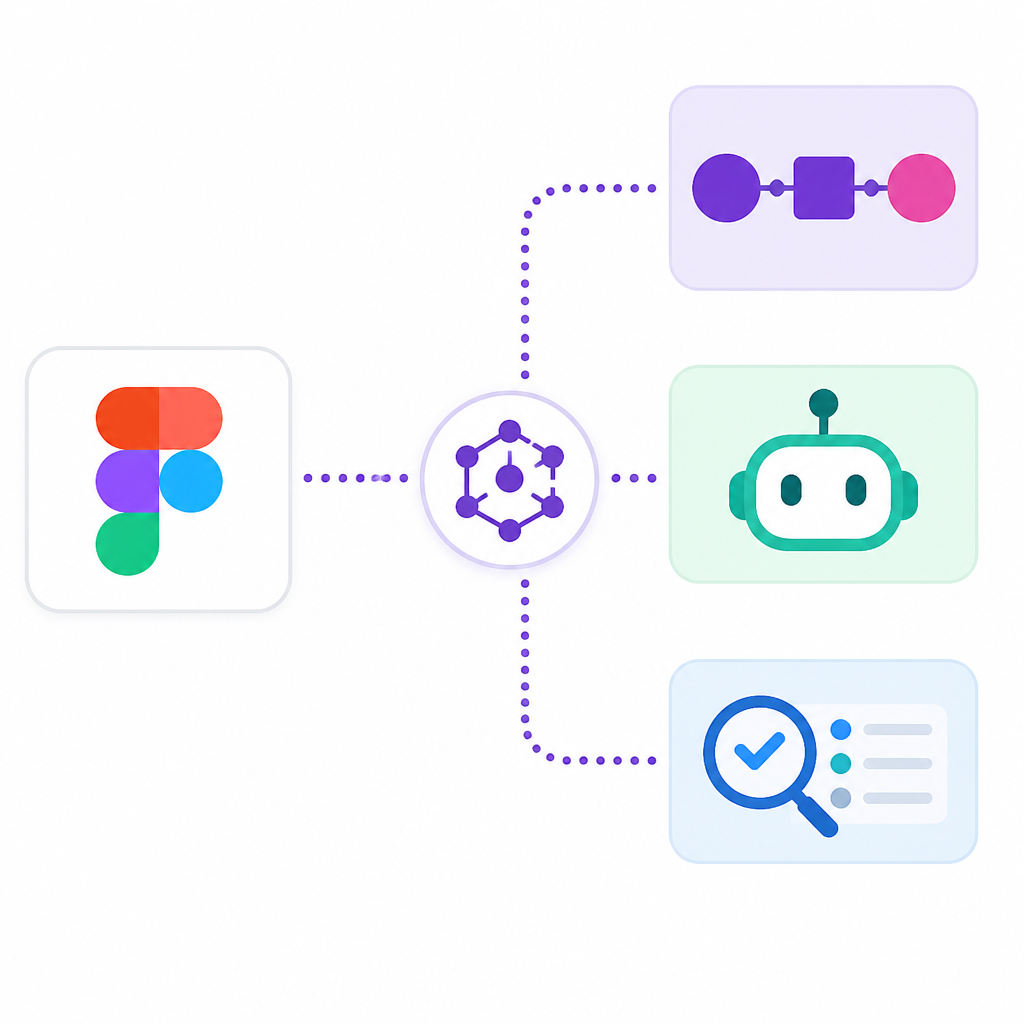
For developers, the practical shift is speed with less context switching: the same tool can now inspect a design, generate a plan, edit a codebase, and prepare a PR. The tradeoff is tighter dependence on Figma’s workflow and credit model, which teams will need to track as AI usage expands.
The key question now is whether Figma’s MCP-linked workflow becomes the default path from frame to code, or just another option inside an already crowded design-to-dev stack.
// Related Articles
- [TOOLS]
SAP Design System adds AI and cross-platform UI kits
- [TOOLS]
ChatGPT Health turns general chat into a health layer
- [TOOLS]
Microsoft adds AMD chips to Azure AI and HPC
- [TOOLS]
Kimi K3 vs GLM-5.2: a one-endpoint test
- [TOOLS]
Gemini Live camera turns seeing into help
- [TOOLS]
JianGuoYun Wins Because File Sharing Should Be Sync, Not Shipping