Five AI coding IDEs that fit real workflows
5 AI coding IDEs for 2026, with setup steps and pricing notes to help you pick the right editor fast.

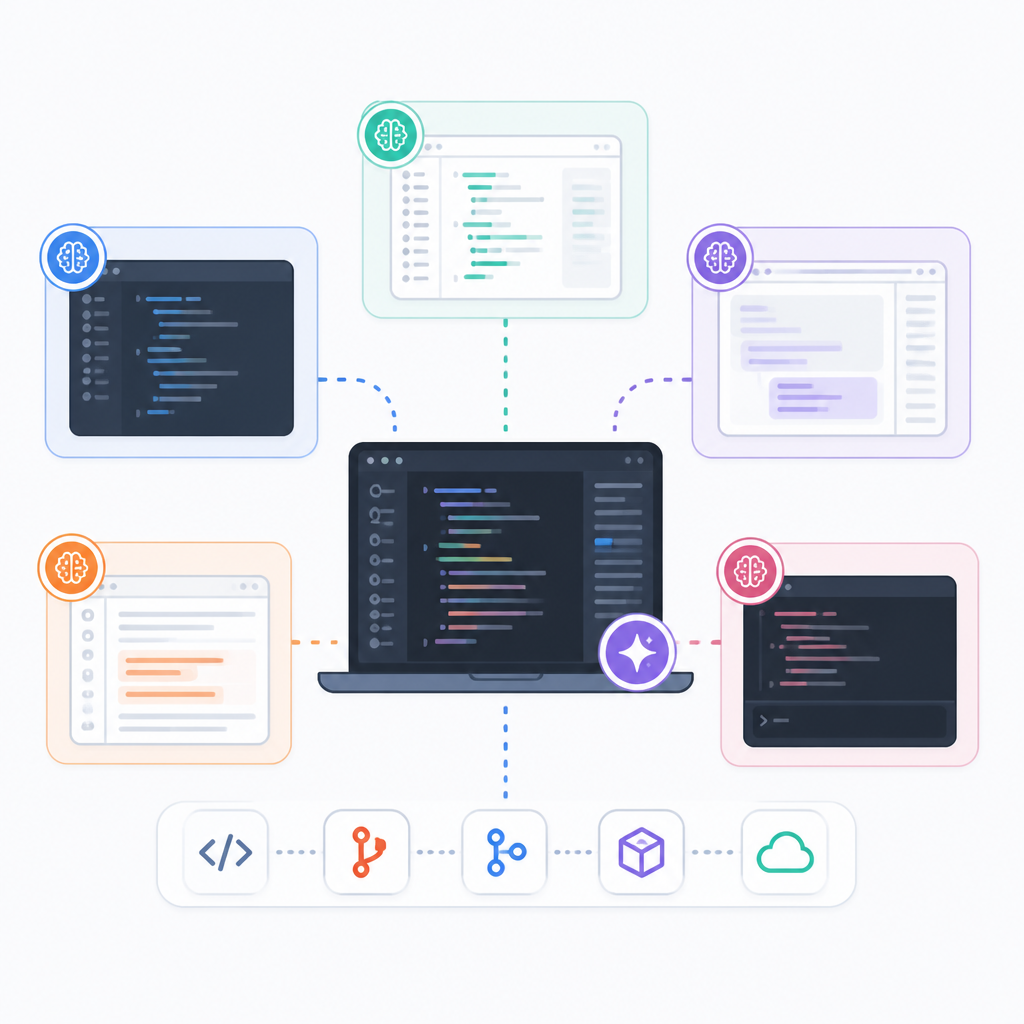
Five AI coding IDEs help different teams ship faster, from VS Code users to terminal-first refactorers.
If you want the shortest path to an AI coding setup, this guide compares five editors and agents by workflow, price, and setup friction. Cursor led AI-first editors with 17.9% usage in the Stack Overflow Developer Survey 2025, while GitHub Copilot reaches the most developers through existing IDEs.
| Item | Type | Best for | Starting price |
|---|---|---|---|
| Cursor | AI-first editor | Daily pair programming | Free, Pro $20/mo |
| Claude Code | Terminal agent | Large refactors | Usage-based, Pro $20/mo |
| GitHub Copilot | IDE extension | VS Code and JetBrains users | Free, Pro $10/mo |
| Windsurf | Agentic editor | Feature building from prompts | Free, Pro $20/mo |
| Zed | Native editor | Speed and low memory use | Free, Pro $10/mo |
1. Cursor
Get the latest AI news in your inbox
Weekly picks of model releases, tools, and deep dives — no spam, unsubscribe anytime.
No spam. Unsubscribe at any time.
Cursor is the easiest AI-first editor to recommend if you already live in VS Code. It is a VS Code fork, so your themes, keybindings, and extensions carry over, but the AI is built into the core rather than bolted on later.

Its biggest draw is the way Tab and Agent reduce repetitive edits. Tab predicts your next change, while Agent can plan a task, touch multiple files, run terminal commands, and show diffs before you accept them. Cursor also added planning and multiple agents in Cursor 3.
- Best fit: day-to-day pair programming
- Setup: import VS Code settings on first launch
- Shortcut examples: Ctrl/Cmd+K for inline edits, Ctrl/Cmd+I for Agent
- Pricing: free Hobby plan, Pro at $20/month
Cursor is not perfect. Heavy AI use can burn through credits, and vague prompts can lead to over-editing. Still, for teams that want a familiar editor with strong agent support, it is the most polished starting point.
2. Claude Code
Claude Code is not an editor at all, which is exactly why some engineers prefer it. It runs in your terminal or desktop app and acts like a task runner for your codebase, making it a strong choice for refactors, scripted changes, and automation.
It reads files, writes code, runs tests, and asks for approval before risky changes. The desktop app adds sessions, scheduled tasks, and MCP connections, so it can also pull context from docs, issues, and databases when needed.
- Best fit: large multi-file refactors
- Setup: install with npm or use the desktop app
- Command: run
claudein your project folder - Pricing: usage-based, or included with Claude Pro or Max
The tradeoff is simple: there is no graphical editor, so it suits developers who are already comfortable in the terminal. If you want the agent to do the heavy lifting while you review the results, this is one of the strongest options.
3. GitHub Copilot
GitHub Copilot is the lowest-friction choice for teams that do not want to change editors. It works inside VS Code, Visual Studio, and JetBrains IDEs, which makes adoption easy for most existing codebases and engineering teams.
Copilot now offers Ask, Edit, and Agent modes, plus next edit suggestions and a command-line option. That means it can answer questions, rewrite targeted code, or take on a larger task without making your team move away from the tools they already know.
- Best fit: teams already using VS Code or JetBrains
- Setup: install the extension and sign in with GitHub
- Modes: Ask, Edit, Agent
- Pricing: free tier, Pro at $10/month
Compared with Cursor or Windsurf, Copilot is less aggressive on large multi-file work, but that restraint can be useful. If you want AI help without changing your setup, it is the safest place to start.
4. Windsurf
Windsurf is built around Cascade, an agent that tries to understand the whole project before it edits anything. Like Cursor, it is a VS Code fork, but its workflow is more explicitly centered on prompt-driven feature building.
Open the editor, describe what you want, and Cascade can write code, fix lint errors, run commands, and explain the changes it made. It also imports VS Code or Cursor settings during setup, which keeps migration simple for most developers.
- Best fit: building features from prompts
- Setup: import your existing editor settings
- Shortcut: Ctrl/Cmd+L opens Cascade
- Pricing: generous free tier, Pro at $20/month
Windsurf can take a broad path if your prompt is vague, so smaller tasks work better than open-ended requests. For engineers who want an agent that thinks across files, it is a strong middle ground between a normal editor and a full automation tool.
5. Zed
Zed is the fastest editor in this group and the only one here that is both open source and not based on VS Code. It was written in Rust by the team behind Atom, and it uses very little memory while still offering AI threads, built-in git, debugger support, and multiplayer editing.
That makes Zed a good fit for developers who care about speed first and AI second. You can run threads in the agent panel, bring your own API key, or use Zed-hosted models, then pair with another engineer in the same file without extra plugins.
- Best fit: low-resource, high-speed editing
- Setup: download the app and start with the free plan
- AI options: hosted models or your own API key
- Pricing: free, paid AI plans on top, Pro at $10/month
Zed is still younger than the others, but the basics are already strong. If you want a clean editor that feels fast on every project and keeps AI optional, it is the most interesting pick on this list.
How to decide
Pick Cursor if you want the best all-around AI editor and do not mind a VS Code fork. Pick GitHub Copilot if your team already works in VS Code or JetBrains and wants the least disruptive upgrade. Pick Claude Code if your real need is automated refactoring from the terminal.
Choose Windsurf if you want a prompt-first editor that can build across files, and choose Zed if speed, memory use, and open source matter most. If you are hiring, the editor matters less than the engineer who knows when to trust the agent and when to keep control.
// Related Articles
- [IND]
Deepwoken’s Second Layer hides Ethiron below Scyphozia
- [IND]
AMD is right to use Anthropic to break CUDA’s grip
- [IND]
AI Weekly: 2026-07-20 ~ 2026-07-27
- [IND]
WAIC 2026 turns AI hype into real work
- [IND]
KPMG’s OpenAI deal turns SaaS into agents
- [IND]
Trump adviser accuses Moonshot AI of stealing Anthropic