Microsoft Copilot now spans search, work, and apps
4 ways Microsoft Copilot now covers search, work, images, and enterprise chat across Microsoft products.

Microsoft Copilot is Microsoft’s AI chatbot family for search, work, images, and business tasks.
Microsoft Copilot began in 2023 and quickly spread from Bing into Windows, Microsoft 365, and mobile apps. Here are 4 parts of the product family that matter most, plus a quick guide to which version fits which user.
| Item | Primary use | Access model |
|---|---|---|
| Bing Chat / Copilot | Web search and general chat | Free tier with account limits |
| Microsoft 365 Copilot | Work documents, email, meetings | Paid Microsoft 365 add-on |
| Copilot Pro | Priority access and premium features | Paid subscription |
| Copilot Studio | Custom chatbot creation | Business-focused paid tool |
1. Bing Chat became the consumer Copilot
Get the latest AI news in your inbox
Weekly picks of model releases, tools, and deep dives — no spam, unsubscribe anytime.
No spam. Unsubscribe at any time.
The first public version of Copilot launched on February 7, 2023 as Bing Chat, tied to Bing and Microsoft Edge. It was Microsoft’s answer to the surge of interest in ChatGPT-style assistants, and it later became the consumer-facing Copilot brand.
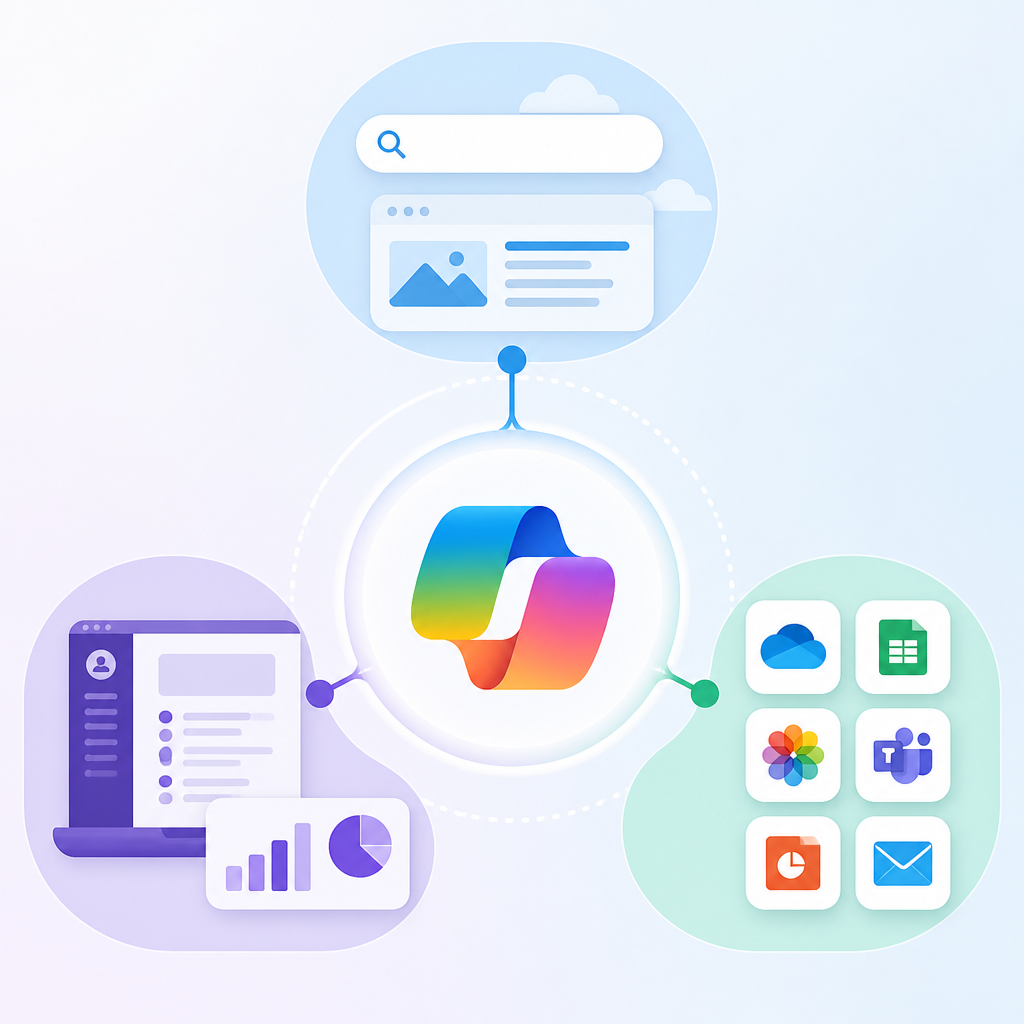
This is the version most people think of when they say “Copilot.” It handles open-ended questions, summaries, source-linked answers, and creative prompts such as poems or song ideas. Microsoft also used it as the main replacement for Cortana, which had been discontinued.
- Started as a built-in feature in Bing and Edge
- Uses Microsoft’s Prometheus model, built on OpenAI GPT models
- Works in a freemium model with some limits on the free tier
2. Microsoft 365 Copilot is for office work
Microsoft 365 Copilot is the work-focused version, aimed at business, education, and productivity tasks inside Microsoft apps. Microsoft introduced it in 2023 and later launched a Microsoft 365 Copilot app in January 2025 as a rebranded version of the Microsoft 365 app.
Unlike the consumer chatbot, this version is built around files, meetings, email, and day-to-day office output. The point is not casual chat but helping people draft, summarize, organize, and act inside the Microsoft 365 ecosystem.
- Centered on work and school users
- Integrated with Microsoft 365 services
- Sold as a paid add-on rather than a general free chatbot
3. Copilot Pro adds priority access
Copilot Pro is the paid consumer subscription for people who want faster access and newer features. Microsoft positions the free tier as enough for most basic use, while paid subscribers get priority access to newer tools and some advanced capabilities.
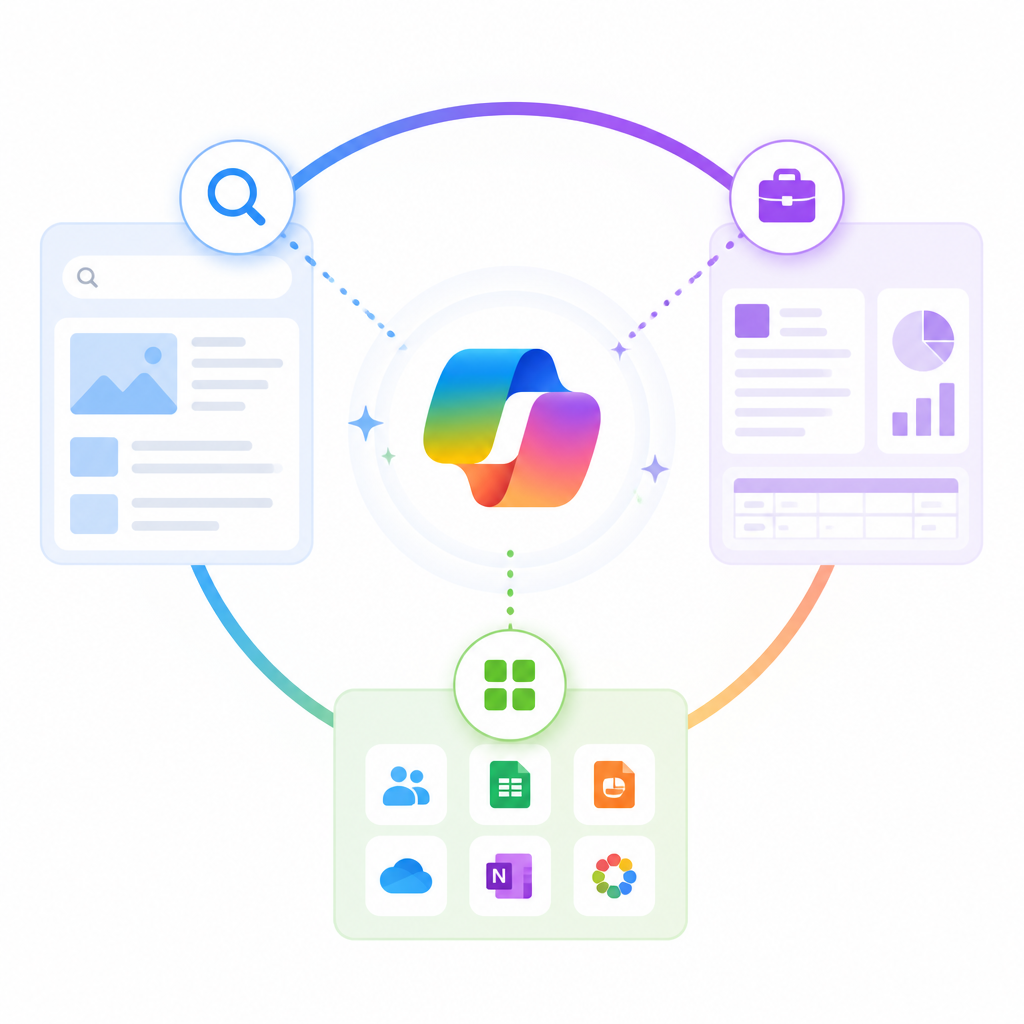
For users who rely on Copilot often, the paid plan mainly matters when demand is high or when Microsoft rolls out features first to subscribers. It is less about changing what Copilot is and more about getting more of it, sooner.
- Priority access to newer features
- Targets frequent individual users
- Sits above the free consumer tier
4. Copilot Studio is for custom bots
Copilot Studio is the business tool for creating custom chatbots. It extends the Copilot idea from a general assistant into something organizations can shape around internal workflows, support, or domain-specific tasks.
This is the most technical part of the family, and it is the one to study if your goal is to build rather than just use. Microsoft says paid subscribers can get custom chatbot creation, and Copilot Studio is the product that makes that practical at scale.
- Custom chatbot creation for organizations
- Designed for business and operations teams
- Useful when a company needs a bot with narrow rules or data access
5. Copilot also lives in Windows, mobile, and image tools
Copilot is not one app. Microsoft has spread it across Windows, Android, iOS, the web, and image generation tools. The article history shows it evolving from a Bing feature into a broader assistant layer across Microsoft’s products.
That spread matters because the same brand can mean different experiences depending on where you open it. On one device it may be a chat assistant; on another it may be tied to image creation, voice, or a work app. Microsoft also ships Copilot in multiple languages and keeps updating the standalone apps.
- Available on Windows, macOS, Android, iOS, and the web
- Includes image generation through Microsoft Designer
- Supports source citations and multilingual chat
How to decide
If you want a free general chatbot for search and quick answers, start with the consumer Copilot in Bing or Edge. If you work in Microsoft 365 every day, the Microsoft 365 Copilot version is the better fit because it is built around office tasks.
If you want faster access and more premium features, Copilot Pro is the subscription to compare. If your goal is to build a tailored assistant for a team or company, Copilot Studio is the right choice.
// Related Articles
- [IND]
CBDC Governance: Standards and Stakeholder Roles
- [IND]
Invisible AI watermarks are the right move for Claude
- [IND]
pgvector is enough for small datasets, not your default
- [IND]
OpenAI’s Astra pause shows safety now shapes model releases
- [IND]
Anthropic is building custom AI chips for Claude
- [IND]
Moka AI Is a Stronger HRMS Choice for Growing Teams