OpenAI Live turns launches into replayable demos
I break down OpenAI Live into a simple event format you can copy for product launches, demos, and announcements.

OpenAI Live turns product launches into replayable demos you can copy for your own launches.
I've been watching product livestreams for years, and most of them feel like they were built by committee. Too much talking, not enough showing. Too much hype, not enough structure. You sit there waiting for the one thing you actually came for, and by the time it arrives, the room has already wandered off. That's why I paid attention when I hit OpenAI Live. It wasn't trying to be a generic event hub. It was a clean way to package launches, demos, and announcements so the useful part survives after the stream ends.
What bothered me most about most livestream pages is how little they help once the live moment is over. You get a title, maybe a replay, maybe a vague archive. Then you're left digging for the actual product point. OpenAI's page is more disciplined than that. It points you toward the event itself, then toward the replay, then toward the broader pattern: this is how they communicate product changes in public. If you're building a launch page, a demo flow, or even a company update series, there's something here worth stealing, minus the fluff.
I also like that this is not pretending to be more than it is. It's a public events surface. Simple idea, but that simplicity is the point. When a page knows its job, it stops wasting your time. That alone is worth unpacking.
OpenAI is treating livestreams like product docs, not theater
Get the latest AI news in your inbox
Weekly picks of model releases, tools, and deep dives — no spam, unsubscribe anytime.
No spam. Unsubscribe at any time.
"Watch OpenAI livestreams featuring product launches, demos, and announcements. Explore past events, discover the latest AI innovations, and stay up to date."
What this actually means is that the livestream page is not just a calendar or a marketing banner. It's a distribution layer for product understanding. The live event grabs attention, but the replay and archive do the real work. That matters because most teams think the stream is the event. It isn't. The event is the explanation, and the page is the place where the explanation stays findable.
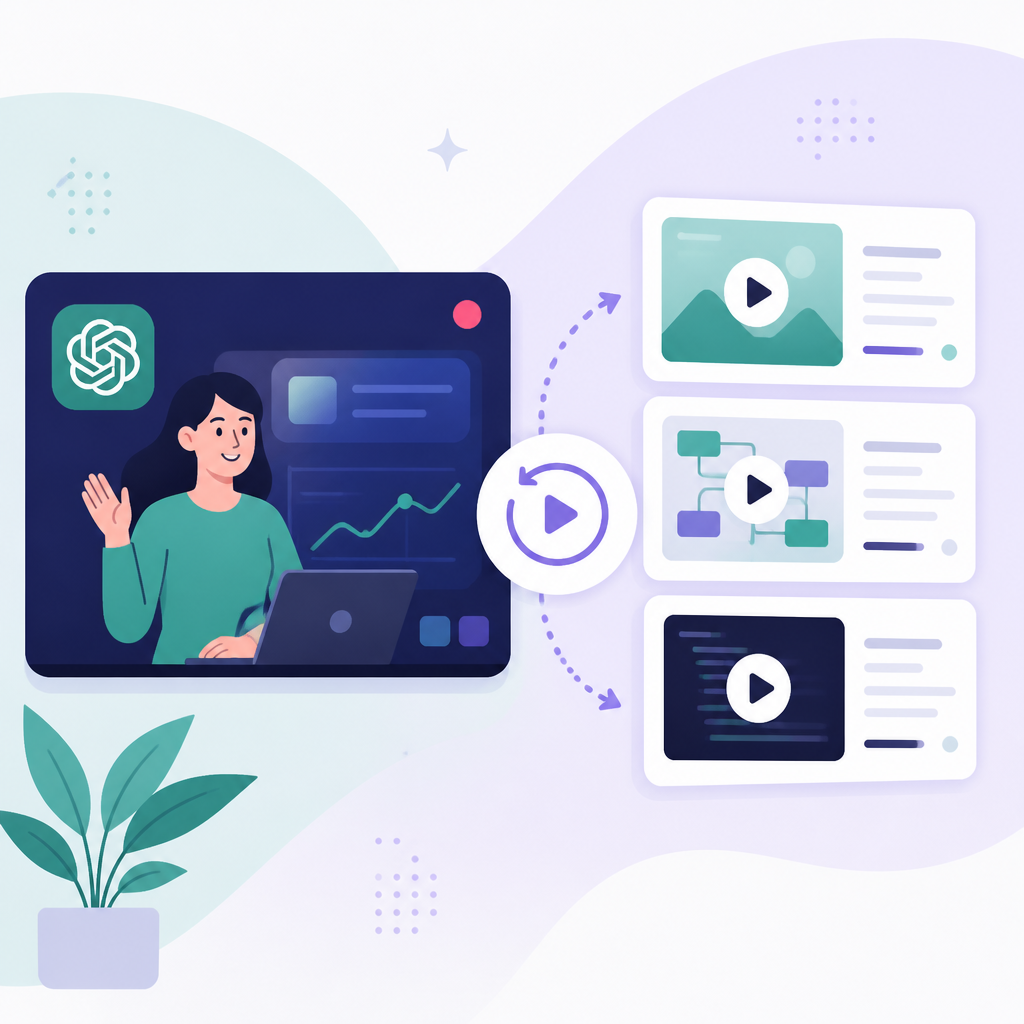
I ran into this exact problem when I helped shape launch pages for a small dev tool. We had a decent live demo, but afterward everyone asked the same thing: where's the recording, where's the recap, what changed? We had answers scattered across social posts, a blog, and a YouTube link. Total mess. OpenAI's approach is cleaner because it assumes people will arrive late, leave early, or come back later. That's just reality.
How to apply it: build your livestream page like a permanent entry point. Don't make people hunt. Put the event, the replay, the summary, and the next action in one place. If someone lands there a week later, they should still understand what happened in under a minute.
- Lead with what the event is about, not with branding wallpaper.
- Make the replay obvious and keep the archive visible.
- Use the page to answer the question: what changed?
That last part is the one teams keep skipping. They announce a thing, but they don't explain the delta. OpenAI's livestream framing is useful because it centers the delta. New product, new demo, new announcement. That's the job.
The page works because it reduces friction before the stream even starts
One thing I noticed right away is how little ceremony there is. No bloated event maze. No weird detours. Just a direct path to the thing. That sounds minor until you've watched enough launches fail because the audience couldn't figure out where to click, what time mattered, or whether the event was live, upcoming, or archived.
What this actually means is that the page is doing UX triage. It removes the tiny annoyances that make people bail. If you're a developer building a launch experience, this is the boring part that saves you. I know, not glamorous. But the best launch pages are usually boring in the right ways.
I once watched a startup bury a live demo behind three tabs and a signup wall, then wonder why nobody showed. The problem wasn't the demo. The problem was the path. OpenAI's page is a reminder that event friction is product friction. If the page is hard to understand, the announcement is already weaker.
How to apply it:
- Use one primary call to action per event state: live, upcoming, replay.
- Label the state clearly so nobody has to guess.
- Keep the page usable on mobile, because that's where a lot of people will first see it.
If you want people to actually watch, don't make them decode your event system. Make the next step obvious. That's the whole trick.
Replays are the real product, not the live moment
A live stream is temporary. A replay is durable. OpenAI's livestream page makes that distinction feel intentional. The live event gets the attention spike, but the replay is what keeps the announcement useful after the fact. That matters for developers because most of your audience will not show up live. They'll come in later, skim the recording, and look for the one moment that affects their workflow.
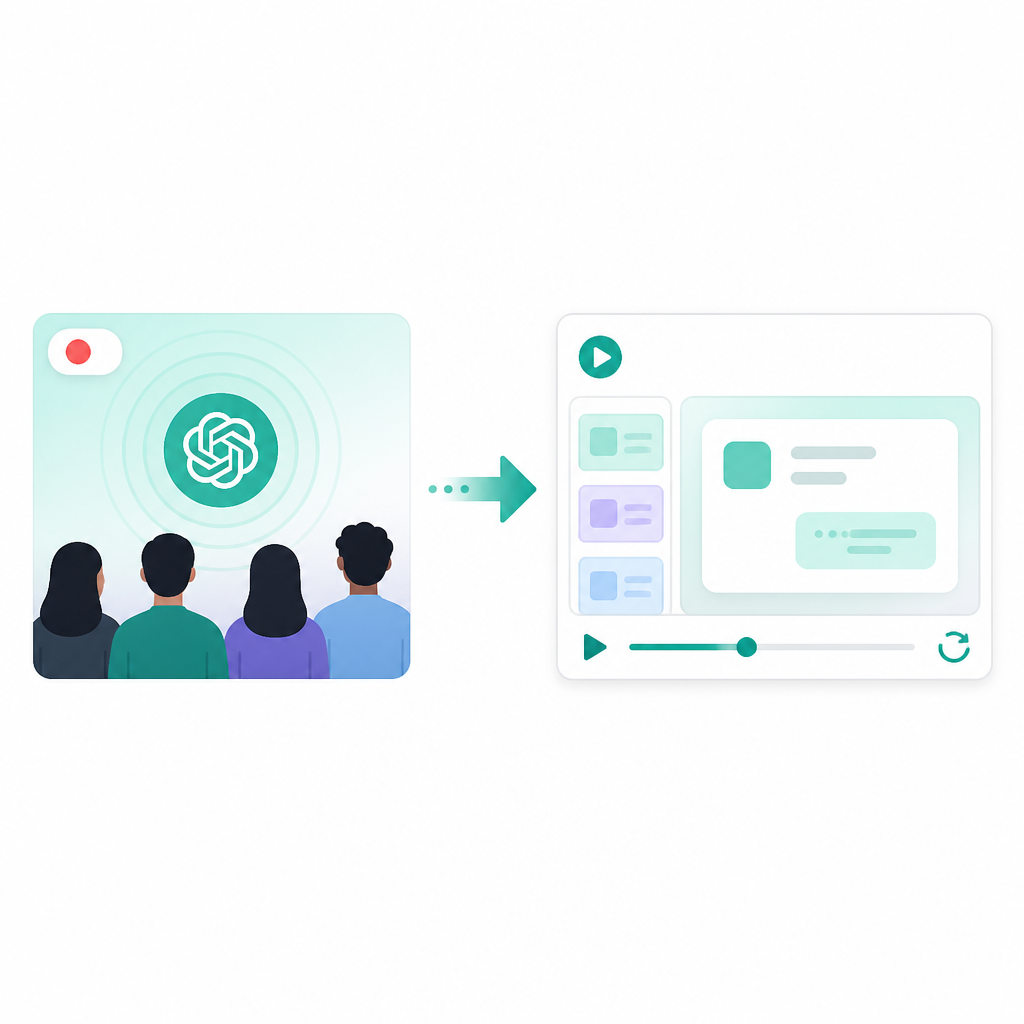
What this actually means is that you should design for asynchronous consumption from the start. Don't think of the replay as an afterthought. Think of it as the main artifact. If you're demoing a new API, a model update, or a feature rollout, the replay needs chapter-like clarity even if you don't literally add chapters.
I learned this the hard way after a livestream where our best feature announcement happened around minute 22. Guess how many people made it there? Not enough. We had a great live room and a terrible replay. That mismatch is expensive. OpenAI's format avoids that by making the event page the place where the audience can catch up without needing context from a dozen other channels.
How to apply it:
- Write a short replay summary that says what changed and why it matters.
- Surface the most important segment near the top if your platform allows it.
- Keep the archive sorted so older events don't disappear into a black hole.
And if you can, pair each replay with a short text recap. Video is great, but text is searchable. Developers live in search.
Announcements land better when the format is predictable
There's a reason recurring livestream formats work. People don't want to relearn the structure every time. OpenAI's livestream page hints at a repeatable pattern: product launches, demos, announcements. That repetition builds expectation, and expectation lowers the cognitive load on the audience.
What this actually means is that the format itself becomes part of the product. If every event feels different in random ways, your audience spends energy figuring out the format instead of absorbing the message. That's a waste. OpenAI keeps the category clear, which makes the content easier to scan.
I like this because it respects the viewer's time. No one needs a surprise format twist in a product update. They need to know where the important part is. I’ve sat through enough launch streams with ten minutes of meandering intro music and a half-hour of warm-up to know that predictability is not boring. It is mercy.
How to apply it:
- Use the same event structure every time: intro, demo, key changes, next steps.
- Keep naming consistent across live events and replays.
- Document your format so whoever hosts next doesn't improvise the whole thing.
If you're doing public product communication, consistency beats cleverness. Every time.
The archive matters because people join late and search later
The archive on a page like this is not decoration. It's a memory system. OpenAI's live page points to past events, which is exactly what I want from a public announcement surface. I don't want to wonder whether a prior launch still exists somewhere. I want the archive to answer that immediately.
What this actually means is that the page is useful to both new visitors and returning ones. New visitors catch up. Returning visitors compare. That comparison is especially useful for developers watching model updates, product changes, or tooling shifts over time. You start seeing the pattern instead of just the headline.
I ran into this while comparing release talks across different AI companies. When the archive is messy, you lose the thread. When the archive is clean, you can track how the product story changes over months. That's valuable if you're trying to understand positioning, not just features.
How to apply it:
- Group events by date and make old entries easy to scan.
- Add a one-line descriptor to each replay so the title alone isn't doing all the work.
- Keep the archive page indexed and linkable so people can cite it.
If your company ships in public, your archive is part of your product memory. Treat it that way.
The real lesson is about communication, not livestreaming
This is the part I care about most. OpenAI Live is not interesting because it has video. It's interesting because it packages communication in a way that fits how developers actually consume information. Live if you're there. Replay if you're not. Archive if you need context. That is a sane model.
What this actually means is that you can borrow the structure even if you never host a big livestream. You can use the same thinking for release notes, launch pages, internal demos, or customer briefings. The pattern is simple: announce, explain, preserve.
I wish more teams would stop pretending the live event is the whole story. It isn't. The whole story is what people can understand after the stream ends, when they're back at their desk and trying to figure out whether this thing matters to them.
How to apply it:
- Build one source of truth for each launch.
- Make the live event and the replay point to the same explanation.
- Write for the person who arrives late, because that's most people.
That sounds basic, but basic is where most launch pages fall apart. OpenAI's livestream page gets the basics right, and that is why it works.
The template you can copy
<section class="event-hub">
  <p class="event-hub__summary">Watch our livestreams for product launches, demos, and announcements.</p>

  <article class="event-hub__card event-hub__card--live">
    <h3>Live now</h3>
    <p>Join the current livestream to see the latest update as it happens.</p>
    <a href="/live/current">Watch live</a>
  </article>

  <article class="event-hub__card event-hub__card--upcoming">
    <h3>Next event</h3>
    <p>See what is coming next and add it to your calendar.</p>
    <a href="/live/upcoming">View upcoming events</a>
  </article>

  <article class="event-hub__card event-hub__card--archive">
    <h3>Past events</h3>
    <p>Browse replays, demos, and announcements you can catch up on anytime.</p>
    <ul>
      <li><a href="/live/replay-1">Launch demo: [event title]</a></li>
      <li><a href="/live/replay-2">Product update: [event title]</a></li>
      <li><a href="/live/replay-3">Announcement: [event title]</a></li>
    </ul>
  </article>

  <section class="event-hub__notes">
    <h3>What changed</h3>
    <p>Write one short paragraph that explains the delta, why it matters, and where to go next.</p>
  </section>
</section>

<!-- Copy this pattern for product launches, internal demos, or public updates. -->
If I were building this for my own team, I'd keep the page dead simple and make the replay the hero after the live moment ends. I'd also add one short written summary under every event so the page still works when someone can't watch video at work.
Source attribution: Original source is https://openai.com/live/. Everything above is my breakdown and a reusable template inspired by that page, not an official OpenAI format.
// Related Articles
- [TOOLS]
Cloudflare One partner program speeds AI security rollout
- [TOOLS]
OpenClaw with Ollama turns Telegram into a bot
- [TOOLS]
Aliyun Bailian Token Plan turns credits into agents
- [TOOLS]
One API gateway turns six AI APIs into one
- [TOOLS]
OpenAI FDEs turn broken agents into shipped systems
- [TOOLS]
Anthropic’s daily brief turns news into a workflow