OpenCode gives teams a free, model-agnostic agent
OpenCode explains a free, MIT-licensed coding agent with 75+ model providers, terminal control, and privacy-first defaults.

OpenCode is a free, MIT-licensed coding agent that edits code, runs commands, and supports 75+ model providers.
OpenCode is worth understanding because it combines agentic coding, broad model choice, and a free core tool in one package.
| Item | License | Model support | Primary surface | Cost model |
|---|---|---|---|---|
| OpenCode | MIT | 75+ providers | Terminal, desktop, IDE | Free tool, pay for model or use included free models |
| Claude Code | Proprietary | Anthropic models | Terminal | Subscription or usage-based |
| Cursor | Proprietary | Vendor-managed | AI-native IDE | Subscription tiers |
1. OpenCode is the free agentic layer
Get the latest AI news in your inbox
Weekly picks of model releases, tools, and deep dives — no spam, unsubscribe anytime.
No spam. Unsubscribe at any time.
OpenCode is an open-source AI coding agent that can read files, edit code, run shell commands, and check its own work. That makes it different from a chat tool that only suggests snippets. The project is MIT-licensed, written mainly in TypeScript, and maintained by Anomaly, the team formerly known as SST.

Its appeal is simple: you can give it a goal in plain language and let it handle the mechanical steps. In practice, that means it can inspect a repo, make changes, install packages, and react to terminal output without forcing you to micromanage every move.
- License: MIT
- Language: TypeScript
- Maintainer: Anomaly
- Core actions: read, edit, run, test
2. Its growth is already hard to ignore
The scale behind OpenCode explains why it keeps appearing in developer discussions. The project reports 178,000 GitHub stars, 21,800 forks, 900 contributors, and more than 14,000 commits. Its official site also says more than 7.5 million developers use it each month.
That pace matters because agent tools often fade after the first wave of attention. OpenCode has instead kept shipping fast, with 827 releases and a June 24, 2026 release tagged v1.17.10. For teams choosing a tool they may rely on daily, that release cadence is a useful signal.
- 178,000 GitHub stars
- 7.5 million monthly developers
- 827 releases
- v1.17.10 shipped June 24, 2026
3. The build and plan agents fit different jobs
OpenCode ships with two main agents you switch using Tab. Build mode is the default and has full access for development work. Plan mode is read-only by default, so it is better when you want to inspect a codebase, outline a change, or reduce the chance of accidental edits.
There is also a general subagent for more complex searches and multi-step tasks. That split makes OpenCode feel less like a single chatbot and more like a small agent toolkit where you choose the level of autonomy you want.
- Build: edit files, run commands, move fast
- Plan: read-only first, ask before commands
- General: handles deeper searches and multi-step work
4. Model choice is the main reason people switch to it
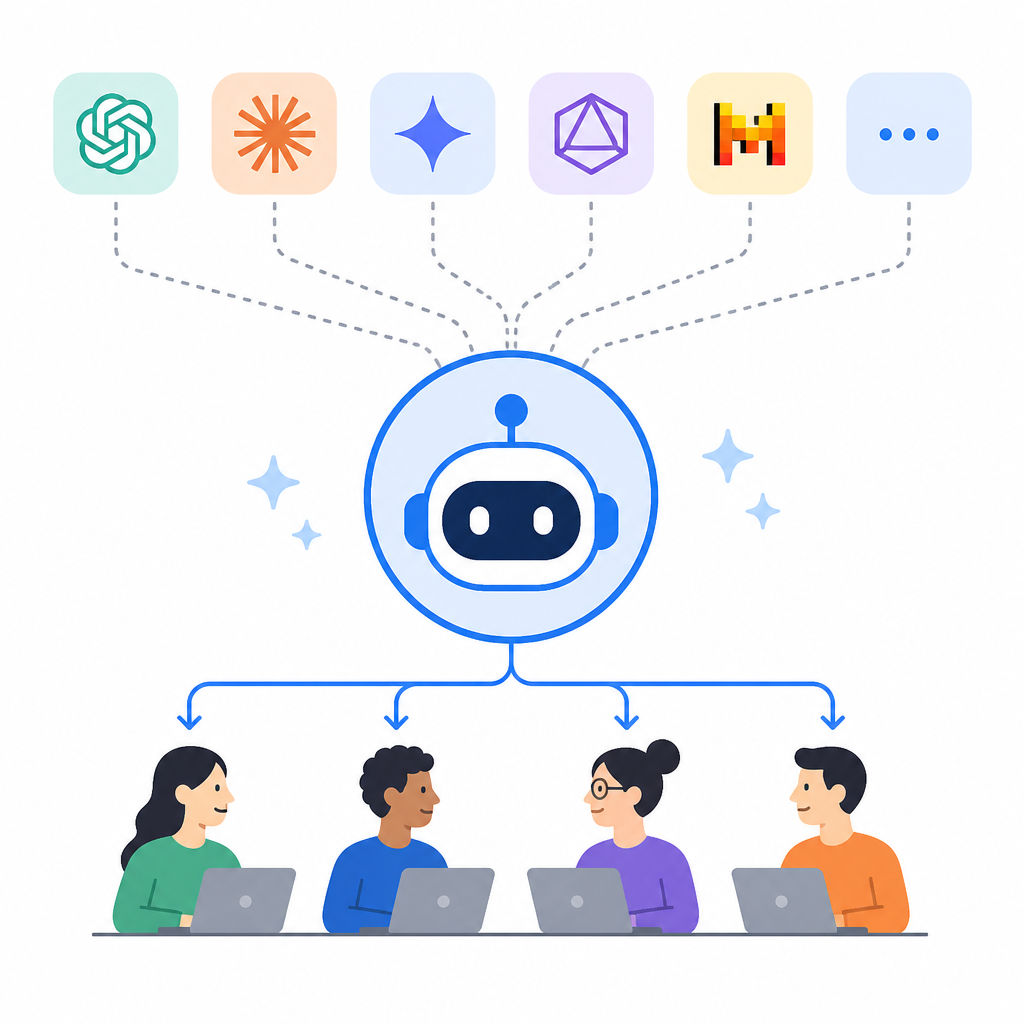
OpenCode is model-agnostic, which means it is not tied to one provider. Through Models.dev, it connects to more than 75 LLM providers, including Claude, GPT, Gemini, and local models. That gives you a single interface while keeping the model decision open.
It also includes OpenCode Zen, a set of free models the team has picked and tested for coding use. If you already pay for GitHub Copilot or ChatGPT Plus/Pro, you can log in with those accounts too. That lowers the barrier for trying the tool before you commit to API spend.
# Start with a free model or your existing account
opencode

# Or install first
curl -fsSL https://opencode.ai/install | bash
5. It runs where developers already work
OpenCode is available as a terminal UI, a desktop app in beta for macOS, Windows, and Linux, and an IDE extension. That range matters because different workflows need different surfaces. Some developers want the terminal, while others want a more visual environment or an in-editor agent.
It also includes practical extras like LSP support, multi-session work on the same project, and share links for sessions. The project says it does not store your code or context data, which is a strong fit for privacy-sensitive environments.
- Terminal interface
- Desktop app beta
- IDE extension
- LSP support and multi-session workflows
6. It is free, but not costless in every case
OpenCode itself is free under the MIT license, and you can use the bundled free models without paying anything. That is the clearest answer to the “is it really free?” question.
If you choose a paid provider, then model usage becomes the bill you carry. In other words, the tool has no mandatory subscription, but your model choice can still introduce cost. For many developers, that is the right trade-off because it keeps the agent flexible and avoids vendor lock-in.
How to decide
Pick OpenCode if you want a free entry point, model freedom, and a tool that can run in the terminal, desktop, or IDE. It is especially useful if you want to compare Claude, GPT, and local models without changing your workflow.
If you want a vendor-tied experience with a single model family, Claude Code or Cursor may feel more opinionated. If you want the broadest choice and the least lock-in, OpenCode is the cleaner default.
// Related Articles
- [IND]
GLM-5.3’s coding gains came from post-training
- [IND]
Anthropic’s data center push now has big capital backing
- [IND]
DailyArxiv turns arXiv keywords into a daily paper feed
- [IND]
Claude vs ChatGPT (2026): Is Claude Better?
- [IND]
CBDC Governance: Standards and Stakeholder Roles
- [IND]
Invisible AI watermarks are the right move for Claude