Rust CLI Project in 5 Practical Steps
Build a Rust CLI weather tool with Cargo, Tokio, Reqwest, and Clap.
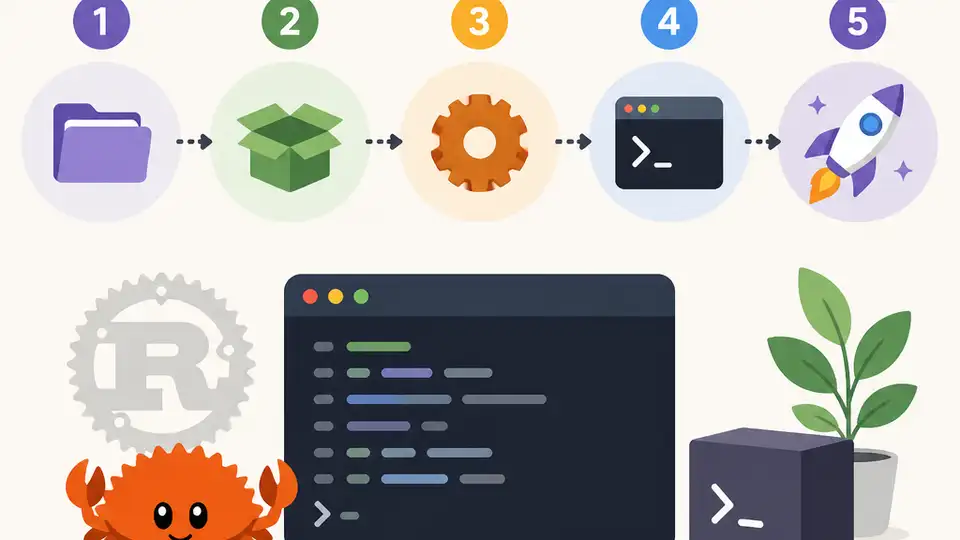
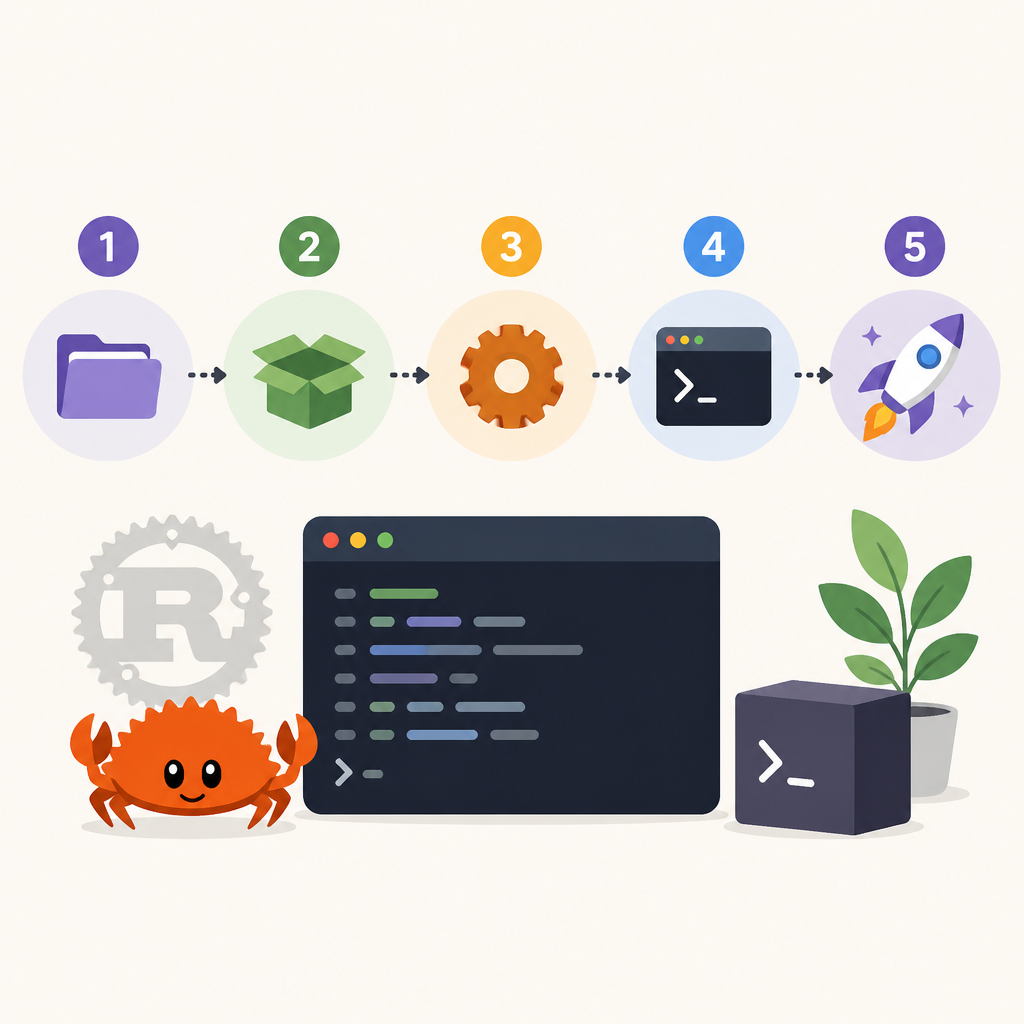
Build a Rust CLI weather tool with Cargo, Tokio, Reqwest, and Clap.
This guide is for developers who already know another language and want a fast path to a working Rust command-line app.
By the end, you will have a compiled CLI project, a weather lookup command, basic async HTTP calls, and a testable codebase you can extend.
Before you start
Get the latest AI news in your inbox
Weekly picks of model releases, tools, and deep dives — no spam, unsubscribe anytime.
No spam. Unsubscribe at any time.
- Rust toolchain 1.95.0 stable installed with rustup
- Cargo 1.95.0, rust-analyzer 2026-04-14 release, clippy, and rustfmt
- Node not required; a Unix-like shell on macOS, Linux, or WSL2 on Windows
- VS Code or Neovim with rust-analyzer support
- A free API key for the weather service you plan to use, if your endpoint requires one
- Tokio 1.40.0, reqwest 0.12.7, serde 1.0.210, serde_json 1.0.128, clap 4.5.17, anyhow 1.0.82
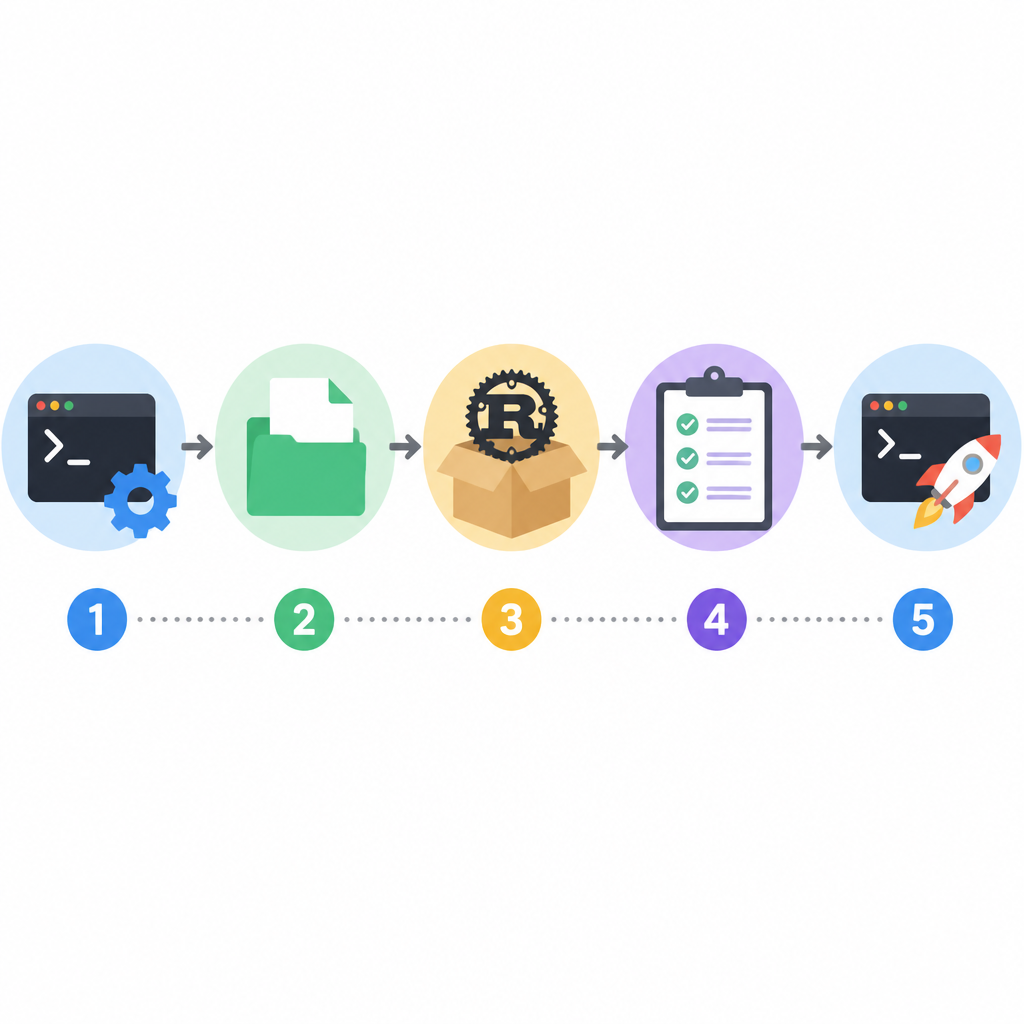
Step 1: Install the Rust toolchain
Goal: get a clean, up-to-date Rust install that matches the tutorial versions.
curl --proto '=https' --tlsv1.2 -sSf https://sh.rustup.rs | sh
source "$HOME/.cargo/env"
rustc --version
cargo --version
rustup component add rust-analyzer clippy rustfmt
Verification: you should see rustc 1.95.0 and cargo 1.95.0, which confirms the stable toolchain is ready.
Step 2: Create the Cargo project
Goal: generate a binary crate with the standard Rust layout and build metadata.
cargo new weather_cli
cd weather_cli
cargo run
Verification: you should see Hello, world! and a target/debug/weather_cli binary, which means Cargo can compile and run your app.
Step 3: Add CLI arguments and config
Goal: define a real command interface so users can pass a city name, units, and output options.
cargo add clap --features derive
cargo add anyhow

use clap::Parser;

#[derive(Parser, Debug)]
struct Args {
    #[arg(short, long)]
    city: String,
}

fn main() {
    let args = Args::parse();
    println!("City: {}", args.city);
}
Verification: you should see a parsed city value when you run cargo run -- --city Tokyo, which proves Clap is wired correctly.
Step 4: Fetch weather data asynchronously
Goal: turn the CLI into a real networked tool using Tokio, Reqwest, and Serde.
cargo add tokio --features full
cargo add reqwest --features json,rustls-tls
cargo add serde --features derive
cargo add serde_json

#[tokio::main]
async fn main() -> anyhow::Result<()> {
    let body = reqwest::get("https://example.com/weather.json").await?.text().await?;
    println!("{}", body);
    Ok(())
}
Verification: you should see an HTTP response body or a parsed JSON payload, which confirms async execution and networking both work.
Step 5: Test, format, and ship the binary
Goal: make the project reproducible, linted, and ready for distribution.
cargo fmt
cargo clippy
cargo test
cargo build --release
Verification: you should see clean formatting, no clippy errors, passing tests, and a release binary in target/release/weather_cli.
| Metric | Before/Baseline | After/Result |
|---|---|---|
| Project state | No Rust app | Working CLI binary |
| Runtime model | Synchronous placeholder | Tokio async runtime |
| Dependency coverage | None | Clap, Reqwest, Serde, Tokio |
| Build output | Debug-only | Optimized release binary |
Common mistakes
- Using a system package manager instead of rustup. Fix: uninstall the old toolchain or move ~/.cargo/bin ahead of system paths.
- Forgetting the -- separator before CLI flags. Fix: run cargo run -- --city Tokyo so Cargo does not eat your app arguments.
- Mixing sync and async code without Tokio. Fix: keep network calls inside an async main annotated with #[tokio::main].
What's next
From here, add real API parsing, error types with thiserror, integration tests, and a crates.io release workflow so the CLI can evolve into a polished tool.
// Related Articles
- [TOOLS]
OpenAI's HF breach story turns into a security template
- [TOOLS]
SAP Design System adds AI and cross-platform UI kits
- [TOOLS]
ChatGPT Health turns general chat into a health layer
- [TOOLS]
Microsoft adds AMD chips to Azure AI and HPC
- [TOOLS]
Kimi K3 vs GLM-5.2: a one-endpoint test
- [TOOLS]
Gemini Live camera turns seeing into help