Rustup is Rust’s official toolchain installer
Rustup installs Rust from official channels and lets developers switch between stable, beta, and nightly toolchains.

Rustup is the official installer and version manager for Rust toolchains.
Rustup is the tool most Rust developers use to install the compiler, switch channels, and keep toolchains current. The project has 6.9k stars, 1k forks, and 5,863 commits on GitHub, which tells you this is mature infrastructure rather than a side project.
| Metric | Value |
|---|---|
| GitHub stars | 6.9k |
| GitHub forks | 1k |
| Commits | 5,863 |
| Pull requests | 31 |
| Issues | 429 |
| Releases | 64 tags |
What Rustup actually does
Get the latest AI news in your inbox
Weekly picks of model releases, tools, and deep dives — no spam, unsubscribe anytime.
No spam. Unsubscribe at any time.
Rust ships on three main release channels: stable, beta, and nightly. Rustup installs those channels from the official release pipeline and keeps them updated, so a developer can move between them without juggling multiple manual installs.

The project also handles cross-compiling more cleanly by installing binary builds of the standard library for common targets. That matters when you need to build for Linux from macOS, or for Windows from another platform, without setting up a custom toolchain by hand.
Rustup supports every platform Rust supports, including Windows. That broad coverage is one reason the installer has become the default recommendation in the Rust ecosystem rather than a niche convenience tool.
- Official channels: stable, beta, nightly
- Cross-compiling support through standard library binaries
- Works across all Rust-supported platforms
- Project files include README, CHANGELOG, and a full Rustup book
Why the Rust team keeps it official
Rustup lives in the rust-lang organization, which gives it a clear place in the Rust release process. Instead of treating toolchain installation as an afterthought, the project makes it part of the language’s distribution story.
That design choice matters because Rust developers often need more than one compiler version on the same machine. A library maintainer may test against stable while checking a fix on nightly. A systems engineer may pin a specific compiler for a production build and still keep beta installed for early validation.
“Rustup installs the Rust programming language from the official release channels, enabling you to easily switch between stable, beta, and nightly compilers and keep them updated.”
This line from the project readme is the clearest summary of why Rustup exists. It is less about installation in the narrow sense and more about making compiler management predictable.
The project also has a long maintenance history. With 64 releases and nearly 6,000 commits, the repo shows years of steady iteration around installer behavior, platform support, and release handling.
How it compares with manual installs
If you install Rust manually, you have to track versions, update paths, and manage target libraries yourself. Rustup puts those tasks behind a single command-line interface, which reduces the chance of using the wrong compiler or forgetting to update a target.
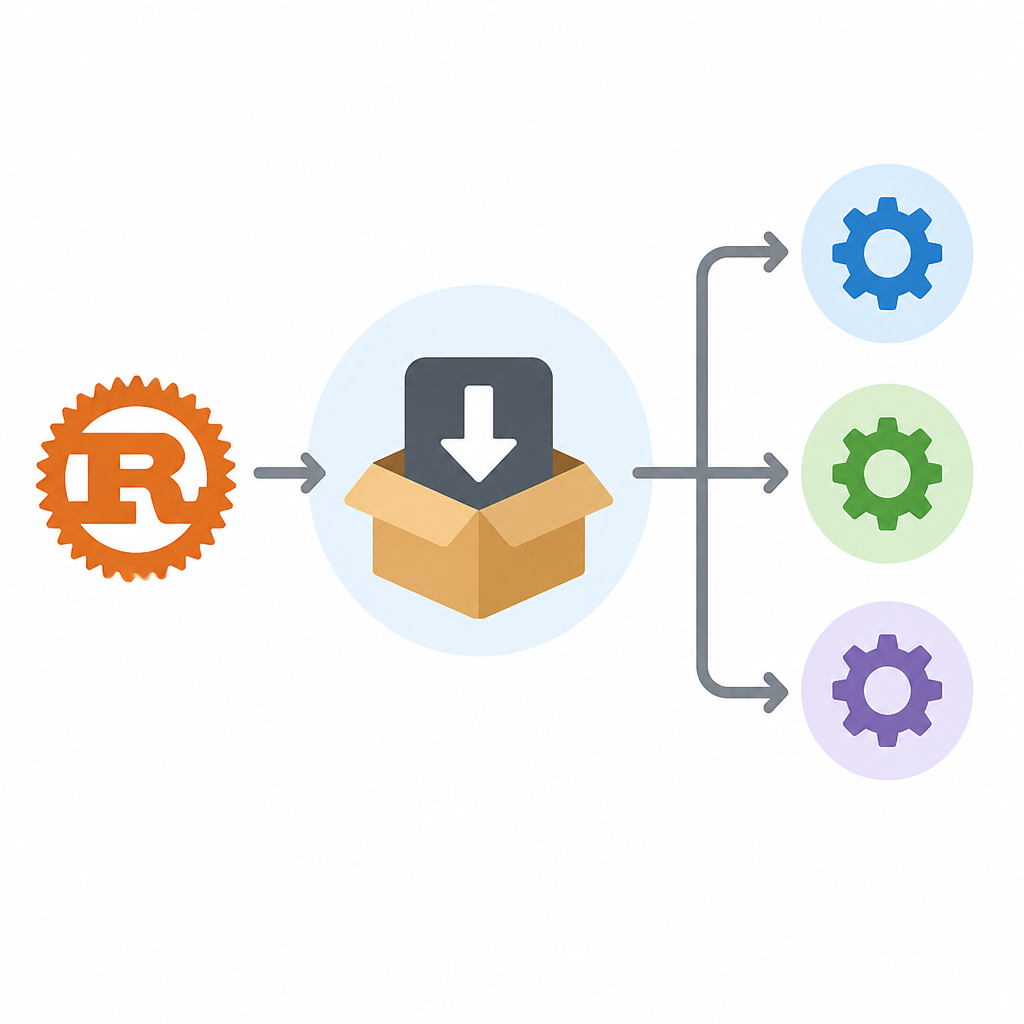
That difference becomes more obvious in teams. A shared setup script that calls rustup can standardize compiler versions across laptops, CI jobs, and build servers. A manual setup usually drifts over time, especially when developers copy commands from old docs or personal notes.
- Manual install: separate steps for version selection, updates, and targets
- Rustup: one installer plus channel switching and update management
- Manual install: higher risk of version drift across machines
- Rustup: easier to pin and reproduce toolchains in CI
Rustup is also easier to audit than a pile of ad hoc shell snippets. The repository is public, the code is written mostly in Rust, and the project includes documentation, licensing, and security pages directly in the repo.
That transparency is useful for organizations that care about build provenance. When the installer itself lives in the same ecosystem as the language, teams can inspect the source, track releases, and align internal tooling with upstream changes.
What developers should take from this repo
Rustup is one of those tools that disappears into the background once it is installed, which is usually the sign of good developer tooling. It does one job, but that job affects everything downstream: compiler choice, reproducible builds, target support, and update cadence.
For new Rust users, the practical takeaway is simple: install Rust through Rustup unless you have a very specific reason not to. For teams, the better question is how to standardize rustup commands in onboarding docs, CI scripts, and release checklists so everyone uses the same toolchain on purpose.
The repo’s numbers suggest the project is still actively maintained and widely used, so the real risk is not adoption. The real risk is inconsistency across machines. If your team already writes Rust, the next improvement is to make rustup the default in every environment where code is compiled.
One useful next step is to compare your current setup against the official Rustup book and see whether your workflow still depends on manual version management. If it does, that is where the cleanup should start.
// Related Articles
- [TOOLS]
OpenAI's HF breach story turns into a security template
- [TOOLS]
SAP Design System adds AI and cross-platform UI kits
- [TOOLS]
ChatGPT Health turns general chat into a health layer
- [TOOLS]
Microsoft adds AMD chips to Azure AI and HPC
- [TOOLS]
Kimi K3 vs GLM-5.2: a one-endpoint test
- [TOOLS]
Gemini Live camera turns seeing into help