Devin Desktop turns Windsurf into an agent hub
4 things Devin Desktop changes: a shared IDE, ACP agent support, Kanban control, and side-by-side coding agents.
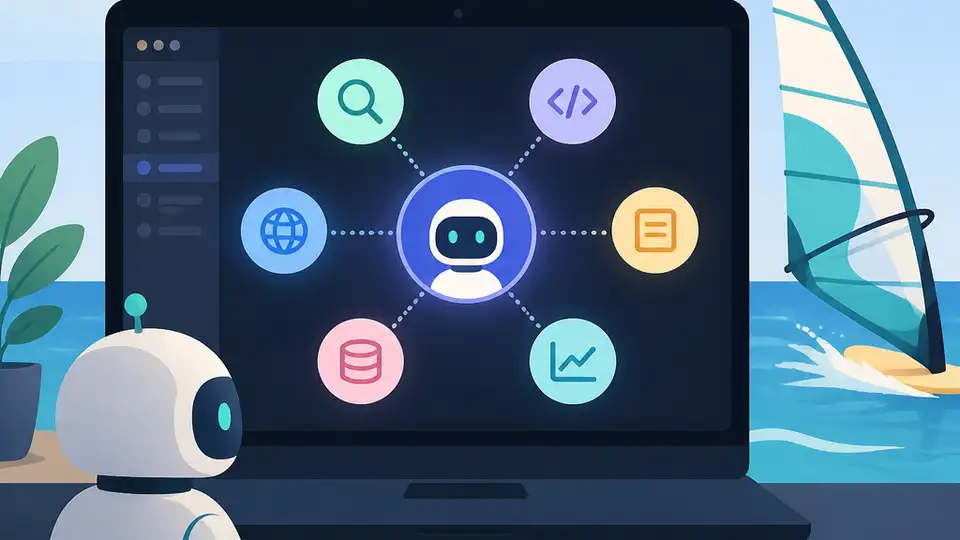
Devin Desktop turns Windsurf into a shared IDE for managing multiple coding agents.
Cognition has relaunched Windsurf as Devin Desktop, and the pitch is simple: one place to run several AI coding agents, watch their work, and keep projects organized. The new setup includes an Agent Command Center, open ACP protocol support, and a shared Kanban workspace for side-by-side agent use.
| Item | What it adds | Who it helps |
|---|---|---|
| Devin Desktop | Full IDE with agent control | Teams managing AI coding workflows |
| Agent Command Center | Central place to direct agents | Users juggling multiple tasks |
| ACP support | Open protocol for agent connections | Teams mixing vendors and custom agents |
| Kanban workspace | Shared task board for agents | Projects that need visible status tracking |
1. A full IDE built around agents
Get the latest AI news in your inbox
Weekly picks of model releases, tools, and deep dives — no spam, unsubscribe anytime.
No spam. Unsubscribe at any time.
Devin Desktop is not just a chat window with code suggestions. It is presented as a full IDE, so the coding environment and the agent controls live together instead of forcing you to switch between tools.
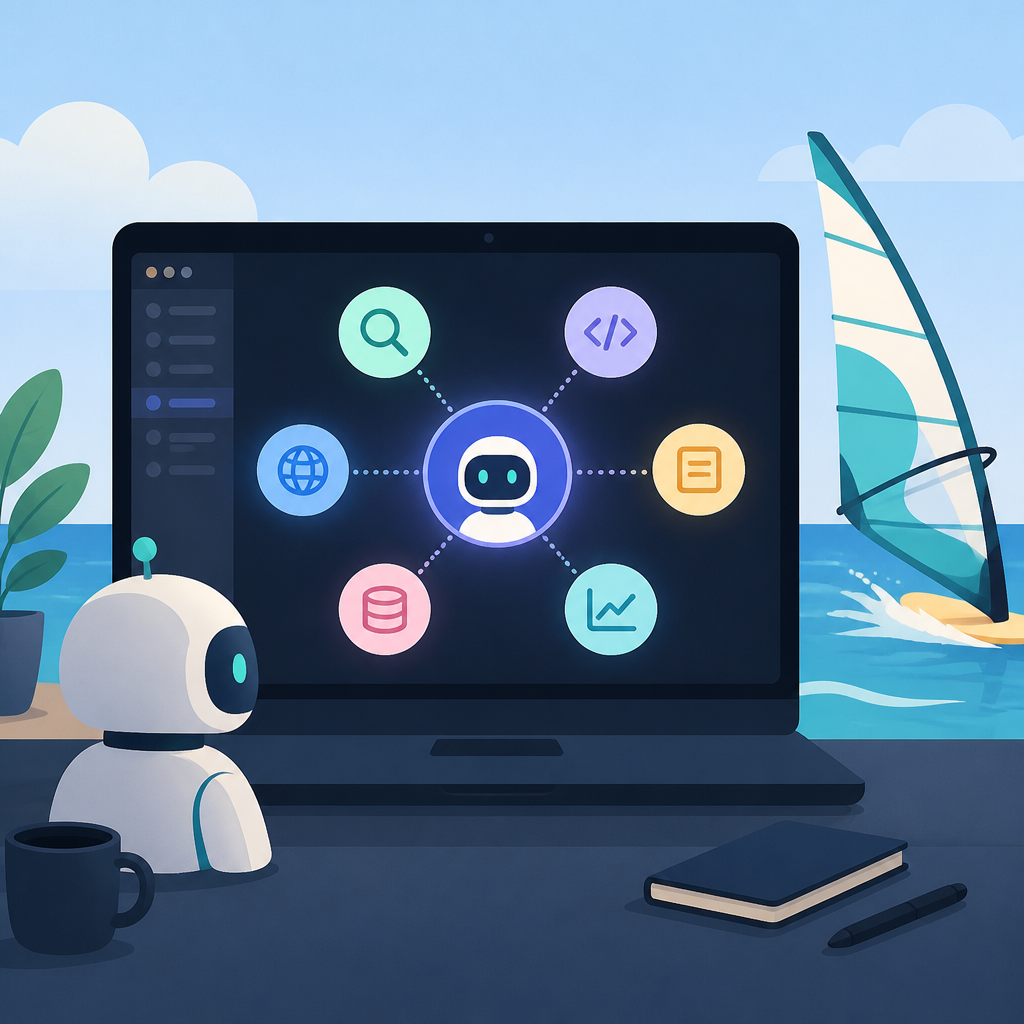
That matters for teams that want agents to do more than answer questions. They can inspect files, move through tasks, and stay inside the same workspace where developers review the code.
- IDE-first workflow instead of a separate assistant panel
- Better fit for long-running coding tasks
- Less context switching between editor and agent UI
2. Agent Command Center for direct control
The new Agent Command Center is the main control point for assigning work and tracking what each agent is doing. Instead of treating agents as isolated helpers, Devin Desktop puts them under one operator view.
This is useful when one project has several moving parts, such as bug fixes, test writing, refactors, and documentation updates. The command center gives teams a clearer place to route those jobs.
- Assign tasks to different agents
- Monitor progress from one screen
- Keep work separated by task or owner
3. ACP support for mixed-agent setups
Devin Desktop supports ACP, the open protocol that lets outside agents connect to the same environment. That opens the door for Codex, Claude Agent, OpenCode, and custom in-house agents to run in one shared setup.
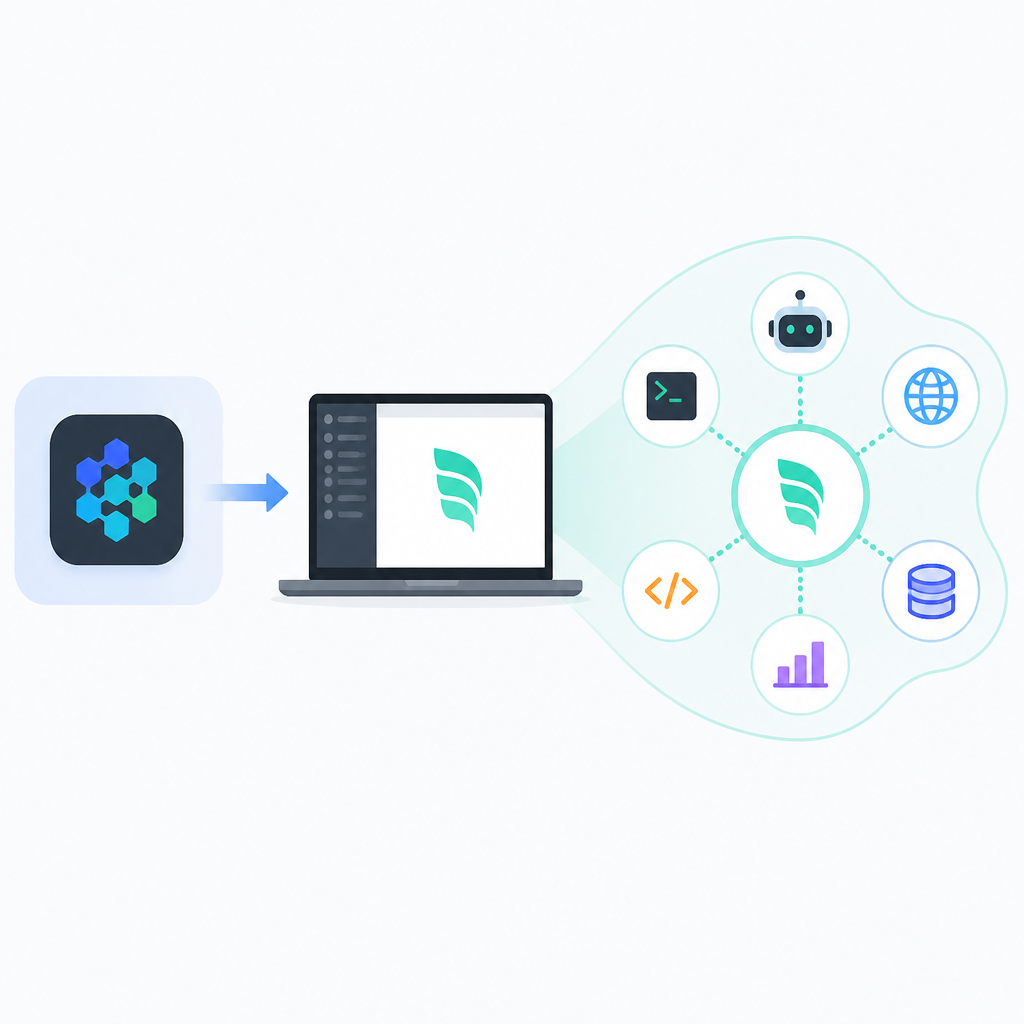
For companies that do not want to bet on a single model or vendor, that flexibility is the main draw. It also gives engineering teams a way to keep specialized agents in the same workflow without rebuilding their process around one product.
- Mix commercial and internal agents
- Keep protocol compatibility open
- Reduce lock-in to one agent provider
4. Shared Kanban workspace for visible progress
The shared Kanban workspace gives the agent setup a project-management layer. Tasks can be organized as cards, which makes it easier to see what is queued, in progress, or ready for review.
That is especially helpful when multiple agents are working at once. Instead of treating AI work like a black box, teams can map it onto the same board they already use for software delivery.
- Track tasks as cards on a board
- See status at a glance
- Coordinate human review with agent output
5. A relaunch aimed at real engineering teams
The Windsurf relaunch under the Devin Desktop name signals a shift from a general coding assistant toward a workflow product for teams. The message is less about isolated autocomplete and more about running an agent stack inside a managed desktop environment.
That makes the product more relevant for teams that already use structured delivery methods. If your group wants agents to behave like contributors in a tracked process, this version is built for that use case.
Devin Desktop = IDE + Agent Command Center + ACP + Kanban
How to decide
Pick Devin Desktop if you want one workspace for multiple coding agents, especially if your team values task visibility and protocol flexibility. The ACP support is the biggest draw for teams that want to mix vendors or plug in internal agents.
If you only need a simple coding helper, this is probably more system than you need. But if you are managing agent-driven development as a real workflow, Devin Desktop is built for that job.
// Related Articles
- [IND]
Manus Raises Series B and Faces Box, Airtable
- [IND]
Reid Hoffman’s exit from Microsoft’s board is the right move
- [IND]
CUDA cores matter, but memory and Tensor Cores win
- [IND]
Codex 0.139.0 adds web search and cleaner tooling
- [IND]
Docker’s GitHub org shows where container work happens
- [IND]
Cursor on Mac can get stuck on old versions