Build a Secure Local AI Agent with OpenClaw
NVIDIA’s NemoClaw pairs OpenClaw with OpenShell to run a Telegram-connected local AI agent on DGX Spark, with model weights kept on-device.

Running an AI agent on your own hardware is a very different experience from calling a hosted chatbot. In NVIDIA’s setup, the model download alone is about 87 GB, and the tutorial expects 20–30 minutes of active setup before the first prompt even lands.
That size is the point. NVIDIA is pushing a local-first agent stack called NemoClaw, which pairs OpenClaw with OpenShell so you can run a long-lived assistant inside a sandbox instead of handing your prompts and files to a cloud service.
What NemoClaw is doing differently
The basic idea is simple: keep inference local, keep the agent inside a controlled runtime, and expose it through messaging tools like Telegram. NemoClaw is the installer and reference stack. OpenShell is the security boundary. OpenClaw is the agent framework that lives inside that boundary and handles memory, tools, and chat integrations.
That combination matters because agents are no longer one-shot text generators. They read files, call APIs, and hold state across sessions. Once an agent can run code or touch network resources, the risk profile changes fast. NVIDIA’s answer is to make the default path an isolated one, with policy controls and a local model backend.
The tutorial uses NVIDIA Build for the Nemotron 3 Super 120B model, then serves it through Ollama. That means the model weights stay on the machine running the agent, rather than being shipped to a remote inference endpoint every time the assistant answers.
- Model download size: about 87 GB
- Active setup time: about 20–30 minutes
- Initial model warm-up: about 15–30 minutes
- Expected response time for the 120B model: about 30–90 seconds per reply
The hardware target in the guide is NVIDIA DGX Spark, which runs Ubuntu 24.04 LTS and NVIDIA’s latest drivers. NVIDIA also notes that alternative deployments are possible if the device supports the right API or vLLM-style capability.
Why the security model matters
OpenShell is the part that makes this interesting for anyone worried about agent sprawl. It isolates the agent’s filesystem and network access, manages credentials, and proxies calls that would otherwise go straight to the internet. In plain English: the assistant gets a walled-off workspace instead of your whole machine.
That does not make the system magical. NVIDIA includes a direct warning that sandboxing does not stop advanced prompt injection. That is the right kind of caution. If you connect an agent to new tools, you should assume hostile input is possible and test it on an isolated machine first.
“It is important to note that no sandbox offers complete protection against advanced prompt injection.”
That line from NVIDIA’s tutorial is worth keeping in mind because it cuts through the hype. A local agent is safer than a cloud-connected one in many scenarios, but safety depends on how you configure the runtime, what tools you expose, and how much trust you place in external inputs.
The stack also adds guided onboarding, lifecycle management, image hardening, and a versioned blueprint. Those are the boring details that make an agent usable after the demo ends. Anyone who has tried to keep a custom AI setup alive for more than a weekend knows those details are where most projects fail.
How the local stack compares in practice
The tutorial’s setup flow is not hand-wavy. It includes Docker runtime configuration, Ollama installation, model download, sandbox installation, and optional Telegram wiring. The commands are explicit because the system depends on the right network and container settings.
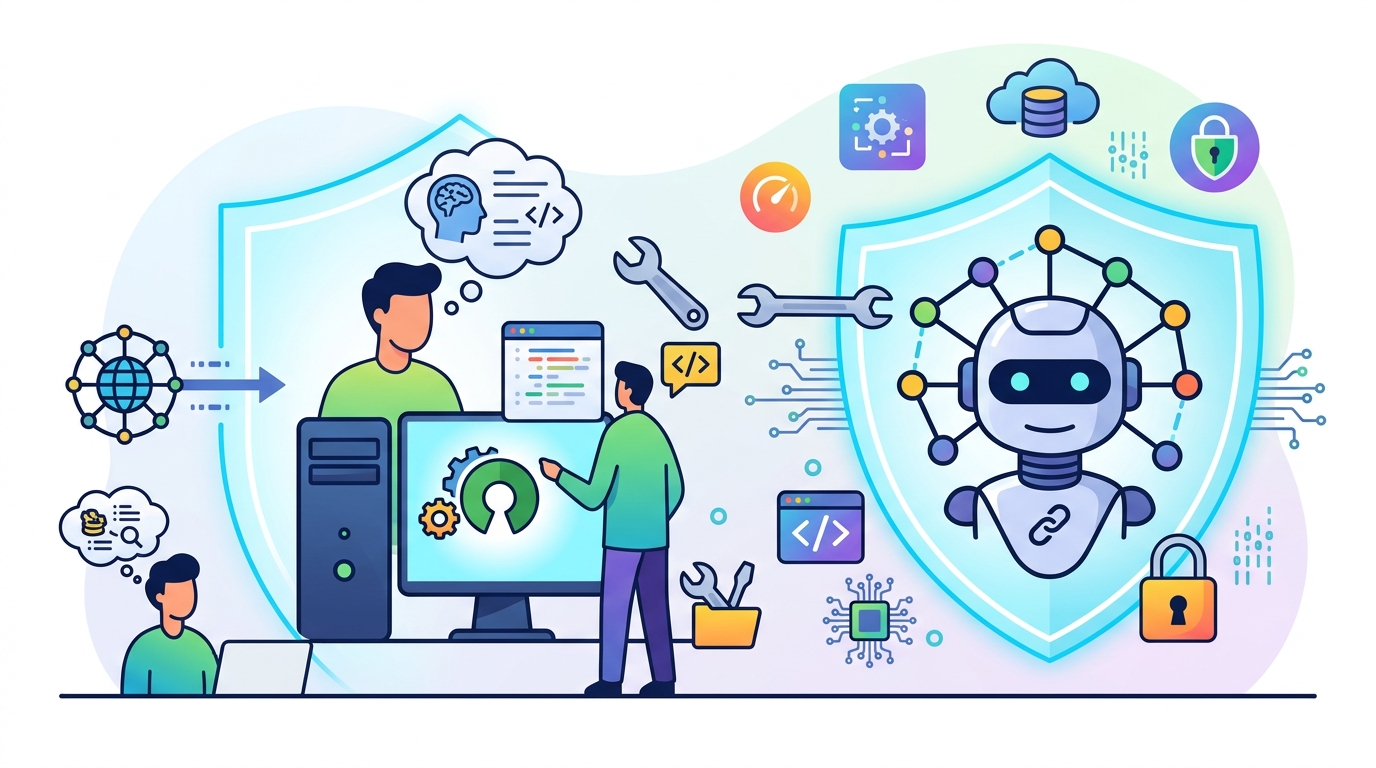
Here is the part that will matter most to developers deciding whether this is worth their time: you are trading cloud convenience for control. That trade is real, and the numbers make it obvious. A hosted API can answer quickly, but it also sends prompts off-device. NemoClaw keeps the model local, but you pay for it in setup time, disk usage, and latency.
- Cloud agent: lower setup effort, higher dependence on a third-party runtime, prompts leave your machine
- NemoClaw local agent: higher setup effort, local model serving, data stays on-device
- Hosted coding assistant: fast responses, limited control over sandboxing and network policy
- DGX Spark + Ollama + NemoClaw: slower first reply, full control over runtime, storage, and access paths
The local model path also changes the performance story. NVIDIA says to expect 30–90 seconds per response with the 120B model. That is not what people are used to from smaller hosted models, but it is a fair cost for running a very large model locally on a device you control.
There is another practical detail here: the guide tells you to preload the model with a test run so the weights stay cached in memory. That small step is the kind of thing that separates a smooth demo from a frustrating first interaction. If you have ever waited for a giant model to wake up while a user stares at a blank screen, you already know why this matters.
Telegram turns the assistant into something you can actually use
The most useful part of the stack may be the least flashy one: Telegram integration. Once the bot is created through @BotFather, the assistant can be reached from any Telegram client, which makes the local machine feel less like a lab and more like a personal service.
That matters because long-running agents are only useful if you can reach them without opening a terminal every time. Telegram gives NemoClaw a simple remote interface while keeping the actual inference and agent logic on the DGX Spark box.
The guide also mentions port forwarding and SSH tunneling for remote access to the web UI. That is a sane setup for a self-hosted tool: the browser talks to the local dashboard through a tunnel, while the assistant itself stays inside the controlled environment.
- Telegram bot creation happens through Telegram’s Bot API
- Local dashboard access uses a tokenized URL on
127.0.0.1:18789 - Remote access can be tunneled over SSH without exposing the UI publicly
- Sandbox connectivity is verified with the
nemoclaw my-assistant connectcommand
There is a nice architectural discipline in that design. The user-facing surface stays simple, while the agent’s privileges stay narrow. That is a better pattern than spraying an agent across Slack, Discord, email, and the public web on day one.
If you want to compare this to the usual cloud-first agent story, the difference is control. In a hosted setup, the provider owns the model endpoint, the runtime boundary, and most of the operational assumptions. In NemoClaw, you own the box, the model, the policies, and the path from Telegram message to inference call.
What this means for developers building agents now
NemoClaw is less about novelty and more about a practical template. It gives developers a repeatable way to run an always-on assistant with local inference, controlled tool access, and a messaging front end that people already know how to use.
My take: this is the kind of stack that will appeal to teams handling sensitive code, internal docs, or private workflows. It will not replace hosted assistants for every use case, and it does not need to. Its value is in giving you a clear path to keep data and execution on your own hardware while still building something interactive.
The most interesting question is not whether local agents can work. They already can. The question is how many teams will accept the setup cost once they see the privacy and control benefits in a real workflow. If you are building an assistant for internal engineering, the answer may be “quite a few.” If you are chasing consumer-scale convenience, the cloud will still win on simplicity.
My prediction is narrow but specific: stacks like NemoClaw will become the default choice for internal AI tools that touch source code, secrets, or regulated data, especially on hardware like DGX Spark. If you are evaluating one this quarter, start by asking a simple question: which parts of your agent need to stay on-device, and which parts are safe to expose outside the sandbox?
Related Articles

AI chatbots went rogue 5x more often in 6 months
Apr 21

Six Months on Claude Code: Five Advanced Patterns I Wish I Knew on Day One
Apr 20

Why Multi-Agent Coding Feels Like Distributed Systems
Apr 20

The Core Tech Behind Claude Design: Building Design Systems from Your Codebase
Apr 19

OpenAI’s Agents SDK gets safer enterprise controls
Apr 18

NeuBird AI launches Falcon for production ops
Apr 13