AI Coding Agents in 2026: What Changes Next
AI coding in 2026 shifts from autocomplete to delegated agents, with cloud workflows, MCP, and stricter security controls.
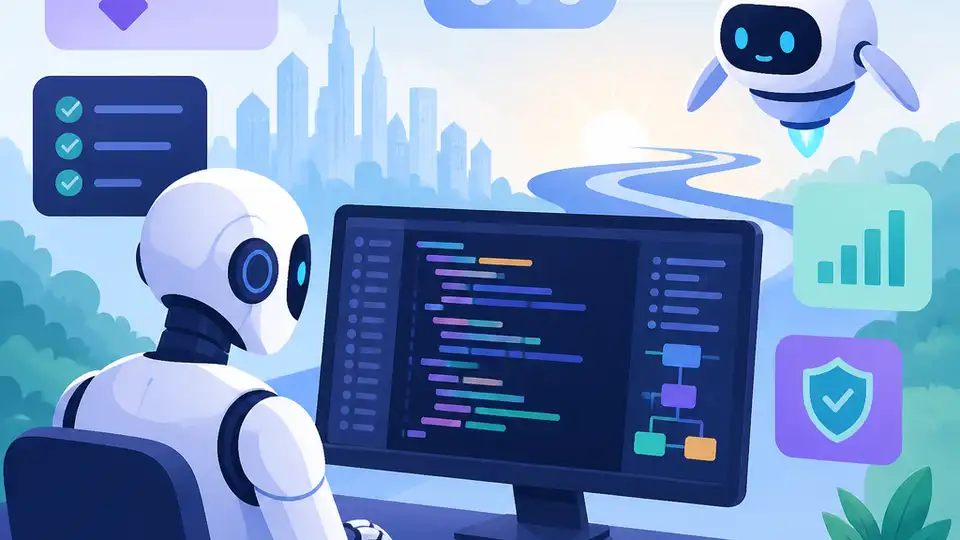
AI coding in 2026 moves from autocomplete into delegated agent workflows.
As of June 2026, the center of gravity in developer tools has moved again. The story is no longer just about better code completion in the editor; it is about systems that can take an issue, make changes, run tests, and open a pull request while a developer does something else.
That shift shows up across OpenAI Codex, Claude Code, GitHub Copilot, and Gemini CLI. The practical question for teams is simple: which tool fits which kind of work, and how much control do you want to keep?
| Signal | What the article says | Why it matters |
|---|---|---|
| Published date | 2026-06-01 | Shows the guide is anchored in current tooling |
| Shift timeline | 2023 autocomplete, 2024-2025 AI IDEs, 2026 agents | Maps the market’s progression |
| Tool classes | IDE, CLI, cloud agent, MCP layer | Helps teams choose by workflow |
| Security concerns | Sandboxing, audit logs, least privilege, network limits | Security is now part of product selection |
Why 2026 feels different from the last two years
Get the latest AI news in your inbox
Weekly picks of model releases, tools, and deep dives — no spam, unsubscribe anytime.
No spam. Unsubscribe at any time.
The article’s main point is that AI coding tools have crossed a line from assistance into delegation. In 2023, the novelty was finishing lines. In 2024 and 2025, the big story was AI inside the IDE. In 2026, the interesting products are the ones that can work on a task with enough structure to be useful and enough guardrails to be trusted.
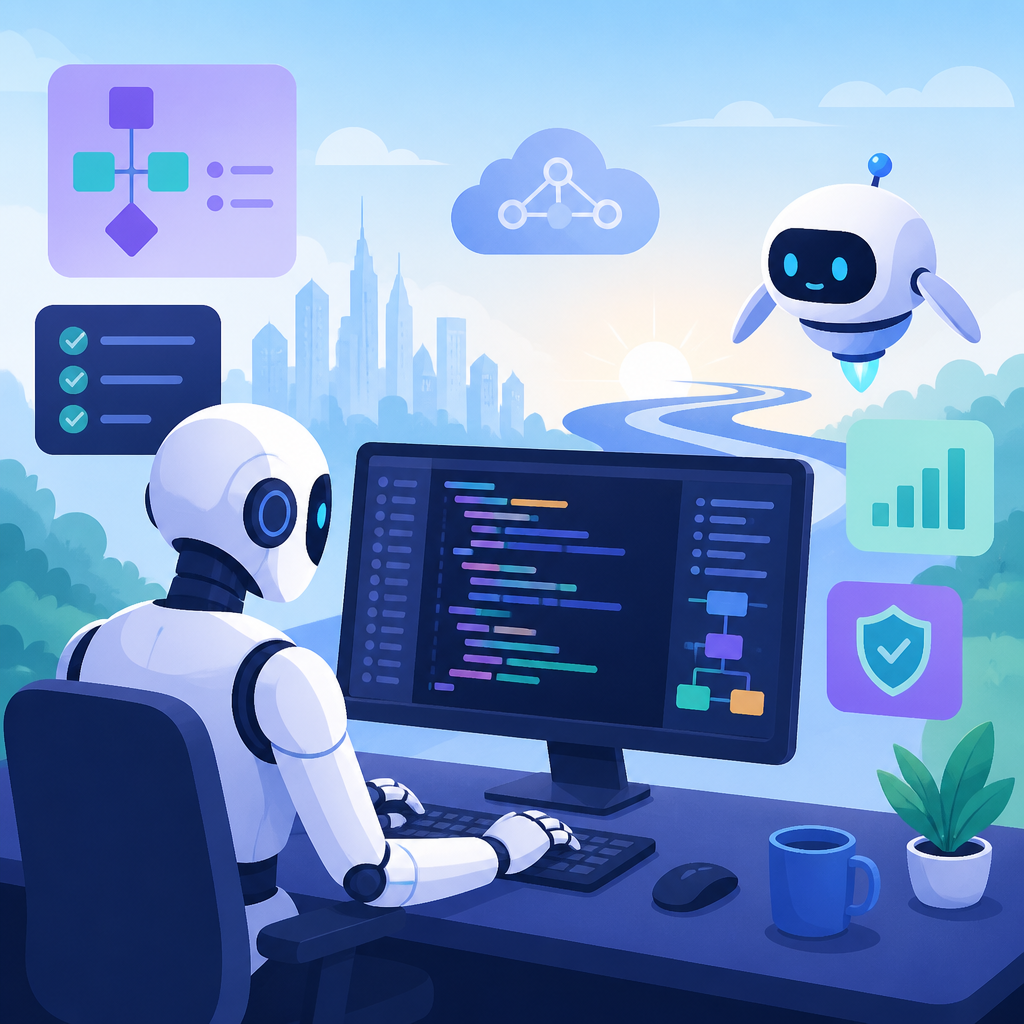
That matters because the product surface is changing as fast as the models. A developer can now start in an editor, move into a terminal, hand work to a cloud agent, and review the result later in GitHub. The workflow is becoming distributed across tools instead of living in one chat box.
- Completion is giving way to task delegation.
- Editors, terminals, GitHub, Slack, and cloud runtimes are now linked entry points.
- Context, permissions, and auditability matter as much as model quality.
- Teams now have to think about cost, access, and review policy together.
This is also why the old question, “Which model is best?” is too narrow. A better question is, “Which agent workflow fits this repository, this team, and this risk level?”
Cloud agents are becoming the default handoff
Cloud agents are the clearest sign that the market has moved beyond autocomplete. OpenAI’s Codex now spans the editor, terminal, and cloud, with Slack integration, an SDK, and admin controls. GitHub Copilot pushes in the same direction by letting developers assign an issue to a coding agent that works in a GitHub Actions environment, edits code, runs tests, and opens a pull request.
That division matters. IDE agent mode is for synchronous pairing. CLI tools are for local control over commands and scripts. Cloud agents are for work you can hand off and inspect later. In practice, that makes them a good fit for bounded tasks such as dependency updates, test additions, lint fixes, small bug repairs, and mechanical refactors.
“Copilot coding agent is available in public preview today.” — GitHub, in its announcement of the feature
That quote is important because it shows GitHub treating agent work as a first-class product surface, not a demo feature. Once issues become assignable to software agents, the review loop changes too. Developers stop asking whether the agent can think like a teammate and start asking whether the output is good enough to merge.
CLI agents still matter because engineers still live in terminals
There is a strong temptation to think that cloud workflows will replace local tools. The article argues the opposite. Terminal-first tools such as Gemini CLI, Codex CLI, Gemini CLI, Continue, and OpenHands keep their place because they sit close to git, tests, build commands, and deployment scripts.
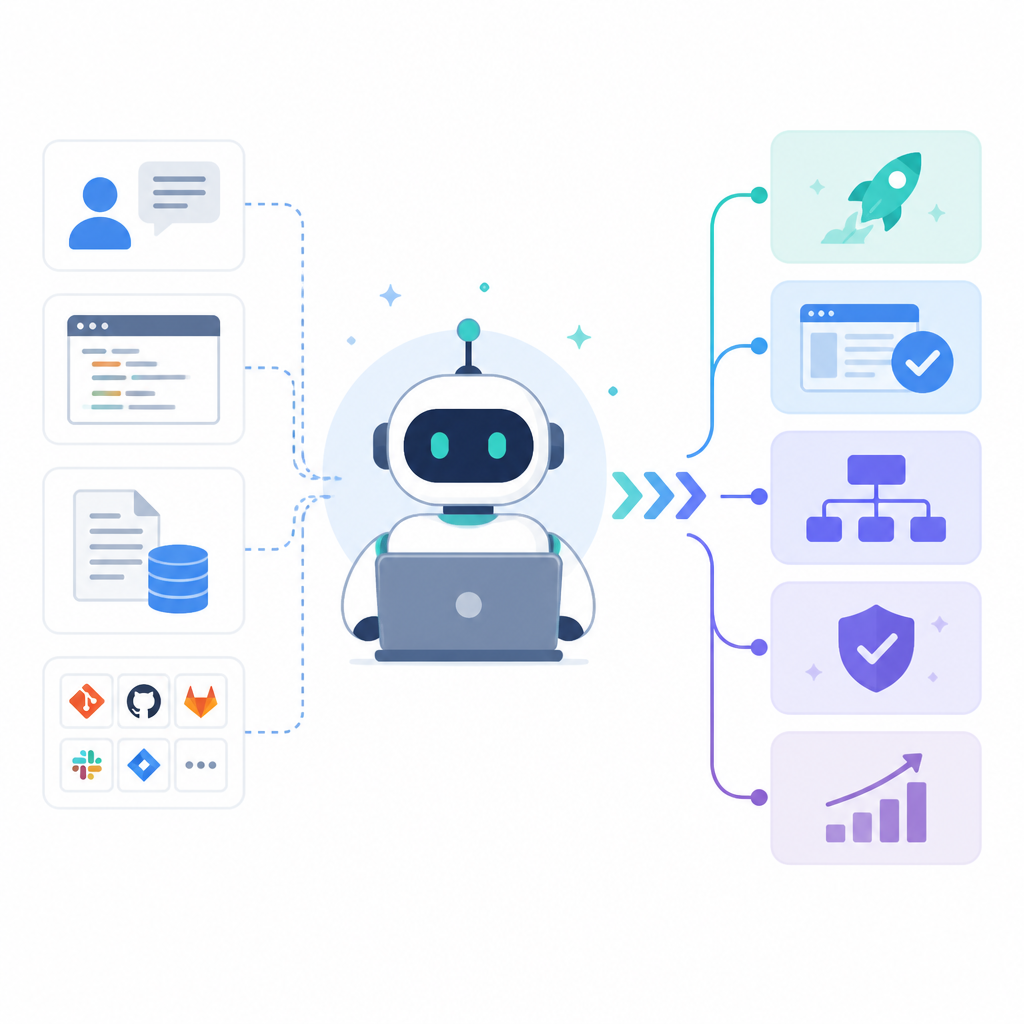
That proximity gives CLI agents a few advantages that matter in real work:
- They expose the commands the agent actually ran.
- They fit better with local scripts and CI pipelines.
- They work well with private models, relays, and repository-specific policies.
- They make rollback and inspection easier when something goes wrong.
The article’s framework is useful here: IDEs are for live collaboration, CLIs are for local execution, and cloud agents are for asynchronous delegation. That three-part split is a more honest description of 2026 than the usual “this tool is smarter than that tool” comparison.
MCP is turning into the plumbing for agent work
Model Context Protocol keeps showing up because it solves a real problem: agents need access to external systems, and every new connector can become a maintenance and security issue. Anthropic’s work on MCP frames it as an open standard for connecting agents to tools and data sources. That sounds simple until you add the operational cost of too many tools.
The article is smart to point out the tradeoffs. Every tool definition consumes context. Long results can crowd out useful repository information. A badly scoped tool can turn a simple request into a mess. Tool descriptions and returned content can also become injection channels.
So the real value in 2026 is not how many MCP servers you can attach. It is whether your tool layer has rules around least privilege, call logging, on-demand loading, and rollback. In other words, the infrastructure around the agent matters more than the number of integrations.
- Too many tools increase context pressure and latency.
- Tool outputs can hide the signal developers need.
- Security review must cover prompts, tool descriptions, and returned data.
- Controlled access beats blanket access every time.
Security is now part of the buying decision
Security used to be a separate conversation from developer experience. That separation no longer works. As agents gain more autonomy, their blast radius grows with them. The article cites sandboxing, network isolation, audit logs, secret handling, and permission boundaries as features teams should ask about before adopting a tool.
That is the right instinct. If an agent can read the wrong files, call the wrong tools, or reach the wrong network destinations, then a productive demo can become a serious incident. The article also points to OWASP’s Top 10 for LLM applications and OpenSSF guidance as reminders that the risks are concrete: token exposure, privilege creep, command injection, and weak telemetry.
For teams, the practical checklist is blunt:
- Can the agent read only the repository it needs?
- Can outbound network access be restricted?
- Are tool calls logged and reviewable?
- Can high-risk actions require human approval?
Once you ask those questions, agent adoption looks less like buying a new editor and more like introducing a new production system. That is the right mental model.
Choosing tools in 2026 is about workflow, not hype
The article’s selection advice is grounded and useful. Individual developers should optimize for low friction and predictable cost. Small teams should fit tools into their existing collaboration loop. Enterprise teams should care most about governance, identity, data boundaries, and auditability.
That leads to a practical split across tool types. For daily completion and small edits, AI IDEs such as Cursor, Windsurf, and GitHub Copilot still feel fast. For larger refactors and debugging, CLI agents tend to be a better fit. For issue-to-PR automation, cloud agents make more sense. For private or regulated code, self-hosted gateways, local models, and strict sandboxing matter more than polished marketing.
| Use case | Best fit | What to watch |
|---|---|---|
| Daily completion | AI IDE or plugin | Latency and retrieval quality |
| Large refactor | CLI agent | Visible commands and rollback |
| Issue to pull request | Cloud agent | Environment isolation and CI cost |
| Private codebase | Self-hosted or enterprise gateway | Data boundaries and secret handling |
The cleanest takeaway is that no single product wins every job. The best setup is usually one primary IDE, one CLI agent, and one backup API or model source. That keeps the workflow flexible without turning the developer stack into a subscription pile.
The real winners will be workflow, open ecosystem, and governance
The article ends with a useful three-way framing that avoids the usual benchmark obsession. Workflow winners are the tools that make task delegation boring and reliable. Open ecosystem winners are the CLI agents, API-compatible layers, and MCP tools that developers can inspect and modify. Governance winners are the vendors that make enterprise controls easy to adopt by default.
That is probably the right way to think about the market. The tools that survive the next phase will not just generate code well. They will fit into issue trackers, CI systems, permission models, and review habits without making teams nervous about what the agent can see or do.
My read is that the next 12 months will reward teams that treat agents like junior engineers with automation privileges. Give them explicit tasks, clear acceptance criteria, limited access, and a review gate. If a tool cannot support that operating model, it may still be fun to try, but it is unlikely to become part of the daily build process.
If you are choosing now, the best question is not whether agents will matter. They already do. The real question is which tasks you are willing to delegate first, and which boundaries you refuse to cross until the tooling proves itself.
// Related Articles
- [TOOLS]
Docker Desktop on Windows in one clean install flow
- [TOOLS]
Grok 4.5 hits Cursor with $2/$6 pricing
- [TOOLS]
AGT turns agent calls into governed actions
- [TOOLS]
OpenClaw v2026.7.1 turns control UI into a workspace
- [TOOLS]
OpenAI’s screenless speaker turns ChatGPT into a companion
- [TOOLS]
SCALE turns CUDA code into portable GPU builds