OpenAI’s screenless speaker turns ChatGPT into a companion
I break down OpenAI’s rumored moving speaker and turn the idea into a practical product template you can reuse.

OpenAI’s rumored moving speaker turns ChatGPT into a home companion instead of a screen app.
I've been watching AI hardware pitches for a while now, and most of them feel like someone took a chatbot, glued it to a battery, and called it a product. The demos are always polished. The actual experience is usually weird in the bad way. You talk to it, it answers, and then you realize you’ve bought a toy that wants to be your assistant but can’t quite decide what job it has. I’ve seen this movie enough times to get suspicious the second someone says “personal intelligence” with a straight face.
That’s why this OpenAI hardware rumor caught my attention. According to TechCrunch’s report, the device is supposed to be screen-free, mobile, and built to feel like a companion that learns over time. That is a much sharper product idea than “smart speaker, but with AI.” It also raises all the annoying questions I care about as a builder: what does the thing actually do, what data does it need, and how do you keep it from becoming a creepy paperweight after the first week?
They’re not building a speaker, they’re building a presence
Get the latest AI news in your inbox
Weekly picks of model releases, tools, and deep dives — no spam, unsubscribe anytime.
No spam. Unsubscribe at any time.
Bloomberg reported that the device is designed to be screen-free and pitched internally as a “humanlike AI companion that lives in the home.”
What this actually means is that OpenAI is not trying to win on audio quality or speaker utility. It’s trying to make ChatGPT feel like a thing in the room. That’s a different category. A normal smart speaker is reactive: you ask, it answers, and then it goes quiet. A “presence” device is supposed to sit there, notice context, and maybe speak up before you ask.

I’ve built enough assistant workflows to know that this is where things get slippery. The moment a product starts acting like a companion, users stop judging it like software and start judging it like a roommate. If it interrupts too much, it’s annoying. If it stays silent too long, it feels dead. If it remembers the wrong thing, it becomes creepy. There’s no free lunch here.
For developers, the key lesson is simple: don’t design around commands first. Design around a relationship model first. Ask what the device should know, when it should stay quiet, and what kinds of nudges are actually useful. If you skip that, you end up with a voice interface that feels like a stuck reply button.
- Define the device’s role in one sentence: listener, helper, monitor, coach, or companion.
- Write the “do not disturb” rules before you write the wake-word logic.
- Decide which actions are proactive and which must stay user-initiated.
Screenless is not a constraint, it’s the product
TechCrunch says the device is “screen-free” and designed to sync with ChatGPT while providing home AI services.
What this actually means is that OpenAI seems to be betting that the screen is the friction, not the feature. I get why. Screens pull attention. They turn every interaction into a tiny app session. If the goal is ambient help, a display can get in the way fast.
I ran into this when I tried to prototype a home assistant that used a tablet as the main UI. It looked impressive for about ten minutes. Then it became obvious that every useful interaction either needed too much reading or too much tapping. Once I removed the screen and forced the system to answer in short bursts, the product got better. Not because voice is magical. Because the interaction stopped pretending to be a dashboard.
That said, screenless products are unforgiving. You need better defaults, tighter turn-taking, and clearer feedback. If the user can’t see state, you have to make state audible or physical. That means tones, light cues, motion, or brief spoken confirmations. Otherwise the device becomes a black box that talks back.
For builders, I’d treat screenless design as an editing problem. Cut aggressively. Shorten prompts. Reduce branching. Make every response earn its place. If the user can’t scan the UI, the system has to sound like it knows what it’s doing.
- Use motion, LEDs, or sound to show state changes.
- Keep spoken responses short unless the user explicitly asks for detail.
- Prefer one action per turn over multi-step voice flows.
“Learns over time” sounds nice until you have to ship it
Sources told Bloomberg the device can proactively learn about its owner over time and provide more personalized service.
What this actually means is that the device needs memory, and memory is where product teams start lying to themselves. Everyone wants personalization. Nobody wants the liability, the storage cost, or the support tickets when the model remembers something wrong.
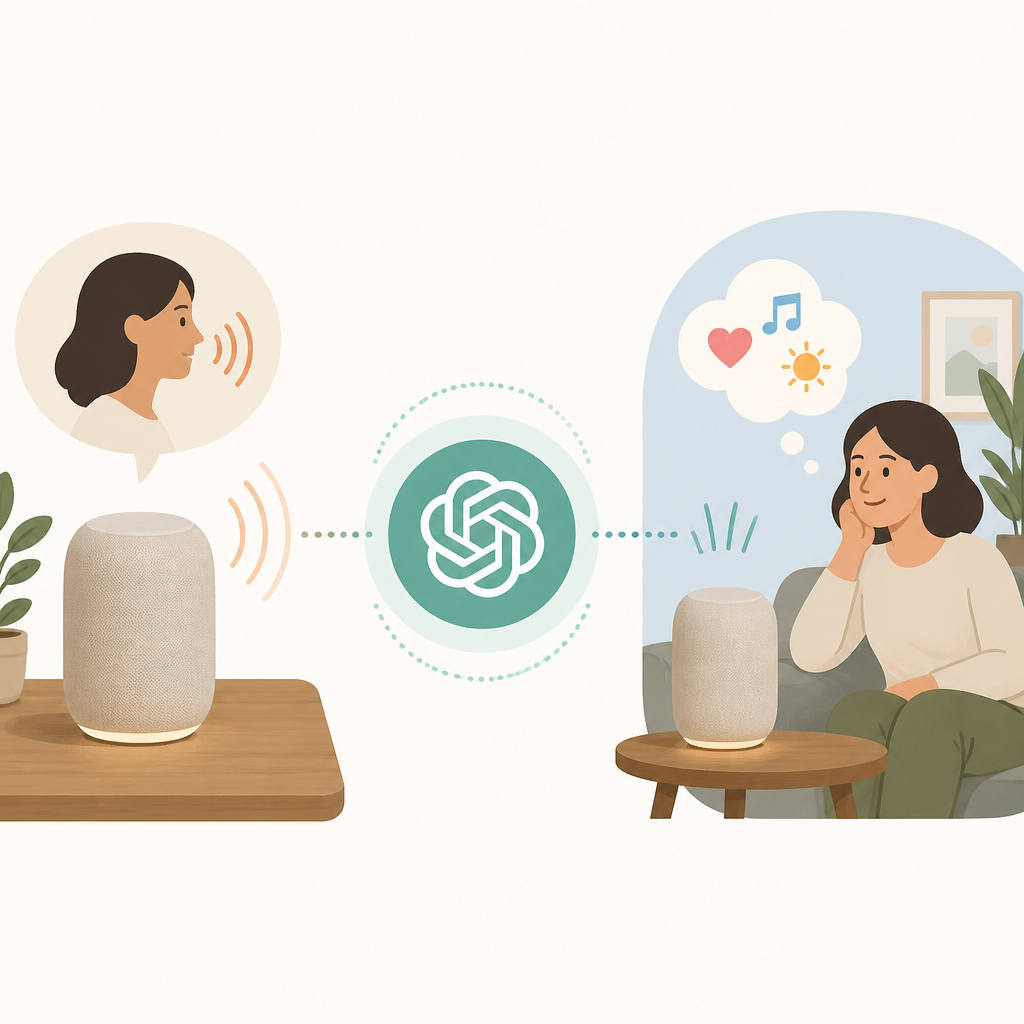
I’ve shipped enough systems with “memory” to know the pattern. At first, it’s just a few preferences. Then someone asks for calendar context. Then email. Then shopping habits. Then the product team wants “deep personalization,” which usually means “please make it smart enough to be unsettling.” The more useful it gets, the more it needs guardrails.
If I were building this, I’d split memory into layers. One layer for explicit user preferences. One for short-lived context. One for durable facts the user approved. Anything else stays out until the user opts in. That keeps the system from hallucinating a personality based on one bad inference.
And yes, this is where the privacy conversation gets real. The TechCrunch report says the device may draw from things like emails. That’s powerful, but it’s also the sort of thing that can blow up trust in one bad onboarding flow. If the assistant is going to read personal data, the consent flow cannot be a shrug and a checkbox.
Practical rule: make memory visible, editable, and deletable. If users can’t inspect what the device thinks it knows, they will assume the worst. Often they should.
Motion changes the whole interaction model
Bloomberg described the device as having “mechanical elements that can move on their own.”
What this actually means is that OpenAI is trying to give the device a physical cue system, not just a voice. That matters more than people think. Motion can signal attention, hesitation, acknowledgment, or readiness without a single word.
I’m not saying every AI product needs to wiggle around the room like a robot pet. I am saying that motion is one of the few ways a screenless device can show intent. A small turn, a tilt, a subtle repositioning, those things can replace a lot of awkward verbal chatter. They can also make the product feel less dead when it’s “thinking.”
I’ve seen this work in prototypes where a device used a simple swivel to face the active speaker. Users immediately read that as social behavior. Same hardware, same model, better perceived intelligence. That’s the weird part of hardware: the body can do half the product work if you design it properly.
But motion is also easy to overdo. If the device moves for no reason, it becomes a gimmick. If it moves too often, it’s distracting. The trick is to tie motion to meaningful state transitions. Wake, listen, respond, defer, idle. That’s enough.
So if you’re building anything physical, don’t ask “what cool motion can we add?” Ask “what user state does this motion communicate?” That one question saves a lot of nonsense.
OpenAI is selling a workflow, not a box
The report says the device would sync with ChatGPT and provide other home AI services.
What this actually means is that the hardware is probably just the front door to a larger service layer. That’s the part a lot of people miss when they get excited about devices. The device itself is rarely the business. The recurring workflow is.
This is exactly why the Apple comparison matters. Apple sells devices that are already embedded in a mature ecosystem. OpenAI is trying to create the ecosystem behavior first and let the hardware become the access point. That’s a much harder play, but it’s also more interesting if they can pull it off.
From a developer perspective, this is the architecture question I’d care about most: what lives locally, what lives in the cloud, and what can survive poor connectivity? If the device depends on round-tripping every request to a model endpoint, it will feel sluggish and fragile. If it can cache context, handle wake and intent locally, and only escalate when needed, it has a chance.
That’s also where product boundaries matter. Don’t try to make the device do everything. Pick a few home jobs and make them excellent. Calendar briefings. Household reminders. Context-aware summaries. Basic media control. Maybe a few proactive nudges. That’s already plenty if the experience is good.
And if you’re thinking about building in this space, ask yourself the boring question: what is the daily habit? If you can’t answer that, you don’t have a product, you have a demo with a charging cable.
The Apple lawsuit makes this feel messier than it sounds
TechCrunch notes that Apple sued OpenAI last week, accusing it of stealing trade secrets, while OpenAI denied wrongdoing.
What this actually means is that OpenAI is trying to launch hardware while one of the biggest hardware companies on earth is already throwing legal punches. That doesn’t kill the product idea, but it absolutely changes the room.
I’m not here to litigate the lawsuit. I’m saying the timing matters. When a company starts pitching a device that “veers significantly” from what Apple has on the market, every design choice gets read through a legal lens. Industrial design, interaction patterns, companion framing, all of it becomes more sensitive.
For teams building adjacent products, the lesson is blunt: if your hardware story looks too much like a famous incumbent’s product, expect friction. Not just legal friction, but perception friction. Users, investors, and partners will all ask whether you’re copying or inventing. That question alone can slow you down.
So if you’re in this space, document your design rationale early. Keep a paper trail of decisions. Separate inspiration from implementation. And if you’re borrowing patterns from existing devices, be honest about it internally before someone else is forced to be honest publicly.
This is one of those cases where product strategy and legal hygiene are basically the same job.
The real opportunity is a better home interface
Hark, founded by Brett Adcock, raised an oversubscribed $700 million Series A at a $6 billion valuation for “personal intelligence” hardware.
What this actually means is that a lot of money is chasing the same basic idea: people want a simpler interface to AI than a phone app. Not a smarter app. A better interface.
I think that’s the real story here. OpenAI’s rumored device, Hark’s fundraising, and all the other hardware noise point to the same gap. We still don’t have a home interface for AI that feels natural. Phones are too interrupt-driven. Laptops are too intentional. Smart speakers are too dumb. There’s room in the middle, but only if someone can make the experience feel grounded instead of theatrical.
If I were advising a team in this space, I’d focus on three things: latency, trust, and daily usefulness. Latency because voice falls apart when responses lag. Trust because memory and privacy can wreck the product if they’re sloppy. Daily usefulness because nobody keeps a device around just because it’s clever.
That’s the bar. Not “can it talk?” The bar is “does it quietly become part of the household routine without annoying everyone in the room?” That’s much harder, and honestly, much more interesting.
The template you can copy
# Screenless AI companion product brief

## One-sentence product definition
A screenless, voice-first home device that uses motion, memory, and short responses to act like a useful AI presence.

## Core promise
Help people manage home context without opening an app or staring at a screen.

## What it does
- Answers questions with short spoken responses
- Remembers explicit user preferences
- Uses motion or light to show attention and state
- Proactively offers help only when confidence is high
- Syncs with approved personal data sources

## What it does not do
- It does not interrupt constantly
- It does not infer private facts without consent
- It does not require a display for basic use
- It does not expose raw model output to the user
- It does not store memory without an edit/delete path

## Interaction rules
1. Default to short answers.
2. Speak only when the user is likely to benefit.
3. Use motion or light for state changes.
4. Ask before reading sensitive sources.
5. Make memory visible and editable.

## Memory model
### Layer 1: Session context
Temporary context for the current conversation.

### Layer 2: User preferences
Explicit preferences the user confirms.

### Layer 3: Durable facts
Only store facts the user approves and can delete.

## Proactive behavior
- Suggest reminders when calendar or household context changes
- Offer summaries after periods of inactivity
- Surface only one suggestion at a time
- Never stack multiple interruptions

## Hardware cues
- Idle: subtle light or still posture
- Listening: visible attention cue
- Thinking: brief motion or tone
- Responding: speech plus state cue
- Error: clear, non-technical recovery prompt

## Privacy checklist
- Consent before email access
- Clear explanation of what is stored
- One-tap memory review
- One-tap delete for all memory categories
- Local-first handling for wake and basic state when possible

## MVP scope
- Voice Q&A
- Calendar and reminder summaries
- Preference memory
- One proactive suggestion flow
- Motion-based attention signaling

## Success metric
The device becomes part of the daily routine without user frustration.

## Copy-ready product prompt for the assistant
You are a screenless home AI companion.

Rules:
- Be concise.
- Use motion or tone to signal state.
- Ask before using sensitive personal data.
- Remember only explicit preferences.
- Offer help only when confidence is high.
- Prefer one useful suggestion over many.
- Keep responses short unless the user asks for detail.

Your goal is to feel helpful, calm, and easy to trust.
That template is my distillation of the idea, not a copy of OpenAI’s internal spec. The original reporting is about a rumored device and a set of design cues. What I’ve done here is turn those cues into something a product team can actually use without getting lost in the mystique of “AI hardware.”
If you’re building something in this category, start with the behavior rules before you touch the enclosure design. That’s the part everyone skips, and it’s why so many devices feel uncanny in the worst way.
Source attribution: I based this breakdown on TechCrunch’s report, which cites Bloomberg’s reporting on OpenAI’s rumored hardware. The product template and implementation advice here are my own interpretation, not a claim about OpenAI’s actual roadmap.
// Related Articles
- [TOOLS]
SCALE turns CUDA code into portable GPU builds
- [TOOLS]
2027 AI/ML internship jobs are being tracked daily
- [TOOLS]
MiMo Code Is Worth Using Only If You Treat It Like Infrastructure
- [TOOLS]
Ollama raises $65M with 14 people and 8.9M users
- [TOOLS]
Databricks lets you query foundation models
- [TOOLS]
SGLang is winning because inference is the product