Claude Code MCP setup that connects real tools
Claude Code can reach external tools through MCP, with 4 connection options and clear rules for auth, scopes, and approvals.

How do you connect Claude Code to tools with MCP?
Claude Code connects to tools through MCP servers for databases, APIs, and apps.
Claude Code can connect to hundreds of external tools and data sources through the Model Context Protocol, with four main server types and clear setup rules.
| Item | Best for | Notes |
|---|---|---|
| HTTP server | Remote services | Recommended transport; supports OAuth and headers |
| SSE server | Legacy remote setups | Deprecated; use HTTP when available |
| stdio server | Local scripts and system access | Runs as a local process on your machine |
| WebSocket server | Push-based remote events | Persistent bidirectional connection; header auth only |
1. HTTP servers for remote tools
Get the latest AI news in your inbox
Weekly picks of model releases, tools, and deep dives — no spam, unsubscribe anytime.
No spam. Unsubscribe at any time.
HTTP is the default choice for remote MCP servers and the option Claude Code recommends for cloud services. It fits tools like Notion, internal APIs, and any server that responds to requests rather than pushing events on its own.
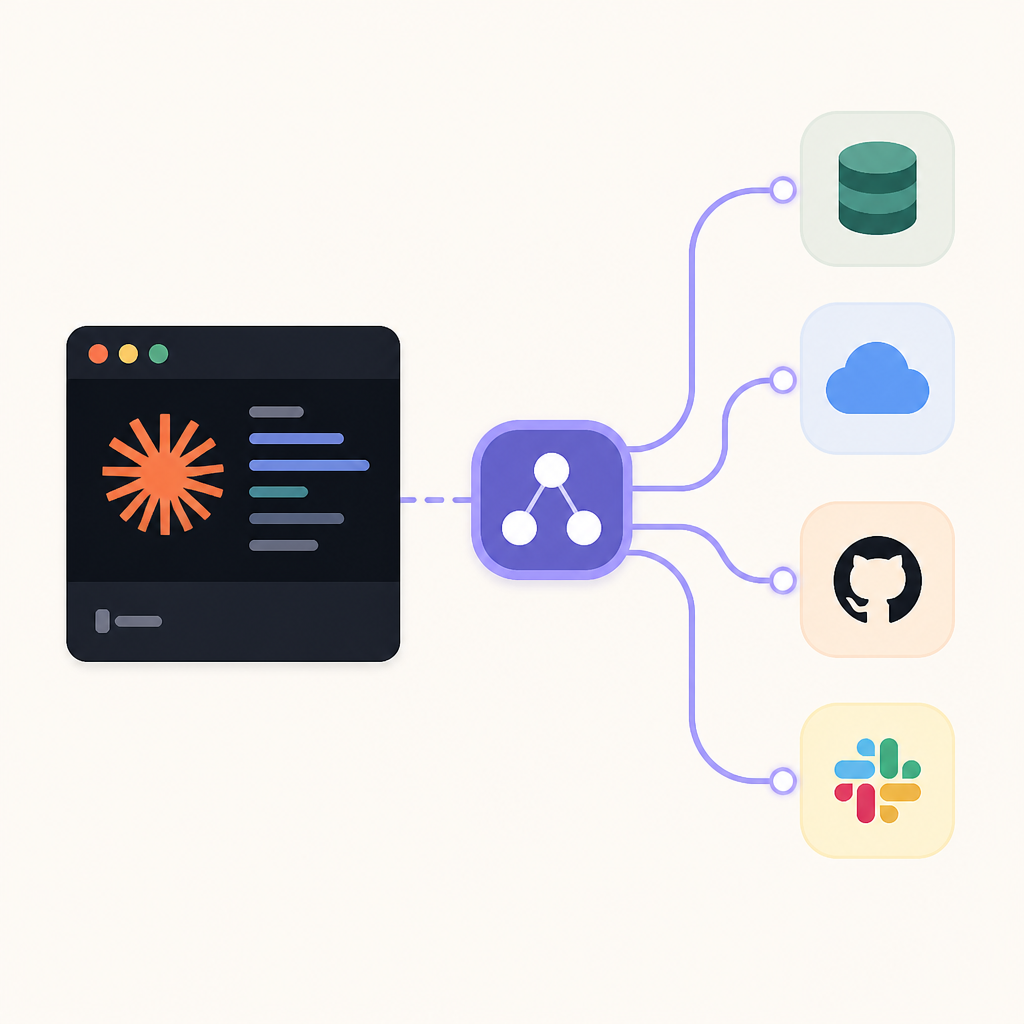
Example commands show the pattern clearly: add the server, set the transport, and include a token when needed. Claude Code also accepts streamable-http in JSON configs as an alias for http, which matters when you copy settings from server docs.
claude mcp add --transport http notion https://mcp.notion.com/mcpclaude mcp add --transport http secure-api https://api.example.com/mcp --header "Authorization: Bearer your-token"- Use when the service supports OAuth, bearer tokens, or standard request-response flows
2. stdio servers for local workflows
Stdio servers run as local processes, which makes them a good fit for custom scripts, filesystem-aware tools, and integrations that need direct access to your machine. Claude Code sets CLAUDE_PROJECT_DIR for the spawned process so the server can resolve project paths reliably.
The key detail is the -- separator. Everything after it goes to the server command untouched, while Claude Code keeps its own flags before that point. That prevents option mix-ups when you launch tools through npx, Python, or another local runtime.
claude mcp add --transport stdio airtable -- npx -y airtable-mcp-server
- Best for local automation and custom connectors
- Use
--env KEY=valuefor server environment variables - Keep server flags after
--so Claude does not parse them
3. WebSocket servers for push events
WebSocket servers are the choice when you want a persistent connection that can push messages into Claude Code without a prompt. That makes them useful for event streams, chat systems, and webhook-style integrations that need live updates.
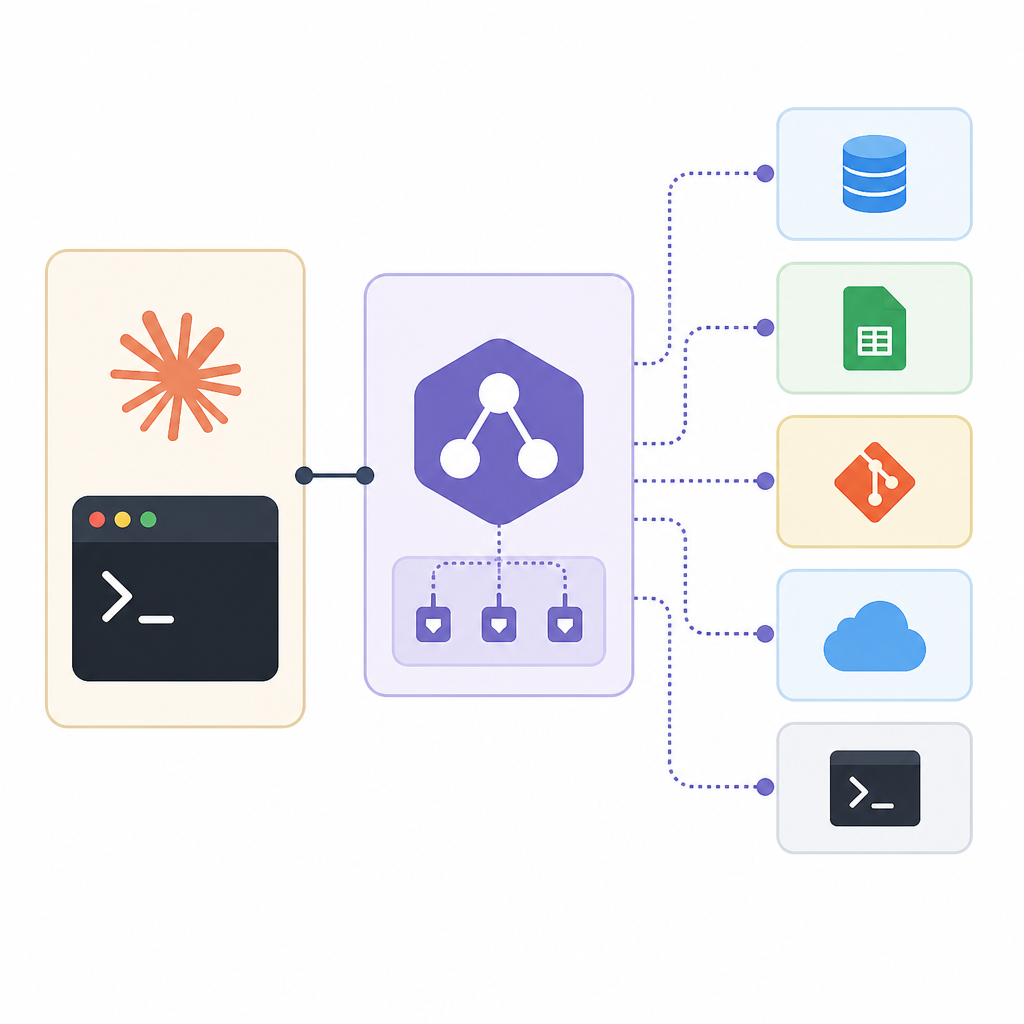
The tradeoff is narrower auth support. WebSocket configs use header-based authentication, and the CLI --transport flag does not accept ws, so you configure these servers through JSON or claude mcp add-json.
claude mcp add-json events-server '{"type":"ws","url":"wss://mcp.example.com/socket","headers":{"Authorization":"Bearer YOUR_TOKEN"}}'- Use for bidirectional event streams
- Prefer HTTP if the server only answers requests
4. Approval and scope controls
MCP setup is not only about transport. Claude Code also tracks installation scope, approval state, and workspace trust, which affects whether a server is active or waiting for review. Project-scoped servers in .mcp.json can show up as pending until you approve them.
The docs also spell out how to inspect and manage servers with commands like claude mcp list, claude mcp get, and claude mcp remove. That matters in shared repos, where trust settings and approval sources can differ between local and committed configuration.
claude mcp listto view configured serversclaude mcp get githubto inspect one serverclaude mcp remove githubto delete it
5. Real-world use cases and risks
The strongest reason to wire up MCP is that Claude Code can act on live systems instead of pasted snippets. The docs point to issue trackers, monitoring data, databases, design tools, and chat apps as practical examples, from GitHub code reviews to PostgreSQL lookups.
That power comes with a warning: servers that fetch external content can expose you to prompt injection risk, so you should verify every connector before trusting it. Anthropic’s reviewed directory and the official server-building tools help, but review still belongs on your side.
- Issue trackers: JIRA to GitHub PR flow
- Monitoring: Sentry and Statsig analysis
- Databases: PostgreSQL queries for user data
- Design and chat: Figma, Slack, Telegram, Discord
How to decide
If you need a remote SaaS integration, start with HTTP. If you are wiring a local script or a custom tool on your machine, use stdio. If your use case depends on live pushed events, choose WebSocket. If you are still exploring, the MCP quickstart is the safest first stop.
For teams, the bigger decision is not just transport but trust: who can approve servers, which scope they live in, and whether the connector reads external content. Once those rules are clear, Claude Code can move from copy-paste workflows to direct action across your tools.
// Related Articles
- [IND]
OpenPencil gives teams a scriptable Figma escape hatch
- [IND]
OpenViking turns agent context into one database
- [IND]
OpenAI's GPT-5.6 update reshapes ChatGPT
- [IND]
Cloudflare’s OpenAI pilot is a smart bet on fresher search
- [IND]
Cloudflare’s 487-partner ecosystem on Partnerbase
- [IND]
Anthropic’s access cut shows speech limits in AI