Claude Code turns chat into terminal work
I break down Claude Code’s terminal workflow and give you a copy-ready prompt template for agentic coding tasks.

Claude Code turns chat into terminal work instead of endless back-and-forth.
I've been using Claude in the same way a lot of people do: ask a question, get a nice answer, then spend the next ten minutes translating that answer into actual work. That part always felt off. The model could explain the fix, sketch the refactor, and even write the code, but I still had to be the one moving between files, terminals, and half-finished notes. It was like having a very smart pair programmer who refused to touch the keyboard.
Then Anthropic pushed Claude Code harder, and the whole thing stopped feeling like a chat window with extra steps. The model moved from “helpful responder” to “task runner,” which is a much more useful shape if you actually ship software. I’m not talking about magic. I’m talking about a tool that can work from the terminal, inspect a codebase, make edits, and keep going without me narrating every tiny move. That changes the rhythm of the work. Less prompting theater. More getting the thing done.
The source that kicked this off for me was the Claude (AI) Wikipedia page, especially the Claude Code section. It’s a messy source, sure, but it captures the product arc clearly enough: Claude Code launched in February 2025, went generally available in May 2025, later got a web version and sandboxing, and Anthropic said revenue from it grew 5.5x by July. That’s the signal I care about. Not hype. Adoption.
Stop treating the model like a chat buddy
Get the latest AI news in your inbox
Weekly picks of model releases, tools, and deep dives — no spam, unsubscribe anytime.
No spam. Unsubscribe at any time.
“Claude Code, released in February 2025, is an agentic command line tool to delegate coding tasks from the terminal using natural language prompts.”
What this actually means is: the model is no longer just answering questions about your code, it’s being asked to do code-adjacent labor inside your workflow. That’s a different category. Chat is for discussion. Agentic terminal work is for execution.
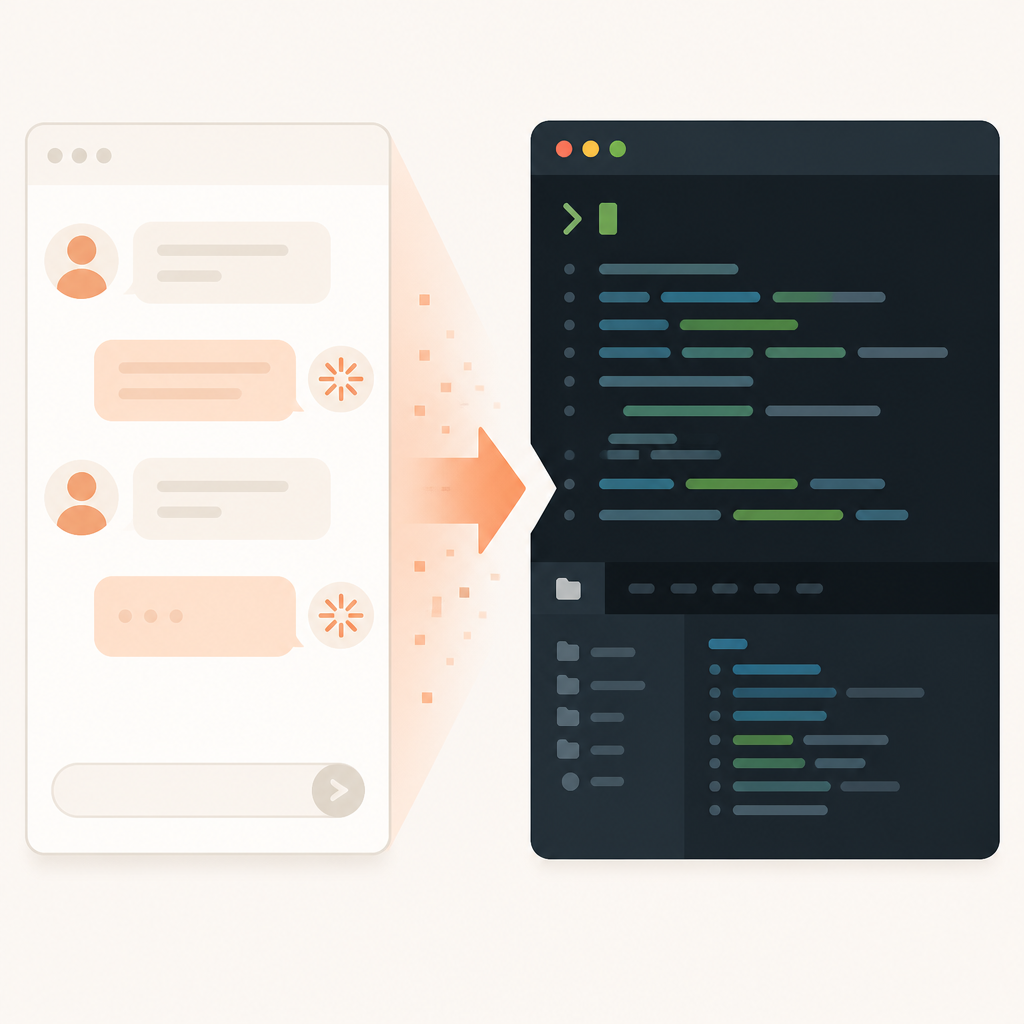
I ran into this distinction the hard way while bouncing between issue threads and shell commands. I’d ask for a migration plan, get one, then manually run the search, edit the files, test the diff, and patch the mistakes. Claude Code compresses that loop. Instead of me asking for a plan and then doing the work, I can hand over a task with enough context and let it iterate where it already has access.
The important part is not that it can write code. Plenty of tools can do that. The important part is that it can stay in the same execution context long enough to be useful. Terminal access means it can inspect repository structure, run commands, and operate with the same constraints I do. That makes it feel less like autocomplete and more like a junior engineer with a shell.
How to apply it: stop writing prompts that sound like product briefs. Write prompts like a task ticket. Give the repo, the goal, the constraints, and the acceptance test. If you want Claude Code to be useful, you need to tell it what “done” looks like, not just what the problem is.
- State the exact files or package area if you know them.
- Tell it whether it should edit, test, or only inspect.
- Include one success condition and one thing to avoid.
That last part matters more than people admit. Models wander when the target is fuzzy. The tighter your task framing, the less cleanup you do later.
Sandboxing is the boring feature that matters
“On October 20, 2025, Anthropic launched a web version of Claude Code and a sandboxing feature.”
What this actually means is Claude Code stopped being a raw “give the bot your machine” proposition and started looking like a controlled workspace. That’s not sexy copy, but it’s the difference between something teams trial and something teams actually let near production work.
I’ve seen enough agent demos to know the failure mode: they’re impressive for five minutes, then security asks who gave the model access to everything. Sandbox boundaries are what keep the conversation going after that meeting. If the tool can operate in a constrained environment, you can reason about blast radius, logs, and rollback. Without that, every productivity win comes with a giant asterisk.
Anthropic’s own product evolution points in that direction. The Wikipedia page notes the web version and sandboxing arrived together, which is not an accident. Web access lowers friction. Sandboxing lowers fear. You need both if you want people outside the “I’ll run anything on my laptop” crowd to use the thing.
How to apply it: if you’re building an internal agent workflow, copy the sandbox mindset before you copy the interface. Give the agent a working directory, a temp area, and explicit write permissions. Keep secrets out of reach unless there’s a very good reason not to. Then log the commands and diffs it produces.
My rule of thumb is simple: if I can’t describe the agent’s permissions in one sentence, the setup is too loose. That sentence should answer three things: what it can read, what it can change, and what happens if it breaks something.
- Read access: code, docs, or selected folders only.
- Write access: a sandboxed workspace, not your whole machine.
- Exit path: diff review, test output, or manual approval.
The real product is workflow compression
“Claude Code went viral during the 2025-2026 winter holidays when people had time to experiment with it, including many non-programmers who used it for vibe coding.”
What this actually means is the tool crossed from “developer curiosity” into “workflow compression for anyone who can describe a task.” That’s a much bigger deal than the vibe-coding angle suggests. The interesting part is not that non-programmers played with it. The interesting part is that the interface was simple enough to let them compress a messy sequence of steps into one conversation.
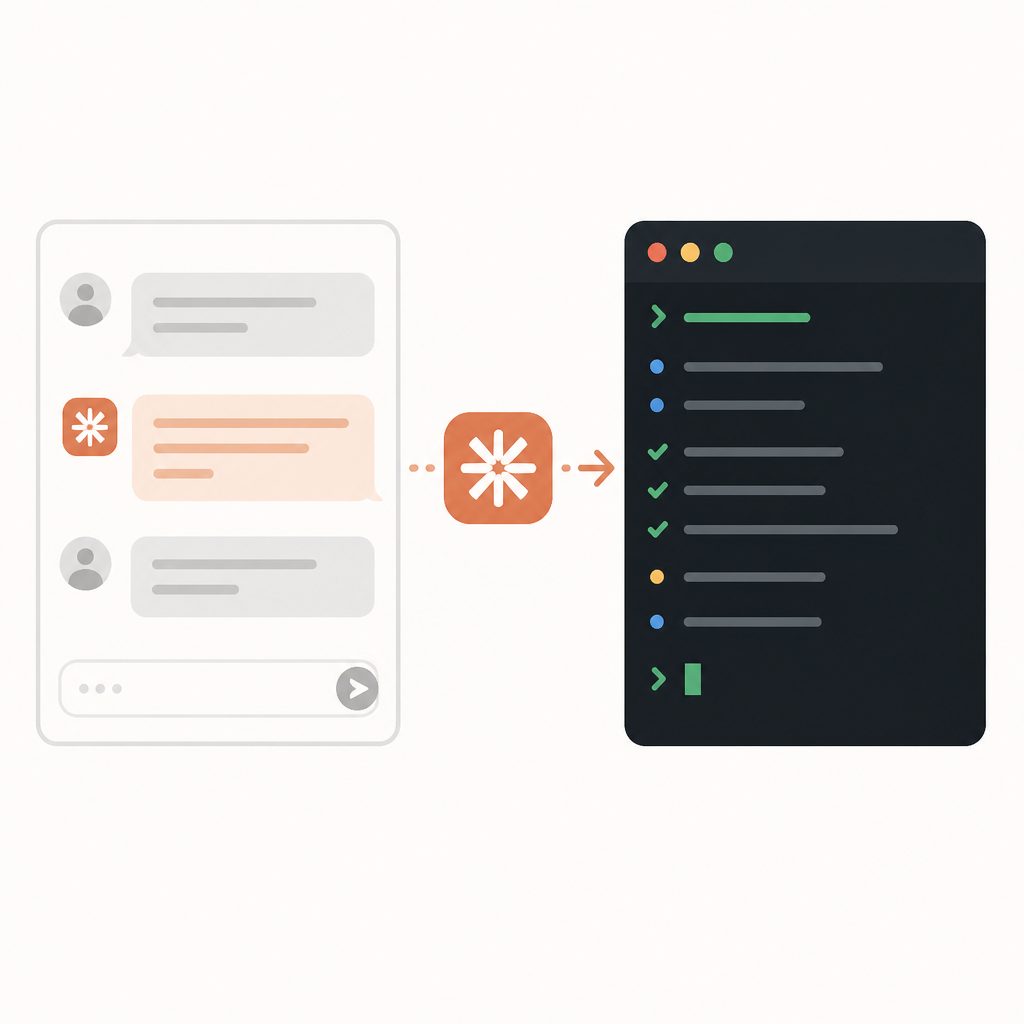
I’ve watched this happen with internal tools too. The first win is never “the model wrote perfect code.” The first win is “the model removed three boring steps I hated.” Once people feel that, they start trusting it with slightly bigger jobs. Then bigger ones. That’s how adoption actually happens, not through grand platform speeches.
Claude Code’s appeal is that it shortens the distance between intent and action. You don’t have to turn your thought into a prompt, then a plan, then a copy-pasted command. You can often go straight from intent to execution. That’s why it feels different from a normal assistant. It’s not just answering in natural language; it’s operating where the work lives.
How to apply it: look for tasks in your own workflow that have three or more mechanical steps and a clear finish line. Examples are repo-wide renames, doc generation from code comments, scaffolding tests, or cleaning up a package structure. Those are perfect candidates because the model can do the repetitive part while you keep the judgment calls.
If you’re trying this inside a team, don’t start with the hardest code path in the company. Start with something annoying, visible, and low-risk. People need a clean win before they’ll trust the agent with anything important.
Enterprise adoption is the only number that really matters
“Based on enterprise adoption, Anthropic reported a 5.5x increase in Claude Code revenue by July.”
What this actually means is the product was not just popular, it was getting budgeted. I care about that because enterprise adoption usually tells you whether a tool survives the demo phase. Hobby usage can be noisy. Revenue growth means someone signed off after seeing it work inside a real process.
That 5.5x figure is one of the few hard signals in the source material, and I think it’s the most useful one. It says Claude Code wasn’t merely a novelty in the terminal. Teams were paying for it because it fit into work they already had to do. That’s the pattern I watch for when I’m deciding whether a tool is worth integrating into a stack.
It also explains why Anthropic kept adding adjacent features: web access, sandboxing, browser control, security review, and enterprise connectors. None of that is random. Once a tool starts making money in companies, the feature set shifts from “cool demo” to “can this survive procurement, security review, and daily use?”
How to apply it: if you’re evaluating a similar agent tool, don’t ask whether it’s impressive. Ask whether it reduces a paid hour of work. If it doesn’t, it’s entertainment. If it does, you can justify the integration time.
When I run a pilot, I measure three things:
- How many manual steps disappeared.
- How often I had to correct the agent.
- Whether the output was good enough to review instead of rewrite.
That last one is the real bar. Review is cheap. Rewriting is where the tool starts costing you.
Constitutional AI is the guardrail, not the headline
“Claude is trained using ‘constitutional AI’, a technique developed by Anthropic to improve ethical and legal compliance.”
What this actually means is Anthropic tried to bake behavior rules into the model instead of relying only on hand-holding from humans after the fact. I’m not here to pretend that solves alignment. It doesn’t. But it does explain why Claude often feels more policy-aware than some other models when you push it into risky territory.
The Wikipedia page says the constitution started as a list of principles, then expanded to 75 guidelines in 2023, and later to a 23,000-word version in 2026. That’s a very Anthropic move: keep turning behavior into text until the model has a clearer internal reference for what it should and shouldn’t do. Whether you love that or hate it, it’s a real design choice.
For developers, the useful lesson is simpler. If you want an agent to behave consistently, you need a written policy, not just vibes. The model needs constraints just like a human contractor does. “Be helpful” is not enough. “Do not edit files outside this folder” is better. “Do not run destructive commands without confirmation” is better still.
How to apply it: write your own mini-constitution for the agent. Keep it short, specific, and operational. Put it in the prompt or the wrapper script. Don’t make it philosophical. Make it enforceable.
- What it can change.
- What it must ask before changing.
- What counts as a stop condition.
If you’re building internal tooling, this is the part that saves you from chaos later. The more autonomous the agent gets, the more your rules need to sound like a checklist and less like a manifesto.
Browser control and file access are where the risk shows up
“Anthropic released the ‘computer use’ feature, allowing Claude to attempt to navigate computers by interpreting screen content and simulating keyboard and mouse input.”
What this actually means is Claude moved beyond code and into general computer operation. That’s powerful, and honestly a little unnerving. Once a model can click around, type, and manipulate apps, the surface area gets much bigger. It’s not just about generating text anymore. It’s about acting on it.
The Wikipedia page also notes Claude for Chrome, plus the later Cowork tool with access to local folders and a sandboxed shell. That stack tells a story: Anthropic is pushing Claude toward more of the computer, not less. As a developer, I read that as a warning and an opportunity. The opportunity is obvious. The warning is that every extra permission needs a reason.
I’ve had enough “can you just let it access the folder” conversations to know how this goes. First it’s one folder. Then it’s a drive. Then it’s a browser. Then someone asks why the bot can send emails. The slope is real, and you need boundaries before the enthusiasm outruns your security model.
How to apply it: only grant browser or file access when the task genuinely needs it. If the agent can finish the job with repo access alone, stop there. If it needs the browser, isolate the session. If it needs local files, use a dedicated workspace with a clean input set.
My practical checklist looks like this:
- Use separate accounts or profiles for agent work.
- Keep credentials out of the active workspace.
- Review every external side effect: uploads, sends, deletes, and commits.
The template you can copy
# Claude Code task prompt template

## Goal
You are working inside this repository. Complete the task below with minimal changes and explain the result at the end.

## Task
[Describe the exact change you want]

## Context
- Repo area: [path or package]
- Relevant files: [list files if known]
- Why this matters: [one sentence]

## Constraints
- Do not modify files outside: [scope]
- Do not change public APIs unless required
- Prefer the smallest diff that solves the problem
- Ask before any destructive command
- Keep existing style and conventions

## Steps
1. Inspect the relevant files.
2. Identify the smallest safe change.
3. Edit the code.
4. Run the most relevant tests.
5. Fix failures only if they are caused by this task.
6. Summarize what changed and any follow-ups.

## Acceptance criteria
- [ ] [criterion 1]
- [ ] [criterion 2]
- [ ] [criterion 3]

## Output format
Return:
- a short summary
- files changed
- commands run
- test results
- any risks or open questions

## Safety rules
- If you are uncertain, stop and ask a question.
- Do not guess at hidden requirements.
- Do not touch unrelated code.
- Do not delete code unless the task explicitly requires it.

## Example task
Refactor the auth helper so token parsing is isolated into a new utility, then run the auth test suite and report any regressions.
This is the part I’d actually paste into a terminal agent workflow. It’s boring on purpose. Boring is good when you want the model to stay inside the rails. The more specific the prompt structure, the less time you spend cleaning up after a confident guess.
If I were rolling this into a team template, I’d keep the same shape every time: goal, context, constraints, steps, acceptance criteria, output format, safety rules. That structure makes the agent easier to supervise and easier to compare across tasks. You want repeatability more than cleverness.
One more thing: the template is not a substitute for judgment. It just makes the judgment visible. That’s the whole point of using an agent in the first place.
Source attribution: I based this breakdown on the Claude (AI) Wikipedia page, and the template above is my own derivative workflow pattern, not a quoted Anthropic artifact. For product context, I also referenced Anthropic’s Claude Code page, Anthropic news, Anthropic’s Constitutional AI research, and the Claude Code GitHub repository.
// Related Articles
- [AGENT]
Meta’s first paid model proves AI coding is now a price war
- [AGENT]
Decentralized AI compliance should be built into agent rails, not bol…
- [AGENT]
Open-Source AI Agent Frameworks Compared
- [AGENT]
Codex Micro turns a macropad into an AI control deck
- [AGENT]
Automate Web3 Grant Screening With AI Scoring
- [AGENT]
Anthropic Models: Build Better Agent Endurance