Open-Source AI Agent Frameworks Compared
Open-source agent frameworks now cover graphs, loops, and typed workflows.

Open-source agent frameworks now cover graphs, loops, and typed workflows.
If you are choosing an agent framework for a Python or TypeScript project, this guide helps you narrow the field quickly and set up observability from day one. By the end, you will know which framework fits your stack, how to get a first trace into Langfuse docs and the Langfuse GitHub repo, and what to verify before you ship.
This walkthrough focuses on the frameworks highlighted in Langfuse's comparison post and shows the practical path from selection to tracing. The goal is not to rank every option universally, but to help you match the framework to your runtime, language, and control needs.
Before you start
Get the latest AI news in your inbox
Weekly picks of model releases, tools, and deep dives — no spam, unsubscribe anytime.
No spam. Unsubscribe at any time.
- Node.js 20+ if you plan to use TypeScript frameworks such as Mastra, Vercel AI SDK, or Strands Agents.
- Python 3.10+ if you plan to use LangGraph, Claude Agent SDK, Google ADK, Pydantic AI, CrewAI, or Strands Agents.
- A Langfuse account and project for traces, spans, prompts, and evaluations.
- API keys for at least one model provider, such as OpenAI, Anthropic, Google Gemini, or AWS Bedrock.
- Git installed locally so you can clone the sample app or your own agent service.
- Basic familiarity with tool calling, async code, and environment variables.
Step 1: Pick the framework by control style
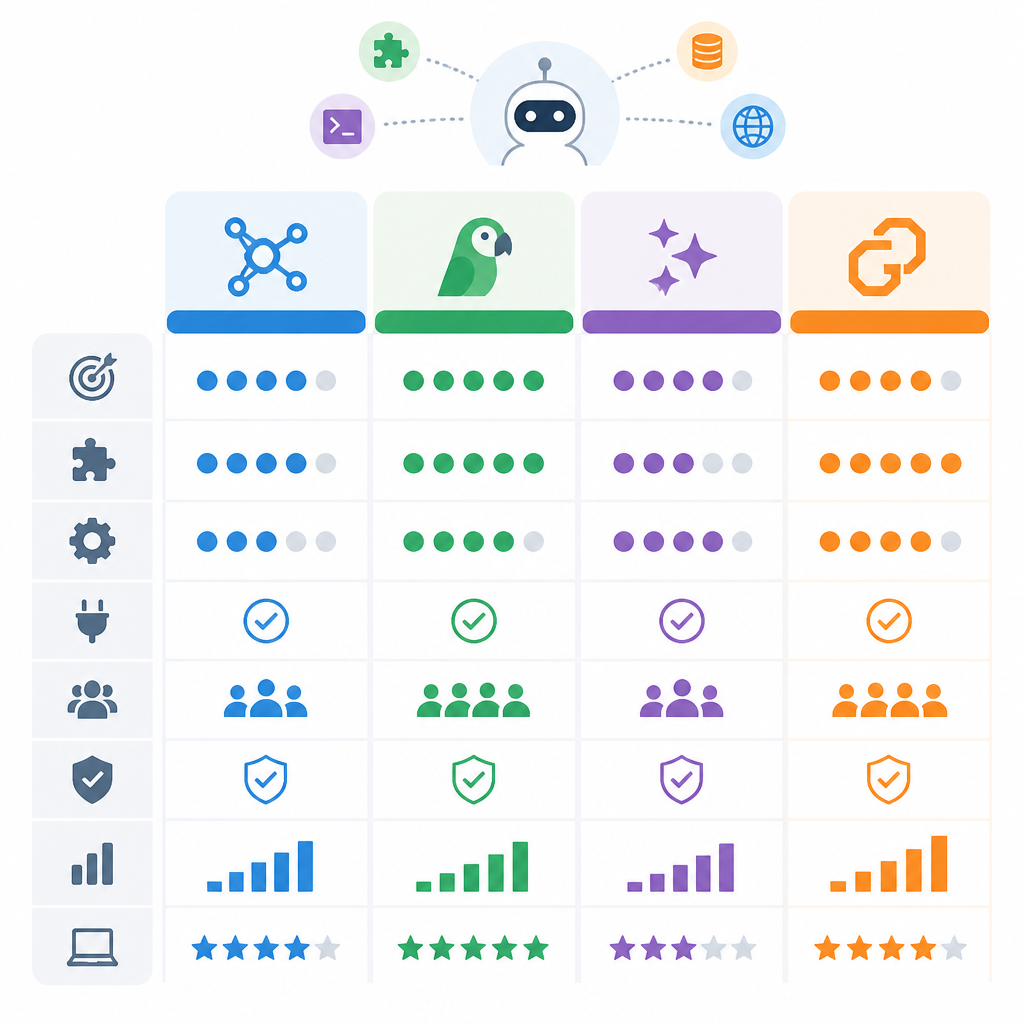
Goal: choose the framework that matches how much orchestration you want to own. LangGraph and Google ADK suit explicit workflows, OpenAI Agents SDK and Claude Agent SDK suit managed agent loops, Pydantic AI suits type-driven Python teams, and Mastra or the Vercel AI SDK suit TypeScript-first products.
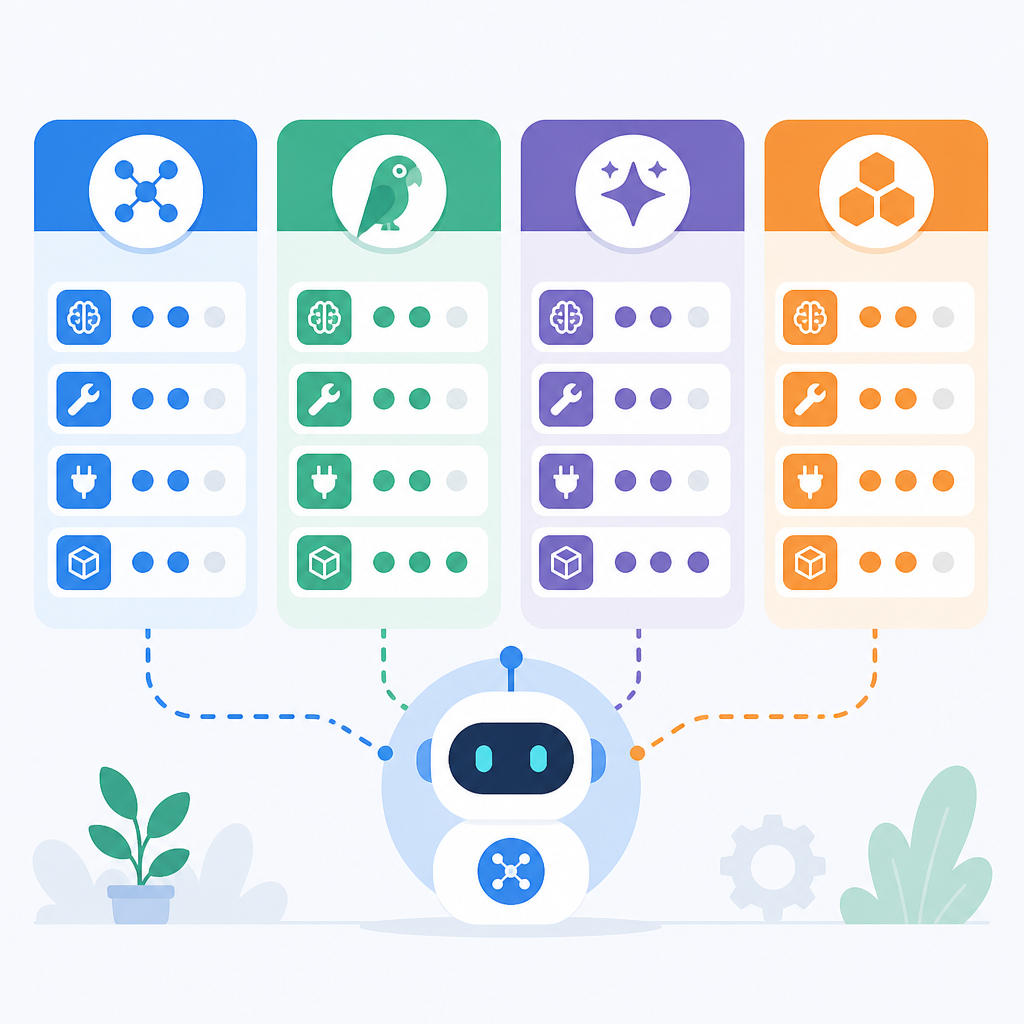
Use this decision rule: if you need branching, retries, and human approval at exact points, start with a graph-based framework. If you want a ready-made loop with minimal assembly, start with a loop-first SDK. If you care most about validation and developer ergonomics, start with Pydantic AI.
Verification: you should be able to name one framework in one sentence, such as "I need explicit state control, so LangGraph is the fit."
Step 2: Install the agent SDK and tracing client
Goal: create a working local project that can send traces to Langfuse. Install your chosen framework, then add the Langfuse client or OpenTelemetry integration recommended by that framework's docs.
npm install @langfuse/client @vercel/ai-sdkIf you are using Python, swap in the framework package and the Langfuse Python SDK instead. Set your environment variables for the Langfuse public key, secret key, and host before you run the app.
Verification: you should see the package manager finish without errors and your .env file should contain the keys your framework expects.
Step 3: Build one agent loop with one tool
Goal: prove the framework can call a tool and return a useful answer before you add multi-agent complexity. Keep the first version small: one model, one prompt, one tool, and one output path.
For example, wire a weather lookup, a file read, or a database query into the agent. If your framework supports handoffs, subagents, or workflows, ignore those features for now and confirm the basic loop works first.
Verification: you should see a successful agent response that includes the tool result rather than a plain model guess.
Step 4: Trace the run in Langfuse
Goal: capture the agent execution so you can inspect prompts, tool calls, latency, and failures. Add the tracing hooks or middleware shown in the framework's integration guide, then send one test request through the app.
Open the Langfuse project and confirm that the trace includes the root run plus child spans for model calls and tools. If the framework supports structured metadata, attach the framework name, model name, and environment so you can filter runs later.
Verification: you should see a new trace in Langfuse with at least one model span and one tool span.
Step 5: Add guardrails and workflow controls
Goal: make the agent safer and more predictable before production traffic arrives. Add the framework's native controls, such as input validation, output schemas, permission allowlists, retry logic, checkpoints, or human-in-the-loop interrupts.
Use the control style that matches your framework. For Pydantic AI, define typed inputs and outputs. For CrewAI, assign roles and then wrap them in Flows. For LangGraph or Google ADK, add explicit branching and retry paths. For Claude Agent SDK or OpenAI Agents SDK, use hooks, guardrails, or handoffs to constrain behavior.
Verification: you should be able to trigger one invalid input and see the agent reject or reroute it instead of failing silently.
Step 6: Compare the trace against a baseline
Goal: use observability to decide whether your first implementation is good enough. Run the same prompt several times, compare the traces, and look for unstable tool use, repeated retries, or unnecessary context growth.
Then record a baseline for latency, cost, and success rate so you can compare future changes. Langfuse is most useful when you treat traces as a development artifact, not just a production dashboard.
Verification: you should have a baseline trace set that shows repeatable behavior and a clear list of improvements for the next iteration.
Common mistakes
- Choosing a framework for brand familiarity instead of control needs. Fix: map your use case to workflow control, type safety, or managed loops first.
- Adding multi-agent coordination before the single-agent loop works. Fix: get one tool, one prompt, and one trace working before adding handoffs or subagents.
- Skipping observability until production. Fix: connect Langfuse in the first prototype so you can debug prompts, tools, and retries while the system is still small.
What's next
Once the first agent is traced and stable, move on to framework-specific hardening: add evals, define prompt versioning, create regression tests for tool calls, and compare how your chosen framework behaves under retries, memory growth, and human approval flows.
// Related Articles
- [AGENT]
Codex Micro turns a macropad into an AI control deck
- [AGENT]
Automate Web3 Grant Screening With AI Scoring
- [AGENT]
Anthropic Models: Build Better Agent Endurance
- [AGENT]
Google’s Gemini Enterprise Agent Platform makes agents a cloud servic…
- [AGENT]
WorkBuddy Proves Harness Engineering Matters More Than Model Size
- [AGENT]
Perplexity should build Teammate as a coding agent, not a copilot