Codex’s workspace limits now tell you why
OpenAI Codex now shows workspace-specific usage-limit messages for credit and spend-cap failures.

Codex now shows workspace-specific limit messages for credit and spend-cap failures.
I've been using agentic coding tools long enough to know the difference between a real bug and a billing faceplant. When a tool just says “something went wrong,” I waste time checking prompts, auth, network, and the repo before I even think about credits or spend caps. That gets old fast. The annoying part is that these failures are usually not mysterious at all. They’re administrative. They belong to a specific workspace, a specific budget, a specific policy. But most tools flatten them into one useless error bucket and leave me guessing.
That’s why this tiny Codex changelog note caught my eye. It’s from the OpenAI Developers Codex changelog, and it’s not flashy. It just says workspace-specific usage-limit messages now appear for credit and spend-cap failures. Small change, big difference. It tells me OpenAI is finally treating billing-state errors like product feedback instead of generic failure noise.
Stop hiding billing failures behind one bland error
Get the latest AI news in your inbox
Weekly picks of model releases, tools, and deep dives — no spam, unsubscribe anytime.
No spam. Unsubscribe at any time.
Displayed workspace-specific usage-limit messages for credit and spend-cap failures.
What this actually means is: if Codex can’t keep going because a workspace hit its credit limit or spend cap, the message should name the workspace context and the reason. Not “request failed.” Not “try again later.” It should tell the person who can fix it what actually broke.

I’ve hit this exact mess in internal tools. A team thinks the model is down, but the real issue is that one workspace exhausted prepaid credits while another workspace in the same org was fine. Same app, same users, different billing state. If the error doesn’t point at the right boundary, everyone chases the wrong problem.
This matters because agent tools are not just code runners anymore. They’re stateful, permissioned, budgeted systems. When they fail, the failure should be scoped to the thing that owns the limit. That’s the whole point of a workspace.
How to apply it: if you build internal AI tooling, make every billing or quota error include the workspace, the limit type, and the next action. I want a message like “Workspace Acme hit its monthly spend cap. Increase cap or wait until reset.” That’s enough for support, finance, and the person staring at the screen.
- Say what limit was hit.
- Say which workspace was affected.
- Say what to do next.
Credit errors and spend caps are not the same thing
OpenAI is splitting two failure modes here, and I think that’s the right call. Credits and spend caps sound similar when you’re skimming a dashboard, but they are different operationally. Credits are usually a preloaded balance or entitlement. Spend caps are policy. One is “you ran out of money in this bucket.” The other is “you’re not allowed to spend past this threshold.”
That distinction sounds boring until your team is on fire at 4 p.m. Support needs to know whether to tell a customer to top up credits or ask an admin to raise a cap. Finance wants one answer. Engineering wants another. The app should not make them reverse-engineer the difference from logs.
I ran into this in a multi-tenant admin panel where every quota failure came back as “payment issue.” That was useless. The team kept opening the wrong tickets. Once we split the errors into “balance exhausted” and “policy cap reached,” the support queue got cleaner immediately. Fewer guesses. Fewer Slack pings. Less nonsense.
How to apply it: define separate error codes for each billing state. Then map them to messages that match the user’s role. A workspace admin should see policy language. A billing owner should see spend language. A developer should see the exact code.
- Use one code for balance exhaustion.
- Use another for policy limits.
- Keep the user-facing copy short and specific.
Workspace-scoped messages are really about ownership
The useful part of this changelog entry is not the word “usage.” It’s “workspace-specific.” That’s the ownership boundary. The error belongs to the workspace, not some vague global account state. In practice, that means the tool can tell you which team, org, or project owns the problem.
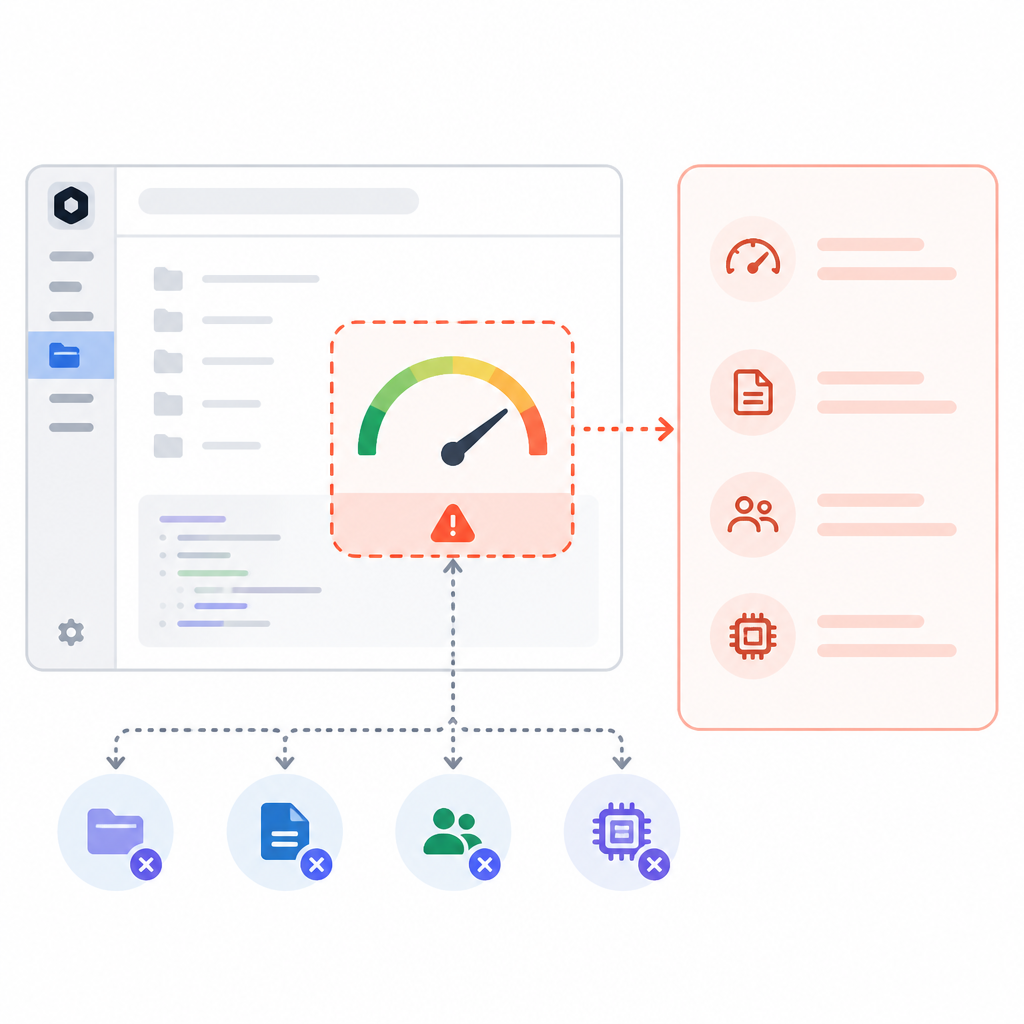
This is one of those details that sounds minor until you operate at scale. Once you have multiple teams, staging workspaces, test credits, and production budgets, generic messages become a tax. People spend time proving that the issue is not theirs. Workspace scoping cuts through that.
I’ve seen this in CI systems too. If a build fails because a shared org token expired, the error should say which org and which pipeline. Otherwise every engineer starts checking their own setup. Same disease, different wrapper.
How to apply it: thread workspace identifiers through your error pipeline all the way to the UI. Don’t infer them later from logs. Don’t bury them in telemetry only. Put them in the response, then in the copy, then in the support docs. If the user can act on it, the message should carry the boundary that matters.
For Codex, this also fits the product shape. Codex is used across app, CLI, and workspace environments. If the message stays generic, the person in the wrong workspace burns time. If it’s scoped, they know whether the fix is local or administrative.
Small changelog items are where product maturity shows up
I pay attention to notes like this because they’re usually not accidental. Nobody writes a changelog entry about better failure messages unless enough people have already tripped over the bad version. That means the team saw the support pain, saw the confusion, and decided to clean up the edge.
That’s the kind of improvement that doesn’t photograph well, but it saves real time. It’s also the kind of thing that makes a tool feel less like a demo and more like something you can actually run in a company with budgets and admins and all the usual mess.
OpenAI’s Codex docs already show how broad the product has become, from the Codex home to the changelog and the surrounding docs for app, CLI, and workspace management. Once a tool grows that wide, the boring parts matter more. Billing errors, permissions, host connections, thread recovery. That’s the real surface area.
How to apply it: treat small error-copy changes as product work, not cleanup. If a support ticket repeats three times, it deserves a better message. If an admin has to ask “what does this mean?” the copy failed. Fixing that is cheaper than building another dashboard no one wants to read.
What I’d copy into my own tools
If I were building a coding agent or a platform with workspace budgets, I’d copy the shape of this change almost exactly. Not the wording, the shape. The error should identify the workspace, name the limit, and tell the person what action can resolve it. Anything less is just friction dressed up as infrastructure.
And I’d keep the message different depending on where it appears. In-app copy can be friendlier. API errors should be structured. CLI output should be terse. Support logs should carry the full context. Same failure, different audiences. That’s the part teams usually skip, then wonder why nobody is happy.
There’s also a trust angle here. When a tool tells me the exact reason it stopped, I trust it more than when it hides behind generic failure language. I may not like the answer, but at least I’m not being gaslit by the UI.
How to apply it: build a small error taxonomy before you ship. Separate balance, cap, permission, and connectivity failures. Then write one message per audience. It’s not glamorous, but it keeps your users from playing detective every time the tool pauses.
The template you can copy
## Workspace usage-limit error copy template

### User-facing message
Workspace {{workspace_name}} has reached its {{limit_type}} limit.

### Short explanation
{{limit_type}} is currently preventing Codex from continuing in this workspace.

### Next step
{{resolution_action}}

### Examples
- Workspace Acme has reached its credit limit. Add credits or wait for the balance to refresh.
- Workspace Acme has reached its spend cap. Increase the cap or ask an admin to review billing settings.

### API error shape
{
  "error": {
    "code": "workspace_usage_limit",
    "workspace_id": "{{workspace_id}}",
    "workspace_name": "{{workspace_name}}",
    "limit_type": "credit|spend_cap",
    "message": "Workspace {{workspace_name}} has reached its {{limit_type}} limit.",
    "resolution_action": "{{resolution_action}}"
  }
}

### CLI output
Error: Workspace {{workspace_name}} hit its {{limit_type}} limit.
Fix: {{resolution_action}}

### Support note
Affected workspace: {{workspace_name}} ({{workspace_id}})
Failure type: {{limit_type}}
Recommended action: {{resolution_action}}
The original source is the OpenAI Developers Codex changelog. I’ve broken down one changelog line into a practical pattern for error design, and the template above is my own copy-ready version based on that source.
// Related Articles
- [TOOLS]
Grok 4.5 hits Cursor with $2/$6 pricing
- [TOOLS]
AGT turns agent calls into governed actions
- [TOOLS]
OpenClaw v2026.7.1 turns control UI into a workspace
- [TOOLS]
OpenAI’s screenless speaker turns ChatGPT into a companion
- [TOOLS]
SCALE turns CUDA code into portable GPU builds
- [TOOLS]
2027 AI/ML internship jobs are being tracked daily