Kimi K3 Benchmark Evaluation Guide for Coding Agents
Benchmark scores show Kimi K3 is strong, but harness choice still changes the result.

Benchmark scores show Kimi K3 is strong, but harness choice still changes the result.
Kimi K3 has enough public evidence to justify a serious coding-agent evaluation, not a blanket “best model” claim. This guide is for developers who need to compare K3 against other agents using the same tasks, the same harness, and the same acceptance checks.
After you follow the steps below, you will have a repeatable bake-off plan, a versioned test harness, and a way to judge cost per accepted change instead of raw benchmark hype.
Before you start
Get the latest AI news in your inbox
Weekly picks of model releases, tools, and deep dives — no spam, unsubscribe anytime.
No spam. Unsubscribe at any time.
- Moonshot account with Kimi K3 API access
- Kimi Code harness from the Kimi Code GitHub repo
- Reference docs from the Kimi docs
- Node 20+ or Python 3.11+ for your evaluation runner
- Git 2.40+
- At least one real repository with tests, linting, and a known bug or task queue
- Budget for repeated runs, since agent benchmarks need multiple trials
Step 1: Define the task shape
Your first outcome is a benchmark scope that matches the work your team actually ships. Decide whether you care about repository repair, terminal workflows, long-horizon feature work, or model-assisted research, then pick tasks that resemble that shape.

Use a small task set with known acceptance criteria. For example, select dependency bumps, failing tests, or issue tickets that can be verified by CI.
# Example task inventory
# task_id | repo | branch | acceptance_check
# 001     | app-a | bugfix/001 | npm test
# 002     | app-b | bugfix/002 | pytest -q
# 003     | app-c | bugfix/003 | make verify
You should see a task list where each item has one clear pass condition. If you cannot state the acceptance check in one line, the task is too vague for an agent bake-off.
Step 2: Pin the harness and model version
Your second outcome is a reproducible evaluation environment. Lock the model identifier, the system prompt, tool permissions, context window policy, and any history-compaction rules before you run the first trial.
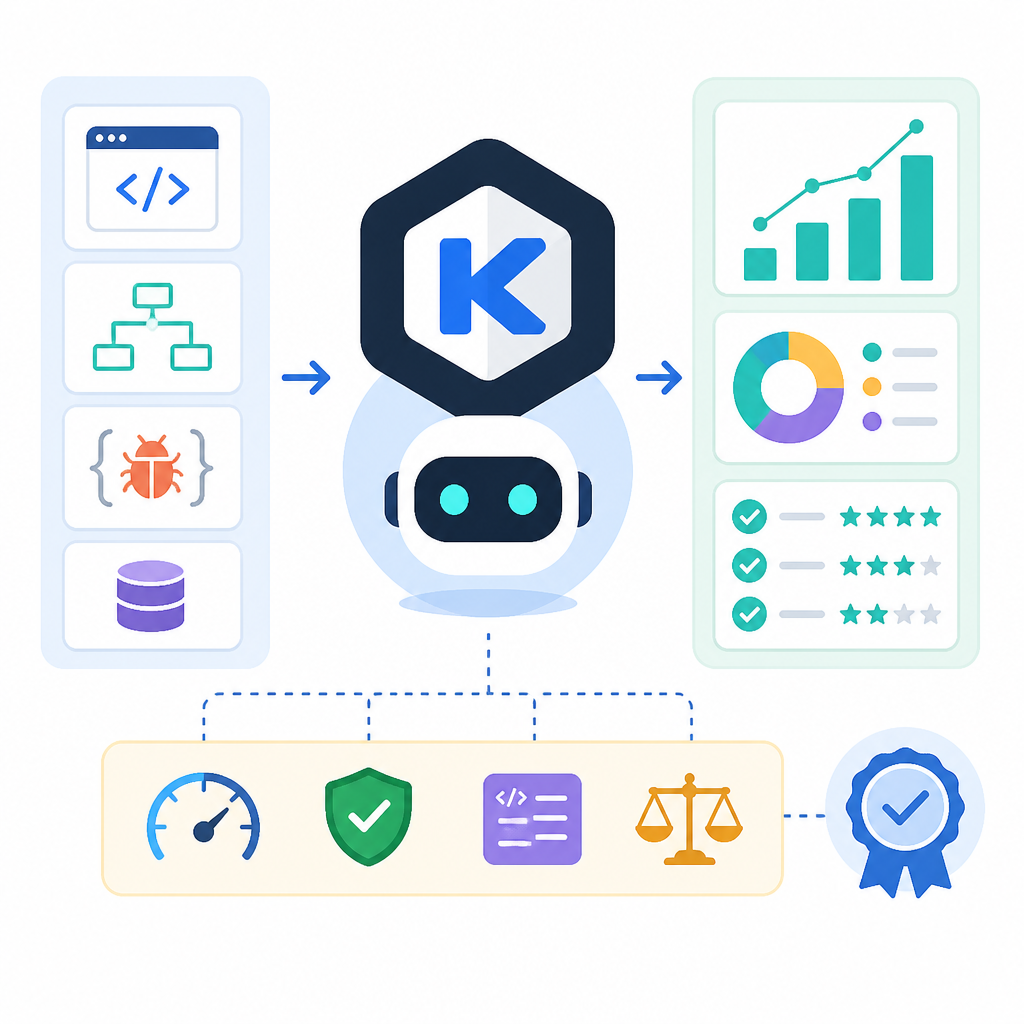
Keep the harness stable across all models. If K3 gets preserved thinking history through Kimi Code, every comparison model should get the closest equivalent execution path you can provide.
export MODEL_ID="kimi-k3"
export HARNESS_VERSION="[email protected]"
export EVAL_SEED=42
export MAX_ATTEMPTS=3
export TOOL_MODE="restricted"

npm run eval -- \
  --model "$MODEL_ID" \
  --harness "$HARNESS_VERSION" \
  --seed "$EVAL_SEED" \
  --attempts "$MAX_ATTEMPTS"
You should see the same model and harness names in every run log. If the logs drift, you are no longer comparing the same system.
Step 3: Run repeated agent trials
Your third outcome is a result set large enough to smooth out one-off luck. Run each task more than once, because agent performance changes with tool errors, retry behavior, and context growth.
Capture the full transcript, command output, token counts, and completion status for every attempt. If K3 or another model uses more verbose reasoning, that cost belongs in the record.
Store each trial in a separate folder so that you can replay failures later. A simple layout is enough if it preserves inputs, outputs, and timestamps.
You should see completed runs for every task, not just the successful ones. Missing failures usually mean your evaluation is hiding the hard cases.
Step 4: Score accepted changes
Your fourth outcome is a scoring sheet that rewards verified fixes, not partial progress. Prefer deterministic checks such as tests, lint, type checks, or golden output comparisons over subjective review.
Score each attempt as accepted or rejected, then compute the accepted-change rate and the cost per accepted change. That gives you a decision metric that combines quality and spend.
# Example acceptance rubric
# accepted = test suite passes AND patch is minimal AND no secret files changed
# rejected = tests fail OR task incomplete OR manual rollback required

accepted_changes=$(jq '[.runs[] | select(.status=="accepted")] | length' results.json)
total_cost=$(jq '.billing.total_usd' results.json)

printf "accepted=%s\n" "$accepted_changes"
printf "cost_per_accept=%.2f\n" "$(echo "$total_cost / $accepted_changes" | bc -l)"
You should see a stable acceptance rate across repeated runs. If the rate swings wildly, the harness or task design is too noisy.
Step 5: Compare results against a baseline
Your fifth outcome is a decision table that shows whether K3 is actually better for your workload. Compare it with your current model, an open baseline, or a cheaper alternative using the same tasks and the same scoring rules.
Keep the comparison focused on the metric that matters most to your team. For a maintenance agent, that may be accepted fixes per dollar. For a research agent, it may be long-horizon completion with fewer tool failures.
You should see a clear winner on your chosen metric, not a vague “looks good” impression. If K3 wins on quality but loses badly on cost, the right answer may still be a different model.
| Metric | Before/Baseline | After/Result |
|---|---|---|
| DeepSWE common-harness score | mini-SWE-agent baseline | K3 reported at 67.3 |
| Terminal-Bench 2.1 score | frontier comparison set | K3 reported at 88.3 |
| Output tokens per second | comparison median ~72 | K3 measured at 62 |
| Total evaluation cost | median around $63M output-token class | K3 evaluation cost $2,690.80 |
Common mistakes
- Mixing harnesses across models. Fix: run every model through the same agent loop, permissions, and stop conditions.
- Using raw benchmark scores as deployment proof. Fix: validate on your own repo tasks with deterministic acceptance checks.
- Ignoring token spend and retries. Fix: track total cost per accepted change, not just pass rate.
What's next
Once your bake-off is running, expand it into a monthly evaluation suite with pinned datasets, saved transcripts, and regression alerts. That will let you track whether Kimi K3, or any replacement, still earns its place as your coding agent changes over time.
// Related Articles
- [AGENT]
Meta’s first paid model proves AI coding is now a price war
- [AGENT]
Claude Code turns chat into terminal work
- [AGENT]
Decentralized AI compliance should be built into agent rails, not bol…
- [AGENT]
Open-Source AI Agent Frameworks Compared
- [AGENT]
Codex Micro turns a macropad into an AI control deck
- [AGENT]
Automate Web3 Grant Screening With AI Scoring