Ornith-1 turns agent coding into a server
Ornith-1’s README shows how to serve a reasoning model, keep tool calls intact, and copy its OpenAI-compatible setup.

Ornith-1 shows how to serve a reasoning model with tool calls.
I've been using agentic coding models for a while, and the part that keeps irritating me is never the benchmark headline. It's the glue. One model gives me a nice answer, another gives me a trace I can't parse, and a third half-supports tools until my server starts lying to me about what happened. You wire it up, it looks fine in a demo, then the first real task shows the cracks: the assistant agrees too easily, the tool call format is off, or the reasoning gets buried where your client can't use it.
That is why the Ornith-1 repository on GitHub caught my attention. Not because it has shiny benchmark tables, though it does, but because the README is unusually blunt about how to serve the thing, what parsers it expects, and which sampling settings they used. The repo is from deepreinforce-ai, and the model family is presented as Ornith-1.0. The practical takeaway is simple: this is not just a model card, it's a deployment playbook.
Stop treating the model like a chat toy
Get the latest AI news in your inbox
Weekly picks of model releases, tools, and deep dives — no spam, unsubscribe anytime.
No spam. Unsubscribe at any time.
"Ornith-1.0 is a reasoning model : by default the assistant turn opens with a … block before the final answer."
What this actually means is that the model is expecting a structured conversation, not a dumb prompt-in, text-out loop. The README tells you the assistant turn starts with a reasoning block, and the serving stack is supposed to separate that into a reasoning_content field while surfacing tool blocks as OpenAI-style tool_calls.
I ran into this exact mess with other agent models: if the client only reads the final answer, you lose the trace; if the client only reads the trace, you never get the answer cleanly. Ornith-1 is trying to make that split explicit instead of pretending everything is one blob of text. That's a good sign, because agent workflows break in the seams, not in the loss curves.
How to apply it: treat the model as a two-channel output. One channel is the reasoning stream, one is the answer. If you're building an app, store both separately. If you're building evals, make sure your harness knows which field to grade. If you're building a tool-using agent, make sure your parser can recognize the model's tool syntax before you ship anything to users.
There is also a small but important implication here: your prompts should not fight the model's native format. If the README says the assistant opens with a reasoning block, then your templates, chat wrappers, and logging should be built around that assumption. Otherwise you end up debugging what is really a protocol mismatch.
The sampling defaults are not random decoration
"Recommended sampling parameters: temperature=0.6, top_p=0.95, top_k=20 (use temperature=1.0 to reproduce the reported benchmark setup)."
What this actually means is that the authors are telling you there are two different modes here: one for normal use, one for reproducing the benchmark numbers. That's a detail people skip and then complain the model feels different on their machine.
I've seen this a lot with coding models. Someone copies the benchmark config, gets a weirdly brittle output, then decides the model is overrated. But benchmark settings are often tuned for comparability, not for day-to-day usefulness. Ornith-1's README is refreshingly explicit: the default recommendation is temperature=0.6, but if you want to match the benchmark tables, use temperature=1.0. That's the kind of note I wish every model repo included.
How to apply it: decide what you are optimizing for before you touch the knobs. If you're doing interactive coding help, start with the recommended defaults. If you're validating claims in the README, switch to the benchmark setup. And if your results drift, don't start by blaming the model. Check temperature, top-p, top-k, parser settings, and context window first. Half the time the problem is me, not the checkpoint.
- Use the recommended sampling values for product behavior.
- Use the benchmark values only when you are trying to reproduce reported scores.
- Keep the exact decode config in your eval logs so you can compare runs later.
The real product here is the serving recipe
vllm serve $MODEL
  --served-model-name Ornith-1.0
  --tensor-parallel-size 8
  --host 0.0.0.0 --port 8000
  --max-model-len 262144
  --gpu-memory-utilization 0.90
  --enable-prefix-caching
  --enable-auto-tool-choice --tool-call-parser qwen3_xml
  --reasoning-parser qwen3
  --trust-remote-code
What this actually means is that the repo is handing you a ready-made server contract. This is not "here's a checkpoint, good luck." It's "here's how to expose it as an OpenAI-compatible service, here's the context length, here's the parser, here's the tool-call format." That matters because agent models are only useful when the runtime and the model agree on the same wire format.
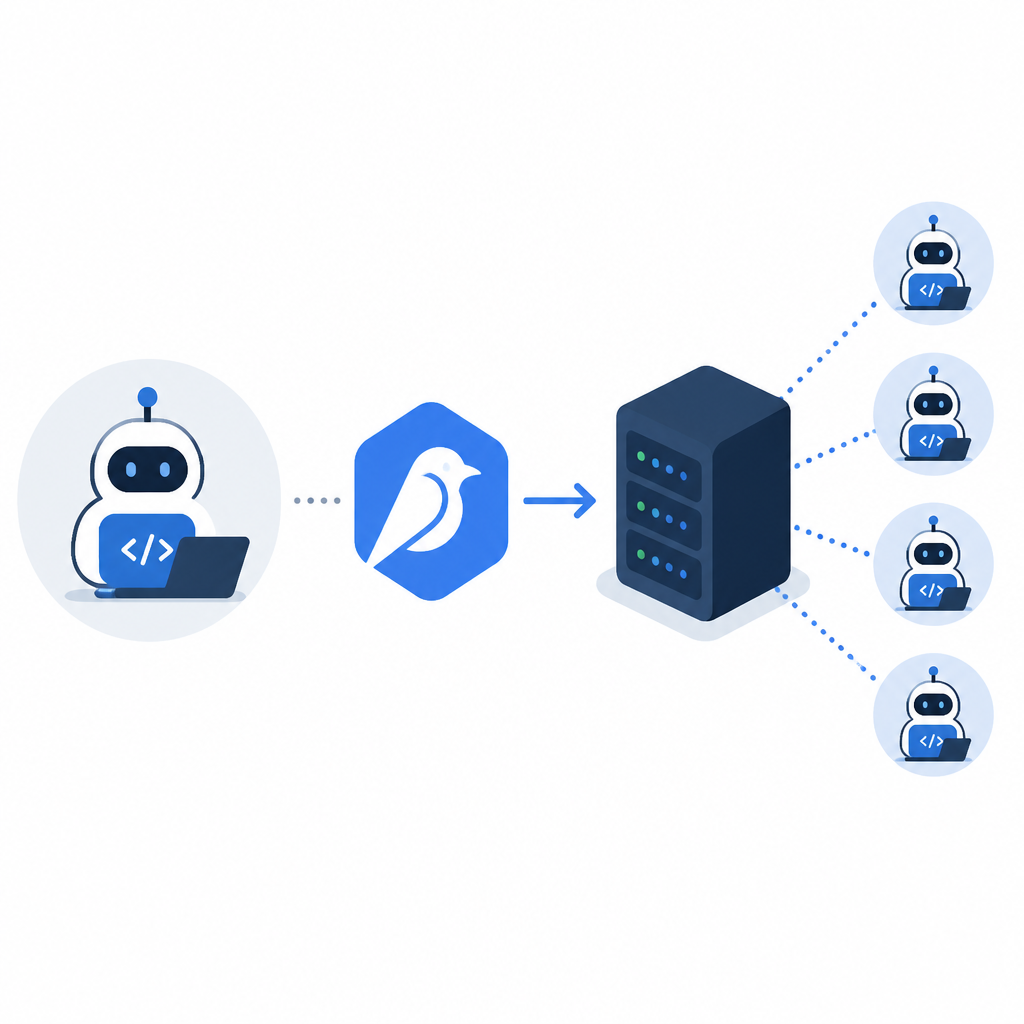
I like that the README gives both vLLM and SGLang recipes. That tells me the authors expect people to run this in different stacks without rewriting the whole integration. It also tells me they care about the boring stuff: tensor parallelism, host/port, memory fraction, prefix caching, and parser selection. Boring is good. Boring keeps prod from catching fire.
How to apply it: pick one serving path and lock it down. If you're already on vLLM, start there. If your infra prefers SGLang, use that. Do not mix and match config ideas from both until you understand which parser and reasoning hook your client expects. And if you're exposing an internal API, keep the model name stable, because downstream tools will hardcode it whether you like it or not.
The 256K context window is another practical signal. It means the model is meant for long, messy coding sessions, not just short prompts. That changes how I think about memory, retrieval, and task decomposition. If the context is that large, I can keep more of the repo, more of the issue thread, and more of the agent history in one place before I start reaching for external memory.
Dense and MoE are not just size labels
Ornith-1.0 ships as a dense 9B model plus two Mixture-of-Experts models (35B, 397B). All checkpoints expose the same OpenAI-compatible interface and support a 256K (262,144-token) context window; the dense 9B fits on a single 80GB GPU, while the MoE checkpoints are sharded across a multi-GPU node with tensor parallelism.
What this actually means is that the repo is trying to make deployment a size-aware decision, not a one-size-fits-all fantasy. The 9B checkpoint is for people who want something they can actually run locally. The 35B and 397B checkpoints are for teams with real GPU infrastructure and a reason to spend it.
I've been burned before by model pages that casually mention "small" and "large" without saying what that means for hardware. Here, the README is direct: the dense 9B fits on a single 80GB GPU, while the bigger MoE checkpoints need sharding. It also says each size comes in bf16, FP8, or GGUF variants, which is the kind of detail that decides whether a model is a weekend experiment or a real deployment.
How to apply it: match the checkpoint to the machine you already have. If you're prototyping, use the 9B. If you're running on a single box with enough VRAM, test the FP8 variant before you commit to bf16. If you're deploying locally through llama.cpp or Ollama, use the GGUF build. Don't buy hardware just because the biggest model looks fun in a table.
- Dense 9B: easiest path for local testing and fine-tuning.
- 35B / 397B MoE: use when you have multi-GPU capacity and need the extra quality.
- FP8 and GGUF variants: pick them when memory pressure matters more than raw precision.
The benchmark table is useful only if you read the footnotes
* Terminal-Bench 2.1 (Terminus-2): evaluated with the Harbor/Terminus-2 framework, parser=json, temperature=1.0, top_p=1.0, 128K context window. Each run uses a 4-hour timeout with 32 CPU cores and 48GB RAM, averaged over 5 runs.
* SWE-bench Verified / Pro / Multilingual: OpenHands harness, temp=1.0, top_p=0.95, 256K context window.
* SWE Atlas QnA / RF / TW: mini-SWE-agent harness, temp=1.0, top_p=0.95, 128K context window, averaged over 5 runs.
What this actually means is that the scores are tightly coupled to the harness. This is not just "model A beat model B." It's "model A under these exact tools, these exact decode settings, this exact timeout, and this exact context budget." If you ignore that, you're not comparing like with like.
I appreciate that the README spells out the evaluation machinery, because otherwise benchmark bragging is mostly theater. The model may be strong, but the harness can change the result just as much. A coding agent that gets 77.5 on one setup can look very different when you swap parsers, temperature, or timeout. That is not cheating. That is reality.
How to apply it: when you read any agent benchmark, write down four things before you care about the score: harness, decode settings, context length, and averaging scheme. If those are missing, the number is less useful than the table wants you to think. If you're publishing your own evals, include the same footnotes or don't bother publishing the score at all.
The repo also gives a subtle lesson about honesty: it does not pretend one evaluation setup covers everything. Terminal-Bench, SWE-bench, NL2Repo, ClawEval, and SWE Atlas all get different treatment. That is the right instinct. Different tasks stress different failure modes, and pretending otherwise is how teams end up overfitting to one benchmark and calling it progress.
OpenAI compatibility is the escape hatch
from openai import OpenAI
client = OpenAI(base_url="http://localhost:8000/v1", api_key="EMPTY")
response = client.chat.completions.create(
    model="Ornith-1.0",
    messages=[{"role": "user", "content": "Write a one-line Python lambda that squares a number."}],
    temperature=0.6,
    top_p=0.95,
    max_tokens=1024,
)
message = response.choices[0].message
What this actually means is that the repo is trying to make adoption boring. If your client already speaks OpenAI-style chat completions, you do not need a bespoke SDK just to test the model. You point the client at a local base URL and keep moving.
That matters more than it sounds. I have wasted too much time on model releases that were technically open but operationally annoying. If the API shape is familiar, integration gets much easier. If the response object includes reasoning_content separately from content, even better, because then your app can decide what to show, store, or redact.
How to apply it: make your integration layer accept a base URL and a model name, not a hardcoded vendor SDK. That buys you portability. It also means you can swap in local servers for testing without rewriting the app. If you're building an internal agent platform, this is the right abstraction layer. The model should be the thing you swap, not the whole application.
I also like that the README mentions streaming and tools, even though the snippet in the excerpt cuts off before the full examples. That tells me the authors know the model is meant for more than one-shot completions. If you're building real coding flows, that is the difference between a demo and something your team can actually use.
The template you can copy
# Ornith-1 deployment checklist

## 1) Pick the checkpoint
- Local single-GPU test: deepreinforce-ai/Ornith-1.0-9B
- Multi-GPU production: deepreinforce-ai/Ornith-1.0-35B or deepreinforce-ai/Ornith-1.0-397B
- Memory-sensitive serving: add -FP8 when available
- Local quantized inference: use the -GGUF variant with llama.cpp or Ollama

## 2) Use the right sampling settings
- Default interactive use:
  - temperature=0.6
  - top_p=0.95
  - top_k=20
- Benchmark reproduction:
  - temperature=1.0
  - top_p=1.0 or the exact harness setting from the README

## 3) Preserve the model's output structure
- Store reasoning separately from the final answer
- Expect a reasoning block before the answer
- Parse tool calls as structured events, not plain text
- Keep `reasoning_content` and `content` separate in your app

## 4) Serve it as an OpenAI-compatible endpoint
- Use vLLM or SGLang
- Expose `/v1`
- Keep the served model name stable as `Ornith-1.0`
- Match tensor parallelism to your GPU count
- Set context length to 262144 when your runtime supports it

## 5) Copy-ready vLLM starter
bash
MODEL=deepreinforce-ai/Ornith-1.0-9B
vllm serve $MODEL \
  --served-model-name Ornith-1.0 \
  --host 0.0.0.0 --port 8000 \
  --max-model-len 262144 \
  --gpu-memory-utilization 0.90 \
  --enable-prefix-caching \
  --enable-auto-tool-choice \
  --tool-call-parser qwen3_xml \
  --reasoning-parser qwen3 \
  --trust-remote-code


## 6) Copy-ready Python client
python
from openai import OpenAI

client = OpenAI(base_url="http://localhost:8000/v1", api_key="EMPTY")
response = client.chat.completions.create(
    model="Ornith-1.0",
    messages=[
        {"role": "system", "content": "Be precise and use tools when needed."},
        {"role": "user", "content": "Write a short Python function that checks primality."},
    ],
    temperature=0.6,
    top_p=0.95,
    max_tokens=1024,
)
message = response.choices[0].message
print("reasoning:", getattr(message, "reasoning_content", None))
print("answer:", message.content)


## 7) Copy-ready eval note
- Record the exact model checkpoint
- Record the serving stack version
- Record the parser used for reasoning and tool calls
- Record temperature, top_p, top_k, max_tokens, and context length
- Record the harness and timeout
- Do not compare scores without matching these fields
If I were adopting Ornith-1 tomorrow, this is the version I'd keep beside me. Not the benchmark table. Not the marketing line. The boring deployment notes, the parser expectations, and the sampling defaults. That is the stuff that decides whether the model is actually useful or just impressive in a screenshot.
And that is really the point of this repo: it tells you how to run the model without making you reverse-engineer the authors' intent from scattered code snippets. I wish more model releases were this direct.
Source attribution: Original material came from the deepreinforce-ai/Ornith-1 GitHub repository, and the deployment examples and template above are my own rewrite based on that README. I also linked the tool and runtime docs for vLLM, SGLang, llama.cpp, and Ollama.
// Related Articles
- [AGENT]
Crypto AI agents are useful, but only for narrow workflows
- [AGENT]
AI Agents in Crypto: 2026 Protocol Guide
- [AGENT]
Agent Network shows the Pentagon is right to put AI in the kill chain…
- [AGENT]
DOW's Agent Network is the right move for military AI
- [AGENT]
OpenCode 2026 Setup Guide for Open-Source AI Coding
- [AGENT]
HappyCapy Is the Best Manus Alternative