5 things to know about PPSSPP-Web
5 things to know about PPSSPP-Web, the browser-based PSP emulator that runs in modern browsers through WebAssembly.
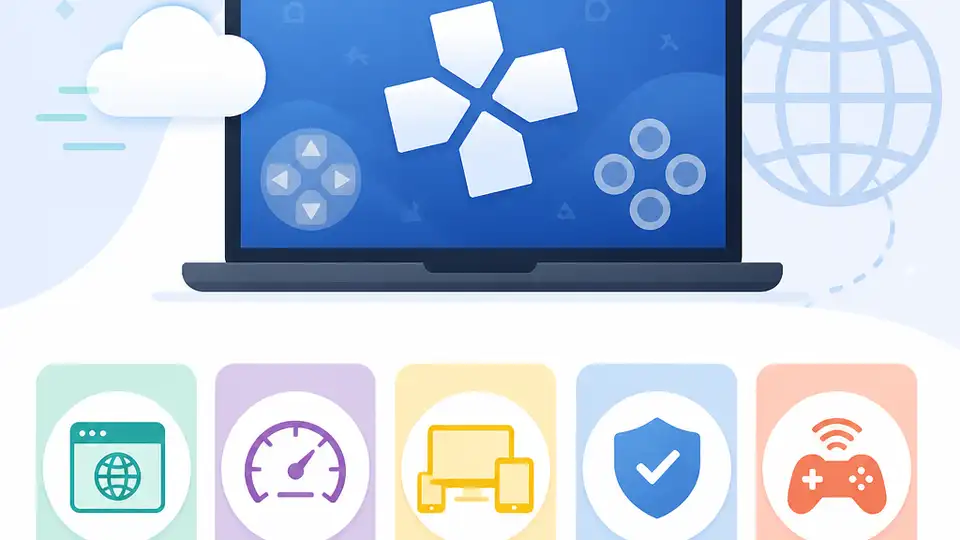
PPSSPP-Web runs PSP games in a modern browser using WebAssembly.
PPSSPP-Web brings PlayStation Portable emulation into the browser, so you can try PSP games without installing a desktop app first. The project is built around the popular PPSSPP emulator and uses WebAssembly to make browser play possible.
1. It runs PSP games inside the browser
Get the latest AI news in your inbox
Weekly picks of model releases, tools, and deep dives — no spam, unsubscribe anytime.
No spam. Unsubscribe at any time.
The main draw is simple: PPSSPP-Web lets you load and play PSP titles in a web browser instead of a native emulator window. That makes it easier to test games on different devices and avoids a traditional install step.

Because it lives in the browser, the experience is closer to opening a web app than setting up a full emulator stack. For users who want quick access, that lowers the barrier a lot.
- Works through Chrome and other modern browsers
- Uses the PPSSPP emulator core
- Designed for direct browser play
2. WebAssembly is what makes it possible
The project relies on WebAssembly, which lets code originally built for native environments run efficiently in the browser. That is the key technical piece behind PSP emulation on the web.
In practical terms, WebAssembly helps bridge the gap between a desktop-grade emulator and a browser-based interface. It is not identical to native performance, but it opens the door to a much wider range of devices.
Browser app + PPSSPP core + WebAssembly = PSP emulation on the web3. It is open source and built for experimentation
PPSSPP-Web is presented as an open-source project, which matters if you want transparency or want to follow the development closely. Open source also makes it easier for curious users to inspect how the project works.

For hobbyists, that means the project is not just a demo. It is a working example of how a mature emulator can be adapted for browser delivery.
- Open-source codebase
- Good fit for emulator enthusiasts
- Useful as a technical proof of concept
4. It can change where you play PSP games
One of the most practical benefits is portability. If your browser works on a laptop, desktop, or tablet, PPSSPP-Web can follow you there without a separate app install on each machine.
That does not mean every game will feel the same on every device, but it does mean the browser becomes the main access point. For casual sessions, that is a big convenience win.
- Less setup than a desktop emulator
- Easy to try on multiple devices
- Useful for quick play sessions
5. It is still limited by browser performance
Browser emulation has tradeoffs. Performance can vary depending on the browser, the device, and how demanding the game is. A lightweight title may run well, while a heavier one may need more tuning.
That is why PPSSPP-Web is best seen as a promising way to access PSP games, not a full replacement for every native emulator setup. If you want maximum control, a local install may still be the better option.
Best fit: modern browser + decent hardware + games that do not need extreme tuningWhat to pick
If you want the easiest way to test PSP emulation in a browser, PPSSPP-Web is the one to watch. It fits users who value convenience, portability, and a no-install workflow.
If you care most about consistent performance or deep emulator settings, a native PPSSPP setup may still be the better choice. PPSSPP-Web is the browser-first option, while desktop emulation remains the safer pick for demanding play.
// Related Articles
- [IND]
Anthropic's IPO rumor turns into a market watch
- [IND]
Anthropic should not become dependent on Meta for compute
- [IND]
Mistral's robotics model cuts indoor navigation costs
- [IND]
Mistral missile: France’s short-range air defense workhorse
- [IND]
Apple Reclaims No. 1 by Market Cap as AI Costs Spike
- [IND]
Kimi K3 could pressure the middle tier of AI models