AI code review tools let you catch hard bugs
A practical breakdown of AI code review tools that go beyond linting and catch deeper bugs in 2026.
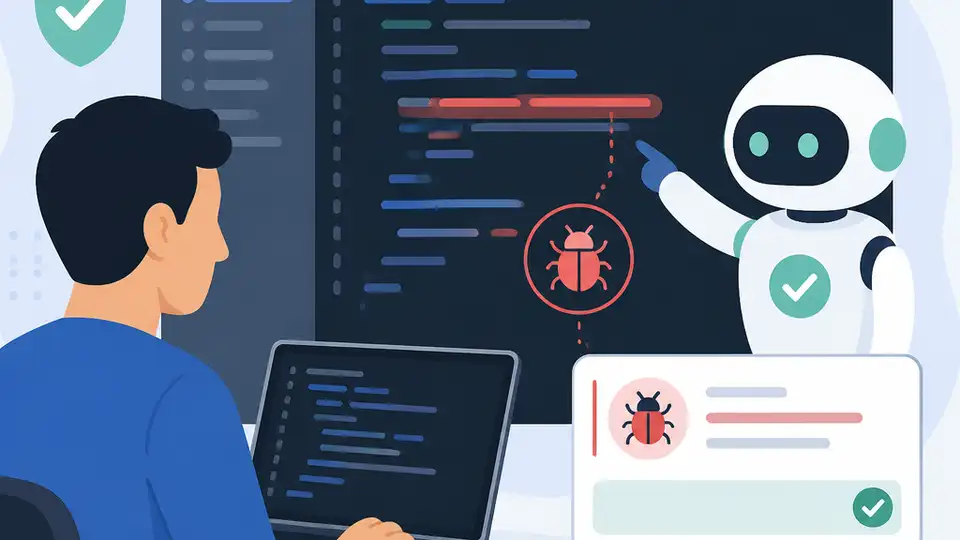
A practical template for AI code review that catches deeper bugs.
I've been using AI reviewers for a while now. They’re fine when the diff is obvious, and they’re fine when the bug is loud. But that’s exactly the problem: most of them act like a polite junior reviewer who nods at the patch, repeats a few comments, and moves on. I’ve had tools approve changes that broke error handling, missed state transitions, and completely ignored the stuff that only shows up after a few user flows or one nasty edge case. Traditional linting does the same thing in a different outfit. It catches syntax, naming, and the easy stuff. Then it stops.
What annoyed me most was the confidence. A tool would say a change looked good, and I’d still have to mentally replay the whole system to see if the new code accidentally changed behavior somewhere else. That’s not review. That’s autocomplete with opinions. So when I hit Trevor Lekranec’s Medium piece, Top AI Code Review Tools That Actually Catch Hard Bugs in 2026, I paid attention because the framing matched my frustration exactly: not “AI review exists,” but “which tools actually go deeper.” The article is from Trevor Lekranec on Medium, published in June 2026. I don’t have reliable view or clap numbers from the source, so I’m not inventing them.
Most AI reviewers are still reading diffs like toddlers
Get the latest AI news in your inbox
Weekly picks of model releases, tools, and deep dives — no spam, unsubscribe anytime.
No spam. Unsubscribe at any time.
“Traditional linting and even most AI reviewers glance at a diff and call it done.”
What this actually means is that a lot of review tools are still shallow by design. They inspect the patch, maybe compare a few lines around it, and then summarize what changed. That’s useful for speed, but it’s not enough when the bug lives in the interaction between files, state, timing, or assumptions that were true yesterday and false today.
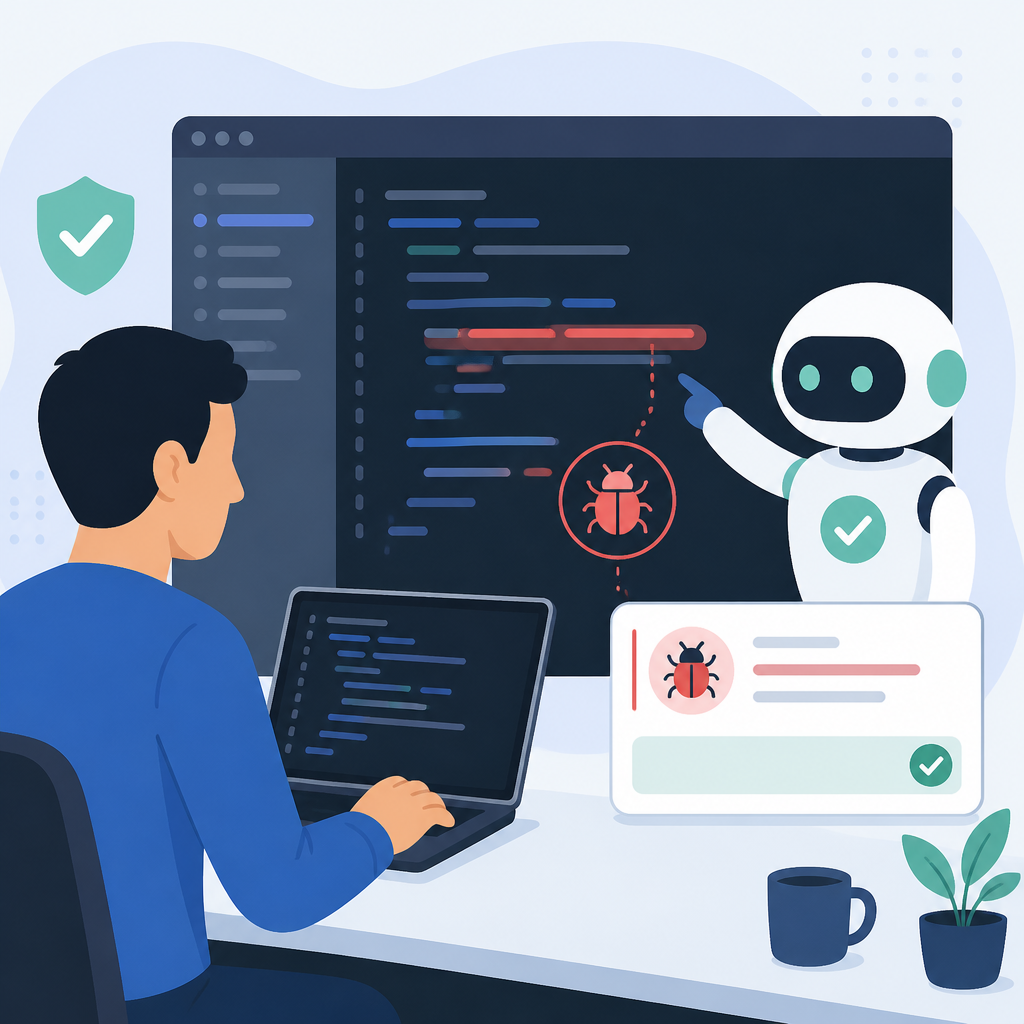
I ran into this when a change looked harmless in review: a small refactor around validation and a tiny adjustment to the API response. The reviewer praised the cleanup. Production later found the bug that the patch had quietly changed the order of checks, which only mattered when one field was missing and another was malformed. No lint rule was going to catch that. A reviewer that only “glances” at the diff won’t either.
How to apply it: stop measuring review quality by whether the tool comments on the changed lines. Measure it by whether it reconstructs behavior. I want an AI reviewer to answer a few annoying questions every time: what breaks if this runs twice, what happens if this fails halfway through, what if the caller sends old data, and what assumptions disappeared because of this patch?
- Review behavior, not just syntax.
- Ask for failure modes, not summaries.
- Prefer tools that reason across files and call paths.
Shallow praise is cheap; useful pushback costs more
The biggest tell in bad AI review is agreement. It reads the diff, says the code is clean, maybe points out a naming nit, and then leaves the hard part to me. That feels productive for about thirty seconds. After that, I’m still the one doing the real review.
What I took from Trevor’s article is that the tools worth caring about are the ones trying to catch bugs, not just generate commentary. That means they need to be willing to disagree with the author. If a tool never says “this may break X,” it’s not reviewing; it’s narrating. The whole point is to surface the stuff I’m likely to miss because I’m too close to the patch, too busy, or too convinced the refactor is “obviously fine.”
How to apply it: when I evaluate a tool, I look for specificity. Does it point to the exact code path? Does it explain why the bug matters? Does it tie the concern to runtime behavior instead of style? If it just says “consider edge cases,” I’m not impressed. If it says “this retry loop can duplicate writes when the timeout fires after the server already processed the request,” now we’re talking.
A practical checklist helps here:
- Does the reviewer name the failing scenario?
- Does it explain the consequence, not just the smell?
- Does it suggest a fix that matches the actual risk?
Good review tools read across the patch, not inside one file
One reason shallow tools miss hard bugs is simple: bugs don’t respect file boundaries. A model that only inspects the diff in isolation will miss the fact that a helper function is reused in three places, or that a flag changed in one module and breaks a contract in another. That’s how you get a review that sounds smart but misses the real damage.
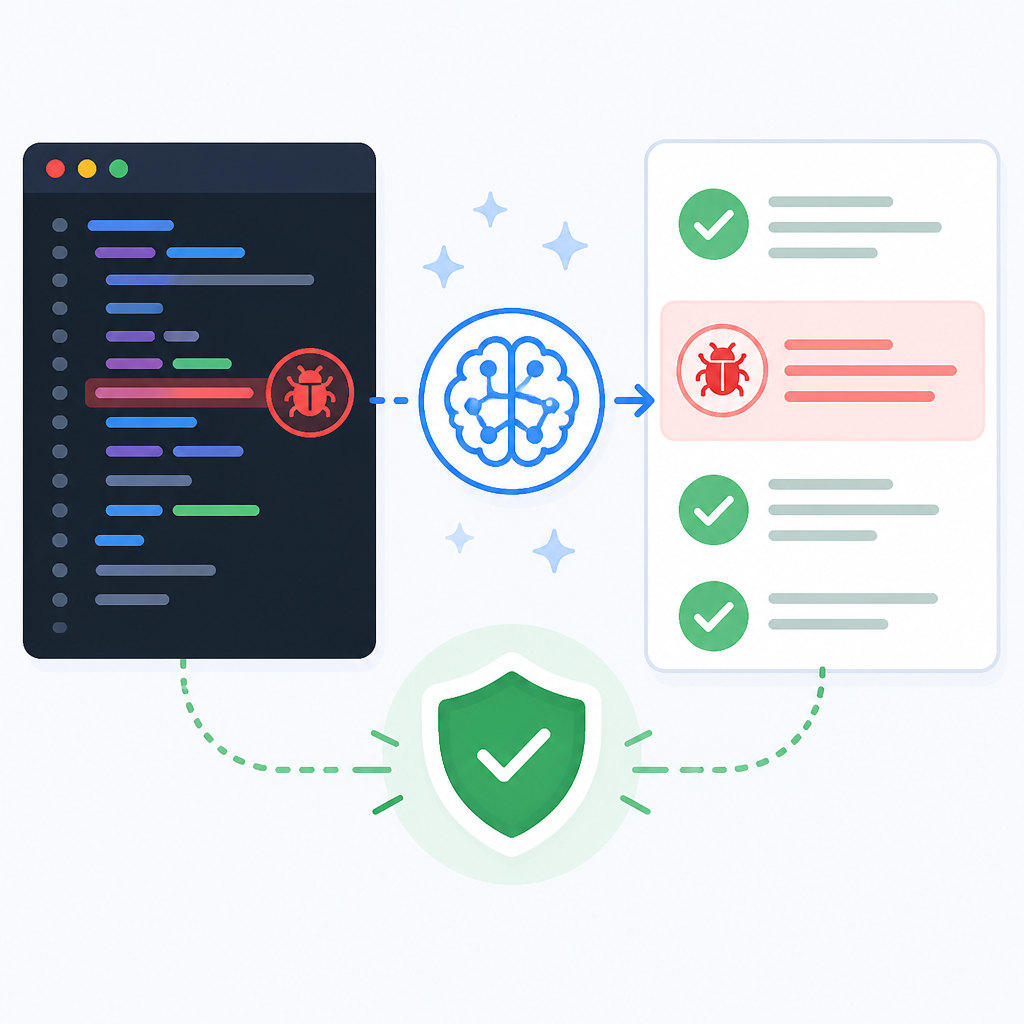
My experience is that the better tools behave more like a senior engineer who asks, “Where else does this assumption show up?” That’s the move. Not line-by-line nitpicking, but tracing the implications outward. If a schema changes, what consumers depend on it? If an error type changes, who catches it? If a cache key changes, what invalidates it?
How to apply it: wire your review process around context, not just diffs. Feed the tool surrounding files, related tests, and the contract surface. If your setup only sends the changed file, you’re kneecapping the reviewer before it starts. I’d rather review fewer diffs with better context than blast every pull request through a blindfolded model.
When I test a tool, I look for these signs:
- It references callers, not just callees.
- It notices contract changes.
- It asks whether tests cover the behavior change, not just the branch count.
The real win is bug shape, not code style
Most teams already have style covered. Linters handle indentation, formatting, naming, and half the consistency problems people used to argue about in reviews. The reason AI code review matters is not because it can tell me to rename a variable. I can get that from a formatter, a pre-commit hook, or a tired teammate on a Friday.
The useful part is bug shape. I mean the patterns that show up in real systems: race conditions, incorrect null handling, stale caches, bad retries, duplicated side effects, silent fallthrough, authorization gaps, and “works in tests, fails in production” nonsense. Those are the bugs that cost time. Those are also the bugs a decent reviewer should be hunting.
Trevor’s framing is good because it separates the toys from the tools. If a reviewer only catches style, it’s not in the same category as one that can reason about behavior. I want the latter because it saves me from the review theater we all pretend is enough.
How to apply it: define what “good review” means in your team. Mine is not “fewer comments.” Mine is “more useful comments on behavior.” I’d rather get two strong warnings about hidden breakage than twenty notes about formatting. If your tool can’t prioritize bug risk, it’s not helping enough.
Use AI review as a second pass, not the only pass
I don’t trust any AI reviewer to be the last word. That’s not me being dramatic; that’s just experience. A tool can miss context, misunderstand intent, or overfit to the shape of the code it has seen before. So the best workflow is not “AI replaces review.” It’s “AI catches the first layer of mistakes so humans can spend their attention on the nasty stuff.”
That distinction matters because teams often deploy these tools badly. They ask the model to approve code and then act surprised when it misses a subtle regression. Of course it missed it. The model is not a runtime simulator with perfect memory. It’s a reviewer assistant. If you treat it like a final arbiter, you’re setting yourself up to ship something embarrassing.
How to apply it: put AI review before human review, not instead of human review. Let it flag suspicious behavior, then have the human reviewer focus on architecture, product intent, and the parts the model can’t infer cleanly. That gives you a better division of labor. The machine scans broadly. The human decides whether the change is actually acceptable.
That workflow also keeps the team honest:
- AI handles breadth.
- Humans handle judgment.
- The final decision stays with the people accountable for the code.
Pick tools by the questions they ask, not the logo on the page
This is where people get lazy. They look at the homepage, see a polished demo, and assume the tool is good. I’ve done that. It’s a trap. The real test is whether the tool asks the kind of questions that expose hidden bugs. If it only repeats what the diff already says, I’m out.
The article points to a category of tools trying to go deeper in 2026, and that’s the right filter. I care less about branding and more about the review behavior itself. Does it reason about state? Does it understand tests? Does it notice when a change alters a contract or a security assumption? Those are the questions that matter in actual code review.
How to apply it: build a short evaluation suite from your own codebase. Take five recent bugs, five risky pull requests, and five harmless changes. Run the tool on all of them. See whether it catches the real problems and ignores the noise. That test tells you more than any marketing page ever will.
If you want a simple rubric, use this:
- Can it explain the bug in one sentence?
- Can it point to the runtime consequence?
- Can it avoid false confidence on safe changes?
The template you can copy
# AI code review prompt for catching hard bugs

You are reviewing a code change for correctness, not style.

Focus on bugs that are likely to survive linting and basic tests:
- incorrect state transitions
- broken error handling
- race conditions
- duplicated side effects
- contract or schema changes
- security or authorization regressions
- missing edge-case handling
- test gaps that would let a bug slip through

Review rules:
1. Read the diff in context of surrounding files and related tests.
2. Explain the exact failure mode if you flag a concern.
3. Prefer runtime behavior over naming, formatting, or cosmetic issues.
4. If the change is safe, say why it is safe.
5. If you are uncertain, call out what extra context you need.
6. Do not invent problems. Only flag issues you can justify from the code.

Output format:
- Summary: one sentence on the overall risk level.
- Findings: bullet list of concrete issues, ordered by severity.
- For each finding, include:
  - What could break
  - Why it could break
  - Suggested fix
- Safe notes: any parts that look correct and why.

Use this checklist before finalizing:
- Did I check callers and callees?
- Did I inspect tests for the changed behavior?
- Did I consider failure paths and retries?
- Did I look for state, timing, and contract regressions?
- Did I avoid style-only comments?

If the patch is mostly safe but has one sharp edge, call out the sharp edge clearly.
If the patch is risky, say so directly.
That’s the version I’d actually hand to a team if they want AI review to stop acting like a polite rubber stamp. It forces the tool to look for behavior, not vibes, and it gives you a repeatable way to judge whether the model is helping or just chattering.
One more thing I’d add in practice: feed the reviewer your project conventions. If your codebase treats retries, idempotency, or auth boundaries in a specific way, put that into the prompt or system instructions. Otherwise the model guesses, and guessing is exactly how shallow review happens in the first place.
Source attribution: I’m breaking down Trevor Lekranec’s Medium article Top AI Code Review Tools That Actually Catch Hard Bugs in 2026. The template above is my own derivative adaptation for teams that want a stricter AI review workflow.
// Related Articles
- [TOOLS]
Docker Desktop on Windows in one clean install flow
- [TOOLS]
Grok 4.5 hits Cursor with $2/$6 pricing
- [TOOLS]
AGT turns agent calls into governed actions
- [TOOLS]
OpenClaw v2026.7.1 turns control UI into a workspace
- [TOOLS]
OpenAI’s screenless speaker turns ChatGPT into a companion
- [TOOLS]
SCALE turns CUDA code into portable GPU builds