Grok Build adds live previews and rewind fixes
Grok Build 0.2.111 adds fresh live previews, stronger rewind behavior, and better queue handling for long-running sessions.

Grok Build 0.2.111 fixes live previews, rewind, and queued prompts in its terminal AI app.
Grok Build keeps moving fast, and the July 22 update packs a lot into version 0.2.111. The headline changes are practical: live previews now always fetch fresh content, rewind actually removes the selected turn from history, and queued prompts stop waiting forever when a block gets stuck.
| Version | Date | Notable change |
|---|---|---|
| 0.2.111 | Jul 22, 2026 | Workflows on by default, fresh live previews, better rewind |
| 0.2.110 | Jul 21, 2026 | Safer extension removal, clearer session failures |
| 0.2.109 | Jul 21, 2026 | /usage costs, combine_queued_prompts, /doctor diagnostics |
| 0.2.102 | Jul 16, 2026 | /jump, /timeline, remote permission control, better resume |
0.2.111 fixes the parts people actually feel
Get the latest AI news in your inbox
Weekly picks of model releases, tools, and deep dives — no spam, unsubscribe anytime.
No spam. Unsubscribe at any time.
The newest build is less about flashy features and more about removing friction from everyday use. If you spend time inside a terminal AI workflow, you notice the small failures first: stale previews, confusing rewind behavior, prompts that sit in limbo, and tool calls that keep spinning.

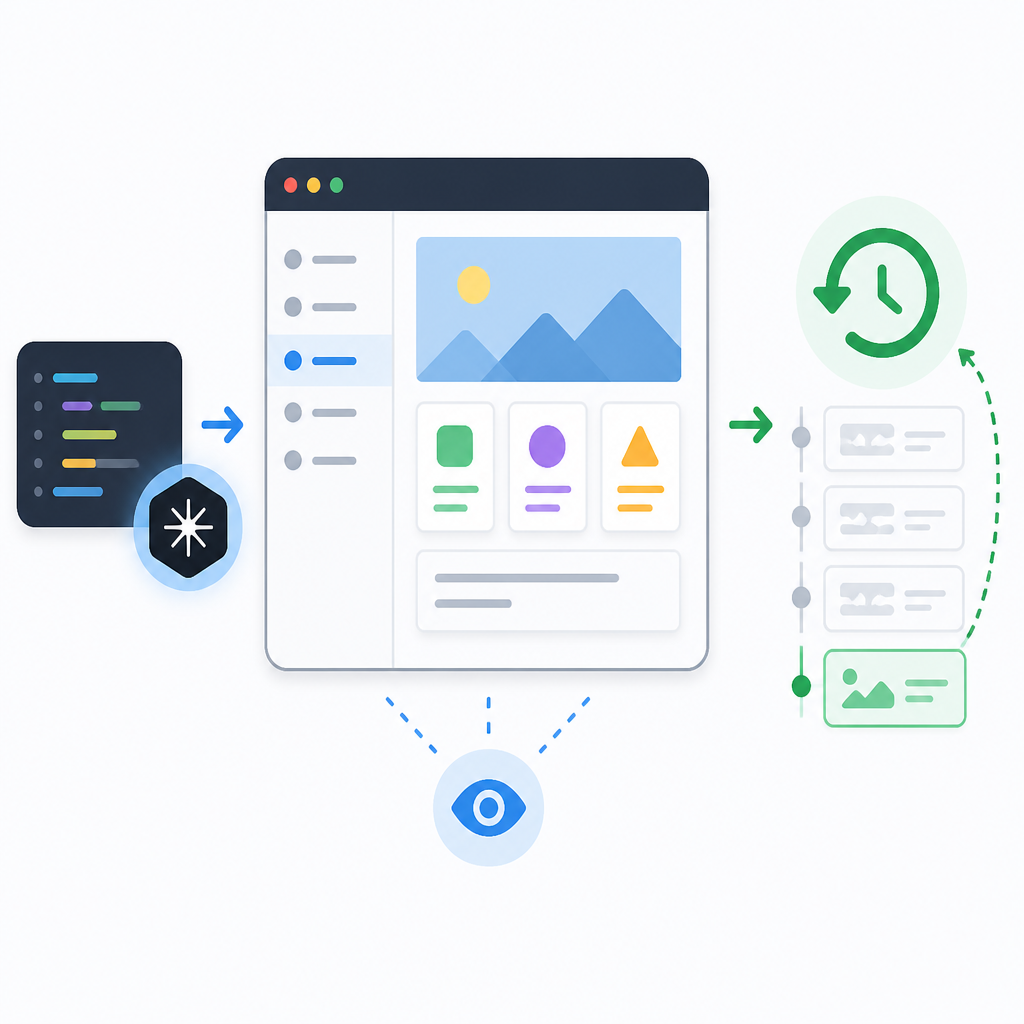
That is why the July 22 release matters. Live previews now ignore browser and CDN caching, so the content you see is the content that is actually there. Rewind now removes the selected turn from both scrollback and the model’s conversation history, which matters if you are trying to correct a bad branch in a long session. Queued prompts also abort long blocking waits instead of burning the full timeout.
- Live previews always fetch the latest content
- Rewind removes the selected turn from history and scrollback
- Queued prompts stop waiting through the full timeout
- File links and media now work in worktree sessions under
~/.grok/worktrees/
There is also a subtle but important fix for worktree users: file links and media now work in sessions rooted under ~/.grok/worktrees/. That kind of detail is easy to miss in a changelog, but it makes the difference between a tool that feels polished and one that breaks the moment you leave the happy path.
Grok Build is becoming more opinionated about workflow
The changelog across the last several builds shows a clear direction. Grok Build is turning into a terminal-first assistant that expects real developer workflows, not toy demos. In 0.2.111, workflows are enabled by default, which tells you the team thinks enough users are ready for them to be the norm.
The same release also lets users disable image generation and video generation tools through config.toml or environment variables. That sounds small, but it matters for teams that want tighter control over what an agent can do inside a coding session. The new /session-info command also shows whether a session uses OAuth or an API key, plus where to manage the account.
There is a strong pattern here: more visibility, fewer surprises. You can now run grok doctor fix commands directly from inside the TUI, not just from the CLI. Startup warnings now point to /doctor, and the app even tells you when a session is repeating the same tool call too many times in a row.
“The best interface is the one that gets out of the way,” said Paul Graham in his essay “Taste for Makers.”
That quote fits this changelog better than a marketing slogan would. Most of these updates are not about adding more surface area. They are about making the current surface area less annoying, especially when the app is under stress.
The recent releases show a steady cleanup pass
If you zoom out from 0.2.111, the July releases read like a long cleanup sprint. Version 0.2.110 added confirmation before removing MCP servers, plugins, or hook sources. It also fixed a nasty case where session creation failures, including disk full errors, could hang on “Starting session…” instead of telling you what went wrong.
Version 0.2.109 added /usage token counts and cost, plus a combine_queued_prompts setting that batches follow-ups into a single model turn. Version 0.2.108 added session resume after moving a working directory or switching machines, while 0.2.107 changed stop hooks so they can feed feedback back to the model instead of ending the turn outright.
- 0.2.110: confirmation before removing extensions and clearer session failure messages
- 0.2.109: token counts, cost visibility, and batched queued follow-ups
- 0.2.108: resume after moving directories or changing machines
- 0.2.107: stop hooks can keep the agent running with feedback
Those numbers tell a pretty clear story. In a span of six days, the app picked up version 0.2.107, 0.2.108, 0.2.109, 0.2.110, and 0.2.111. That pace is a sign of a product being shaped in public, with lots of fast correction after users run into edge cases.
Some of the fixes are especially useful for developers who live in terminals all day. Deno-style command-line tools, shell-heavy setup, SSH sessions, and remote worktrees all tend to expose the weak spots in a product quickly. Grok Build is clearly getting tested in those rougher environments now, not just on a local laptop with a clean setup.
What this means for people actually using Grok Build
The practical takeaway is simple: Grok Build is getting better at staying honest about state. It now shows when it is using OAuth versus an API key, tells you where permissions fail, and handles queued work with less mystery. That matters more than another cosmetic tweak.
It also means the app is getting closer to being something teams can trust in daily use. Workflows are on by default. Diagnostics are easier to reach. Session history behaves more predictably. Rewind no longer leaves behind ghost state. And the live preview path now behaves like a live preview should, which is to say it reflects the current source instead of yesterday’s cache.
For comparison, a lot of terminal AI tools still struggle with one of two problems: they either feel too brittle for real work, or they hide too much of what they are doing. Grok Build is clearly trying to solve both. The changelog shows a product that is still moving quickly, but with a stronger bias toward correctness, recoverability, and operator control.
That is the part worth watching next. If the next few releases keep tightening session recovery, prompt handling, and remote workflows, Grok Build could become the kind of terminal assistant developers actually leave open all day instead of the kind they open only when they need to test a feature.
For more context on agent tooling and terminal workflows, see our coverage of Claude Code terminal workflows and AI agents in the terminal.
// Related Articles
- [AGENT]
Kimi K3 Benchmark Evaluation Guide for Coding Agents
- [AGENT]
Meta’s first paid model proves AI coding is now a price war
- [AGENT]
Claude Code turns chat into terminal work
- [AGENT]
Decentralized AI compliance should be built into agent rails, not bol…
- [AGENT]
Open-Source AI Agent Frameworks Compared
- [AGENT]
Codex Micro turns a macropad into an AI control deck