How to Set Up AgentScope Java Harness
This guide shows how to set up AgentScope Java Harness for workspace-driven agents.
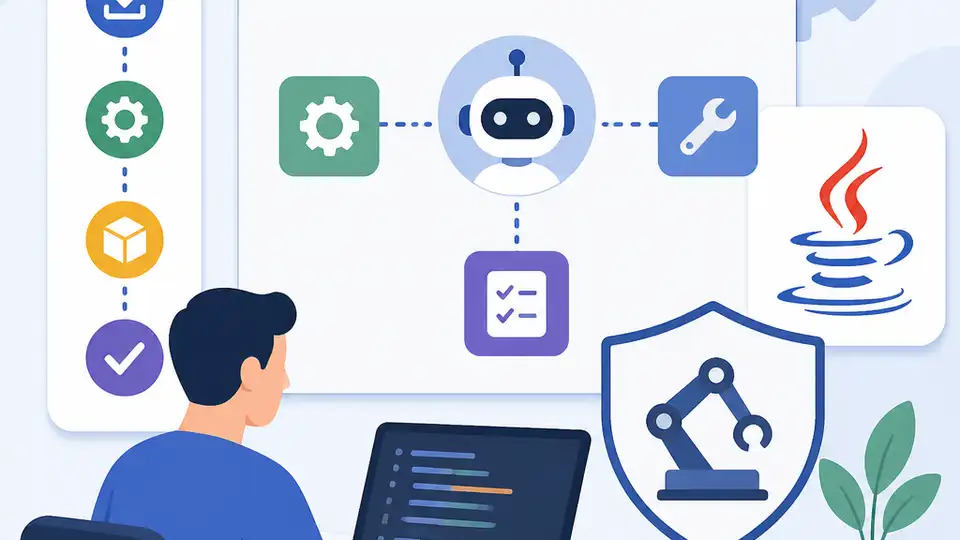
This guide shows how to set up AgentScope Java Harness for workspace-driven agents.
If you are building a Java agent that must keep memory, isolate tools, and run across local or distributed environments, this guide is for you.
By the end, you will have a working AgentScope Java Harness project with a structured workspace, persistent sessions, memory compaction, and a clear path to sub-agent orchestration.
Before you start
Get the latest AI news in your inbox
Weekly picks of model releases, tools, and deep dives — no spam, unsubscribe anytime.
No spam. Unsubscribe at any time.
- Java 17+
- Maven 3.9+ or Gradle 8+
- AgentScope Java 1.1.0+
- Access to the AgentScope docs and GitHub repo: [docs](https://agentscope.io/docs) and [GitHub](https://github.com/agentscope-ai/agentscope-java)
- An LLM API key for the model provider you plan to use
- A writable local directory for the workspace
- If you plan to test distributed storage, access to Redis, OSS, or another shared backend
Step 1: Create the project skeleton
Your first outcome is a clean Java project that can host the Harness runtime and example code.
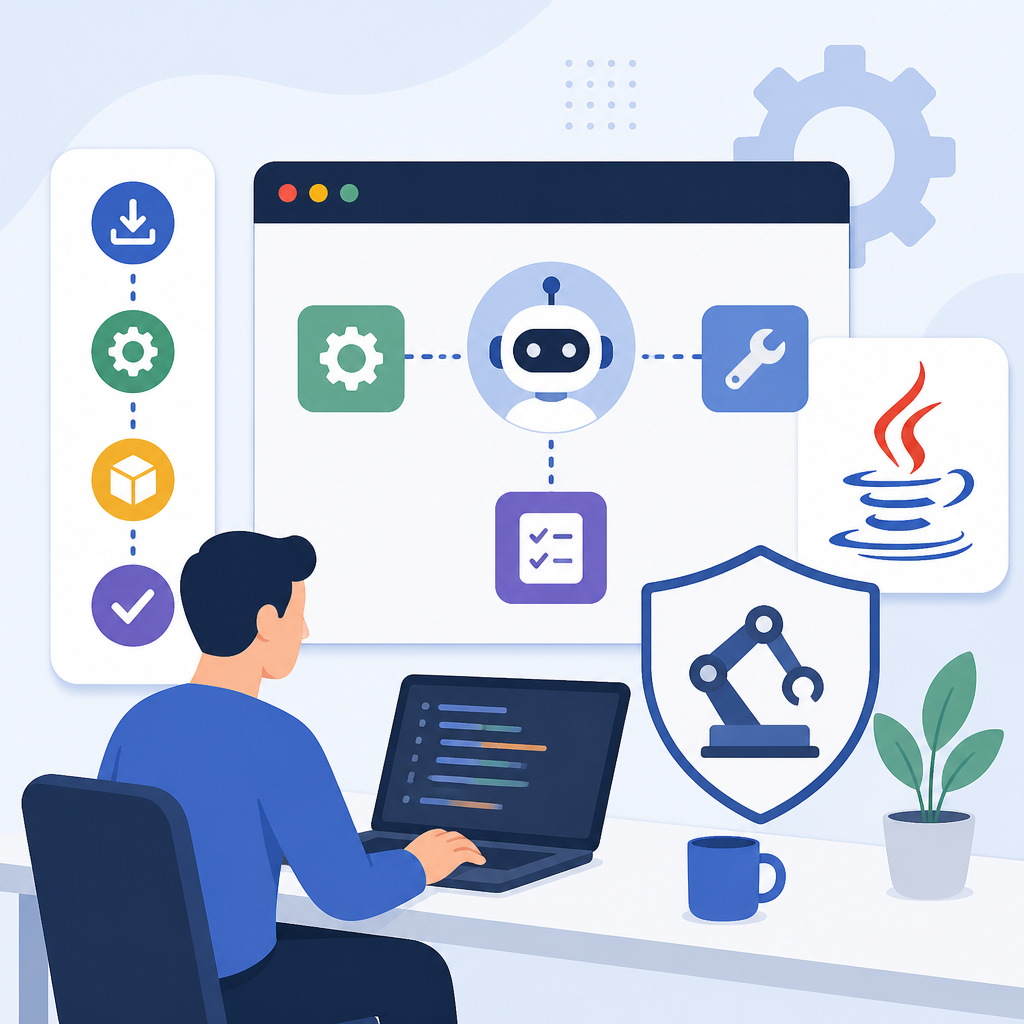
mkdir agentscope-harness-demo
cd agentscope-harness-demo
mvn -q archetype:generate \
  -DgroupId=dev.oracore \
  -DartifactId=agentscope-harness-demo \
  -DarchetypeArtifactId=maven-archetype-quickstart \
  -DinteractiveMode=false
Then add the AgentScope Java dependency in your build file and confirm your project compiles.
You should see a successful build with no missing-package errors, which means the Harness classes are available to your app.
Step 2: Define the workspace layout
Your next outcome is a structured workspace that stores persona, memory, knowledge, skills, and sub-agent specs in one place.
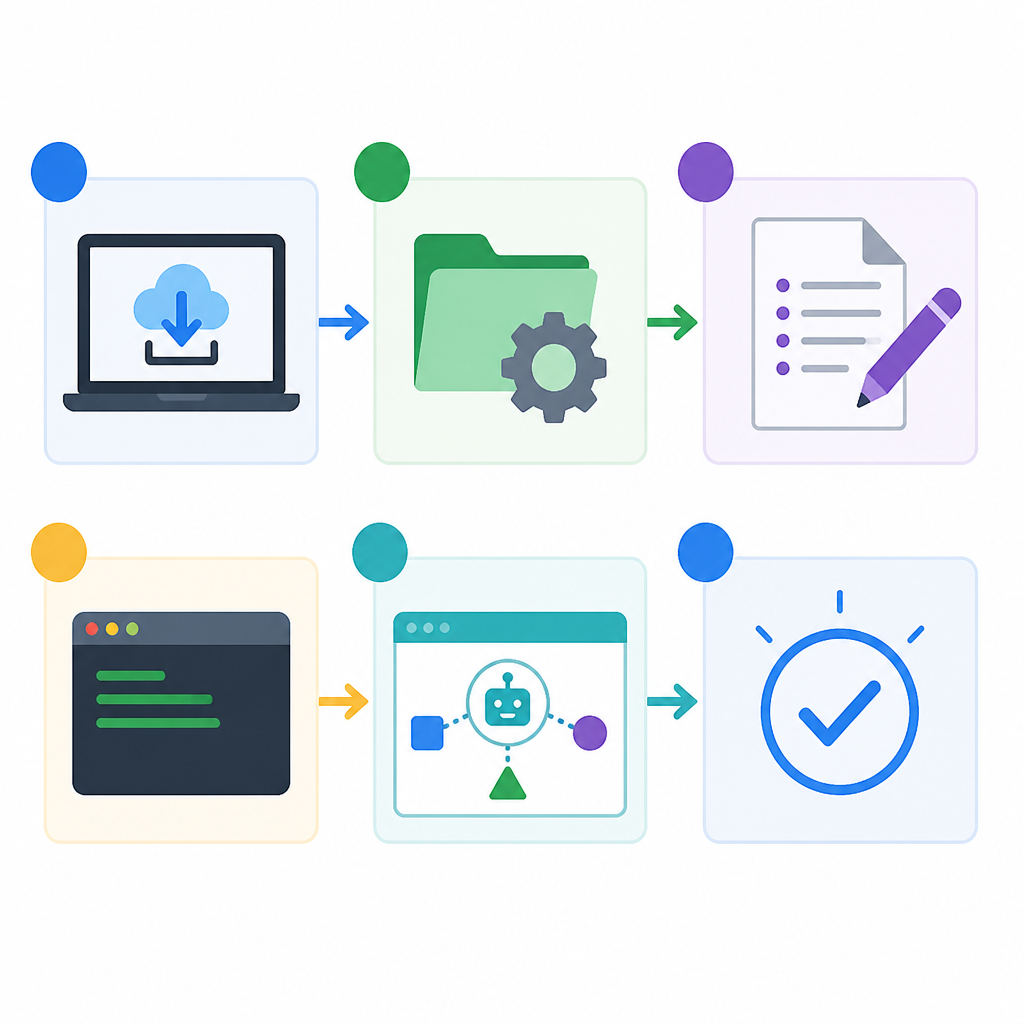
Create a workspace directory and seed the core files and folders that Harness expects.
mkdir -p .agentscope/workspace/{knowledge,skills,subagents,agents}
touch .agentscope/workspace/AGENTS.md
printf '# Agent persona\n- Be concise\n- Keep state in workspace\n' > .agentscope/workspace/AGENTS.md
Write a few stable rules into AGENTS.md, because this file becomes the source of truth for the agent’s behavior.
You should see the workspace folders on disk, and AGENTS.md should contain readable instructions that your agent can load on startup.
Step 3: Build the HarnessAgent
Your next outcome is a runnable agent entrypoint that loads workspace context and can persist state between calls.
HarnessAgent agent = HarnessAgent.builder()
    .name("my-agent")
    .model(model)
    .workspace(Paths.get(".agentscope/workspace"))
    .compaction(CompactionConfig.builder()
        .triggerMessages(50)
        .keepMessages(20)
        .build())
    .build();
Pair the agent with a runtime context that includes a stable session ID and, for multi-user systems, a user ID.
RuntimeContext ctx = RuntimeContext.builder()
    .sessionId("user-session-001")
    .userId("alice")
    .build();

Msg reply = agent.call(userMessage, ctx).block();
You should see the first reply return normally, and the workspace should begin filling with session and memory artifacts.
Step 4: Persist sessions and memory
Your next outcome is durable continuity, so the agent can resume the same conversation after a restart or a new request.
Run two calls with the same sessionId, then inspect the workspace for session history and memory files.
# after running the app twice with the same sessionId
find .agentscope/workspace -maxdepth 4 | sort
Look for session state under agents/.../context/, conversation logs under sessions/, and memory files under memory/.
You should see that the second call continues the earlier conversation instead of starting from scratch, which proves state recovery is working.
Step 5: Add sandbox or filesystem backends
Your next outcome is a storage and execution layer that can switch from local disk to shared storage or sandboxed execution without changing agent logic.
Configure the abstract filesystem backend that matches your deployment shape. Use local storage for development, remote storage for distributed replicas, and sandbox storage when you need isolation.
// Pseudocode: choose the backend that matches your environment
Filesystem fs = FilesystemFactory.local(Paths.get(".agentscope/workspace"));
// or remote / sandbox implementations when deployed

agent = HarnessAgent.builder()
    .filesystem(fs)
    .workspace(Paths.get(".agentscope/workspace"))
    .build();
When you switch backends, your agent code should stay the same while file reads, writes, and tool execution route through the new storage layer.
You should be able to move from a laptop run to a shared backend and still read the same workspace files, which confirms the abstraction is working.
Step 6: Split work into sub-agents
Your final outcome is a harness that can delegate long or parallel work to sub-agents without turning the main agent into a monolith.
Define a sub-agent in code or in workspace/subagents/, then call it synchronously for blocking tasks or asynchronously for long-running jobs.
// Pseudocode for delegation
SubAgentSpec spec = SubAgentSpec.builder()
    .name("researcher")
    .description("Research and summarize")
    .build();

agent = HarnessAgent.builder()
    .subagent(spec)
    .build();
You should see the sub-agent appear in the workspace or runtime registry, and delegated work should return results back to the parent agent in a controlled way.
| Metric | Before/Baseline | After/Result |
|---|---|---|
| Context handling | Single growing prompt | Compacted context with retained recent messages |
| State persistence | Lost on restart | Recovered from workspace session files |
| Execution safety | Tools run on host process | Tools can run in isolated sandbox |
| Deployment fit | Local-only directory | Local, remote, or sandbox filesystem backends |
Common mistakes
- Using a new
sessionIdon every request. Fix: keep the samesessionIdfor one conversation so Harness can restore state. - Skipping the workspace structure. Fix: create
AGENTS.md,memory/,knowledge/,skills/, andsubagents/before the first run. - Running untrusted commands on the host. Fix: enable sandbox execution or use a backend that isolates tools from the main process.
What's next
Once the basic harness is working, deepen it by adding custom memory consolidation, distributed filesystem adapters, and sub-agent workflows for tasks like data analysis, SRE automation, or coding assistants.
// Related Articles
- [AGENT]
Kimi K3 Benchmark Evaluation Guide for Coding Agents
- [AGENT]
Meta’s first paid model proves AI coding is now a price war
- [AGENT]
Claude Code turns chat into terminal work
- [AGENT]
Decentralized AI compliance should be built into agent rails, not bol…
- [AGENT]
Open-Source AI Agent Frameworks Compared
- [AGENT]
Codex Micro turns a macropad into an AI control deck