Mistral Vibe proves the CLI agent still matters
Mistral Vibe shows that a local, approval-based CLI agent is still the right shape for coding work.

Mistral Vibe argues that a local, approval-based CLI agent is still the right shape for coding work.
Mistral Vibe is not trying to replace your editor, your repo, or your judgment; it is trying to sit inside them, and that is exactly why it matters. The project ships as a minimal command-line coding assistant with file editing, shell execution, git awareness, subagents, and explicit approval controls, plus support for Windows and a stronger official focus on UNIX. It also advertises practical deployment paths like uv, pip, and a one-line install script, which tells you the target user is a working engineer who wants the agent close to the code, not hidden behind a glossy web app.
The CLI is the right interface for code work
Get the latest AI news in your inbox
Weekly picks of model releases, tools, and deep dives — no spam, unsubscribe anytime.
No spam. Unsubscribe at any time.
Code lives in terminals, and coding agents should live there too. Mistral Vibe leans into that reality with a conversational interface that can read, write, and patch files; run bash commands in a stateful terminal; search recursively with grep; and manage a todo list while it works. That is not a gimmick. It is a direct fit for the actual loop engineers follow when investigating a bug, refactoring a module, or tracing a failing test.

The project’s own feature list makes the case better than any slogan. Autocompletion for slash commands and file paths, persistent command history, image attachments through @ mentions, and editor-friendly keyboard shortcuts turn the terminal into a control plane rather than a text box. The result is a tool that respects the speed of local development instead of forcing a browser workflow onto tasks that already have a natural home in the shell.
Approval controls are the difference between useful and reckless
The strongest argument for Mistral Vibe is that it treats autonomy as a setting, not a religion. The built-in agent modes are explicit: default requires approval for tool execution, plan is read-only, accept-edits only auto-approves file edits, and auto-approve exists for users who want full speed and accept the risk. That spectrum matters because the main objection to coding agents is not capability, it is blast radius.
This is also where the project’s design looks more mature than many agent demos. The trust folder system, session management, custom system prompts, tool permissions, and update prompts all point to the same principle: an agent should earn more power only when the user chooses it. The repo’s warning that it officially targets UNIX environments while still working on Windows is a practical admission too. It is honest about where the experience is strongest, which is better than pretending every platform is equally polished.
Subagents make the agent more scalable, not more magical
Mistral Vibe’s subagent and task delegation model is the most credible part of its architecture. The repo describes a built-in explore subagent for read-only codebase exploration and a task tool for delegating work so the main context does not get overloaded. That is a real answer to a real problem: large codebases break naive chat agents because one context window cannot hold everything that matters.
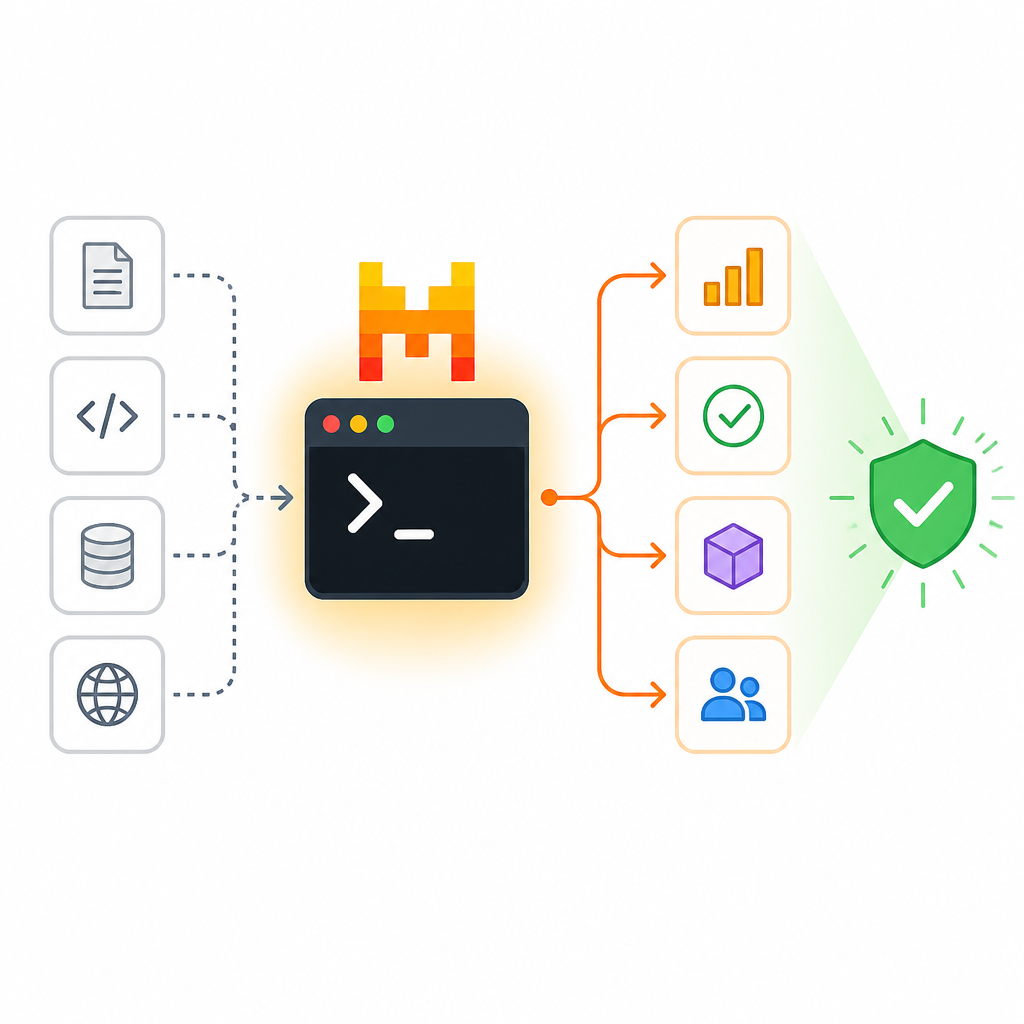
Delegation also changes the economics of using an agent. Instead of asking one model to do all the reading, reasoning, and editing in a single thread, the system splits work across specialized roles. In practice, that means a developer can ask for structure analysis, parallel exploration, or isolated refactoring without sacrificing the main conversation. The design is sober and effective because it addresses context management, not just model capability.
The counter-argument
The best criticism is that CLI agents are still a niche for power users. A terminal-first product asks for modern terminal support, comfort with shell workflows, and tolerance for configuration files, API keys, and trust prompts. That is a real barrier for some teams, especially those that want a low-friction onboarding path or a more visual review layer for non-engineers.
There is also a broader concern that any local agent with shell access and file permissions is one mistake away from damage. Even with approval gates, the user must understand what the agent is about to do, and that means the burden of oversight never disappears. For teams that want centralized policy, audit trails, or a highly managed enterprise surface, a CLI tool can look too open-ended.
That criticism is valid, but it does not defeat the product. Mistral Vibe is not claiming to be the safest possible abstraction for everyone; it is claiming to be the fastest useful abstraction for engineers who already work in the terminal. The approval modes, trust folders, and read-only planning agent are exactly the mechanisms that make that tradeoff acceptable. A CLI coding agent should not hide its power. It should expose it with controls, and this one does.
What to do with this
If you are an engineer, use Mistral Vibe for the parts of coding that benefit from tight feedback loops: repo exploration, focused refactors, test-driven edits, and shell-backed debugging. Start in plan mode for discovery, move to default when you want approvals, and reserve auto-approve for isolated tasks you fully understand. If you are a PM or founder, treat this as a signal that agent adoption will succeed when it fits existing developer habits, not when it asks them to abandon the terminal and learn a new workspace.
// Related Articles
- [AGENT]
Grok Build adds live previews and rewind fixes
- [AGENT]
Kimi K3 Benchmark Evaluation Guide for Coding Agents
- [AGENT]
Meta’s first paid model proves AI coding is now a price war
- [AGENT]
Claude Code turns chat into terminal work
- [AGENT]
Decentralized AI compliance should be built into agent rails, not bol…
- [AGENT]
Open-Source AI Agent Frameworks Compared